
How to Do SEO for WooCommerce
WooCommerce installs in about four minutes. Nothing in that install asks what a product URL should look like. It never asks which pages belong in Google either. Those answers already exist. Somebody wrote them into a WordPress site that had no catalogue at the time.
SEO Company To-The-TOP! has worked on search since 2007. Store owners phone about rankings. Then the settings screens turn up decisions nobody in the room remembers making.
A WooCommerce Store Arrives at a Site That Already Decided Everything

Shopify starts empty. So does BigCommerce. Whatever URL rules those platforms impose, the rules arrived alongside the store itself. Nothing was sitting there first to argue with.
WooCommerce runs the other way around. It is a plugin. Underneath it sits a WordPress site with its permalink structure already chosen. A theme already picked. An SEO plugin configured back when the whole site was twelve pages.
Activate WooCommerce. Import the catalogue. Six hundred product URLs land under rules written for a brochure site.
None of those rules threw an error. That is the whole problem in one line. Inherited settings do not break. They simply answer a question about your catalogue that nobody ever asked them.
The Setup Wizard Asks About Tax, Not URLs

Run the WooCommerce onboarding sometime and count what it wants from you. Your business address. The currency you sell in. Whether you ship anything. How tax gets charged. Which gateway takes the money.
Reasonable questions, every one. All of them about commerce.
Search never comes up. Not once. WooCommerce assumes WordPress settled that already, and technically WordPress did.
So the store goes live correctly configured for selling. Then it sits there badly configured for being found. Nothing anywhere reports the difference.
The Decisions Your WooCommerce Store Inherited

Start with the product base. WooCommerce adds its own section to the WordPress permalinks screen. A prefix lands in every product address on day one. Most owners never open that screen again. Yours reads however it read the moment the plugin switched on.
Then the archives. WordPress already had categories and tags for blog posts. WooCommerce adds product categories and product tags, which are separate taxonomies with separate URLs. Your SEO plugin holds an opinion about indexing archives. That opinion was formed about blog tags.
Attributes come next. They are the quiet one. A size attribute, then a colour attribute, then whatever your products vary by. Each of those can be given an archive page of its own, one toggle at a time. Flip a few without noticing and the store publishes a listing page for every value in the dropdown.
Last, the theme. Somebody picked it for a brochure site. It now renders every product page in the catalogue. Category archives as well. None of that was in scope the day it got chosen.
Four decisions. Not one of them was made by a person looking at a store.
WooCommerce Also Adds Pages You Never Wrote
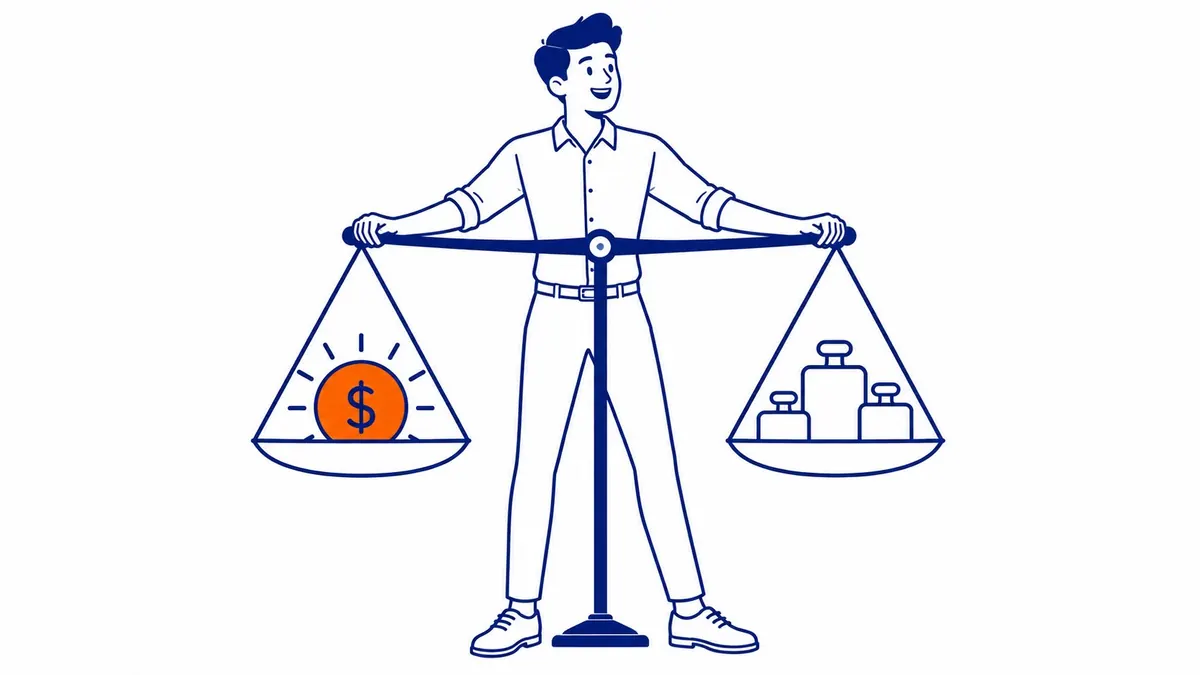
Activation does something else worth knowing about. It creates real WordPress pages for the shop and the cart. One for checkout too. Another for the customer account area.
Real pages means real URLs. Your sitemap plugin treats them like any other page you published, because structurally that is what they are.
A cart page has no content. It has no reason to appear in a search result either. Same for checkout. The account area is worse, since it exists to be logged into.
None of that hurts a store badly. Still, it is four more addresses your site publishes without anybody deciding to. Worth ten seconds in the sitemap settings.
The pattern repeats, which is the point. WooCommerce keeps making sensible commerce decisions. WordPress keeps applying its old search decisions on top of them. Neither one is wrong. They were just answering different questions.
Your SEO Plugin Inherited the Same Problem

Install Yoast or Rank Math on a blog and either one works out of the box. Fair description of both.
Look at how they are built, though. A separate rule sits behind each content type. One title template for posts. Another for pages. Then a new one appears the day products exist, holding a default nobody chose.
Same story with your XML sitemap. Open yours. Count the sub-sitemaps in it. Some of those entries did not exist last month.
Archive indexing is where this bites hardest. A blog gets one sensible rule about tag pages, usually keep them out. That rule was written by somebody thinking about a tag applied to three posts. Product tags now inherit it. So do product categories on some setups, which are the exact pages a store most wants ranking.
None of this is a criticism of the plugin. It cannot ask about a catalogue that was not there during setup.
Somebody Will Say This Is Just a Setup Checklist
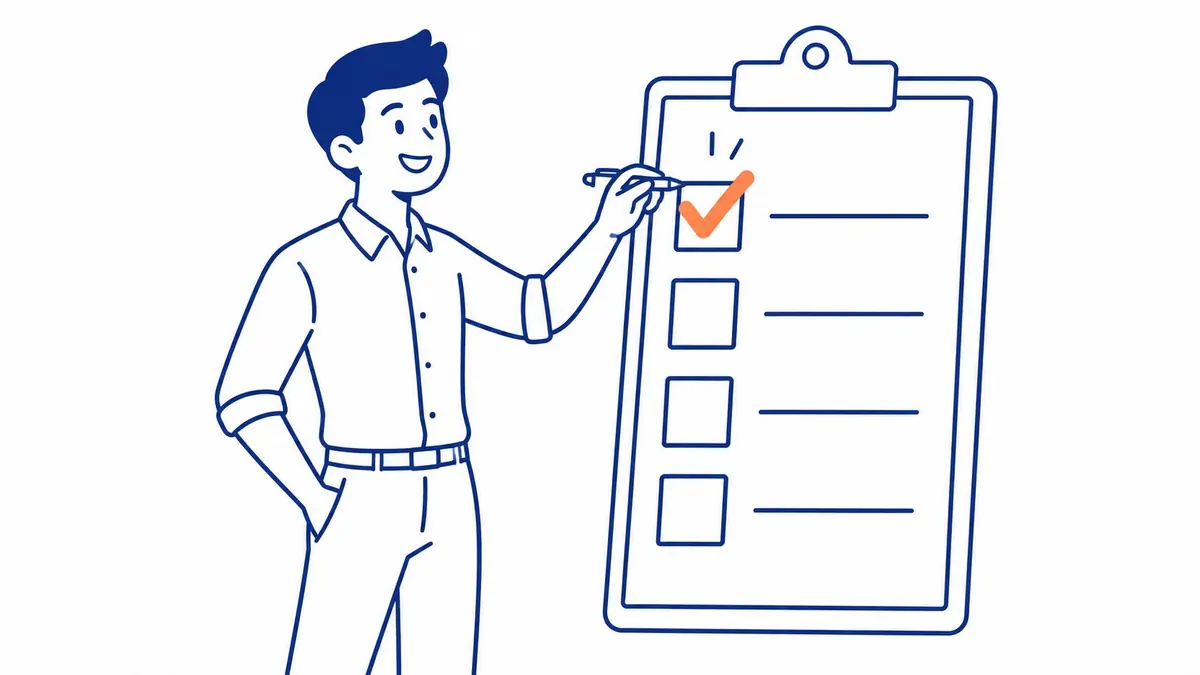
Fair enough. It is a setup checklist. The interesting part is why it never gets run.
Broken things get fixed. Somebody notices. A page returns a 404. Some title reads wrong. Traffic falls off a cliff one Tuesday. Each of those writes its own ticket without any help.
An inherited default does none of that. It produces valid pages. They load. Rendering is fine too. Those pages also answer a question about a twelve-page site, at a URL that now belongs to a store.
So the checklist stays undone for years, in perfectly good health.
That is the distinction worth naming. WooCommerce SEO is rarely a repair job. Usually it is a decision job that got skipped.
Somebody Will Say WordPress Is Flexible Enough to Fix Later

It is. Genuinely. Nearly every setting here changes with one click.
Only the click gets more expensive every week you sell. Change the product base once four hundred products exist. Now you own four hundred redirects. Every one of those URLs was earning something.
That is no argument for leaving it alone. It is an argument for the first week.
Flexibility is real. It just stops being free after launch.
Open Your Permalinks Screen Before You Add Another Product
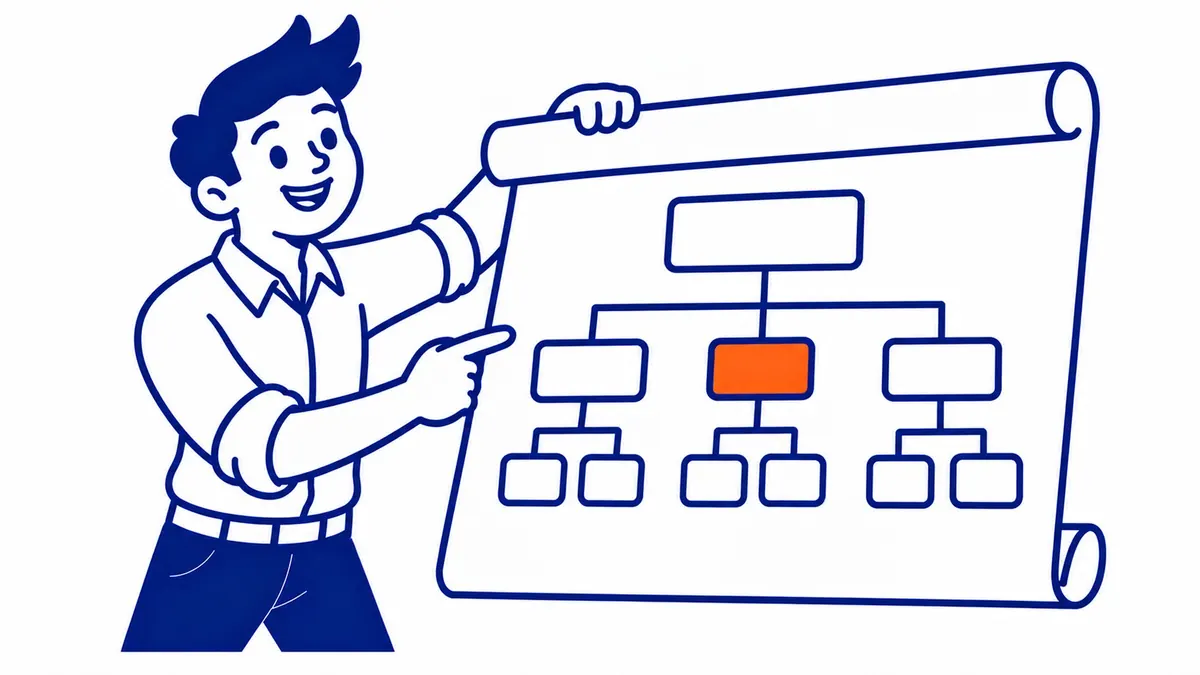
Twenty minutes. No tools required.
Open Settings, then Permalinks. Scroll to the product section WooCommerce added down the page. Read what sits in the product base field. Ask whether anybody in your building typed it.
Next, load your sitemap index at the usual address. Count the entries. Any sub-sitemap holding product categories or attribute archives is a set of pages your store publishes on purpose. Decide, today, whether it should.
Then paste six URLs into a text file. Products down one side. Category archives down the other.
Read them beside each other. Anything in there a customer would not recognize came from a default.
That is your WooCommerce SEO backlog. Usually shorter than owners fear.
Count the items on it before you panic. Stores that have never had this pass done still tend to produce a short list. One handful of screens generated all of it.
Where the WooCommerce SEO Argument Stops

Plenty of store work has nothing to do with inheritance. Product descriptions still need writing. Category pages still need a reason to exist. Links still get earned slowly, over months, the ordinary way.
None of that is specific to WooCommerce. It is the same job on every platform.
The inherited-settings problem belongs to WooCommerce alone, purely because WordPress got there first.
Nor does fixing it produce rankings by itself. Clean the settings and you have removed a handicap. You have not added an advantage. Content and links still do that part, at the pace they always have.
WooCommerce SEO for Calgary Businesses
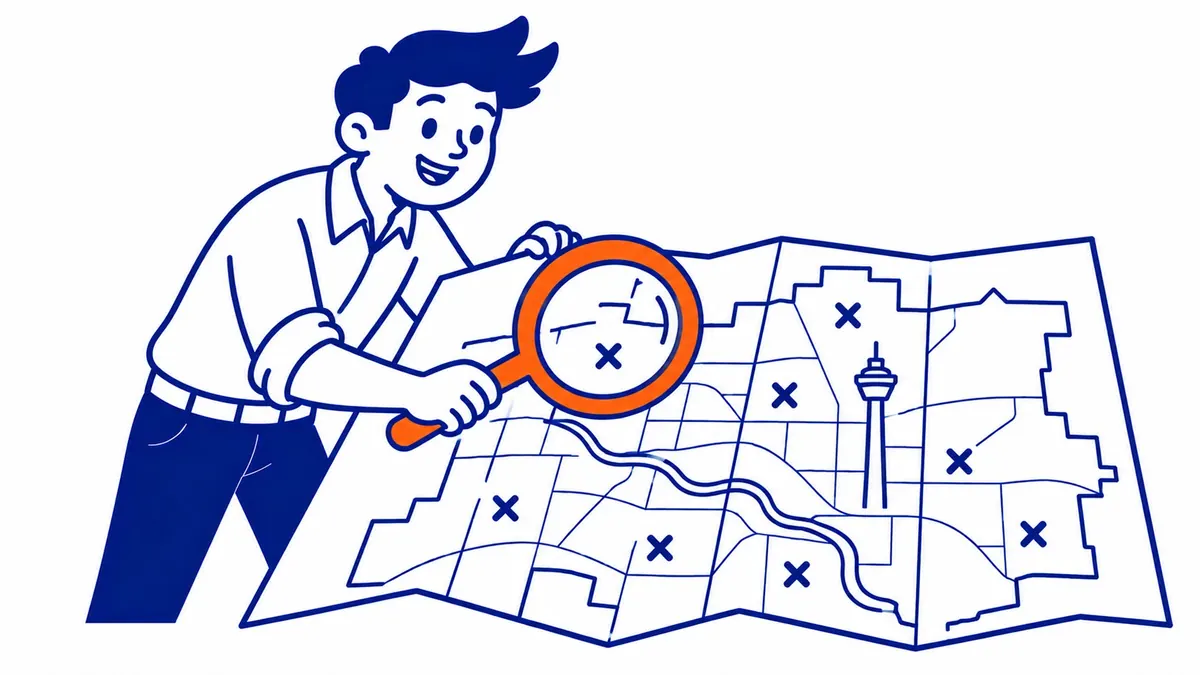
Most Calgary stores that reach To-The-TOP! are already live. So the work opens with a site audit rather than a rebuild. We read the settings first. Then the catalogue.
Category structure takes the most attention afterward. That part is keyword research wearing a different hat. Which categories deserve a page comes well before which products need better copy.
Paid traffic sits alongside for owners who cannot wait out the timeline. Some of that budget goes into Google Ads management while the organic work compounds. Three to six months before meaningful movement. That is the timeline for Calgary SEO on a store, and it does not shorten because the platform happens to be self-hosted.
Nearly all of the search engine optimization on a WooCommerce store is ordinary work. The settings pass is the part almost nobody has done.
Common Questions About WooCommerce SEO
Is WooCommerce good for SEO?
Yes. It hands you control over the signals a search engine reads. That control arrives switched to defaults, though, so the platform is only as good as the afternoon somebody spent configuring it.
Do I need an SEO plugin with WooCommerce?
Practically speaking, yes. WordPress does not output title templates or a sitemap on its own. Either main plugin covers that. Just remember it configures itself around the content types present on the day you install it.
Should a product category be indexed?
The useful ones, yes. A category with real content and a keyword somebody actually searches earns its place. Empty categories holding two products do not. Decide per category rather than flipping a global switch.
What product URL structure works best?
Short and readable, without a prefix nobody would type. Google handles either form fine. The reason to fix it early is the redirect bill later, not a ranking penalty.
How long does WooCommerce SEO take?
Months, on any platform. Three to six for early movement on a small catalogue. Settings changes can show up faster than that, since indexing shifts do not wait on link building.
Would moving to Shopify solve this?
It would remove the inheritance, yes. Migration comes with it, though. That sits among the more expensive projects a store can take on. Fixing four settings costs an afternoon. Weigh the two against each other before anybody books a rebuild.
Worth Reading Before You Add Another Two Hundred Products

Every product you publish tomorrow inherits the same rules today’s products did. That is the argument, compressed.
Nobody needs a rebuild to fix it. One afternoon in the settings screens, once, before the catalogue gets large enough to make the afternoon expensive.
Worth asking about on your next call, whoever handles your store.
Contact Calgary SEO Company To-The-TOP!
Questions about anything in this article, or about your own rankings? Talk to a Calgary SEO specialist directly.
Phone: (403) 308-5949
Address: 1509 14 Ave SW, Calgary, AB T3C 0W4
Hours:
Monday to Friday: 10:00 am – 7:00 pm
Saturday: 12:00 pm – 4:00 pm
Sunday: closed