
Are 404 Errors Bad for SEO? What Google Says and Which Ones to Fix
No, 404 errors are not bad for SEO by themselves. Google’s own guidance says that a URL returning 404 does not hurt your site or count against it in search results, and that missing pages do not affect how your other pages perform. A 404 is the correct answer for a page that no longer exists. The 404s that do cost you something are narrower: pages you still link to, URLs listed in your sitemap, deleted pages that other sites link to, landing pages your ads still send people to, and soft 404s, where a missing page answers with a normal 200 code. This guide explains what Google does with a 404 and how to sort the ones worth fixing from the ones to leave alone.
What Google does when a URL returns 404
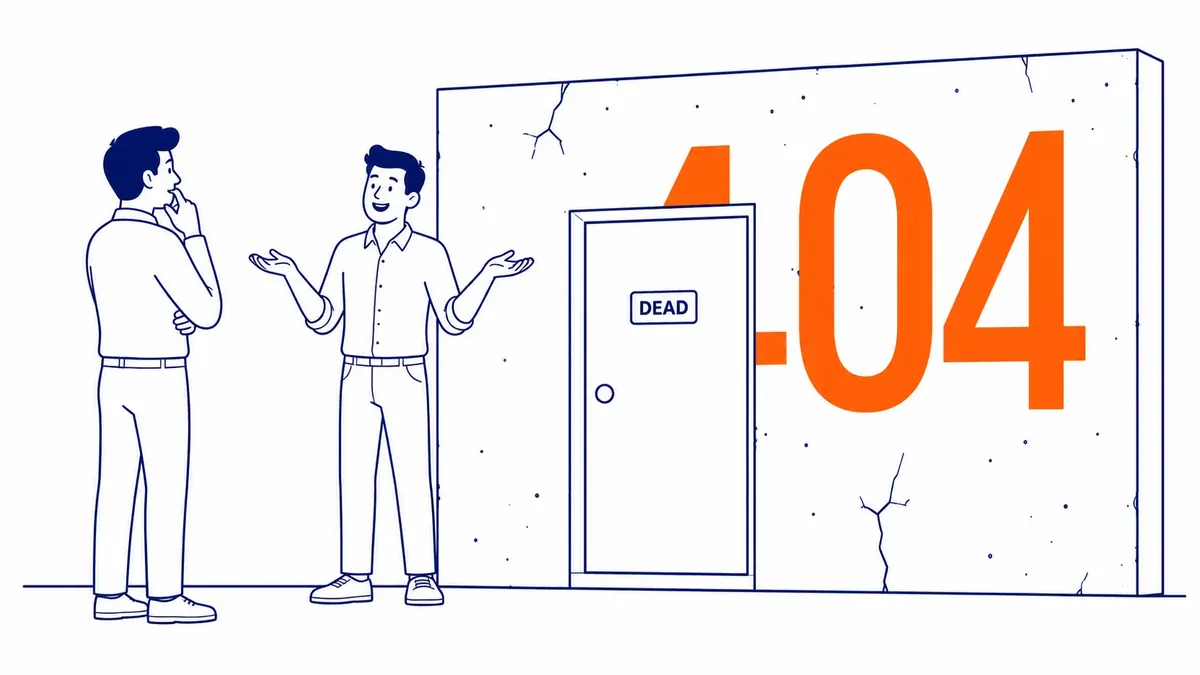
Every time a browser or crawler asks your server for a page, the server answers with a status code. A 200 means the page is there, a 301 means it has moved permanently, and a 404 means nothing exists at that address. Google’s documentation on HTTP status codes describes what happens next. Google does not index a URL that returns a 4xx code, a URL that was already indexed is removed from the index, and Googlebot crawls that address less and less often over time.
The same page says that all 4xx errors except 429 are treated the same way, and that they have no effect on how fast Google crawls the rest of your site. Google’s Search Central post Do 404 errors hurt my site? is older but says the same thing in plainer words: 404s are a normal part of the web, Google prefers a real 404 or 410 when a page is gone, and the fact that some URLs no longer exist does not affect how the URLs that return 200 perform in search results.
There is no penalty for having 404s, then, and no score that drops as the count rises. What a 404 does is remove one URL from the picture, so the real question is whether that URL was still doing a job for you. A 404 status is also different from a broken link inside a page, although the two meet whenever one of your own links points at a URL that no longer exists.
When a 404 does cost you something
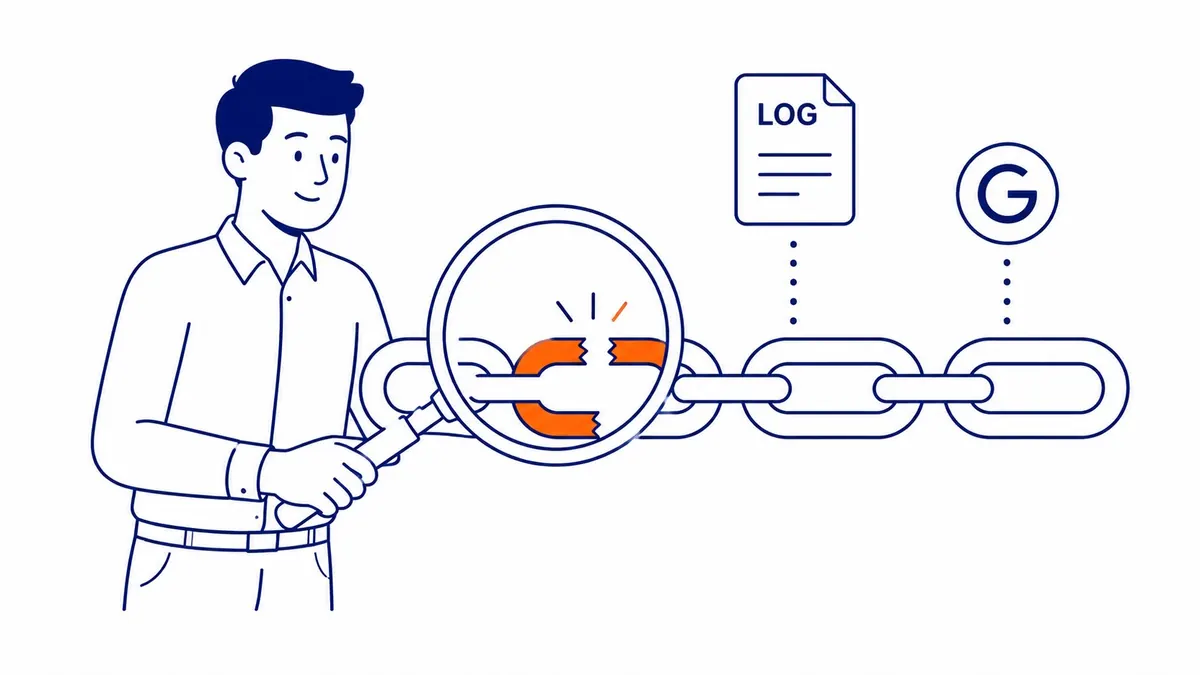
The cost of a 404 depends on what pointed at the URL before it disappeared. Four situations cover most of it, and none of them is a penalty. Each one is a lost visitor, a lost link or a mixed signal you are sending yourself.
- Your own links point at it. A visitor who clicks a menu item or an in-text link and lands on an error page has nowhere useful to go, and the page you meant to send them to gets no help from that link.
- Your sitemap lists it. A sitemap tells Google which URLs you want crawled and indexed. Listing a dead URL contradicts that, and Search Console will keep reporting it.
- Other sites link to it. A backlink to a deleted page points at something Google will not index. In practice, redirecting that URL to a live page that answers the same need is the usual way to put the link back to work, when such a page exists, and Google’s 2011 post gives the same advice for links that contain a typo.
- Your ads send people to it. For Google Ads, a final URL that returns an HTTP error to Google’s AdsBot crawler leads to disapproval under the “Destination not working” policy in Google’s destination requirements. A deleted landing page gets the ads that point at it disapproved until the final URL is fixed, which is a faster and more visible cost than anything on the organic side.
Crawl budget is the argument most often used to say that 404s are bad, and for small sites it is the weakest one. Google’s crawl budget guide says it is written for sites with about a million unique pages whose content changes weekly, or 10,000 or more pages whose content changes daily. Most small business sites in Calgary have a few dozen to a few hundred URLs, far below that line. The same guide recommends returning a 404 or 410 for pages that are permanently removed, because a 404 is a strong signal not to crawl that URL again, so a clean 404 lets Google crawl that URL less over time without slowing the crawl of the rest of the site.

How to find the 404s worth fixing
Start in Google Search Console with the Page indexing report, which you will find under Indexing, then Pages. The reasons “Not found (404)” and “Soft 404” each list the affected URLs, and inspecting a URL can show the referring page where Google found it. Older guides send you to a “Coverage” or “Crawl errors” report, but those names belong to earlier versions of Search Console. The same report is worth checking again after any change to your site’s structure.
Google’s Page indexing help is direct about what to do with that list. It says that 404 responses are not necessarily a problem if the page was removed without a replacement, that a page which has moved should get a 301 redirect, and that in general Google recommends fixing only the 404 errors you link to yourself or list in a sitemap. It also explains that there is no way to make Googlebot permanently forget a URL, which is why old addresses can sit in the report for months after you have dealt with them.
Search Console only shows what Google happened to crawl, so two more checks complete the picture. A site crawler such as Screaming Frog follows your own links and reports every link that leads to a client error (4xx), along with the page each link sits on, which is the list you can fix yourself. A backlink tool such as Ahrefs or Semrush shows which deleted URLs still have links from other websites, and those are the ones where a redirect brings something back.
Fix, redirect or leave it
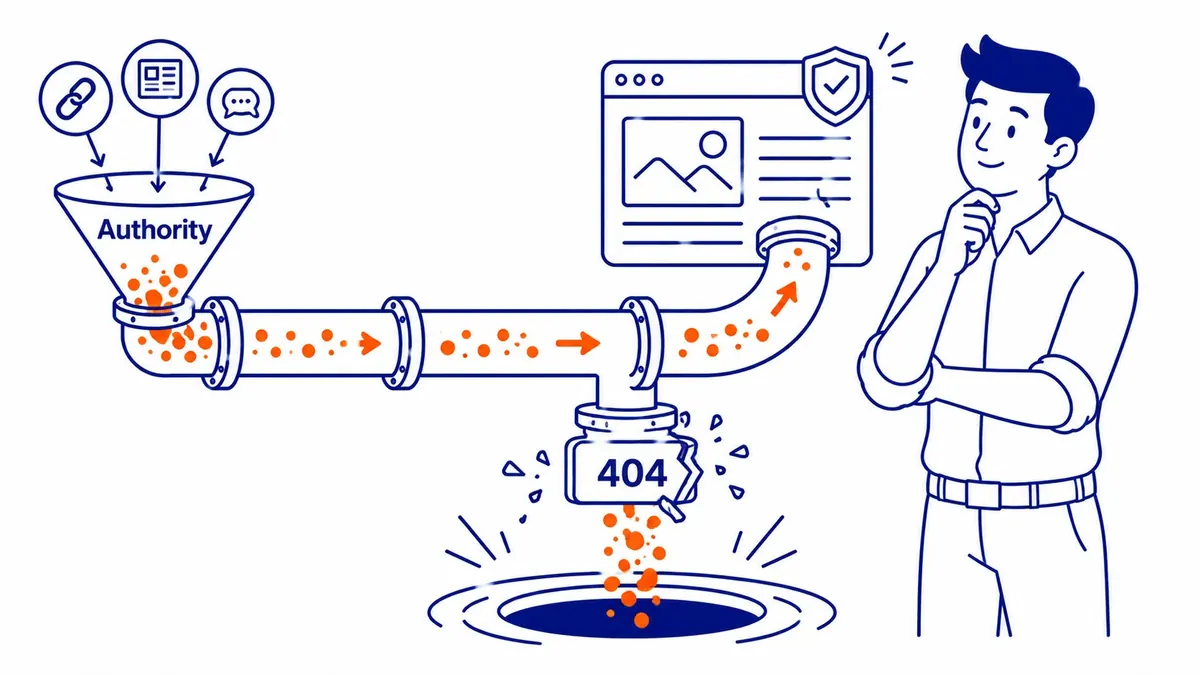
Once you have the list, every URL fits one of a few cases. The table below shows how a small business site might sort them after a redesign; the URLs are illustrative, but the decisions follow Google’s guidance above.
| Example URL returning 404 | What points at it | What to do |
|---|---|---|
| /services/furnace-repair-old/ (renamed during a rebuild) | Your menu, two blog posts, three outside links | 301 redirect to the new service page, then update your own links to the new URL |
| /blog/2019-spring-promo/ (offer ended, content deleted) | Nothing on your site, no outside links | Leave it as a 404 |
| /team/former-employee/ (person left) | One outside link from a directory | 301 to the team or about page if it serves the same need, otherwise leave it as a 404 |
| /wp-content/uploads/brochure-2021.pdf | Your sitemap and one service page | Remove it from the sitemap and the page, or upload the current brochure at that address |
| /spring-tune-up-offer/ (landing page deleted) | A paused ad group’s final URL | Point the final URL at a live page in Google Ads before the ad group is turned back on |
| /random-string-that-never-existed/ | Nothing you control | Leave it; Google’s 2011 post says these can safely be ignored |
Two habits keep this short. First, redirect to the page that answers the same need, not to the closest page you happen to have, because a redirect to something unrelated helps neither the visitor nor the link. Second, update your own links to point straight at the new URL instead of relying on the redirect, which keeps visitors off redirect chains and makes the next audit cleaner. The guide to how 301 redirects behave covers chains and timing in more depth.
Most real 404 problems on small Alberta and BC sites start with a rebuild or a platform change. WordPress keeps a record of a blog post’s old slug and redirects it automatically, but that feature skips pages and other hierarchical post types, and those stored redirects do not move automatically when a site moves to Wix, Shopify or another platform. Mapping every old URL to its new home before launch is the core of a site migration, and it prevents most of the 404s that do any damage.
Soft 404s are the bigger problem
A soft 404 is a page that tells visitors it is missing or empty while the server answers with a 200 success code. Google’s Page indexing help defines it as a page that returns a user-friendly “not found” message without a 404 status code, and it recommends returning a real 404 for pages that are truly gone. Common causes include an online store category with no products left, an internal search results page with nothing on it, and a “page not found” template that a theme serves with a 200.
A closely related mistake is a well-meant shortcut: redirecting every dead URL to the home page. Google’s 2011 post names this pattern alongside pretty error pages served with a 200, and says both can have negative effects on how Google understands and indexes your site. The crawl budget guide adds that soft 404 pages continue to be crawled, which matters most on large sites; on a small site the bigger cost is a page Google treats as missing while you think it is live. If a page is gone and nothing replaces it, let it return a 404.
You can still give visitors a helpful error page. Google’s 2011 post points out that a server can return a 404 code while showing any content you like, so a custom page with your search box, your main services and your phone number keeps people on the site without telling Google the page exists.

404 or 410, and where server errors fit
Some guides say a 410 (Gone) removes a page from Google faster than a 404. Google’s status code documentation lists 404 and 410 together and says that all 4xx codes except 429 are treated the same, and the 2011 post said the choice was immaterial to Google. Use 410 if your setup makes it easy and you want to be precise, but there is no need to convert existing 404s.
Server errors are a different and more serious matter. According to Google’s status code page, 5xx errors and the 429 code make Googlebot temporarily slow down its crawling of the site, and URLs that keep returning a server error are eventually dropped from the index even though they were working pages. A handful of 404s is housekeeping, while a page that intermittently fails with a 500 is a problem worth chasing the same week.
Keeping 404s under control
For a small site that rarely changes, a crawl every few months is usually enough; crawl again straight after a redesign, migration or large content deletion, and check the Page indexing report then too. Fix the links you control, redirect the deleted pages that still have outside links or ad traffic, return real 404s instead of soft ones, and leave the rest alone. A count of 404s in a report is not a measure of SEO health, and chasing it to zero is time better spent elsewhere.
SEO Company To-The-TOP! has been doing SEO in Calgary since 2007, and status codes, redirects and crawl errors are part of a website audit. If you would like a second opinion on your site, or on an audit quote you already have, call (403) 308-5949.
Contact Calgary SEO Company To-The-TOP!
Questions about anything in this article, or about your own rankings? Talk to a Calgary SEO specialist directly.
Phone: (403) 308-5949
Address: 1509 14 Ave SW, Calgary, AB T3C 0W4
Hours:
Monday to Friday: 10:00 am – 7:00 pm
Saturday: 12:00 pm – 4:00 pm
Sunday: closed