
Do Broken Links Affect SEO? What Google Says and What to Fix First
Broken links do affect SEO, but not through a penalty. Google’s own Search Central guidance says that a page returning a 404 does not change how the rest of your site performs in search, so a broken link is not a mark against you in itself. The cost is indirect, and it depends on which link is broken: a visitor who hits a dead end, a page Google can no longer reach through your own links, a backlink from another site that now points at nothing, or an ad whose landing page has disappeared. This guide explains what Google documents, which broken links are worth fixing first and how to fix them.
What a broken link is
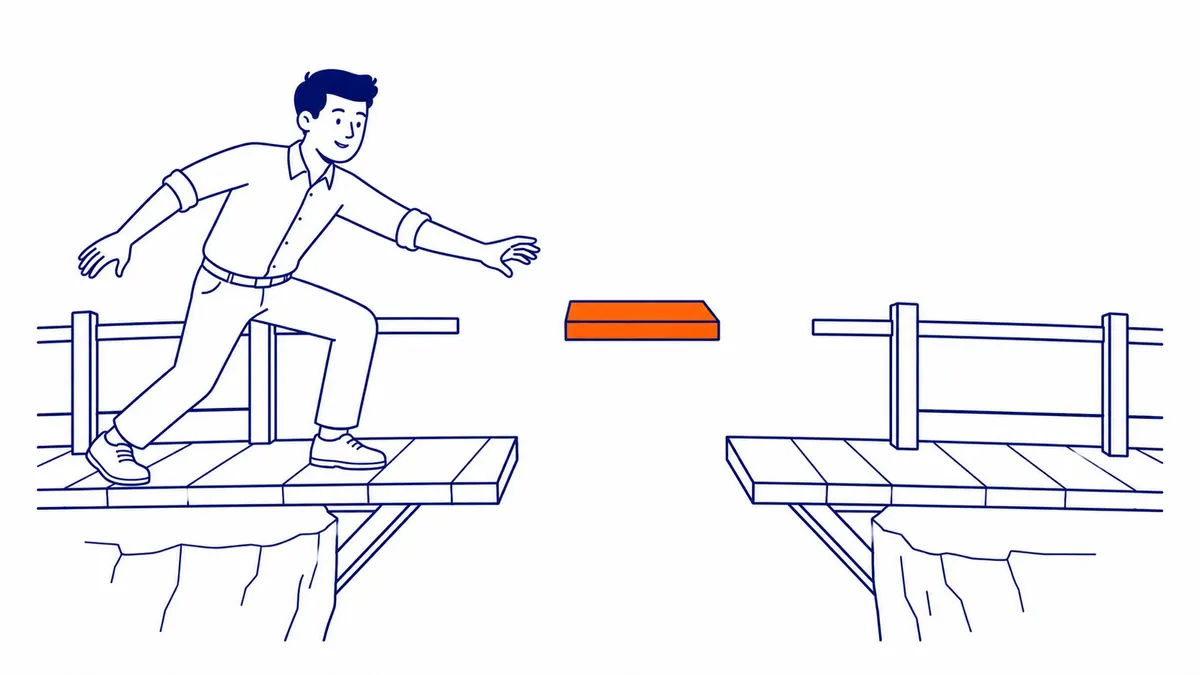
A broken link, sometimes called a dead link, is a link whose destination no longer works. Most of the time the server answers with a 404 (Not Found) or 410 (Gone) status, although a link can also fail because the other site is down, the domain has expired or the address was typed wrong in the first place. Broken links come in four main kinds, and they are worth separating because each one costs something different and is fixed in a different place.
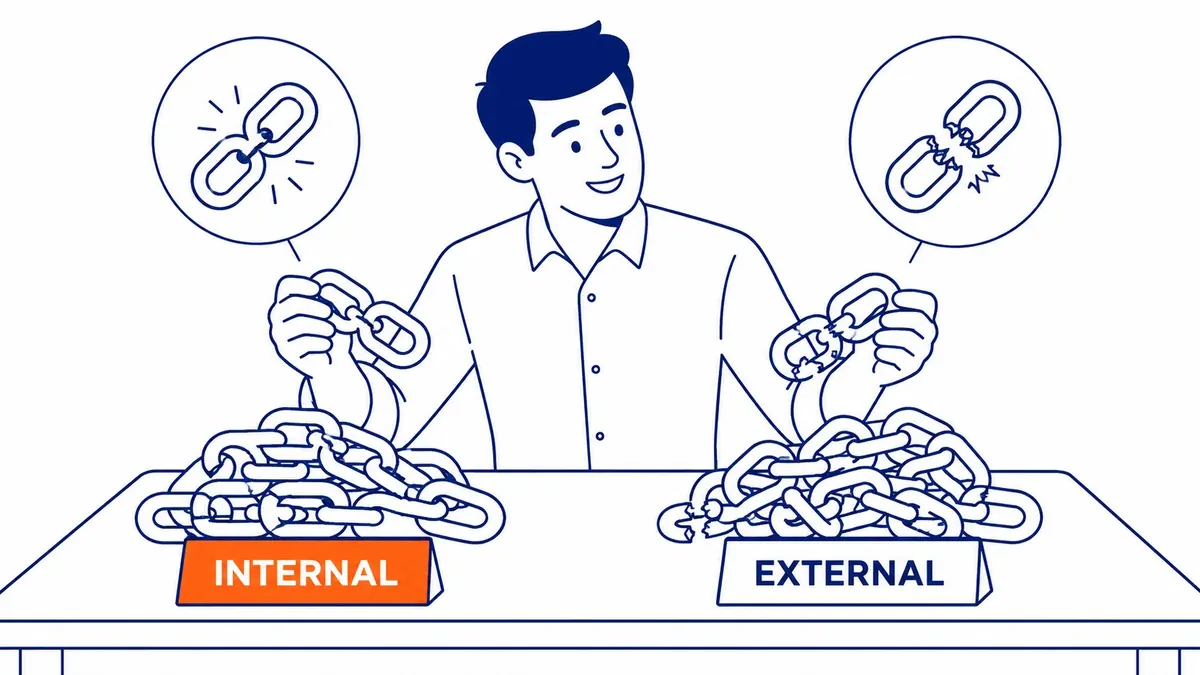
Internal broken links are links on your own pages that point at a page on your own site that no longer exists. Outbound broken links point from your site to a page on someone else’s site that has moved or gone. Broken backlinks are links on other people’s sites that point at a URL on your site that no longer works, and you cannot edit them, only catch them. The fourth kind is easy to miss: images, PDFs and other files your pages load from an address that has changed, such as a brochure that was replaced with a new file name.
The causes are mostly ordinary. Pages get renamed or deleted during a redesign, a blog post is moved into a new category and its address changes, a plugin rewrites URLs, a typo slips into a link, or a source you cited reorganizes its own site. None of this is unusual, which is why almost every site of any age has some broken links.
How broken links affect SEO, and how they don’t
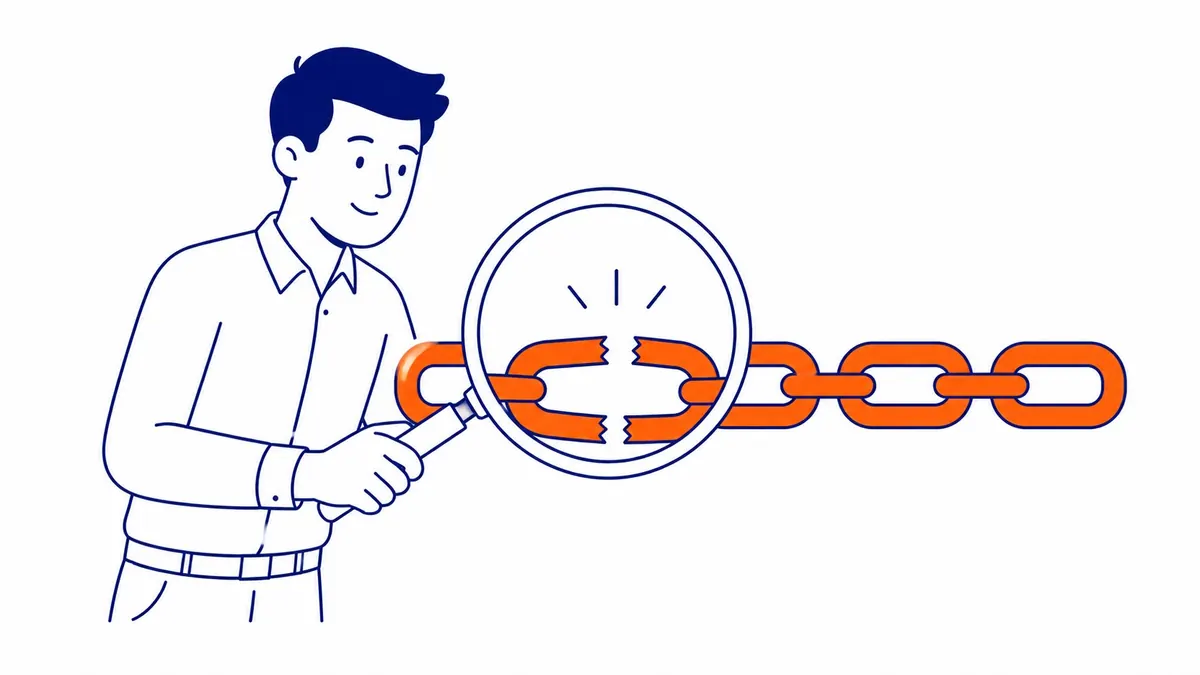
Google is clear about the part most people worry about. Its 2011 Search Central post Do 404 errors hurt my site? says that 404s are a normal part of the web and that the fact some URLs no longer exist does not affect how the site’s other URLs perform in search results. Google describes no sitewide penalty that grows with the number of broken links, and the article on how Google treats 404 errors covers the status code side in more detail.
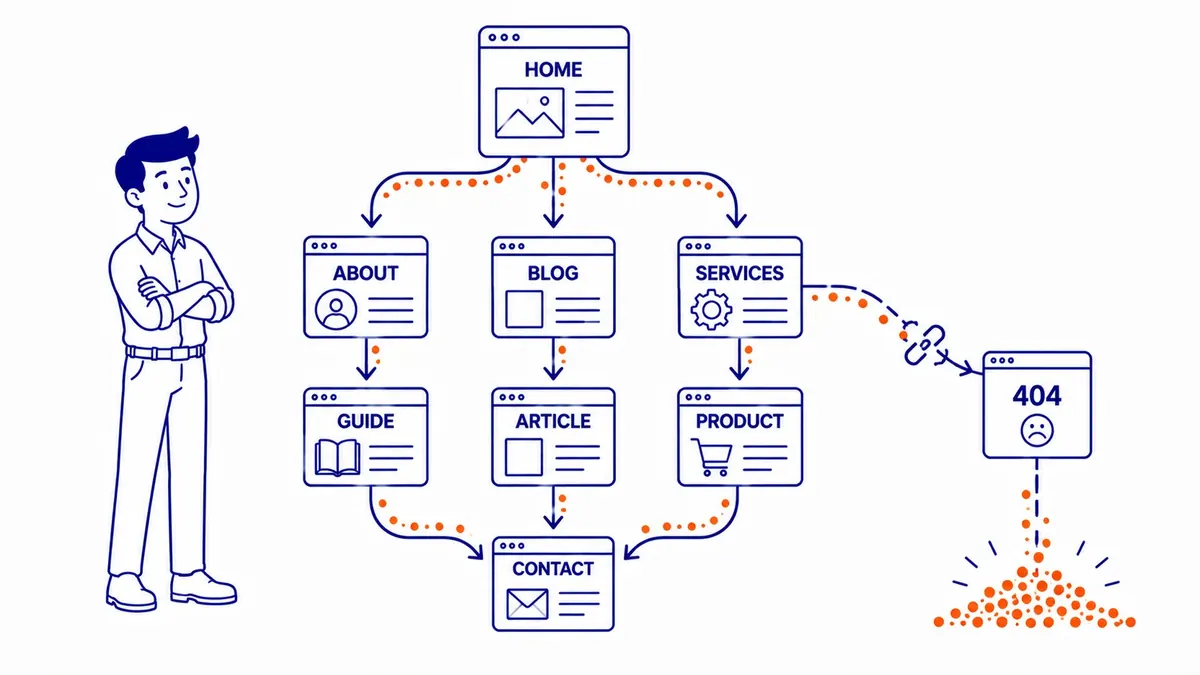
The real costs come through the links themselves. Google’s link best practices page says Google uses links as a signal when it judges the relevancy of pages and to find new pages to crawl, and it recommends that every page you care about has a link from at least one other page on your site. When an internal link points at the wrong address, the page it was meant to reach loses that path and that context. If it was the only internal link to the page, Google may still find the page through your sitemap, but your own site is no longer telling Google that the page matters. The visitor who clicked the link is the more immediate loss, because a dead end on a service page leaves a prospective customer without the page they were promised, and the easiest next step for them is the back button.
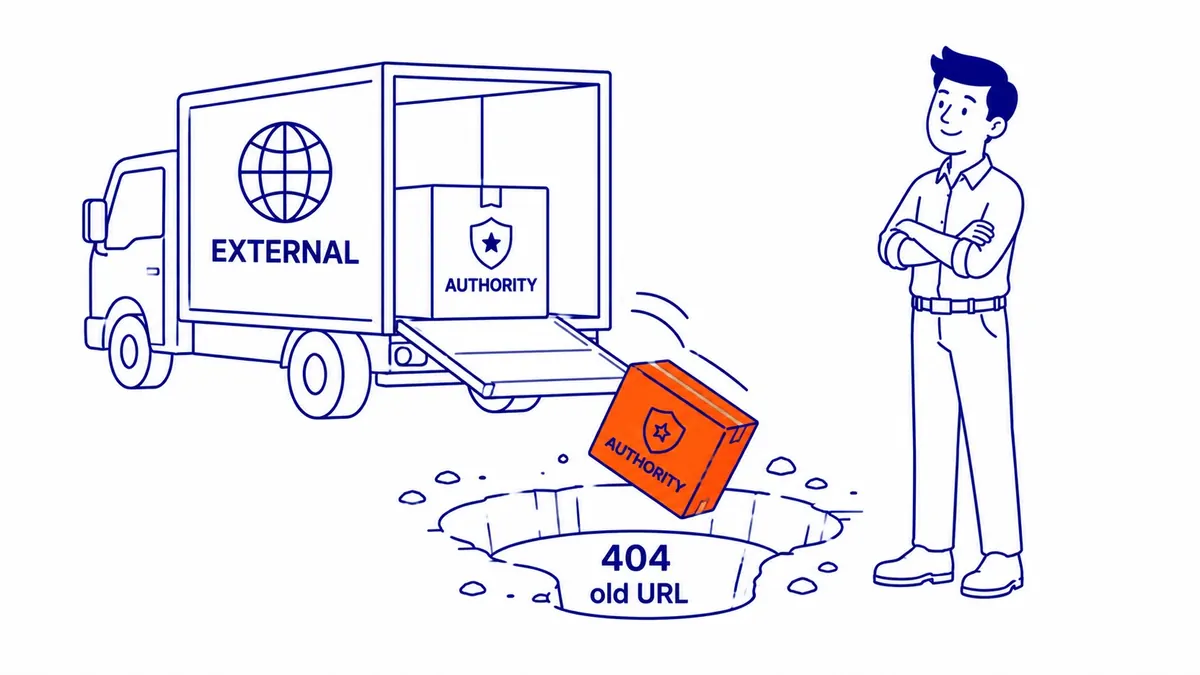
Broken backlinks deserve early attention when relevant sites still link to the old URL. Google’s status code documentation says it does not index URLs that return a 4xx code and removes ones that were already indexed, so a link from another website to a deleted page points at something Google no longer uses. In practice, a 301 redirect from the dead URL to the page that now answers the same need is the usual way to put that link back to work, and Google’s 2011 post gives the same advice for links that contain a typo of a real address.
Paid search feels a broken link faster. For Google Ads, a final URL that returns an HTTP error to Google’s AdsBot crawler on common devices can be disapproved under Google’s Destination not working policy. A landing page deleted during a site rebuild can switch off the ads that point at it, so it is worth checking ad and sitelink destinations whenever pages are renamed.
Two common claims deserve less weight than they get. The first is crawl budget. Google’s crawl budget guide says it is written mainly for sites with about a million unique pages whose content changes weekly, or 10,000 or more pages whose content changes daily, and that for other sites keeping the sitemap current and checking the Page indexing report is adequate. A Calgary contractor or clinic with a few hundred URLs is far below that line. The second is that broken outbound links count against you. Google’s documentation describes no penalty for linking to a page that later disappeared, and its link page encourages linking out to cite sources. The reason to fix outbound links is your readers, who lose trust in a page whose references lead nowhere.
Which broken links to fix first
Once you have a list, sort it by what each broken link touches rather than by how many there are. The table below is a practitioner’s order of priority, based on the Google pages above; the URLs in the examples are illustrative.
| Broken link | Example | Why it matters | What to do |
|---|---|---|---|
| An ad’s final URL returns an error | An ad group still points at /spring-furnace-tune-up/ after the page was deleted | Ads disapproved under “Destination not working” | Point the final URL at a live page today |
| Backlinks from other sites to a dead URL on your site | Three local directories link to /basement-development/, renamed /basement-renovations/ in a rebuild | The link points at a URL Google drops from its index, so it no longer helps the page that replaced it | 301 redirect the old URL to the page that answers the same need |
| Your menu or main service pages link to a dead page | The footer links to /financing/, which was deleted | Visitors hit a dead end and the target page loses an internal path | Update the link to the right page, or remove it |
| Links in blog posts to your own moved pages | Older posts link to the old /basement-development/ URL | Extra redirect hops, and a 404 if no redirect exists | Update each link to the new URL directly |
| Images and files that no longer load | A service page embeds /uploads/brochure-2021.pdf | A broken experience on the page itself | Replace the file or remove the reference |
| Outbound links to other sites | A blog post cites a government or association page that has moved | Readers lose trust in the reference | Link to the current version of the source, or remove the link |
| URLs that never existed | Search Console lists odd URLs with code tacked on | Usually from scrapers or mistyped links elsewhere | Leave them; Google’s 2011 post says they are generally safe to ignore |
Broken backlinks and links Google cannot follow
Broken backlinks deserve their own check, because they never show up when you crawl your own site. A backlink tool such as Ahrefs or Semrush lists the URLs on your site that the backlinks in its index point to, with the status code each returns, so you can sort the dead ones by how many referring domains they have. A deleted page with links from a few relevant Alberta or BC websites is worth a redirect; a deleted page with no links and no traffic can simply stay a 404.
There is also a link problem that works perfectly for visitors. Google’s link best practices page says that, generally, Google can only crawl a link if it is an <a> element with an href attribute, and that it cannot reliably extract URLs from elements that act as links only through script events. A menu or a “View services” button built that way sends people to the right page while giving Google no path to follow. A crawl with a tool that reports links as Google would see them, or a look at the page source, will show whether your navigation uses real links.
How to find broken links on your site
Three sources together cover most of what you need, although none of them is complete on its own. Google Search Console’s Page indexing report, under Indexing and then Pages, lists URLs that returned “Not found (404)” when Google crawled them, and the Page indexing help page explains that a 404 is not necessarily a problem if the page was removed without a replacement, while a page that has moved should get a 301 redirect. The report shows what Google found, not which of your pages contains each broken link, although inspecting a URL can sometimes show the referring page.
A site crawler fills that gap. Screaming Frog, Sitebulb and the site audit tools in Ahrefs and Semrush follow the links they can discover on your site, report the ones that lead to an error and list the page each broken link sits on, which is exactly what you need to edit it. A backlink tool covers the third source, the dead URLs that other websites still point at. For a site running Google Ads, the Policy manager in the account shows any ad disapproved for its destination.

How to fix broken links
For links on your own pages, the cleanest fix is to edit the link so it points straight at the right live URL. That avoids sending visitors and crawlers through a redirect at all, and it keeps the next audit shorter. If the page the link pointed to has no replacement, remove the link or rewrite the sentence so it no longer needs one.
Use a 301 redirect when the old URL has value you cannot edit, such as backlinks, bookmarks or printed material. Google’s redirects documentation describes a permanent redirect as a signal that the target should be shown in search results instead of the old URL, so redirect each old address to the page that answers the same need. Sending every dead URL to the home page is a shortcut to avoid, because Google’s 2011 post says that pattern can have negative effects on how Google understands and indexes a site. The guide to how 301 redirects behave covers timing and setup in more depth.
Redirect chains are worth flattening while you are there. Google’s status code page says its crawlers follow up to 10 redirect hops, and its crawl budget guide says long redirect chains have a negative effect on crawling. Neither page says a chain of two or three hops loses ranking value, but each extra hop slows visitors down and leaves one more thing to break, so point old URLs directly at the final page. For outbound links, look for the current address of the source on the other site, link to it if the page still exists, and otherwise remove the link or cite a different source.
Broken link building
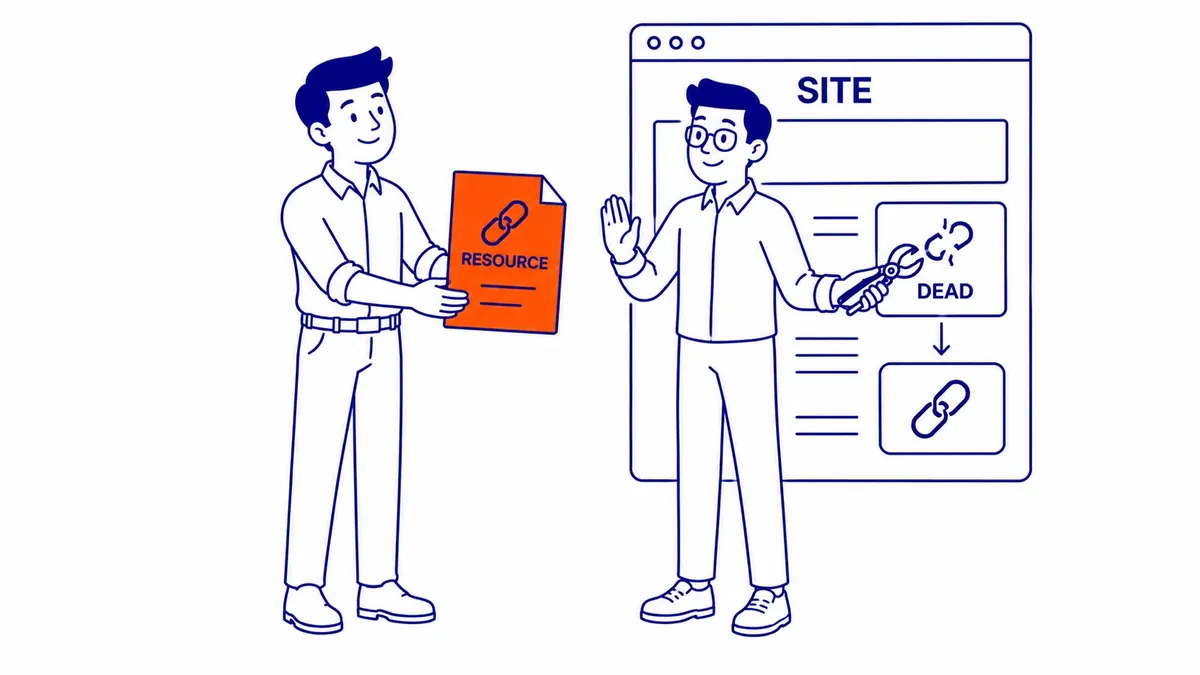
Other people’s broken links can also work in your favour. Broken link building means finding pages on relevant websites that link to a resource that no longer exists, then letting the site owner know and suggesting a page of yours that covers the same ground. The owner fixes a broken link on their own page, and if your page is the better replacement, they may link to it.
It only works when the replacement is useful to their readers, and it has to stay clean. Google’s spam policies list exchanging money, goods or services for links as link spam, along with excessive link exchanges, so the offer should be the content alone, with no payment, gift or “link to me and I’ll link to you” arrangement attached.
Keeping broken links from coming back
Broken links tend to arrive in batches, during a redesign, a platform change or a cleanup of old pages, rather than one at a time. Mapping every old URL to its new home before the new site goes live is the core of a site migration, and it prevents the broken links that cost the most. After that, a crawl every few months is usually enough for a site that rarely changes, with an extra crawl straight after any large change and a check of ad destinations whenever pages are renamed.
SEO Company To-The-TOP! has been doing SEO in Calgary since 2007, and a website audit is the usual place to check broken links, redirects and crawl errors together. If you would like a second opinion on what your crawl report is telling you, call (403) 308-5949.
Contact Calgary SEO Company To-The-TOP!
Questions about anything in this article, or about your own rankings? Talk to a Calgary SEO specialist directly.
Phone: (403) 308-5949
Address: 1509 14 Ave SW, Calgary, AB T3C 0W4
Hours:
Monday to Friday: 10:00 am – 7:00 pm
Saturday: 12:00 pm – 4:00 pm
Sunday: closed