
Are Google Ads Worth It for a Small or Local Business?
Are Google Ads worth it? For a small or local business they usually are when four things line up: enough people in your area search for what you sell, one new customer earns enough margin to pay for several clicks, conversion tracking shows which clicks turn into calls and sales, and the budget is large enough to collect real data within a month or two. When one of those is missing, the money tends to disappear without teaching you anything, and that is a common reason owners decide Google Ads do not work for them. This guide shows how to check each condition before you spend, and which Google settings decide the outcome for a small account.
SEO Company To-The-TOP! has worked on search marketing in Calgary since 2007 and is Google Ads certified, so the angle here is practical: what a Calgary plumber, clinic or consultant should look at before deciding. If you want the wider question of whether paid advertising pays across Google, Meta and Microsoft, that is a different calculation, and it is covered further down.
What You Are Buying With Google Ads
With a Search campaign you pay to appear when someone types a need into Google, and you are normally charged only when they click. That is the real product: access to people who are already looking, rather than people you have to interrupt. A search for “furnace repair Calgary” in January is about as close to a ready buyer as advertising gets, and no amount of organic work can put a brand-new site in front of that search as quickly. Ads still have to pass Google’s policy review first, and Google says most ads are reviewed within one business day, so “live today” usually means tomorrow.
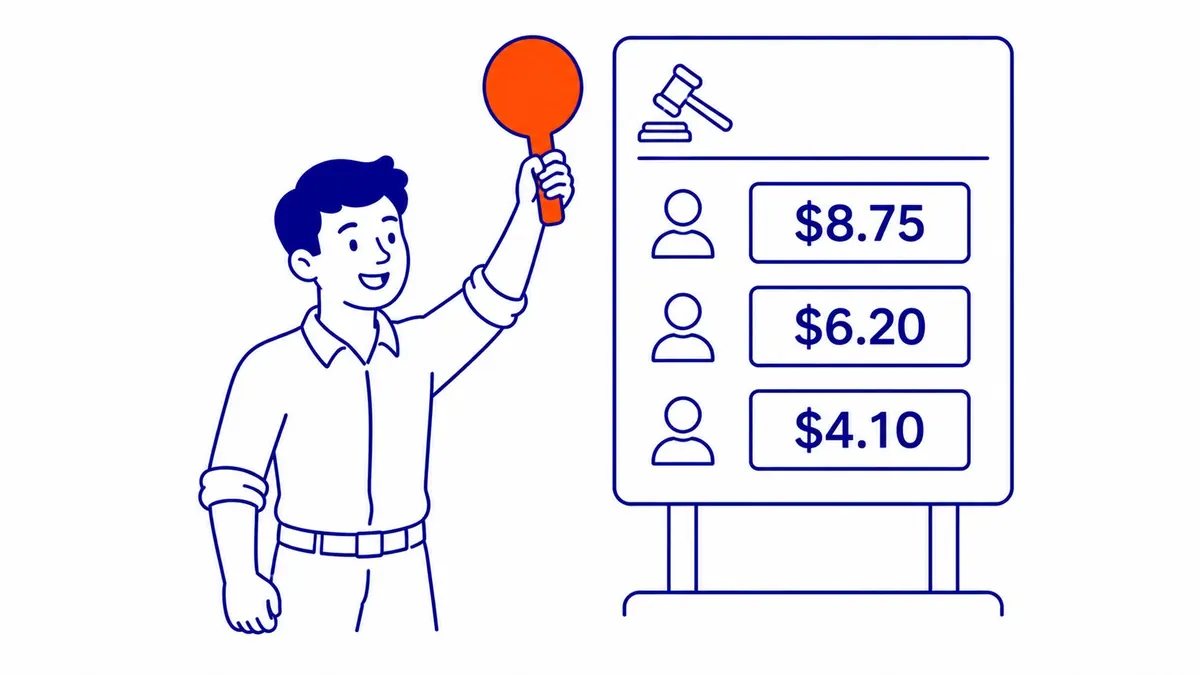
Position is not something you buy outright, though. Google ranks ads by Ad Rank, which combines your bid with the quality of your ad and landing page measured at the moment of each search, along with Google’s minimum thresholds, the competitiveness of the auction, the context of the search and the expected impact of your assets. The 1 to 10 Quality Score you see in the account is a diagnostic that compares your ads with other advertisers’, and Google states that it is not an input in the ad auction. Google does say that higher quality ads can often lead to lower costs per click, which is why a relevant ad and a focused landing page matter as much as the bid. If the mechanics are new to you, this explainer on how the Google Ads auction works covers them in more detail.

Four Conditions That Decide Whether It Pays
The first condition is search demand in your own service area. Keyword Planner shows how often people search for your terms in the locations you choose, and a small Alberta town or a narrow specialty can simply have too few searches to fill even a modest budget. If the forecast shows a few dozen searches a month for everything you would bid on, Google Ads cannot produce many leads no matter how well the account is built, and the money is better spent elsewhere.
The second condition is the margin on one customer. A renovation contractor whose average job leaves several thousand dollars of gross profit can afford to pay for many clicks before one of them turns into a signed contract, while a shop selling a twenty-dollar product with a thin margin often cannot. Work out the gross profit on a typical sale, not the sale price, because that is the money that actually pays for the advertising.
The third condition is measurement. Without conversion tracking for calls, forms and bookings, the account can tell you what you spent but not what came back, so the question “is it worth it” cannot be answered at all. Phone calls and sales that close offline need extra setup, and some conversions Google reports are modelled estimates, so treat the numbers as a strong guide rather than an exact ledger.
The fourth condition is time and volume. A campaign needs enough clicks to show which keywords and ads produce leads, and that takes weeks even when everything else is right. An owner who judges the account after ten days and forty clicks is usually reading noise, which is why the budget question below matters so much.

Is $10 a Day or $500 a Month Enough? A Sufficiency Test
The useful question is not whether a budget sounds reasonable but whether it can buy enough clicks to produce a meaningful number of conversions. You can test that before spending anything. In Keyword Planner, look up your main terms for your service area and note the “top of page bid (high range)”, which Google describes as roughly the 80th percentile of what advertisers have historically paid for a top-of-page bid in those locations. Divide your monthly budget by that figure for a cautious click count. Because it is a high-end bid rather than an average cost, real clicks often cost less, and Keyword Planner’s forecast of clicks and cost for your budget gives a second estimate to compare. Then multiply the clicks by a conversion rate. Google defines conversion rate as conversions divided by ad interactions, and if you have no history of your own, pick a rate and treat it as a guess; this example uses 5 percent so the arithmetic is easy to follow, and a lower rate would mean fewer conversions at every budget.
Here is how that plays out for an illustrative Calgary service business with clicks at about $6 and a 5 percent conversion rate. These are example figures, not benchmarks for your industry.
| Monthly budget (illustrative) | Clicks at about $6 | Conversions at 5% | What it can tell you |
|---|---|---|---|
| $10 a day (about $300) | about 50 | 2 or 3 | Almost nothing; one good or bad week swings the result |
| $500 a month | about 83 | about 4 | Whether the phone rings at all, not which keywords pay |
| $1,500 a month | about 250 | about 12 | Early signs of which terms and ads produce leads |
| $3,600 a month | about 600 | about 30 | Enough to judge cost per lead with some confidence |
The last row borrows a reference point from Google: for evaluating Target CPA bidding, Google recommends measuring performance over the last 30 days with at least 30 conversions. It is not a rule for judging a campaign, but it shows how much data Google itself treats as a reliable read. A smaller budget is not wasted, but it has to be pointed at fewer keywords and a narrower area so the clicks it buys are concentrated, and the evaluation period has to be longer. If clicks in your category cost $20 or more, the same arithmetic shows why $10 a day rarely works there, and if they cost $2, a modest budget can go a long way. For the cost side in more depth, including what a typical monthly budget looks like, see the companion guide.

Read ROAS Against Your Margin, Not On Its Own
Once tracking records a value for each conversion, Google Ads can report return on ad spend, and that number is easy to misread. Google defines target ROAS as the average conversion value, for example revenue, you want for each dollar spent on ads, and reported ROAS is the same ratio measured after the fact. Revenue is not profit, so a ROAS that looks healthy can still lose money once the cost of doing the work is taken out.
Take an illustrative business with a 25 percent gross margin. If it spends $1,000 and the account reports $3,000 in conversion value, the ROAS is 3:1, but the gross profit on that revenue is $750, so the campaign lost $250 before counting any management or landing page costs. The ROAS at which this business only breaks even on media is one divided by its margin, which is 4:1, and anything below that is a loss however good it looks in a report. A business with a 60 percent margin, by contrast, breaks even at roughly 1.7:1.
So the “worth it” answer for Google Ads comes from comparing the reported ROAS with your own break-even ROAS, keyword by keyword where the data allows. Lead-based businesses that do not assign values can do the same with cost per lead and their close rate. If you want to run the full numbers for paid channels in general, including management fees and repeat customers, there is a separate guide to the break-even arithmetic for paid advertising as a whole.

The Default Settings That Waste Small Budgets
Several Google Ads settings are on by default or are offered strongly during setup, and they suit large advertisers with room to experiment better than a local business on a tight budget. None of them is wrong in every case, but each one deserves a deliberate decision before launch.
| Setting | What Google’s documentation says | Why it matters for a small account |
|---|---|---|
| Search partners | Included by default when you create a Search campaign; you can opt out in campaign settings | Google notes that clicks from some partner sites “may not always reflect highly targeted traffic” |
| Display Expansion | When enabled, lets a Search campaign show ads on the Display Network; budget is shared according to your channel settings | Part of a small Search budget can go to browsing traffic rather than searches |
| Broad match | The default match type for new keywords | Ads can show for searches that “don’t contain the direct meaning of your keywords” |
| Automatically applied recommendations | Can be switched on in bundles and applied regularly; options include adding broad match keywords | Changes can reach the account without anyone reviewing them first |
Broad match can work well alongside Smart Bidding and solid conversion data, but on a new account with little conversion data, phrase and exact match give more control over which searches can spend a limited budget. The practical approach is to start narrow, with a tight set of phrase and exact match keywords, a list of negative keywords such as “free”, “jobs”, “salary” and “DIY”, and the network and auto-apply settings checked by hand, then widen once the data shows what converts. Sending every click to the home page instead of a page that matches the search is the other common leak, and it is entirely within your control.

When Local Services Ads or SEO Is the Better Buy
For some trades, the better Google purchase is not a Search campaign at all. With Local Services Ads you pay only for leads related to your business, which arrive as calls and messages, and eligible businesses can earn the Google Verified badge after passing Google’s screening. Google’s Canadian getting-started page lists categories such as plumbers, electricians, HVAC, roofers, movers, pest control, locksmiths and cleaning services, and it tells businesses to check eligibility in their own area, so confirm that your category and service area qualify before planning around it. Where it is available, it removes much of the keyword and bidding work that makes Search campaigns hard to run well on a small budget.
SEO is the better buy when demand is steady, the margin per customer is too thin for paid clicks, or the business can wait several months for results that do not switch off the day spending stops. It is slower, and anyone who promises quick organic rankings is selling something other than SEO. Many local businesses end up using both: paid search for the high-intent terms that need coverage now, and organic work for the wider set of searches that would cost too much to buy indefinitely. For a closer look at how the two compare on cost and timing, see the guide on whether Google Ads is better than SEO.

A Sensible Way to Find Out for Your Business
Do Google Ads work for small businesses? They do when the conditions above are met, and the fastest way to find out is a deliberate test rather than a leap of faith. Check search demand and the top of page bid range for your area in Keyword Planner, work out your gross margin and break-even ROAS, set up conversion tracking before the first click, and choose a budget that can buy enough clicks for a verdict. Then run a narrow campaign on Google Search only, with phrase and exact match keywords, a negative keyword list and a landing page for each service, and judge it on cost per lead or margin-adjusted return after it has collected enough conversions.
If the numbers still do not work after a fair test, that is a useful answer too, because it tells you to put the budget into SEO or Local Services Ads instead. If you would like a second opinion on an account you already run, or help with Google Ads management from a solo practitioner who does the work personally, call (403) 308-5949. With any provider, To-The-TOP! included, ask for the management fee and the ad spend as two separate numbers before you compare offers.
Contact Calgary SEO Company To-The-TOP!
Questions about anything in this article, or about your own rankings? Talk to a Calgary SEO specialist directly.
Phone: (403) 308-5949
Address: 1509 14 Ave SW, Calgary, AB T3C 0W4
Hours:
Monday to Friday: 10:00 am – 7:00 pm
Saturday: 12:00 pm – 4:00 pm
Sunday: closed