
Can SEO Be Automated?
SEO can be partly automated. Rank tracking, site crawls, index checks, reporting dashboards and keyword data collection automate well, and on most sites they should be automated, because doing them by hand wastes hours that are better spent elsewhere. Choosing which keywords to target, writing content worth reading, earning links and deciding what to fix first still need a person who understands the business. Google’s own guidance draws a similar line: it does not object to automation as such, but it treats large volumes of pages produced without adding value as spam, however they were made, and it asks site owners to fact-check AI-generated content, including titles, descriptions and other metadata, before it goes live.

What can be automated, task by task
The useful question is not whether SEO as a whole can be automated but which parts of it can. A task automates well when it applies the same rules to new data every time, such as checking whether a page returns an error. It automates badly when the right answer depends on context the software does not have, such as whether a keyword fits a particular business or a page answers what a particular customer is asking. The table below sorts the common tasks along that line.
| Task | Automate? | What a person still does | What goes wrong without one |
|---|---|---|---|
| Rank and visibility tracking | Yes | Decides which movements matter and why they happened | Reacting to normal daily fluctuation |
| Technical crawls and monitoring | Yes | Ranks the findings by business impact | Fixing hundreds of minor warnings while one serious problem waits |
| Index checks | Yes, within Google’s limits | Works out why a page is excluded | Assuming “submitted” means “indexed” |
| Reporting dashboards | Yes | Explains the numbers and recommends the next step | Reports that describe without deciding |
| Keyword data collection | Yes | Chooses the targets | Chasing volume with the wrong intent |
| Content briefs | With review | Checks the brief against the business and the searcher | Copying the consensus of the top ten results |
| Writing and metadata | With careful review | Adds expertise, checks every fact | Inaccurate or interchangeable pages |
| Link prospecting and monitoring | With review | Decides who is worth approaching and what to offer | Mass outreach that reads as spam |
| Creating or placing links | No | Earns links through things worth citing | Link spam |
| Strategy and priorities | No | Sets them | Busy work with no direction |

What Google says about automation
Google’s position is more precise than most vendor pages suggest. Its 2023 guidance on AI-generated content says that appropriate use of AI or automation is not against its guidelines, and that automation has long been used to produce useful content such as sports scores, weather forecasts and transcripts. What it opposes is using automation to generate content mainly to manipulate rankings. Its current spam policies describe scaled content abuse as many pages generated for that purpose, typically unoriginal and of little value to users, “no matter how it’s created”, and they give using generative AI to produce many pages without adding value as an example.
Google’s page on using generative AI content, updated in October 2026, adds two practical points. Generative AI can be useful for researching a topic and for adding structure to original content, but generative models predict likely words rather than retrieve facts, so Google says it is critical to fact-check and review AI output before publishing. That review explicitly includes title elements, meta descriptions, structured data and image alt text, which matters because those are exactly the fields that SEO plugins and tools now offer to fill in automatically. Its helpful content guidance also asks site owners to consider whether they are “using extensive automation to produce content on many topics”, which is a question worth answering before buying any content tool.
A Calgary example shows where this bites. A tool can generate a separate service page for every Calgary community or every Alberta town in an afternoon, each one identical apart from the place name. Google’s doorway abuse policy lists “pages targeted at specific regions or cities that funnel users to one page” among its examples, so a set of near-identical location pages is a risk rather than a shortcut. A handful of location pages that each say something specific about serving that area is a different matter.
Monitoring and index checks
Monitoring is where automation earns its keep. Rank trackers record positions for a keyword list every day, uptime monitors report when a site goes down, and scheduled crawls catch new broken links or pages that have accidentally been set to noindex. A drop of a few positions in a rank tracker is often normal movement rather than a problem to fix. Search Console’s Performance report gives Google’s own figures for the queries a site appears for, its average positions and its clicks, and those figures can be pulled into a spreadsheet or dashboard automatically through the Search Console API.
Index checks can be automated too, within limits Google publishes. The Search Console URL Inspection API allows 2,000 inspections a day per site, which is more than enough to check every important page of a small business site on a schedule and flag any that drop out of the index. What the API cannot do is explain why a page was excluded or decide whether it should be indexed at all. Detection is automated; diagnosis is not.
Indexing is also where some tools overpromise. Google’s Indexing API, which some plugins use to promise “instant indexing”, is documented only for pages that carry JobPosting or BroadcastEvent (livestream) markup, and Google says it is subject to spam detection. For ordinary pages the supported routes are a sitemap and, for individual URLs, the request indexing button in Search Console, and even then Google states that a request does not guarantee indexing.
Technical crawls
Crawlers such as Screaming Frog and Sitebulb go through a typical small business site in minutes and list every broken link, redirect chain, missing title, duplicate page and blocked URL they find. On a site with hundreds of pages, checking that by hand would take days, and a scheduled crawl catches new problems soon after they appear rather than months later. This is one of the clearest wins in SEO automation, and there is little reason to do it any other way.
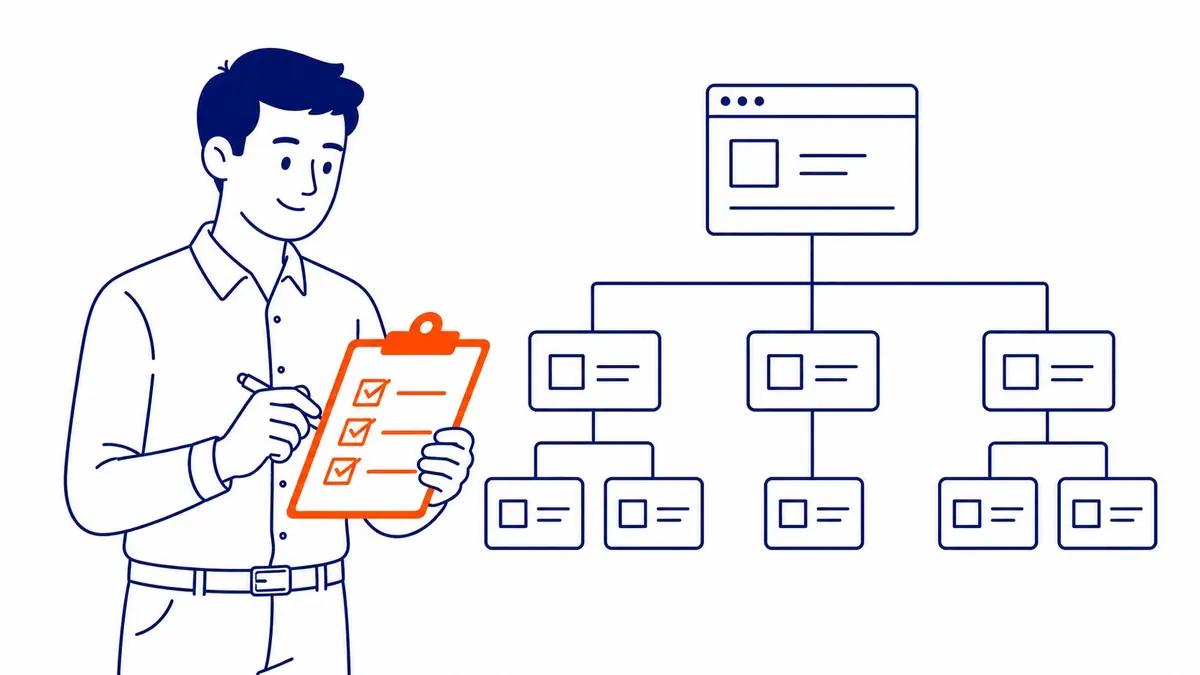
The limit is that a crawler reports everything with roughly equal urgency. It cannot tell whether a redirect was intentional, whether an orphaned page matters, or whether a duplicate is a template fault or a deliberate choice, and a report with two hundred warnings can hide the one issue that is costing enquiries. That is why a full site audit treats the crawl output as a starting point, and the real work is deciding what to fix first, what to leave alone and what needs a developer. The same thinking is set out in this guide on how to prioritize fixes from a technical audit, which is worth reading before acting on any automated report.
Keyword research
Keyword tools have automated the data side of research almost completely. Search volume, keyword difficulty, related terms, the SERP features that appear for each query and the gaps between your rankings and a competitor’s can all be pulled in seconds, and AI assistants can group thousands of terms into topics quickly. That used to be days of manual work, and nobody should miss it.
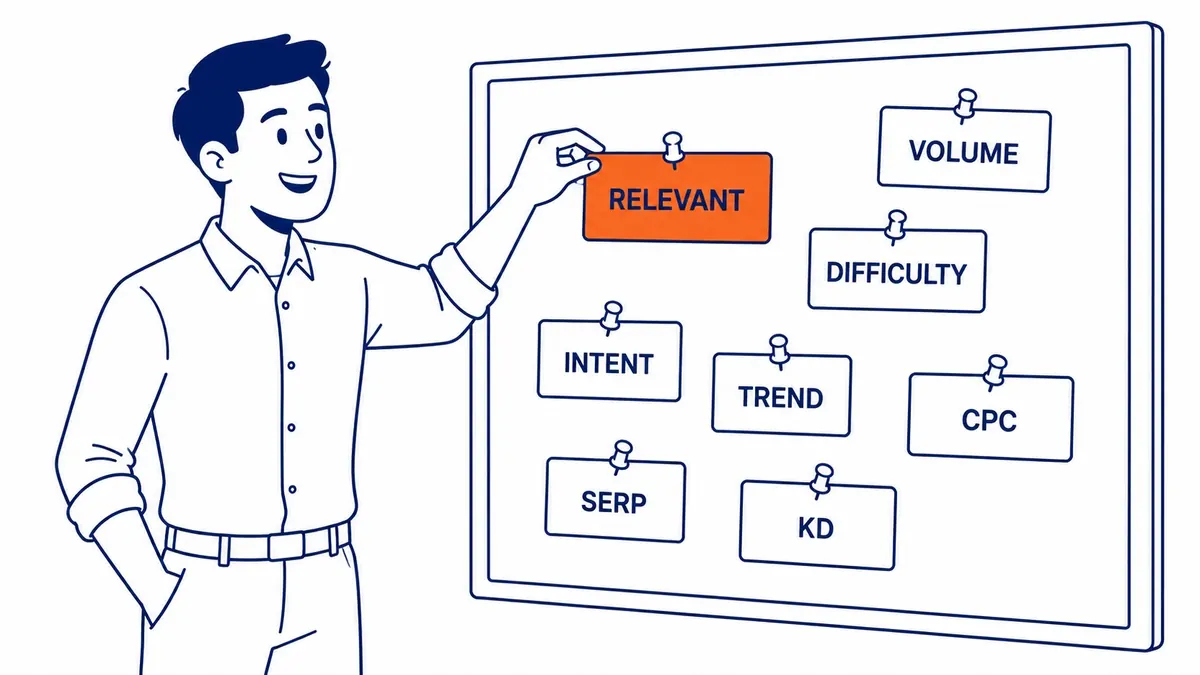
What the tools cannot do is decide which of those keywords a business should go after. A term with good volume and low difficulty may attract researchers rather than buyers, may describe a service the business does not offer, or may be dominated by directories that no single company page will displace. Volume figures in most tools default to country-level estimates, so a Calgary business usually has to judge local demand from Search Console data and from what actually ranks for the search in Calgary. Good keyword research uses the automated data as evidence and keeps the choice of targets with someone who knows the business and its customers.
Content
AI writing tools can produce a draft in minutes, and automated brief tools can gather the headings, questions and topics that competing pages cover. Used that way, as research and as a structure to work from, they save real time and sit comfortably within Google’s guidance. The risk starts when the draft is published with little more than a proofread.

A machine draft tends to restate what is already widely published, so it rarely adds the first-hand detail, local knowledge or clear position that would make a page worth ranking above them. It can also state things that are simply wrong, which is why Google asks for a manual fact-check before publishing. Google’s helpful content guidance also suggests telling readers how a piece was produced where they would reasonably wonder, including when automation or AI played a part. If you are weighing whether AI content hurts rankings, the answer depends far more on the editing and the expertise added than on the tool that produced the first draft.
Reporting
Reporting automates well once it is set up. Tools such as Looker Studio connect to Search Console and Google Analytics and refresh charts of queries, clicks, average position, organic traffic and landing pages without anyone copying numbers into a spreadsheet each month. That is a sensible use of software, because assembling the same figures by hand adds nothing.
What a dashboard cannot do is say what the numbers mean. A fall in traffic might come from a Google update, a seasonal dip in demand, a new competitor or a tracking fault, and each calls for a different response. Identifying which movements matter and recommending what to change before next month is the part of a report a business is actually paying for, and it is still a person’s job.
Strategy and links
Strategy is where automation helps least. A tool can show that a competitor has gained links or rankings, but deciding whether to respond, which pages to build next and which keywords to stop chasing depends on the business’s margins, capacity and customers, none of which the software can see. Mid-campaign changes, such as dropping a term that brings visits but no enquiries, come from someone watching the results with the business goals in mind.

Link building is the one area where Google names automation directly as a problem. Its link spam policy lists “using automated programs or services to create links to your site” alongside buying links that pass ranking credit, so tools that promise links at scale are offering the very thing the policy describes. Finding prospects and monitoring new or lost links are fine to automate; creating the links is not. Paid search works quite differently, which is a useful contrast: Google Ads is built around automation, Smart Bidding sets bids in each auction from conversion data, and Google describes its performance settling over one to two conversion cycles after a change. Even there, choosing goals, budgets, keywords and landing pages stays with whoever runs the account, which is the part of Google Ads management that no bid strategy replaces.
Questions to ask before buying “automated SEO”
Tools and services sold as automated SEO range from useful monitoring software to schemes that put a site at risk, and the sales pages often look alike. A few questions sort them quickly. Ask what exactly the product does on its own and what it expects someone to review, because monitoring, crawling and reporting are worth paying for while unattended publishing is not.
- Does it publish pages or links without a person approving each one?
- Does it generate many near-identical pages, such as one per city or suburb?
- Does it promise instant indexing, and if so, through which Google tool?
- Who checks the facts, titles, meta descriptions and structured data it produces?
- What does it report, and who turns that report into decisions?
If the answers point to a tool that collects and organizes data for a person who makes the decisions, it is likely to save time. If they point to a system that writes, publishes and builds links by itself, Google’s own policies describe the risk.
Since 2007, SEO Company To-The-TOP! has worked on Calgary SEO as a solo practice, with one person doing the client work and keyword positions reported monthly. If you are deciding which parts of your SEO to automate, or would like a second opinion on a tool or service you have been offered, call (403) 308-5949.
Contact Calgary SEO Company To-The-TOP!
Questions about anything in this article, or about your own rankings? Talk to a Calgary SEO specialist directly.
Phone: (403) 308-5949
Address: 1509 14 Ave SW, Calgary, AB T3C 0W4
Hours:
Monday to Friday: 10:00 am – 7:00 pm
Saturday: 12:00 pm – 4:00 pm
Sunday: closed