
Does PPC Work for B2B? The Break-Even Test
Yes, PPC works for B2B when one closed deal is worth enough to pay for all the leads that never close, and it fails when it is not. The test is simple arithmetic: multiply the gross profit from a new customer by the share of qualified leads that become customers, and the result is the most you can afford to pay for one qualified lead. If Google Ads can deliver leads below that figure, paid search pays. If it cannot, even after sensible work on keywords, landing pages and follow-up, the money belongs somewhere else.
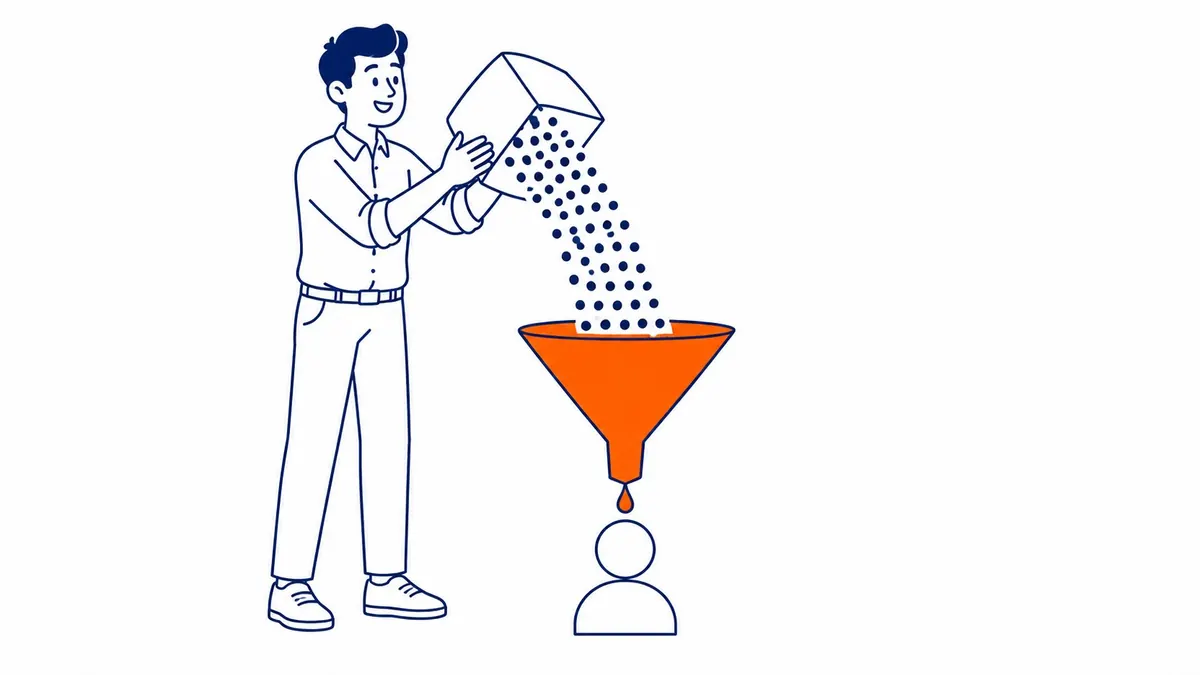
The rest of this guide works through that test with illustrative numbers, then covers the two things that decide whether you can trust the answer: how Google Ads learns which clicks turned into revenue, and how you stop paying for the clicks that never could.
What a B2B click actually buys
In most consumer shopping, the click and the purchase sit close together. Someone searches, compares two or three options and buys in the same session, so the ad account sees the sale and reports a cost per sale that means something. B2B rarely works that way, because the person who searches is usually doing research for a decision that other people will make later. An operations manager looking for a calibration service, or an office administrator gathering quotes for commercial cleaning, is building a shortlist rather than buying.
So a B2B click buys a chance to be on that shortlist. The form fill or phone call that follows is the start of a sales process that can involve a site visit, a written quote, a procurement review and a sign-off from someone who never saw your ad. That is why a B2B cost per lead often looks alarming next to consumer benchmarks, and why judging it against them is a mistake. A lead and a sale are different things, and B2B paid search should be priced against the sale it eventually produces.

The break-even test
The test needs three numbers from your own records, not from the ad account: the gross profit a new customer brings in (over the first year, or over the relationship if repeat business is reliable), the share of qualified leads that become customers, and the share of all enquiries that turn out to be qualified. Two more numbers come from Google Ads once a campaign has run, or from an estimate before it starts: the share of clicks that become enquiries, and the cost of a click. Decide what counts as a qualified lead before you start, for example the right service, area and project size, and keep that definition fixed so the ratios mean the same thing month to month. The table below runs the test for two illustrative Calgary businesses. The figures are examples chosen to show the method, not benchmarks.
| Illustrative figures | Industrial services firm | Office supplies reseller |
|---|---|---|
| Gross profit from a new customer, first year | $15,000 | $250 |
| Qualified leads that become customers | 1 in 8 | 1 in 5 |
| Most you can pay per qualified lead (break-even) | $1,875 | $50 |
| Enquiries that are qualified | 1 in 2 | 1 in 2 |
| Most you can pay per enquiry (break-even) | $937.50 | $25 |
| Clicks that become enquiries | 5% | 5% |
| Most you can pay per click (break-even) | $46.88 | $1.25 |
The industrial firm can pay close to $47 a click before it stops breaking even, so a cost per click well below that leaves real room for profit and for the slow months while a campaign learns. The reseller has to buy clicks for about a dollar and a quarter, which is hard on any search term a competitor also wants. Same channel, same conversion rates and opposite answers, because the deciding factor is the size of the deal at the end of the process. Break-even is the ceiling, so in practice you aim well below it to leave a profit, and the page on how to work out PPC return on investment covers the full calculation once real costs come in.
Before spending anything, the Keyword Planner in Google Ads gives a forecast of clicks and cost for a list of keywords, a budget and a location. Google’s own Help pages say the forecast takes bid, budget, seasonality and historical ad quality into account, so treat it as an estimate rather than a promise. If the forecast cost per click is already above your break-even figure, that is a strong early sign to rethink the keywords, the offer or the channel.

Teaching Google Ads what a good lead looks like
Standard conversion tracking in Google Ads records what happens on your website or phone line once it is set up: a form submitted, a call of a certain length. It does not see the quote, the procurement review or the signed contract, because those happen in your inbox and your CRM. If the account only counts form fills, its automated bidding will learn to find more form fills, including the student, the job seeker and the competitor checking your pricing page. In B2B that is the most common reason a campaign looks busy while the sales team sees nothing worth calling back.
Google offers two ways to send later outcomes back to the account. Offline conversion import lets you upload conversions that happen after the click, using the Google Click ID (GCLID) your website captures with each lead, and Google describes it for exactly this situation: an ad that starts a customer down a path ending in a sale at your office or over the phone. Enhanced conversions for leads, which Google describes as an upgraded version of offline import, does the same job by matching hashed details from your lead form, such as an email address, to the conversions you import, and Google’s Help page now recommends that advertisers who have not yet adopted offline import start with enhanced conversions for leads instead. Either way, once qualified leads and sales flow back into the account, bidding can be pointed at those rather than at raw enquiries.
There is a limit that matters more in B2B than anywhere else. Google lets you set a click-through conversion window anywhere from 1 to 90 days, depending on the conversion source, with 30 days as the default, and Google will not import an offline conversion uploaded more than 90 days after the last click, or more than 63 days for enhanced conversions for leads. A contract that closes eight months after the first click will not be tied back to that click inside Google Ads. The practical answer is to import an earlier milestone that happens within the window, such as “qualified by sales” or “quote sent”, as the conversion Google bids toward, and to track closed revenue against the original lead source in your CRM.

When B2B PPC does not work
The low-value case in the table is the clearest failure, but there are others worth checking before a budget is set. The first is a product nobody searches for yet. If your service solves a problem buyers do not know how to name, there may be almost no searches to bid on, and paid search can only capture demand that already exists. In that situation the job is to create demand, which is closer to what LinkedIn and content do than to what search ads do.
The second is a buying process that skips search altogether. Many public-sector organizations in Alberta post their opportunities on Alberta Purchasing Connection, and large companies often buy from an approved vendor list, so a buyer who works through a tender portal or an existing vendor list has little reason to search Google for suppliers. If most of your revenue comes through tenders or long-standing supply agreements, search ads will reach the edges of your market rather than its core.
The third is too little local volume. A Calgary-only location target for a narrow industrial service may hold only a handful of searches a month, and that is too few clicks for the account to learn from or for you to judge results in a reasonable time. Run the Keyword Planner forecast for the area you would really target, whether that is Calgary, Alberta or Western Canada, before deciding. The fourth failure is on the sales side: if enquiries wait days for a reply, the cost per lead is paying for leads that a faster competitor will close. The page on paid search for manufacturers goes deeper into one B2B sector where several of these issues show up together.
Keeping the non-buyers out
Every B2B account pays for some clicks from people who were never going to buy: students researching an industry, job seekers searching a company name, consumers using a word that also has a trade meaning, and competitors. You cannot remove them all, but the waste can be cut sharply. Google Ads lets you add negative keywords so your ads do not show for searches containing words such as “jobs”, “careers”, “salary”, “course”, “free” or “definition”, and a shared negative keyword list keeps those exclusions consistent across campaigns. Negative keywords do not cover close variants, so add the singular and plural forms you need. Reviewing the search terms report regularly shows which new terms need adding.
The ad and the landing page can filter as well. Stating who the service is for, such as “for contractors and facility managers”, or naming a minimum order or a project size, will lower the number of clicks and enquiries, and that is usually the point. In B2B, fewer enquiries that fit is a better outcome than many that do not, and the break-even table shows why: the share of enquiries that are qualified multiplies straight through to the price you can afford per click.
Google Ads, LinkedIn or SEO?
Google Ads and LinkedIn do different jobs. Search ads reach someone who is already looking for what you sell, at the moment they look, which is why search is usually the place to start when buyers do search for your category. LinkedIn works the other way round: its own targeting pages list options such as job title, company, industry and seniority, so you can put a message in front of the people who sign off on a purchase before they have gone looking at all. That makes LinkedIn the better fit when the category is not searched yet, or when the deal is large enough that reaching a specific set of companies matters more than catching whoever happens to search.
Paid search and organic search also work well together in B2B. Search ads can start producing clicks as soon as a campaign is approved, while SEO takes months to build, so ads are often the faster way to learn which terms bring qualified enquiries. Those terms then tell you where long-term B2B SEO work is worth the effort, and once organic rankings hold, ad spend on the same terms can be reviewed against the break-even test rather than kept by habit.
Getting a second opinion on the numbers
If you have run the break-even test and the answer is close, or you have an account that produces enquiries nobody can trace to revenue, it is worth having someone look at the setup before more money goes in. SEO Company To-The-TOP! is a Calgary-based, Google Ads certified solo practice founded in 2007, so the person who reviews the account is the person who would manage it. You can read more about its Google Ads management, and with any provider, To-The-TOP! included, ask for the management fee and the ad spend as two separate numbers before you compare offers. To talk through whether paid search fits your sales process, call SEO Company To-The-TOP! at (403) 308-5949.

Sources (checked 6 November 2026)
- Google Ads Help, About offline conversion imports
- Google Ads Help, Set up offline conversions using Google Click ID (GCLID)
- Google Ads Help, Guidelines for importing offline conversions
- Google Ads Help, About enhanced conversions
- Google Ads Help, About conversion windows
- Google Ads Help, About conversion measurement
- Google Ads Help, About negative keywords
- Google Ads Help, Use Keyword Planner
- Google Ads Help, About Keyword Planner forecasts
- LinkedIn Marketing Solutions Help, Targeting options for LinkedIn Ads
- LinkedIn, Ad Targeting with LinkedIn Ads
- Alberta Purchasing Connection
Contact Calgary SEO Company To-The-TOP!
Questions about anything in this article, or about your own rankings? Talk to a Calgary SEO specialist directly.
Phone: (403) 308-5949
Address: 1509 14 Ave SW, Calgary, AB T3C 0W4
Hours:
Monday to Friday: 10:00 am – 7:00 pm
Saturday: 12:00 pm – 4:00 pm
Sunday: closed