
How Many Times Should You Audit Your Site for SEO?
For most business websites, run a full SEO audit at least once a year, add a lighter review every quarter, and spend a few minutes each month in Google Search Console looking for new problems. Move to a full audit twice a year or quarterly if the site is large, changes every week or competes in a crowded market, and run an extra audit after a redesign, a migration or a traffic drop that has no obvious cause. Google does not set an audit schedule, so these are practitioner guidelines rather than rules, and the right number for your site depends on how much it changes and how much is at stake.
SEO Company To-The-TOP! has worked on search for Calgary businesses since 2007, and the most useful way to settle on a frequency is to separate two jobs that often get lumped together. Monitoring is the quick, frequent look at whether anything has broken. Auditing is the slower, deeper review of what should change. Getting either one wrong has a cost, because too few audits let problems pile up while too many turn into busywork that nobody acts on.
No Single Number Fits Every Site
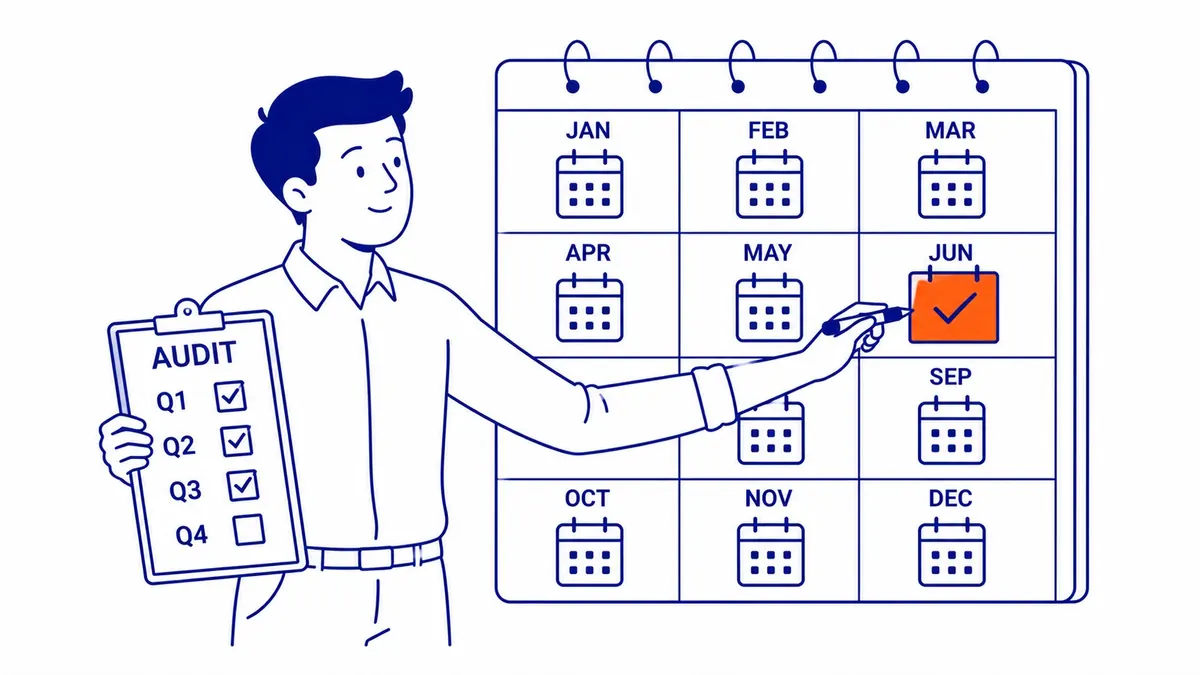
How often a site needs a full audit comes down to how much it changes and how hard its market is to win. A 15-page brochure site for a trades business in a quiet niche can go a year between full audits with quarterly reviews in between, because very little on it changes. A 400-page product catalogue competing with national retailers is different, since every new product, filter and template change can create duplicate pages, broken links or indexing problems that grow with the size of the site.
The table below is a starting point. Move up a row if the site is changing quickly or if search traffic matters a great deal to revenue.
| Type of site | Full audit | Lighter review | Monitoring |
|---|---|---|---|
| Small, rarely updated site (brochure, one location) | Once a year | Every quarter | Monthly look in Search Console |
| Active site with regular new pages or ongoing SEO work | Twice a year | Every quarter | Monthly, plus after each batch of new pages |
| Large or competitive site (e-commerce, many locations, crowded market) | Every quarter | Monthly | Weekly in Search Console |
| Any site after a redesign, migration or unexplained drop | Right away, outside the schedule | Again a few weeks later | Daily until things settle |
Annual Audits: The Bare Minimum
Once a year is the floor, not the goal. Twelve months is long enough for indexing problems to compound, for broken links to accumulate and for title tags to drift out of step with what the business now sells, all without anyone noticing. There is also a practical reason not to stretch the gap further: Search Console’s Performance report keeps 16 months of data, and Google suggests using the Search Analytics API or bulk data export if you want to keep more. Leave an audit for two years and you can no longer compare this year with last year in the tool most audits start with, unless someone exported the data in the meantime. If you have never had a full SEO audit, the first one sets the baseline for everything after it.
Treat the annual audit as a reset. It should include a full technical crawl, a review of how each important page performs against the searches it is meant to win, and a look at the backlink profile. What comes out of it becomes the priority list for the lighter checks during the rest of the year.
Quarterly SEO Audits: Where Most Businesses Land
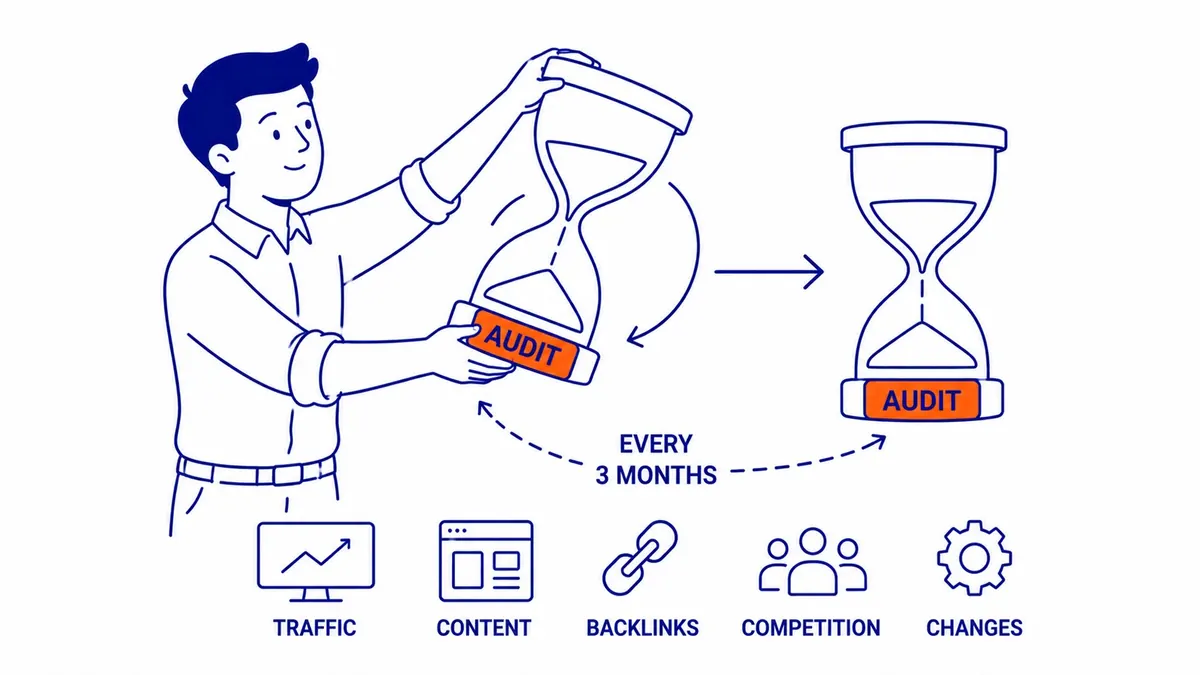
Four reviews a year is where most active business sites stay ahead of slow drift. A quarterly review does not repeat the whole annual audit. It checks the Page indexing report for new problems, compares clicks and impressions for the main pages with the previous quarter and the same quarter last year, looks for pages that have slipped, and confirms that last quarter’s fixes were made and held.
The quarterly rhythm also suits seasonal businesses, which are common in Alberta and British Columbia. A lawn care company, a snow removal contractor, a furnace and air conditioning service or a tax preparer each has a busy season it can predict, and the useful time to audit is well before that season starts. Google’s guidance on site moves says that when a medium-sized site changes its URLs, it can take a few weeks or more before Google shows the new ones, and longer for larger sites, so larger fixes made in the middle of the rush may not show up in search until it is nearly over.
Monthly Checks for Competitive Industries
Sites in crowded markets, such as law firms, financial advisers, real estate, health clinics and online stores, often justify a monthly check, because a slipping page costs more there and competitors publish more often. A monthly check is not a full audit. A short crawl to catch broken links and accidental noindex tags, plus a look at the Performance report for the pages that bring in leads, usually covers it, with the deeper content and backlink review saved for the quarter.
If the business also runs a Google Ads account, review it on the same monthly schedule. The search terms report shows the searches that triggered your ads, which often points to service pages the site is missing or to wording customers use that the organic pages do not.
Unscheduled Audits: When to Run One Outside the Schedule
Scheduled audits handle slow drift, while an unscheduled audit deals with a sudden break. The events below are the ones worth acting on without waiting for the next window.
After a Google Algorithm Update
Google describes core updates as broad changes it makes several times a year, and it lists them on the Google Search Status Dashboard with start and end dates. Its own advice is not to react on day one. Confirm that the update has finished rolling out, wait at least a full week after it completes, and then compare a week after the update with a week before it started. Google also notes that small changes in position can happen at any time, and that a small drop after an update needs no drastic action, since it recommends avoiding changes to content that is already performing well. An audit run in the middle of a rollout tends to chase noise, so the useful audit after an update is the one that starts once the data has settled.
After a Redesign or Major Technical Change
Redesigns break things that nobody sees from the front end. Old URLs that no longer redirect, redirect chains, missing or wrong canonical tags, a staging site left open to crawlers and navigation that drops links to important pages can each cut search traffic quickly. Run a technical check as soon as the new site is live, before the old site is gone for good, and again a few weeks later, because Google’s own guidance warns that rankings can fluctuate while it recrawls and reindexes a changed site.
Other triggers worth acting on are a sudden traffic drop that the calendar does not explain, a new section of the site going live, a change of hosting or content management system, and a large batch of changes pushed by a developer.
What a Full SEO Audit Covers
Technical Checks
The technical side asks whether search engines can find, crawl and index the pages that matter. A full audit works through crawl errors, the Page indexing report, redirects and redirect chains, canonical tags, robots.txt and noindex tags, the XML sitemap, internal links, structured data, mobile display and page speed, then ranks what it finds by how much each problem affects important pages. A guide to a technical site audit covers those checks in more detail.
Core Web Vitals deserve a measured look rather than an obsession. Google says Core Web Vitals are used by its ranking systems, but it also says it will show the most relevant content even when the page experience is poor, and that chasing a perfect score for SEO reasons alone may not be the best use of your time. In an audit, fix pages that fail badly on mobile and leave small score differences alone.
On-Page and Content
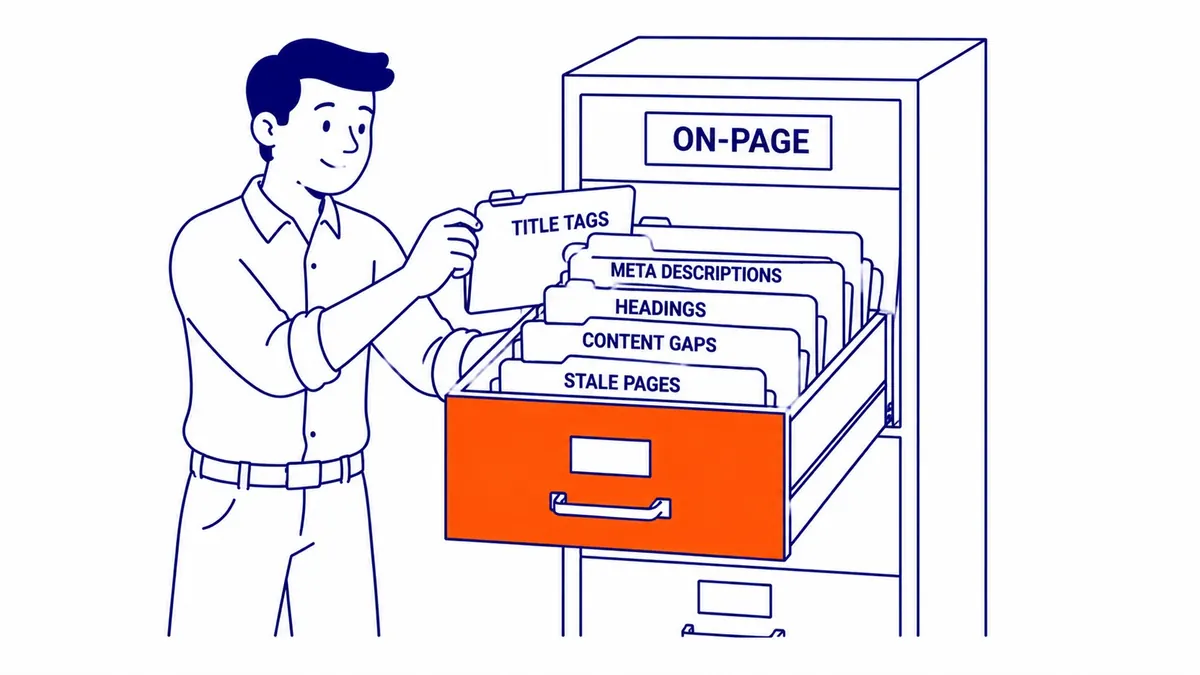
The on-page review covers titles, meta descriptions, headings, duplicate or near-duplicate pages, thin pages, and pages that once brought in traffic and have faded. It is often where an audit finds the quickest wins, because a rewritten title or a merged pair of competing pages can be changed in an afternoon.
Backlinks belong in this part of the review too. Check for broken pages that other sites still link to, since redirecting them recovers links you already earned, and look at whether the pages you most want to rank have any links pointing to them at all. Comparing the content against the searches customers use, including any new services you have added since the last audit, closes the loop between keyword research and the pages themselves.
Tools Worth Having in Your Audit Stack
Google Search Console is free, should already be connected to your site, and is the first tool to open in any audit because it shows Google’s own view of indexing, manual actions, security issues and search performance. Its Performance report can be viewed hourly for the last 24 hours, and daily, weekly or monthly for longer periods, which makes it as useful for the monthly check as for the annual audit.
A crawler such as Screaming Frog handles the technical crawl, and its free version covers sites of up to 500 URLs, which includes most small business sites. Ahrefs or Semrush add backlink data and keyword tracking. The particular tools matter less than checking the same things the same way at each audit, because that consistency is what shows change over time rather than a single snapshot.
For the full process, the step-by-step guide to doing an SEO audit walks through each stage from the first crawl to ranking the fixes, and the article on what an audit usually costs is worth reading before you hire someone to do it.
What Skipping Audits Actually Costs
Problems on a website rarely arrive one at a time. A redesign leaves a few old URLs without redirects, a plugin update adds duplicate archive pages, a developer blocks a folder in robots.txt while testing and forgets to remove the rule, and a service page quietly drops out of the index. Each one on its own might cost a little traffic, but together they make it hard to tell which fix will help most, and a long gap between audits means there is no recent baseline to compare against.
Regular audits keep that list short. A year with a full audit, four reviews and twelve quick monthly checks turns problems into a manageable to-do list, while skipping them for long enough turns the next audit into a rescue job.
If you would like a second opinion on your site, or on an audit quote you already have, call (403) 308-5949.
Contact Calgary SEO Company To-The-TOP!
Questions about anything in this article, or about your own rankings? Talk to a Calgary SEO specialist directly.
Phone: (403) 308-5949
Address: 1509 14 Ave SW, Calgary, AB T3C 0W4
Hours:
Monday to Friday: 10:00 am – 7:00 pm
Saturday: 12:00 pm – 4:00 pm
Sunday: closed