
How to Add Keywords to Your Google Business Profile
Most Calgary business owners know keywords matter for local search. Fewer understand exactly where those keywords go on your Google Business Profile and which placements actually drive your ranking in local search results. That gap shows up in profiles that look complete on paper but stay invisible in local search.
To-The-TOP! is the Calgary SEO agency businesses have relied on since 2007. The GBP keyword questions come up in almost every client conversation. Most often it happens when someone has a fully claimed profile but no traffic from it.
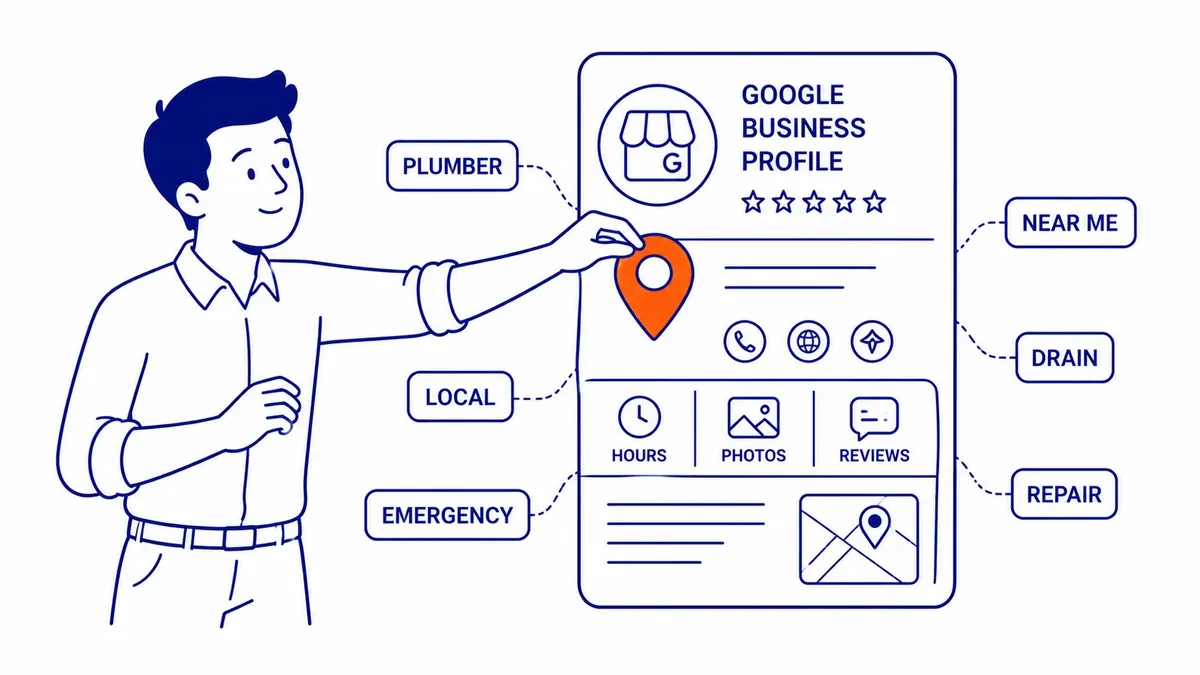
Why Keywords Matter on Your Google Business Profile
Google My Business became Google Business Profile in 2022. The keyword mechanics stayed the same.
Google reads your Google Business Profile the same way it reads your website. Relevant keywords in the right fields signal what your business does and which searches it should match. That match between keywords and search intent shapes your position in local search results.
Customers typing “emergency plumber near me” or “coffee shop downtown Calgary” are feeding Google a keyword string. Your profile needs enough of those relevant keywords across enough fields to show up as a relevant result.
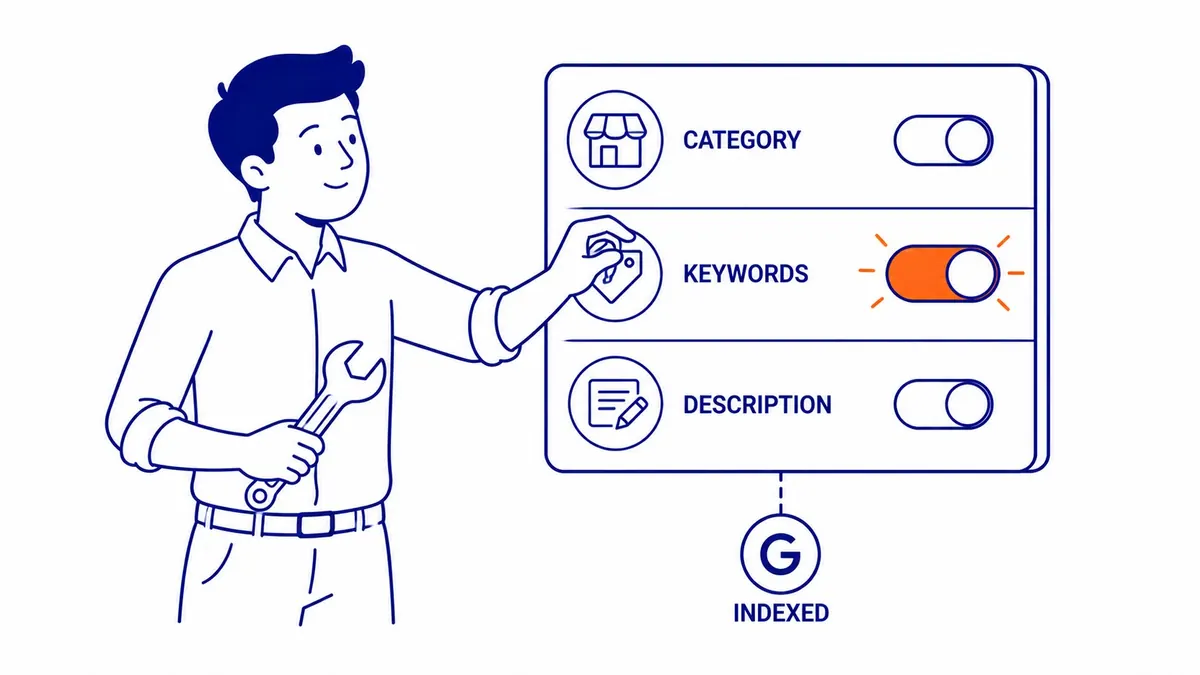
Where Keywords Actually Live on Your GBP
No single keyword field exists on your Google Business Profile. Keywords go into every text field Google permits you to populate. Your business name, primary category, your description, products, services, Google Posts, review responses, and the Q&A section: each one carries keyword weight in local SEO.
Google Business optimization fits within the broader practice of what is local SEO, which covers map pack rankings alongside organic local signals.
Miss a field, however, and you hand coverage to a competitor who filled it in.
Your Business Category: The Signal That Sets the Floor
Primary Category
Primary category is where your Google Business Profile keyword strategy starts. Google uses the category to understand what your business does before reading anything else on the profile.
The explainer on what are citations in SEO covers how consistent NAP data across directories reinforces the signals your Google Business profile sends.
A plumber who selects “Plumber” as primary gets matched against plumbing-related searches automatically. Pick the wrong category, or one that is too broad, and a fully completed profile still underperforms in local search results. Category selection is the one field where one wrong choice costs the most in local SEO.
Secondary Categories
Secondary categories layer in additional keyword coverage. An HVAC company with “Plumber,” “HVAC Contractor,” and “Furnace Repair Service” across its list covers more search intent than a company with only one. Google permits up to 10 secondary categories. Most businesses use two or three.

Writing Your Business Description with the Right Keywords
Your business description runs to 750 characters. Not 750 words. That limit forces choices.
The move here: pick five to seven relevant keyword phrases and build your business description around them. Not a keyword list, but a natural paragraph that reads well to potential customers while covering the terms Google needs to classify your business correctly. A website SEO audit for a Calgary business often turns up descriptions stuffed with every service, neighbourhood, and keyword phrase the owner could think of. Those profiles still do not outrank clean, readable descriptions that use relevant keywords naturally. Google’s guidelines are direct on keyword stuffing: it risks a penalty.
Your business description does not display in search results like a meta description. It lives on the profile panel. Write it for potential customers reading it directly, and keyword coverage falls into place.
Products and Services: Where Specific Keywords Go
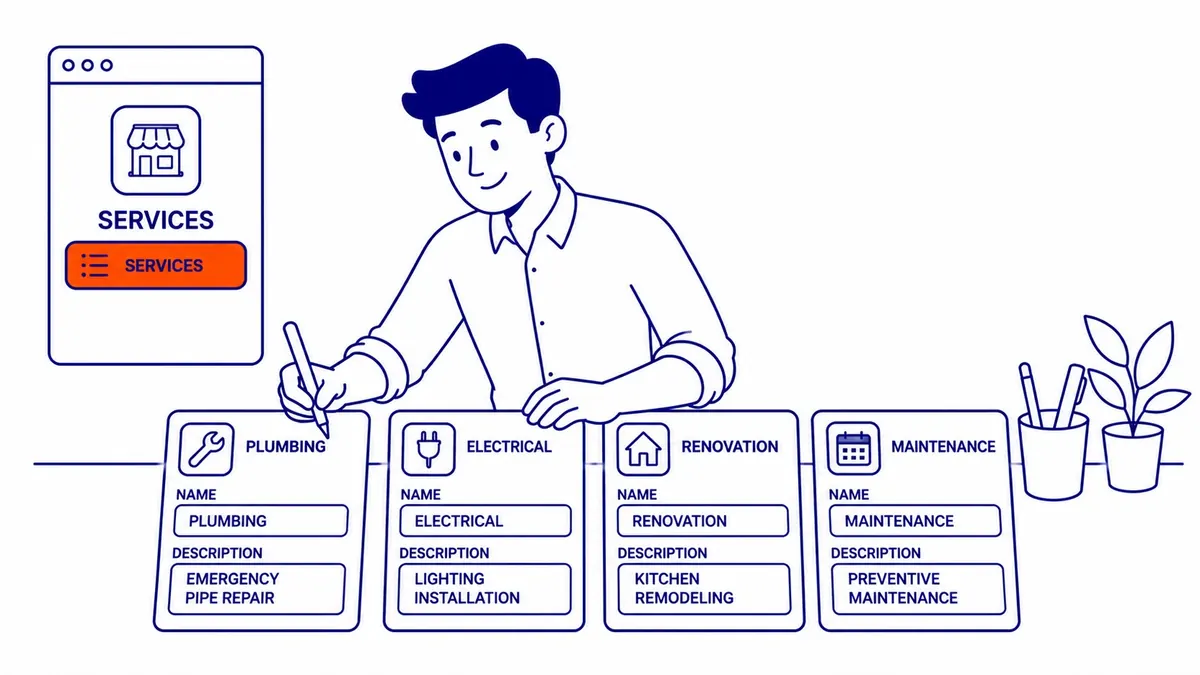
The products and services sections are where keyword targeting gets granular. Each listing has a name and description field. That description field is where specific keywords earn their place in local SEO.
A roofing company might have general services covered by the business name and category. The services section is where “cedar shake roof repair,” “flat roof replacement Calgary,” and “emergency roof tarping” live as the specific keyword phrases your customers actually search. Fill every services field. Name each service specifically. Each entry is, consequently, an additional ranking signal for local searches.
Google Posts: The Keyword Channel Most Businesses Skip
Google Posts run on your profile for seven days. Most businesses ignore Posts or treat them as social media reposts. The keyword angle: Post content gets indexed by Google.
Relevant keywords worked into Post copy contribute to your overall profile keyword coverage. An HVAC business posting “spring AC tune-up Calgary, book before May long weekend” picks up seasonal keyword coverage the static profile fields never capture. A dental office posting “emergency tooth extraction appointments available” hits a high-intent keyword phrase without touching the permanent description.
Post consistently. Monthly is the floor. Weekly is better. Each Post is a chance to cover a keyword your profile currently misses in local search results.
Reviews and the Q&A Section
Customer reviews carry keywords you did not plan for. A reviewer who writes “best emergency plumber in Calgary, showed up at midnight” has added a keyword phrase to your profile that costs nothing. Google reads review content as part of your overall profile.
Responding to reviews also adds keyword coverage. A response that includes “Thank you for trusting us with your plumbing emergency in Beltline” drops a neighbourhood keyword into your profile naturally. Worth doing for local SEO visibility alone.
The Q&A section works the same way. Populate it yourself by asking and answering the questions your potential customers ask most often. Each question-and-answer pair is searchable and carries keyword weight. Keyword weight is only part of the answer on responding to reviews.
What Keyword Stuffing Does to Your Profile
Google’s guidelines are direct. Stuffing your business name with keywords, “ABC Plumbing – Best Emergency Plumber Calgary NW,” violates GBP policy. Profiles with keyword-stuffed business names get suspended or edited by Google.
Descriptions and service fields carry the same risk. A description that reads like a keyword list instead of a real business overview signals spam to Google’s filters. Competitors can also flag profiles for policy violations. Use keywords naturally. If a phrase does not fit the sentence, it does not go in. Your potential customers are reading this too.
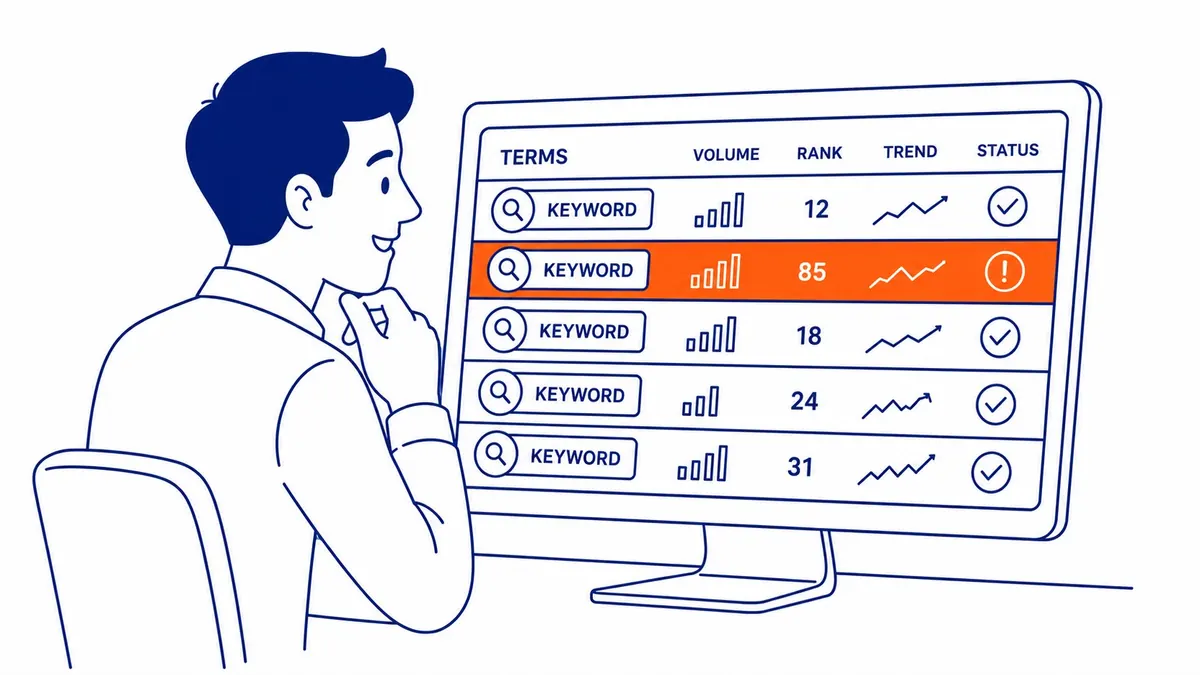
Tracking Which Keywords Are Working
Your GBP Insights panel shows which search terms triggered your profile. Check it monthly. That data tells you which keywords are working and which ones your profile currently misses.
Google Search Console adds a second layer for local SEO. If your website is linked to your GBP, Search Console surfaces additional keyword data about queries that brought up your site alongside your profile. Together, those two tools cover most of what you need for basic keyword monitoring without paying for anything additional.
An SEO site audit at a Calgary business typically starts with a review of both data sources before touching a single profile field. Knowing which keywords already work prevents fixing what is not broken. For businesses wanting to go deeper, competitor keyword research weighed against real local search behaviour surfaces gaps the Insights panel never shows. That is also where a broader engagement covering search engine optimization and SEO services typically begins.
Shops and service providers in Enderby SEO, Esquimalt SEO, and Fernie SEO rely on their Google Business profiles to capture local search traffic. Much of that traffic arrives through near me queries, phone in hand.
Frequently Asked Questions
How do I add keywords on Google Business?
No single “add keywords” button exists on your Google Business Profile. Keywords go into the text fields Google provides: business category, your business description, products, services, Posts, and review responses. Fill every field with specific, natural language that reflects what your customers actually search.
What are the 4 types of keywords?
Short-tail, long-tail, local, and branded. Short-tail: “plumber.” Long-tail: “emergency plumber Calgary NW open late.” Local: geography-specific phrases that pull map pack results. Branded: searches that include your business name. Your Google Business Profile should capture all four types across its fields.
How much do Google keywords cost?
Organic keyword placement on your GBP costs nothing beyond the time to optimise your profile. Paid search is a separate channel, and the cost of a Google Ad is set by a cost-per-click auction. Businesses running both organic GBP optimisation and Google Ads will find that keyword research overlaps, but the budgets do not.
How many keywords per 1000 words?
No fixed ratio applies. What matters is natural placement. The benchmark used in local SEO: main keyword phrases two to three times per 500 words, supporting keywords once or twice. Above that, you are crossing into keyword stuffing territory, and Google notices.
Contact Calgary SEO Company To-The-TOP!
Questions about anything in this article, or about your own rankings? Talk to a Calgary SEO specialist directly.
Phone: (403) 308-5949
Address: 1509 14 Ave SW, Calgary, AB T3C 0W4
Hours:
Monday to Friday: 10:00 am – 7:00 pm
Saturday: 12:00 pm – 4:00 pm
Sunday: closed