
How to Do Keyword Research Using AI
To do keyword research using AI, give an AI tool your own data (your services, your customers’ words and your Google Search Console queries) and ask it to expand, sort and cluster keyword ideas by search intent. Then check every idea against real search data, such as Keyword Planner set to your location or a paid keyword tool, and look at the live results page before you commit. The rule that governs the whole process is simple: AI is good at generating and organizing language, but it does not know how often a phrase is searched or what Google currently shows for it, so the evidence has to come from search data.

What AI can and cannot do in keyword research
A chat assistant such as ChatGPT, Gemini or Claude is very fast at the parts of keyword research that are about language. It can turn three seed terms into a hundred variations, rephrase a service the way a customer would describe their problem, group a messy list into topics, label each phrase as informational or commercial, and spot questions you had not thought to answer. Work that once took an afternoon of copying autocomplete suggestions into a spreadsheet now takes a few minutes, and that speed is the main reason to use AI here.
What it cannot do is just as important. A language model does not hold live search volume, so any monthly search figure it gives you is a guess unless the tool is connected to a keyword database and says where the number came from. It cannot see your Search Console account, your rankings or your competitors’ pages unless you give them to it. It also does not know what Google shows today for a phrase, and that results page is the best evidence of intent you have. Treat AI output as a list of candidates and keep the decisions for the data.
None of this changes the fundamentals of finding, checking and choosing keywords, which are covered in the guide to the general keyword research process. AI changes how quickly you get through the early steps, which leaves more time for the checking steps that decide whether the research is any good.
A seven-step workflow for AI keyword research
Step 1: Gather your own data first
The best input for an AI tool is data only you have. Start with the Performance report in Google Search Console, which lists the queries your site already appears for, with impressions, clicks and average position. Export the query table for the last few months, and add the words customers actually use: phrases from quote requests, reviews, sales calls and the questions your front desk answers every week.
Two limits are worth knowing before you paste that export anywhere. Google’s Search Central blog explains that some queries, called anonymized queries, are left out of the query table to protect searchers’ privacy, although their clicks still count in the chart totals. The same post notes that the Search Console interface exports a maximum of 1,000 rows. The list you hand to AI is therefore a partial view, which is fine for finding patterns but is not a complete record of how people find you.
Step 2: Write a prompt with context, not a bare seed keyword
A prompt that says only “give me keywords for plumbing” returns the same generic list anyone would get. A useful prompt tells the tool who the business serves, where, and what you already know. A pattern that works well:
You are helping with keyword research for a [type of business] in [city], serving [customer type]. The main services are [list]. Here are the queries the site already appears for in Google Search Console: [paste]. Suggest new search phrases a customer might use, in Canadian English. Group them by topic, and label each one as informational (the person wants to learn), commercial (they are comparing options) or transactional (they are ready to hire or buy). Do not invent search volumes.
The last line matters. Asking for volumes invites the tool to make them up, and a confident wrong number is worse than no number because it looks like evidence.
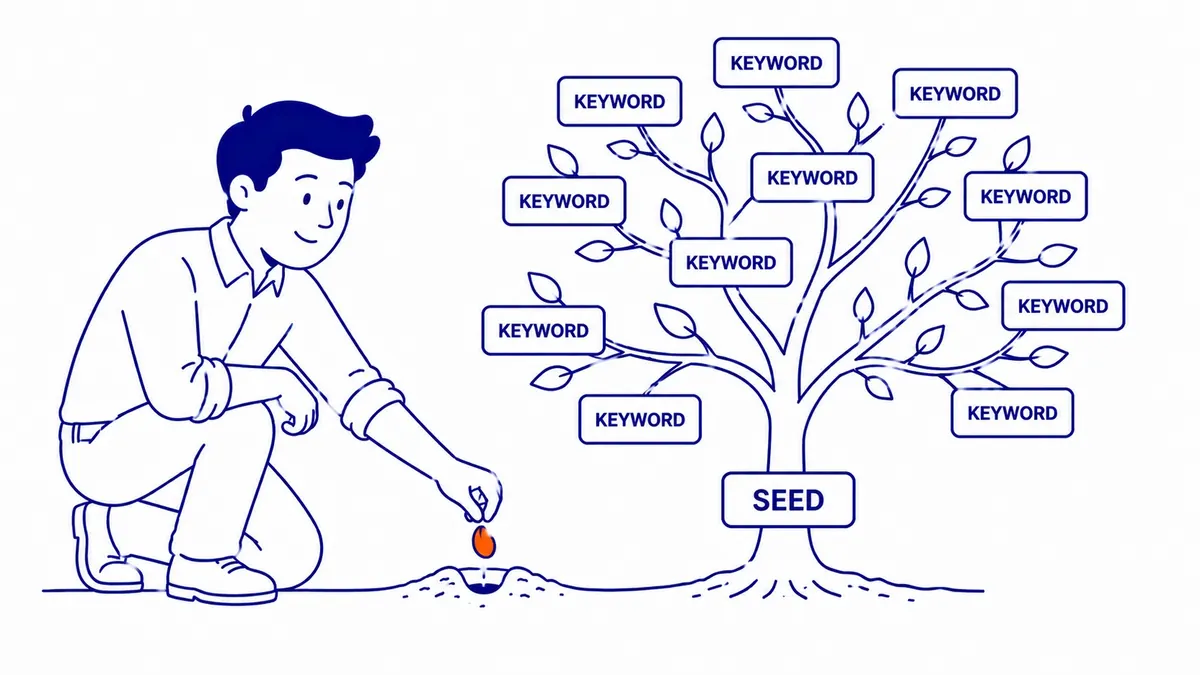
Step 3: Expand and localize the list
Ask follow-up questions to widen the list in useful directions: the problems that lead someone to need the service, the questions they ask before they call, comparisons they make, and phrasing by season or by neighbourhood. AI is particularly good at the long tail of specific questions, because it has read a great deal of natural language about most topics.
A Canadian business needs one extra pass here. In practice, AI tools tend to fall back on American spelling and vocabulary even when the prompt names a Canadian city, so lists come back with “color”, “zip code” or US product and program names. Ask the tool to rewrite the list in Canadian English and to remove anything that only makes sense in the United States. Keep both spellings where people genuinely search both, because searchers do not always spell the Canadian way.
Step 4: Check every phrase against real search data
This is the step that turns a list of guesses into keyword research. Paste the candidates into a keyword tool that reports volume from a search database. Google’s own option is Keyword Planner, inside a Google Ads account: Google Ads Help describes reaching it from the Tools menu and choosing “Get search volume and forecasts” for a list you already have, or “Discover new keywords” for more ideas. Paid tools such as Semrush and Ahrefs report estimated volume and keyword difficulty from their own databases, and their figures will not match Google’s or each other’s exactly.
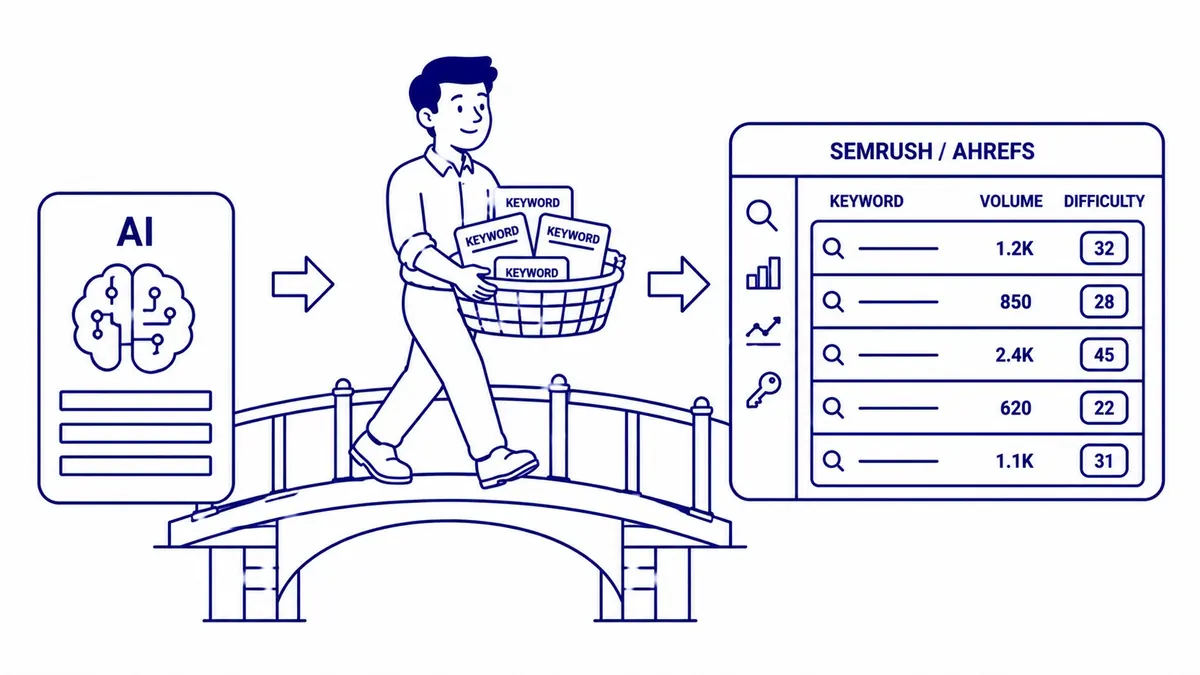
Set the location before you read anything. Google Ads Help states that Keyword Planner’s average monthly searches are based on the month range and the location and Search Network settings you select, so a Calgary business looking at national figures is reading the wrong market. Planner’s historical metrics are also shown for exact matches only, and its competition and top-of-page bid columns describe advertisers, not organic difficulty. If you also run Google Ads, those bid ranges are a useful hint at which phrases have commercial value, because advertisers rarely pay for searches that never lead anywhere.
Google Trends is useful for seasonality, though it is not a volume tool. Its help page explains that Trends data is a sample of searches, normalized and scaled from 0 to 100 relative to all searches in the chosen place and time, with some statistical noise added for privacy. A rising line tells you interest is growing; it does not tell you how many people search.

There is no universal minimum volume worth targeting. A phrase with a few dozen searches a month can be worth a page for a business with high-value jobs, and a phrase with thousands can be worthless if the people searching it would never hire you. Judge volume and difficulty against your site’s current strength and the value of a customer, not against a fixed threshold.
Step 5: Cluster the survivors
Once the list is down to phrases with evidence behind them, AI becomes useful again. Paste the filtered list back in and ask the tool to group phrases that a single page could answer, which is the idea behind keyword clustering. AI groups by meaning, which is a good first draft, but meaning and search results are not always the same thing. Two phrases that sound alike can return different pages in Google, and two that sound different can return the same ones.
Step 6: Search the phrases yourself
AI cannot run this step for you. For each cluster, search the main phrase in Google from your own location and look at what ranks. If the top results are guides and articles, the searcher wants to learn, and a blog post fits. If they are service pages, directories and a map pack, the searcher wants a provider, and a service page fits better. If the results are mostly forums or videos, a written page may struggle no matter how good it is. Compare the results for the phrases in each cluster as well: when they share most of the same pages, one page can serve them all, and when they differ, the cluster probably needs splitting.
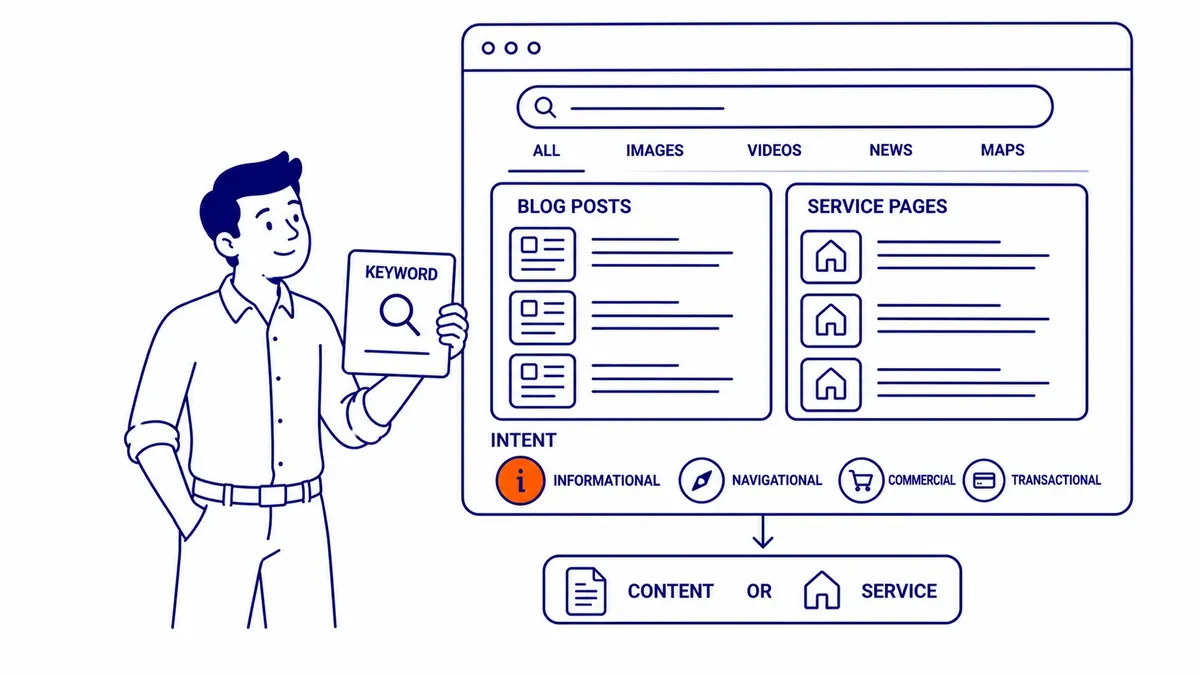
Step 7: Map each cluster to one page
Finish by assigning each cluster to a single page, either an existing page that should be improved or a new one worth writing. AI can draft the map and suggest a title for each page, but the choice of which pages to build is a business decision that depends on what you sell, what you can do well and what already ranks. A short list of well-chosen pages almost always beats a long list of thin ones.
A worked example for a Calgary business
The following is an illustrative example, not a client case. A Calgary basement renovation company starts with three seeds: “basement development”, “basement renovation” and “legal basement suite”. It exports its Search Console queries, pastes them into an AI assistant with the prompt from step 2, and asks for phrases in Canadian English grouped by intent.
The AI returns a long list. Some phrases are useful questions, such as how long a basement development takes, whether a permit is needed, and what a secondary suite requires. Some are clearly American, such as phrases built around US building codes or US spelling, and those go in the Canadian pass. A few phrases are invented combinations nobody searches.
Keyword Planner, set to Calgary, then shows which phrases have measurable demand there. The permit and secondary suite questions might show up as a separate cluster, and searching them in Google might show City of Calgary pages at the top, which tells the company that an article explaining the process in plain language, linking to the city’s own pages, is the realistic opportunity. The commercial phrases, by contrast, might return renovation company service pages and a map pack, which means they belong on the company’s service page rather than in a blog post. The AI did the expanding and sorting in minutes; the decisions came from the data and the results page.
Do not let the keyword list write the pages
The temptation after AI produces a long keyword list is to have AI write a page for every phrase. Google’s guidance on generative AI content says that generative AI can be particularly useful when researching a topic, but that using generative AI tools to generate many pages without adding value for users may violate its spam policy on scaled content abuse. A list of two hundred phrases is a map of what people want to know, not an instruction to publish two hundred pages.
The better use of the list is to make fewer pages more complete. Answer the related questions in each cluster on one page, add the details only your business can give (local rules, real process steps, what customers actually ask), and keep a record of which page owns which cluster so new content does not compete with old. The same thinking applies to using AI across the rest of SEO: it speeds up drafts and analysis, while the facts and the judgement still have to come from someone who knows the business.
Getting help with keyword research
AI has made the first half of keyword research much faster, and with the steps above a business owner can produce a usable list without paid tools. The checking is where most of the value lies, and it is also where most of the time goes.
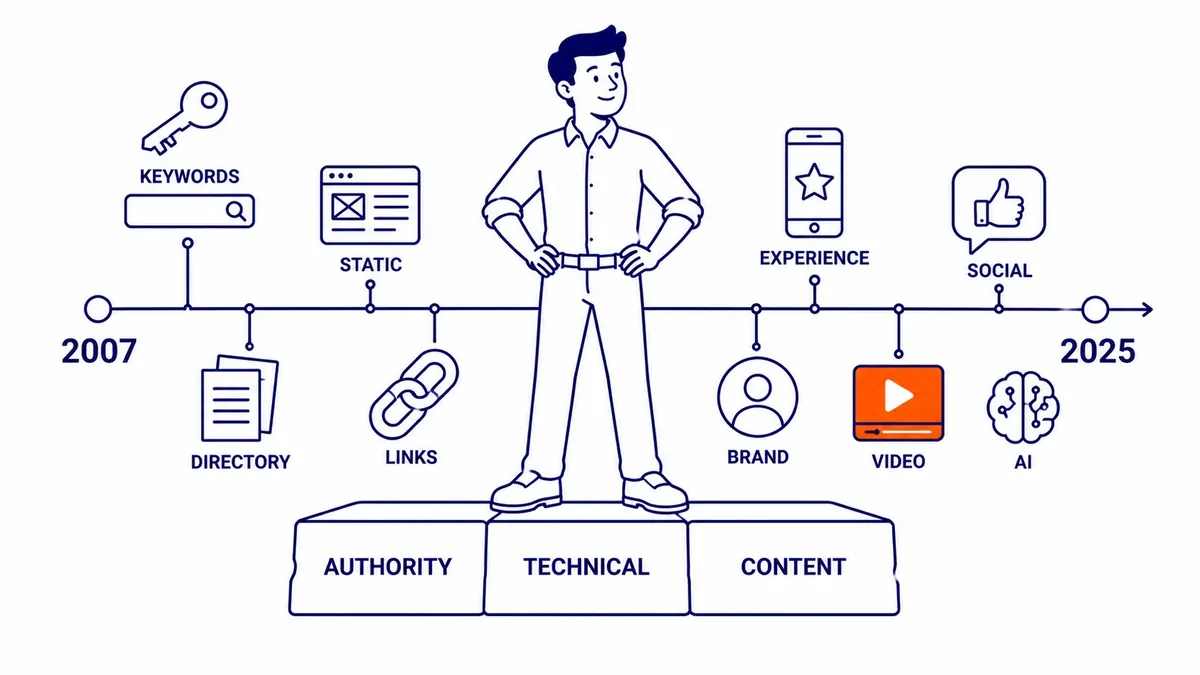
If you would rather have someone build and check the list for you, SEO Company To-The-TOP! has offered keyword research for Calgary businesses since 2007, and the person who studies your market is the same person who does the work. To talk about your site, call (403) 308-5949 or visit the To-The-TOP! home page.
Sources
- Google Search Central blog, A deep dive into Search Console performance data filtering and limits (2022)
- Google Ads Help, Use Keyword Planner
- Google Ads Help, About Keyword Planner forecasts
- Trends Help, FAQ about Google Trends data
- Google Search Central, Google Search’s guidance on using generative AI content on your website
Contact Calgary SEO Company To-The-TOP!
Questions about anything in this article, or about your own rankings? Talk to a Calgary SEO specialist directly.
Phone: (403) 308-5949
Address: 1509 14 Ave SW, Calgary, AB T3C 0W4
Hours:
Monday to Friday: 10:00 am – 7:00 pm
Saturday: 12:00 pm – 4:00 pm
Sunday: closed