
How to Get Exact Search Volume in Keyword Planner Instead of Vague Ranges
Free Keyword Planner accounts see ranges instead of real search volume figures. “1K-10K.” “100-1K.” Genuinely unhelpful when planning real content around real numbers. Exact search volume figures exist inside Keyword Planner, just gated behind one specific requirement.
Run an active Google Ads campaign. That’s the Keyword Planner unlock for exact search volume. No workaround exists otherwise.

Why Keyword Planner Hides Exact Numbers by Default
Google built Keyword Planner primarily as a Google Ads advertising tool, not a free SEO research platform. Actual advertisers spending real money in Google Ads get precise search volume data reserved just for them. Broad estimate ranges are what everyone else sees.
Those search volume ranges genuinely frustrate serious keyword planner research. A term showing “1K-10K” could mean 1,100 searches monthly. Could mean 9,800. Content decisions built on that gap carry real risk of misjudging actual demand.
The gating logic makes business sense from Google’s side, even if it annoys researchers. Advertisers paying for clicks get rewarded with better planning data than researchers paying nothing at all. There are workarounds, and how to find search volume for keywords without ad spend is worth knowing.

The Campaign Spend Threshold That Unlocks Real Numbers
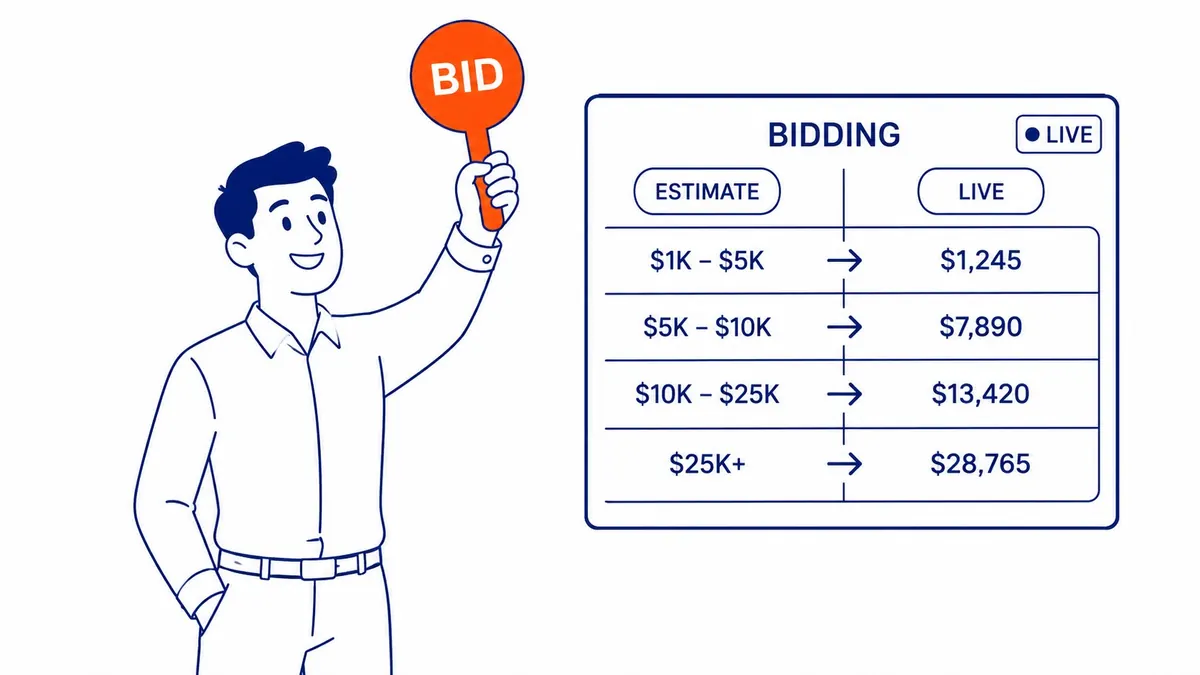
A live, active campaign spending real money triggers the switch from ranges to exact figures. No massive budget required. Even a small, modest daily spend often unlocks precise data within days.
The exact spend threshold isn’t officially published anywhere. Anecdotally, accounts with any active spend, even ten or twenty dollars a day, commonly see exact numbers appear within a short window.
Pausing the campaign afterward doesn’t necessarily lock the data back into ranges immediately. Some accounts retain exact figures for a period even with campaigns paused, though this behavior isn’t guaranteed to last indefinitely.
Setting Up a Minimal Campaign Just for Data Access
Create a simple search campaign targeting a handful of relevant keywords for the actual business. This serves double duty. Real, legitimate traffic alongside the keyword data benefit.
Set a genuinely modest daily budget. Typically, five to twenty dollars daily triggers the shift toward exact numbers. Without meaningfully straining most business budgets.
Several days should pass before checking Keyword Planner again once the campaign is running. Instant appearance isn’t guaranteed for exact numbers. Some accounts need a short accumulation period first.
Reading Exact Numbers Once They Appear
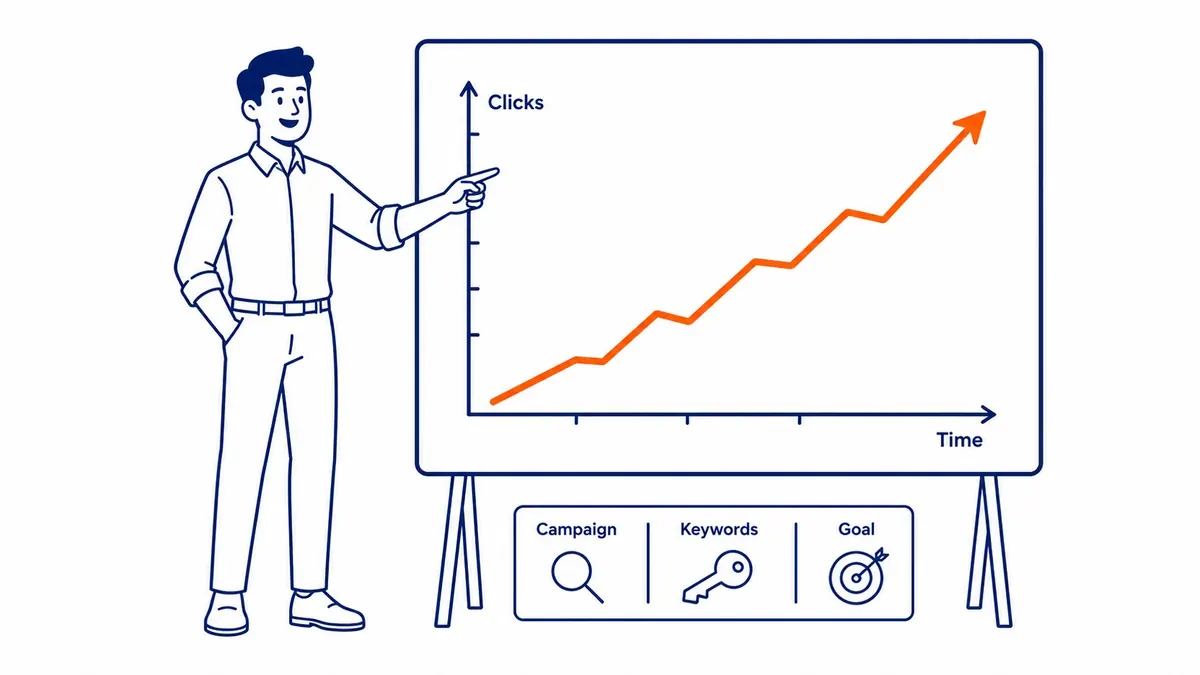
Exact monthly search volume replaces the previous range entirely, once unlocked. A term that showed “1K-10K” now shows a specific number, like 3,400 or 7,850, directly.
Seasonal trend data becomes visible too, month by month, not just the flattened yearly average. Planning content around real seasonal spikes gets far easier with that granularity available.
For a Calgary SEO campaign, exact numbers sharpen every downstream decision. Prioritization, content planning, and keyword research all improve once the guesswork of a wide range disappears.
Alternatives If Running Ads Isn’t an Option
Third-party tools like Ahrefs and Semrush provide their own volume estimates without requiring ad spend at all. Not identical to Google’s own numbers, but generally close enough for practical planning purposes.
Google Trends offers relative interest data as a free supplement, showing seasonal patterns even without exact absolute numbers attached. Enough signal for smaller campaigns often comes from combining that with a rough estimate from any free tool.

Accessing Keyword Planner Inside a Google Ads Account
Keyword Planner sits under the Tools menu inside any Google Ads account, free or paid. Signing into Google Ads comes first. Tools and Settings from there, then Planning, then Keyword Planner from the dropdown.
A full list gets generated by entering a seed keyword or an existing website into Keyword Planner. A range shows by default for every keyword search volume on that list. Active spend on the account is what unlocks exact figures instead.
Switching between Google Ads accounts matters here too. Search volume data ties to the specific account being viewed. An agency managing multiple Google Ads accounts sees exact search volume numbers only where active spend actually exists. Account setup aside, the steps to use Google keyword planner stay the same.
Frequently Asked Questions
How much do I need to spend to unlock exact search volume?
No official minimum exists. Anecdotal reports suggest even ten to twenty dollars in daily campaign spend commonly triggers exact numbers within days. Results vary by account and industry.
Do exact numbers stay visible after pausing a campaign?
Sometimes, for a period, though this isn’t guaranteed. Some accounts retain exact figures temporarily after pausing spend, while others revert to ranges relatively quickly.
Are third-party tools as accurate as Google’s exact numbers?
Close, generally, though rarely identical. Ahrefs and Semrush both build their own estimation models. A meaningful margin sometimes separates those numbers from Google’s actual internal data, especially on lower-volume terms. See the SEO blog for more on choosing the right keyword research tool for a specific campaign.
Contact Calgary SEO Company To-The-TOP!
Questions about anything in this article, or about your own rankings? Talk to a Calgary SEO specialist directly.
Phone: (403) 308-5949
Address: 1509 14 Ave SW, Calgary, AB T3C 0W4
Hours:
Monday to Friday: 10:00 am – 7:00 pm
Saturday: 12:00 pm – 4:00 pm
Sunday: closed