
How to Use Google Keyword Planner
Google Keyword Planner is a free research tool inside Google Ads that estimates how often people search for a keyword and what advertisers pay to appear for it. To use it, you open Keyword Planner from the Tools menu of a Google Ads account, pick one of its two tools (Discover new keywords or Get search volume and forecasts), set the location, language and date range, and then read the results. Most of the skill is in that last step, because columns such as Competition and the bid ranges mean something narrower than their names suggest, especially if you are using the tool for SEO rather than advertising.

What Google Keyword Planner is for
Google describes Keyword Planner on its Canadian product page as “a free resource to help advertisers build keyword lists for search campaigns.” Its Help article lists what it does: suggest keywords related to your products, services or website, estimate how many searches each keyword gets per month, show the cost for your ad to appear on those searches, group keywords into categories, and turn a plan into a new Search campaign. There is no charge for using the tool itself.
It was built for advertisers, yet SEO practitioners use it for a simple reason: the search estimates come from Google, not from a third-party panel or clickstream model. The trade-off is that everything in the tool is framed around ads. It tells you nothing about how hard a keyword is to rank for organically, it shows search volume as a range for many accounts, and it is quiet or silent on some sensitive topics. Used with those limits in mind, it remains one of the most useful starting points for keyword research, and the rest of this guide shows how to read it properly.
Getting into Keyword Planner

You need a Google Ads account, but you do not need a running campaign. During sign-up you can choose to set the account up without a campaign, and the separate guide on how to use Keyword Planner without creating an ad walks through that path screen by screen. One point has changed since many older guides were written: Google’s Help page now states that “you must complete your account setup by entering your billing information to access basic features like ‘Get ideas for new keywords’.” A payment method on file is not the same as spending money, because Google bills for advertising, and with no campaign running there is nothing to charge for.
Once the account is ready, Google’s instructions are to go to Keyword planner within the Tools menu. Google has moved and renamed menus several times over the years, so if a guide tells you to look for a wrench icon in a corner and you cannot find one, look under Tools in the current menu rather than following an old screenshot. If your business already has a Google Ads account, for example one set up by a previous marketer, ask for access to it rather than opening a second one, since two accounts with separate billing tend to cause confusion later.
Finding new keyword ideas

Choose Discover new keywords when you are starting from a topic rather than a list. Google gives you two ways in. “Start with keywords” takes words related to your products or services, separated by a comma and a space, and lets you add your own domain so Google can try to exclude ideas that have nothing to do with what you offer. “Start with a website” takes any web page or site and looks for keywords related to its content. Google’s own tip is that entering a keyword and a URL together can return more ideas than a URL alone.
A good habit is to run the same topic three ways: your seed words, your own page, and a page from a competitor that already ranks for what you want. Each gives a slightly different list, and the overlap between them usually shows the core of the topic. Seed with plain customer language rather than industry jargon, because the suggestions follow the wording you give them. A Calgary renovation company that types “residential construction services” will get a different and usually less useful list than one that types “basement development” and “basement renovation”.
When the list loads, use Add filter to narrow it by keyword text, competition or other columns, and use the “Refine keywords” panel to switch whole categories of ideas off. Google’s example is a running shoe list where you untick every colour except red. For a local business the same panel is handy for removing other cities, brand names you do not sell, and job-seeker searches such as “careers” or “salary”. Note that Google says keywords with very low search volume, or keywords it considers sensitive, are not discoverable or forecastable at all, so a short list for a niche topic does not mean nobody searches for it.
Checking volume for a list you already have
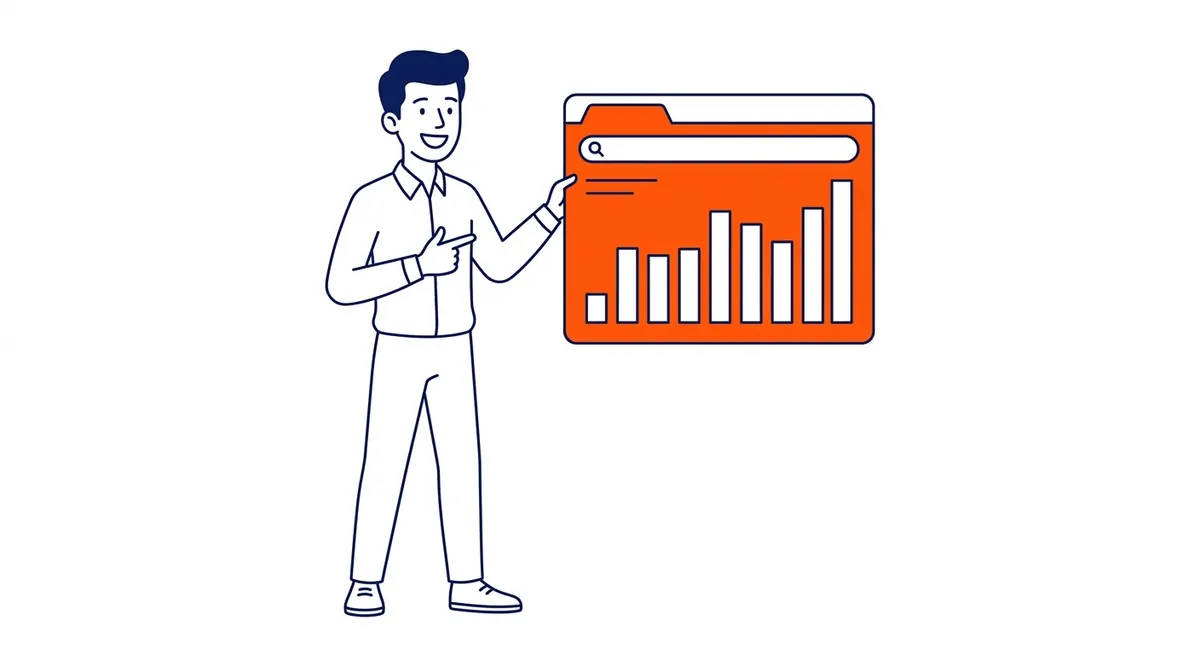
Choose Get search volume and forecasts when you already have keywords, perhaps from a brainstorm, a competitor review or your Search Console data, and want Google’s estimates for them. You can paste the list or upload a CSV file; Google’s template asks for a single column headed “Keyword”. Each keyword can be at most 80 characters and 10 words long, which matters if you are pasting long question-style phrases.
This tool leads with a forecast, which predicts clicks, impressions and cost for an ad campaign on those keywords at a budget and bid you choose. Google says forecasts are refreshed daily, based on the last 7 to 10 days and adjusted for seasonality, and that a new account’s forecasts are based on averages across all advertisers until it has its own data. For SEO you can mostly ignore the forecast and switch to the historical metrics view for the same list, which shows average monthly searches, competition and the bid ranges described below.
Before reading any numbers, check the settings above the results in either tool. Location is usually set to a whole country by default, so a Calgary business researching local demand should change it to Calgary or Alberta, and then compare that figure with the national one. Google’s forecast Help warns that results are “less accurate if you’re targeting a small geographic location, simply because there is less data on which to base predictions”, so treat city-level numbers as a rough guide. The search network (Google alone or Google plus search partners) and the date range change the figures too, while the language setting mainly changes which ideas you are shown. Widening the date range to the last 12 months or more, and looking at the monthly trend, is the quickest way to see whether a keyword is seasonal, which matters a great deal for Alberta businesses selling furnaces, landscaping, snow removal or patios.
What each column means, and how to read it for SEO
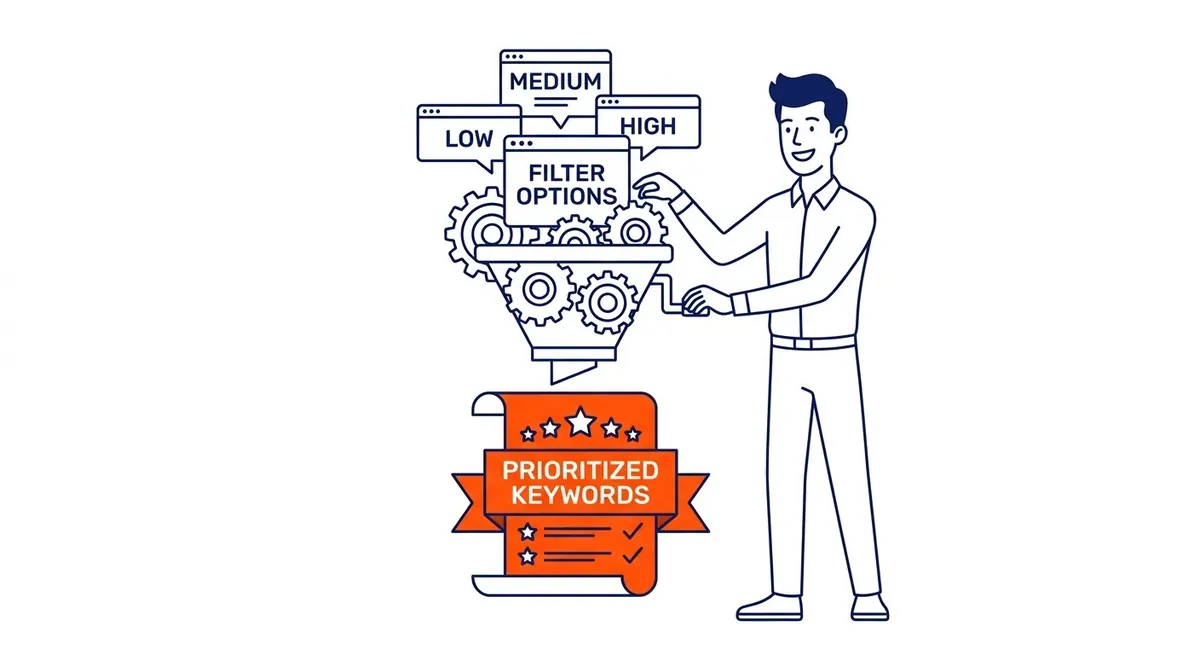
Most misreadings of Keyword Planner come from assuming a column means what its name suggests. The definitions below are Google’s, from its “About Keyword Planner forecasts” Help page, with the practical reading for organic search beside each.
| Column | What Google says it measures | How to read it for SEO |
|---|---|---|
| Avg. monthly searches | Searches for the keyword and its close variants, based on your location, network and month range, averaged over 12 months by default | Use it to compare phrasings and see whether a topic has demand at all. It is exact match only, so it is the same whichever match type you select |
| Competition (Low, Medium, High) | The number of advertisers that showed on the keyword relative to all keywords on Google, for your location and network | Paid-search crowding, not ranking difficulty. A “Low” keyword can still have a page one full of strong sites |
| Top of page bid (low range) | Roughly the 20th percentile of what advertisers paid for a top of page bid in the last 30 days | The lower end of what a top placement has typically cost. A rough signal of how much advertisers value the search |
| Top of page bid (high range) | Roughly the 80th percentile of the same bids | The upper end of that price. A wide gap between the two columns shows that advertisers bid very differently for the same search, so treat any single figure from it with caution |
| Organic impression share | How often a listing from your website showed in web searches for the keyword, out of all searches for it | When the column appears, it is a quick way to spot keywords you already show for organically. It only shows data when the Google Ads account is linked to the site’s Search Console property |
Two habits follow from those definitions. First, never treat Competition as an SEO difficulty score, since it counts advertisers, not the strength of the pages that rank; check the actual search results before deciding a keyword is easy. Second, read the bid columns as evidence of commercial value rather than proof that a search converts. A keyword where advertisers pay several dollars a click is usually one that some businesses find profitable, and that is often a better SEO target than a much larger informational query that nobody bids on, although your own conversion data will always outrank a bid estimate. If you want to see how those bids turn into real advertising costs, the guide to what keywords actually cost on Google covers the auction in more detail.
Using Keyword Planner for SEO as well as ads

For Google Ads, the tool’s output feeds straight into the account: you can save keywords to a plan, set match types, view a forecast and add them to new or existing ad groups. The forecast is the part advertisers care about most, and Google itself cautions that actual results depend on bid, budget, ad quality, location targeting and customer behaviour, so a forecast is a planning aid rather than a promise.
For SEO, the useful outputs are different. The idea list shows how customers phrase a need, which helps you decide what a page should be called and which variations it should answer. The volume ranges tell you which topics deserve their own page and which belong as a section within a larger one. The date range shows when interest peaks, so a seasonal page can be published or refreshed a couple of months ahead. Keyword Planner does not tell you who ranks or how strong they are, so pair it with a look at the live search results and, if you use one, a third-party tool that estimates organic difficulty.
Search Console is the other half of the picture. Its Performance report lists the queries your site already appears for, with impressions and average position, which is real data about your own visibility rather than a market estimate. Running those queries back through Get search volume and forecasts is one of the more productive habits in keyword research, because it shows which terms you are already close on and how much demand sits behind them. Search Console also fills the gap Keyword Planner leaves in sensitive categories: Google says its personalized advertising and data privacy policies often prevent results for health or finance keywords, so a Calgary physiotherapy clinic, dental office or mortgage broker may see little or nothing in Keyword Planner for its core services.
Why the volumes come back as ranges
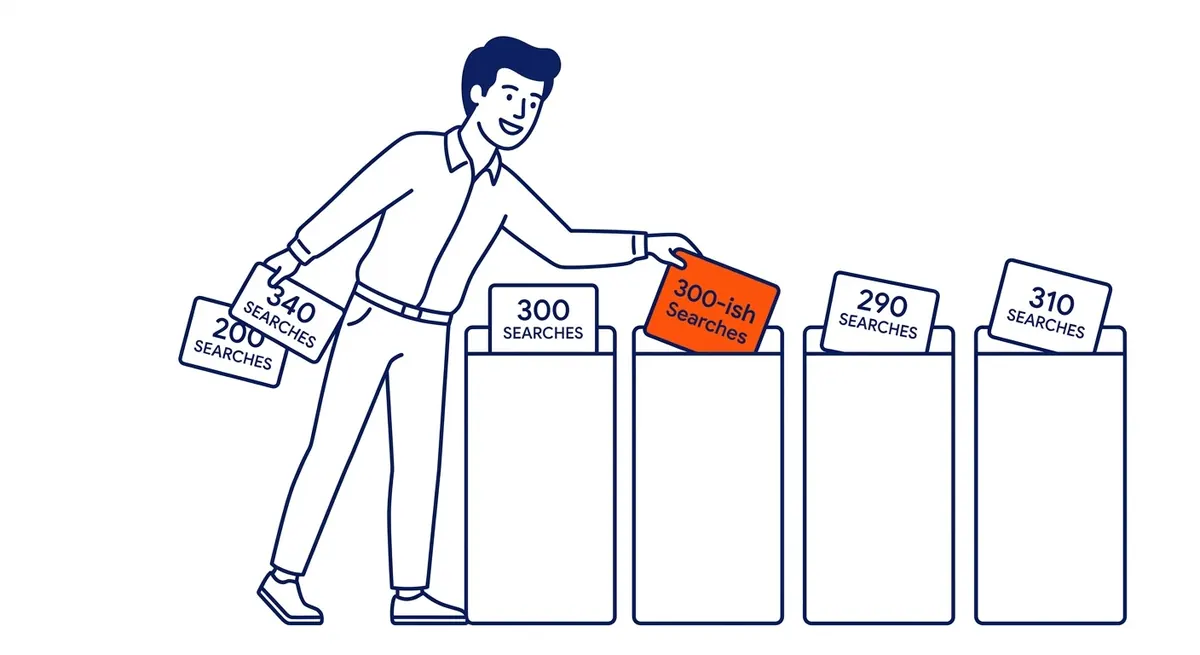
Many accounts see average monthly searches as broad ranges, such as 100 to 1K or 1K to 10K, instead of a single figure. Accounts that are not spending on ads commonly report this, but Google does not explain on its Keyword Planner Help pages when or why ranges are shown, so be cautious with any guide that names an exact spending threshold. Google does say that even the single figures are rounded, which is why volumes for several locations may not add up as you would expect.
Ranges are less of a problem than they look. Most keyword decisions are comparisons, and the question is usually which of several phrasings is larger and whether a topic has any demand at all. When two candidates sit in the same bucket, there are other ways to separate them, and the separate guide to getting closer to exact search volume covers the forecast-based method in detail.
Here is an illustrative example of separating two phrasings without precise volumes. Suppose a Calgary plumbing company sees “water heater replacement calgary” and “hot water tank replacement calgary” in the same range. The bid columns may show advertisers paying noticeably more for one, which suggests it attracts more buyers ready to call. Widening the date range may show one of them peaking in winter. Search Console may already show the site getting impressions for one phrasing and none for the other. None of those signals is a search count, yet together they usually make the choice clear, and the page can use both phrasings naturally in any case.
From a list of ideas to a keyword plan
A Keyword Planner export is raw material, not a plan. Download the ideas, remove anything irrelevant, then group the remaining keywords by the intent behind them: people comparing options, people ready to buy or call, and people looking for information. Each group usually maps to a type of page, and a single page should serve one main intent rather than trying to rank for every phrase on the list.
That grouping is where most of the value in keyword research and selection lies, because the same set of keywords can lead to very different site structures. A useful test for each group is to search the main keyword in Calgary and look at what ranks. If the first page is full of service pages, a blog post will struggle; if it is full of guides, a sales page will. Keyword Planner cannot tell you that, but a few minutes with the live results can.
If the research is for a campaign rather than for content, the same groups become ad groups, and the bid ranges give you a starting point for budget. At that stage it is worth deciding whether to run the account yourself or use Google Ads management, and, with any provider, to ask for the management fee and the ad spend as two separate numbers before you compare offers.
SEO Company To-The-TOP! is a Calgary practice, founded in 2007, where one Google Ads certified specialist does the keyword research and the client work. If you would like a second opinion on a keyword list or on how to turn it into pages, call (403) 308-5949.
Contact Calgary SEO Company To-The-TOP!
Questions about anything in this article, or about your own rankings? Talk to a Calgary SEO specialist directly.
Phone: (403) 308-5949
Address: 1509 14 Ave SW, Calgary, AB T3C 0W4
Hours:
Monday to Friday: 10:00 am – 7:00 pm
Saturday: 12:00 pm – 4:00 pm
Sunday: closed