
How to Improve Ember.js SEO Performance
Open package.json first. Not the content calendar.
That order surprises people. Most SEO advice starts with keywords or headings. An Ember build inverts it. The code that decides whether Google sees your pages at all sits in your dependency list, not inside the app you wrote. Change nothing else and you can still lose the entire site from search.
Ember has been around since 2011. It is opinionated on purpose. Routing, file layout, data loading. Meanwhile the framework decides all of them for you. That density of convention is why teams pick it. It is also why the SEO gap survives for years without anyone noticing.
An Ember App Ships Its Indexability as a Dependency
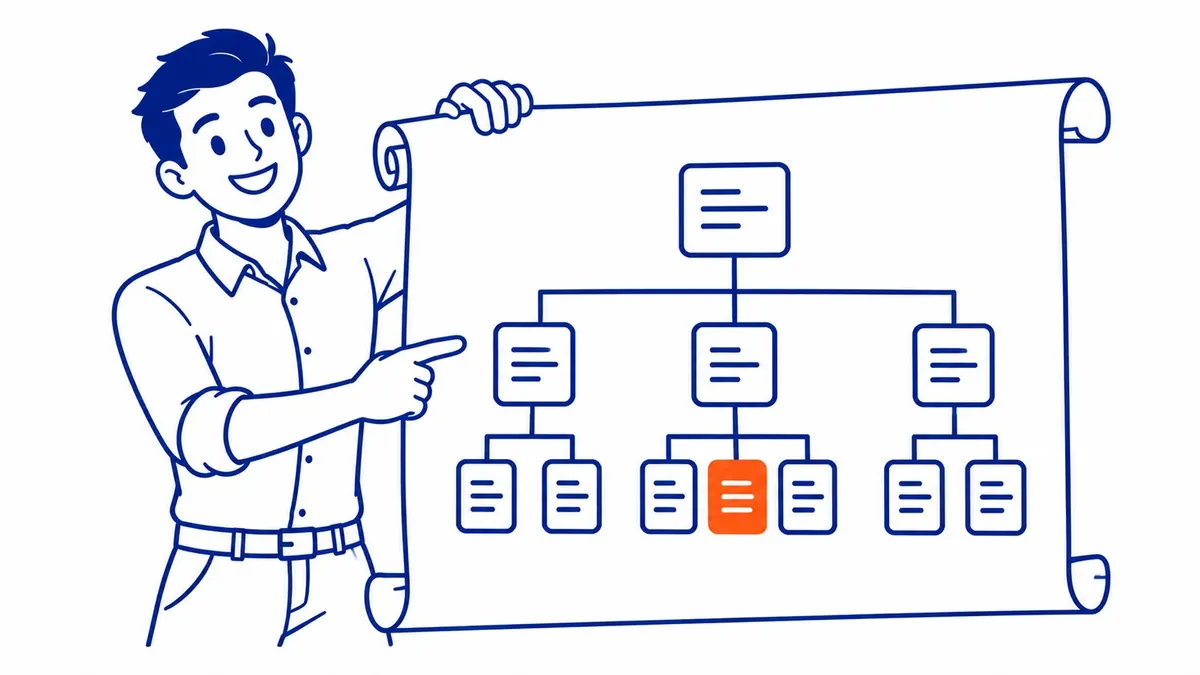
Ember renders in the browser. A crawler requesting your URL gets a near-empty shell plus a bundle of JavaScript. Server rendering is not part of ember-source. It arrives through FastBoot, an addon somebody has to install.
Same story for the document head. Ember will not set a per-route title on its own. That comes from ember-page-title or something like it. Another addon. Then another line in package.json.
So the two things search engines read first are supplied by packages living outside the framework. Neither package is exotic. Both are widely used. That is not the point. Where they live is the point.
Ember Has a Convention for Everything Except the Head

Ember’s whole pitch is convention over configuration. Follow the folder structure and the router works. Name a file correctly and the app finds it.
Naturally, developers absorb that quickly. They stop asking whether a thing is handled, because it always has been. The framework got the last forty decisions right. Nobody audits the forty-first.
Head tags sit outside the conventions. No default. Also no build-time warning. The app compiles green and every route inherits the single title sitting in index.html.
That is a strange failure to spot from the inside. Your app looks correct in Chrome. The URL bar changes. Your heading changes. Only the part you never look at stays frozen.
The WordPress Comparison People Get Backwards

An SEO plugin on WordPress is an upgrade. Strip Yoast out tomorrow and the site still renders server-side. Pages stay indexable. You lose control of meta descriptions and schema. Still, the pages survive.
Ember reverses that relationship entirely. Instead the addon carries the weight. Remove the rendering addon and a crawler finds nothing to read on arrival. The addon is not an upgrade. It is the floor.
That distinction changes who owns it. A plugin is a marketing decision. The floor is an engineering one. Teams that file Ember SEO under marketing end up waiting on a sprint they never requested.
Watch how the budget conversation goes after that. Someone asks for more content. The content lands, renders in nobody’s crawler, then gets blamed for underperforming. Months of writing invoiced against a problem the dependency list created.
Somebody Will Say Every Framework Uses Packages

True. React does. Vue does. Every stack alive pulls hundreds of dependencies, and nobody audits them line by line.
Here is the part worth arguing about. In Next.js the head API and the render mode ship inside the framework itself. Upgrade Next and both move with it, versioned as one thing. Ember splits them apart. The ember-source package follows its own LTS calendar. FastBoot and your head addon follow theirs.
Two release calendars. One of them nobody watches.
That is why the failure stays quiet. Nobody deletes the addon. The team upgrades Ember on schedule and feels responsible for doing it. Meanwhile the addon drifts a major version behind. The site keeps building. Rankings slide across a quarter. Then the post-mortem blames the content team.
What Performance Means on an Ember App

The question says performance. Most people hear speed.
Speed does matter. Ember bundles run large by default. Embroider exists partly to address that, through tree shaking and route-based code splitting.
Yet sequence matters more than either one. A page that never renders for a crawler carries no speed score at all. It carries no score of any kind. Fix existence. Then fix milliseconds.
That ordering holds for every technical job we run through Calgary SEO work, whatever the stack underneath.
The Router Is Already Doing You a Favour

Worth saying plainly. Ember gets one large thing right.
The router owns URLs. Your router.js file maps every route to a real path. No hash fragments by default. Nothing that lives only in a query string, either. Your information architecture is legible before anybody starts optimizing it.
Compare that to hand-rolled routing in a bare SPA. Half the search engine optimization effort on those builds goes into undoing improvised URLs. Ember hands you clean ones for free.
So the deficit here is narrow. It is not the framework as a whole. Just the head and the first paint.
The Order to Fix Things In

Server rendering first. Everything downstream depends on it.
Per-route titles and descriptions second. Low effort, and visible in results within a crawl cycle or two.
Sitemap and internal links third. Finally, speed work.
Most teams run that list backwards. Speed audits are easy to buy and easy to approve. Rendering changes need a developer and a release window.
If FastBoot Is Off the Table

Some teams cannot run Node in production. Others find the app leans so hard on browser globals that a retrofit gets priced out of the sprint.
Then there is prerendering, the usual fallback. A service or build step renders each route once, then serves that snapshot to crawlers. It works well enough. Yet it also creates a second copy of your site that can quietly go stale.
Set a rebuild cadence before shipping it. A snapshot from March answering an August query is its own problem.
Nobody loves this option. Still beats shipping an empty shell.
The Check That Takes Ten Minutes

Skip the audit tools for a moment. Do this by hand instead.
Open package.json. Find the line giving you server rendering. Note the version. Then look up when that package last published.
Next, request a page the way a crawler does. Run curl against a deep URL with no JavaScript executing. Then read the raw HTML coming back. A body containing one div and one script tag is your answer.
Last, compare the title tag on that deep route against the home page. Identical titles across routes means the head addon is missing or never wired up.
Three checks. No licence required for any of them.
Run all three before commissioning anything else. An agency proposal built on keyword research volume means very little while the pages stay invisible. Ask the question in that order and the scope of the job changes.
Where the Ember Argument Stops

Rendering will not rank a page nobody searches for.
FastBoot fixes visibility. It does not fix a thin page or a topic without demand. Plenty of Ember apps render beautifully and still sit on page four. That is a content problem. Sometimes a links problem too.
Get the indexing right and you have earned the ability to compete. Nothing beyond that.
How To-The-TOP! Handles an Ember App

SEO Company To-The-TOP! has worked on Calgary sites since 2007. A JavaScript build changes the order of the work. It does not change the standard.
We open with a website audit that reads the served HTML rather than the rendered browser DOM. Then the head configuration gets checked route by route. Plenty of these clients also run Google Ads management. That same rendering gap drags on landing page quality checks. So the fix gets made once and counts for both channels.
To-The-TOP! makes no promises on timelines. Three to six months for meaningful movement is the realistic range on most Calgary builds. A rendering fix occasionally moves faster, because it releases pages that were already written months ago. Treat that as the exception.
Common Questions About Ember.js and SEO
Does Google index Ember apps without FastBoot?
Sometimes. Google can execute JavaScript, though it queues that rendering separately from crawling. The delay is unpredictable. Other crawlers do far less, including several AI systems now sending traffic. Relying on it is a bet rather than a plan.
Is FastBoot hard to add to an existing Ember app?
Generally harder than adding it early. FastBoot runs your app inside Node. No real browser window waits for it there. So any code touching browser globals has to be guarded first. Retrofitting that across a mature app takes real engineering hours.
Do I still need a sitemap?
Yes. Ember does not generate one for you. Plan on a build step or a server route that produces it, then submit that file in Search Console.
Will server rendering slow the site down?
Naturally it adds server work on every request. FastBoot’s shoebox hands the already-fetched data to the browser. The app then skips refetching it on boot. Net effect on real user metrics usually lands positive.
Rankings Were Never the First Question

Ask a smaller one first. Does this page exist for a machine that runs no scripts?
Most Ember teams have never checked. Builds come back green. The site looks right in Chrome. Nothing on screen suggests a problem worth escalating.
The dependency list would have said something. It usually does, to whoever bothers opening it.
Contact Calgary SEO Company To-The-TOP!
Questions about anything in this article, or about your own rankings? Talk to a Calgary SEO specialist directly.
Phone: (403) 308-5949
Address: 1509 14 Ave SW, Calgary, AB T3C 0W4
Hours:
Monday to Friday: 10:00 am – 7:00 pm
Saturday: 12:00 pm – 4:00 pm
Sunday: closed