
How to Unblock Google Ad Services
Find the layer first. Ten seconds of actual work waits at the end of it, assuming you know which switch you are hunting for.
Four separate things can block googleadservices.com. Each one is invisible to the other three. Which is why people lose an hour toggling settings inside a browser that was never responsible for anything.
Then comes the part worth knowing before you start. Whatever got blocked, it was not the ads.
Find the Layer Before You Unblock Anything

Run one test twice. Open a second browser on the same computer. Try the failing link again in there.
Working in the second browser? An extension did it. The block lives inside browser number one and nowhere else on that machine.
Failing in both? Move up a level. Something running across the whole computer is filtering ahead of every browser on it. Security software, usually.
Now pick up your phone. Switch wifi off so the phone sits on cellular data instead. Try the link once more.
Fine on cellular and broken on wifi points straight at the router, or at something plugged into the router. Three tests. Four minutes. The layer names itself and the guessing stops.
Your failure screen helps too. An ad blocker tends to announce itself, since blockers rather like credit for the work. Network filtering says nothing at all. Up comes a plain browser error about a site that cannot be reached. Reads like the domain is broken rather than forbidden.
The Four Places the Block Actually Lives
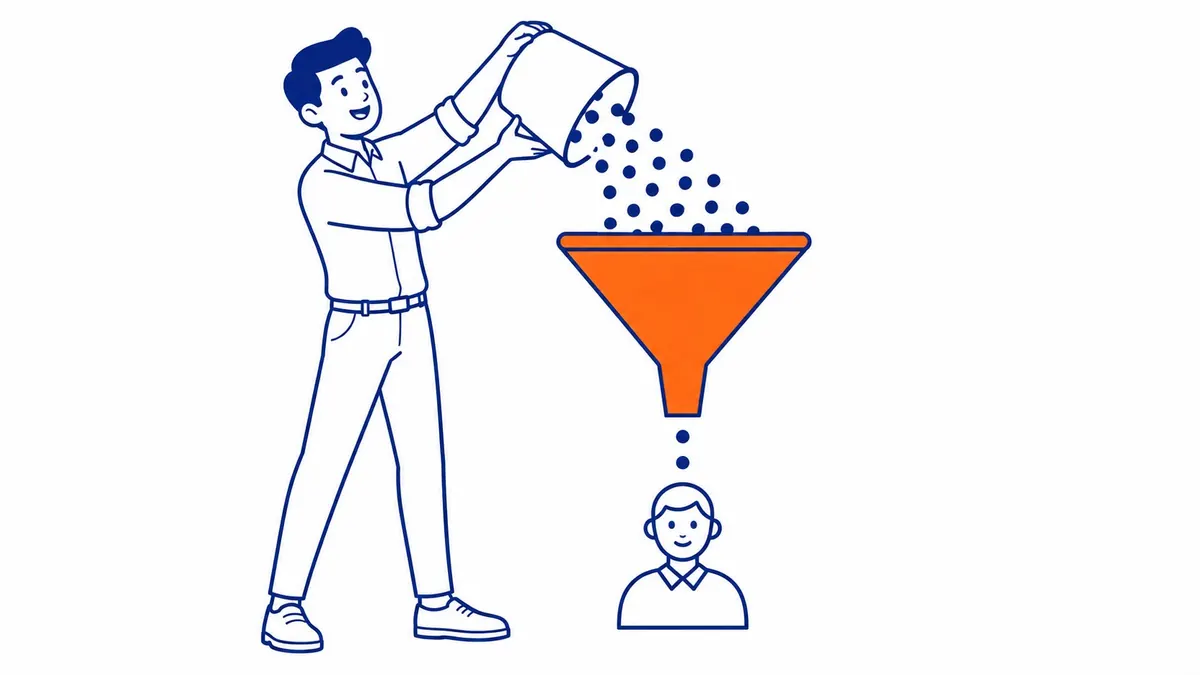
Browser extensions come first. Nearly every ad blocker worth installing carries googleadservices.com on its default list. Each one also ships a per-site off switch behind the toolbar icon. Wording drifts between versions. Read the menu in front of you rather than somebody’s screenshot from two years ago.
Second comes your security suite. Most antivirus products run a web shield that filters domains before any browser sees them. They file this one under advertising or tracking rather than danger. The exception has to go inside the security product itself. Nothing you change in a browser will reach that layer.
Third, the network. Pi-hole keeps an allowlist. So do NextDNS and AdGuard Home, along with most router-level parental controls. One allowlist entry and every device in the building gets the domain back at once.
Fourth, the hosts file. Somebody may have pointed the domain at nothing on this machine years ago, then forgotten doing it. Mac and Linux keep that file at /etc/hosts. Windows buries its copy under System32. Find the line naming the domain. Delete it. Save.
Office computer? Stop here. A workplace filter is not yours to change. Whoever runs it already knows perfectly well why the rule exists.
You Blocked the Exit, Not the Entrance

Here is the strongest objection to this entire page. Why would anybody unblock an advertising domain deliberately. Blocking the thing was the whole point.
Fair. Look at what the block accomplished, though.
Read a results page source sometime. Search ad text sits right there inside the page, arriving from google.com alongside everything else on that screen. Blocking some separate domain never stopped one of them from rendering.
That domain handles the hop after the click instead. Google generally routes your visit through it on the way to whoever paid to reach you.
So the ad still appears. You still read it. Click it now. The browser cannot resolve the hop. Up comes an error page instead of the business you were trying to reach.
Ads intact. Links broken. Almost nobody meant to make that trade, which is where most of the traffic on this question comes from.
Sometimes Nothing on Your Device Is Blocking Anything
Plenty of people typing this never blocked a thing. They are advertisers whose ads went quiet, reaching for the nearest available word.
Different problem entirely. Look inside the account rather than at your computer. An ad marked Disapproved got blocked by policy. Google blocks the whole account when it suspends one. A declined card stops everything downstream of it while the campaigns above still read as active.
None of that lives on your machine. No allowlist anywhere is going to move any of it.
Unblocking Your Machine Fixes Your Test, Not Your Numbers
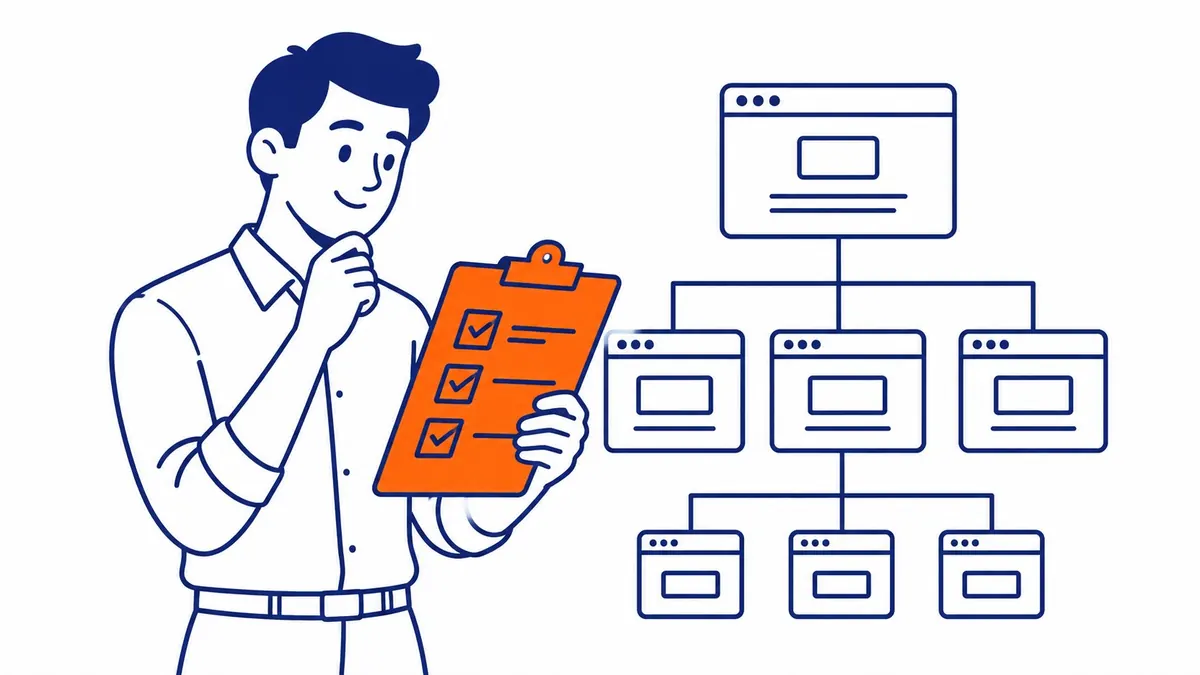
Here is the part that costs money.
Whatever blocked that domain on your computer runs on some of your customers’ computers too. Same lists. The same software, in plenty of cases. Nobody coordinated it. None of them had to.
Now add conversion tracking to the picture. Part of it has long loaded from that same domain. Which ping travels to which address keeps shifting as Google reorganizes things, yet the effect on you stays constant. A blocked visitor fills in your form. The form lands in your inbox. That conversion never registers in the account.
Try this rather than guessing at the size of it. Count last month’s leads in your inbox. Open the conversions column in Google Ads and read the same month there. Then sit with the gap between them.
Your account reports a floor. It has never once reported a total. Pause a campaign for looking quiet and you can end up pausing the one that was feeding you.
What We Tell Calgary Businesses Who Blocked It
Bring us the screen before changing anything on it. SEO Company To-The-TOP! has handled Calgary SEO and paid campaigns for local businesses since 2007. Solo practitioner. The person reading your screenshot is the person who fixes the account.
Half of these turn out boring. An extension somebody installed on one laptop. A single allowlist entry. Fixed inside a phone call.
The other half becomes a measurement conversation instead. Reviewing what your Google Ads management actually depends on takes an afternoon. A website audit shows which parts of your tracking sit on that domain. Plenty of the internet blocks that one on sight.
We will not promise you a fix for the visitor side. Nobody can fix that. Measuring it is available though, and knowing the size of a gap beats arguing with a report you already distrust. Ongoing SEO support looks a lot like this most weeks. Reading the gap. Deciding out loud whether it matters this quarter.
Common Questions About Unblocking Google Ad Services
Is it safe to unblock googleadservices.com?
It belongs to Google rather than to anybody dangerous. Your antivirus files it under advertising because advertising is the category it fits. Unblocking restores clicks on Google ads. That is the whole of what it changes.
Why does unblocking it not change whether ads appear?
Backwards from the start. Blocking never removed the ads either. Search ads arrive inside the results page from google.com. The blocked domain only ever handled where a click travelled next.
I unblocked it and the link still fails. Now what?
Another layer above the one you fixed is still filtering. Router-level blocking survives every browser change made underneath it, so check the network before touching the browser again.
Will unblocking it repair my Google Ads conversion tracking?
On your own machine only. Visitors keep whatever blockers they installed, so the account carries on under-reporting by whatever those visitors were worth to you.
Can I unblock the domain on a work computer?
Rarely. Domain filtering at that level is managed centrally, so the request goes to whoever runs the network for your office.
Worth learning how much of your reporting sits behind a domain other people block by default. Ads questions and search engine optimization questions run through the same number, (403) 308-5949.
Contact Calgary SEO Company To-The-TOP!
Questions about anything in this article, or about your own rankings? Talk to a Calgary SEO specialist directly.
Phone: (403) 308-5949
Address: 1509 14 Ave SW, Calgary, AB T3C 0W4
Hours:
Monday to Friday: 10:00 am – 7:00 pm
Saturday: 12:00 pm – 4:00 pm
Sunday: closed