How to Write Alt Text for Images for SEO
Most of the images I audit are missing one line of text, and that single gap quietly costs the page traffic. The fix is small. Learning how to write alt text for images for SEO takes about ten minutes, and once it clicks you will never leave an image blank again. So let me walk through it the way I explain it to clients on a call.
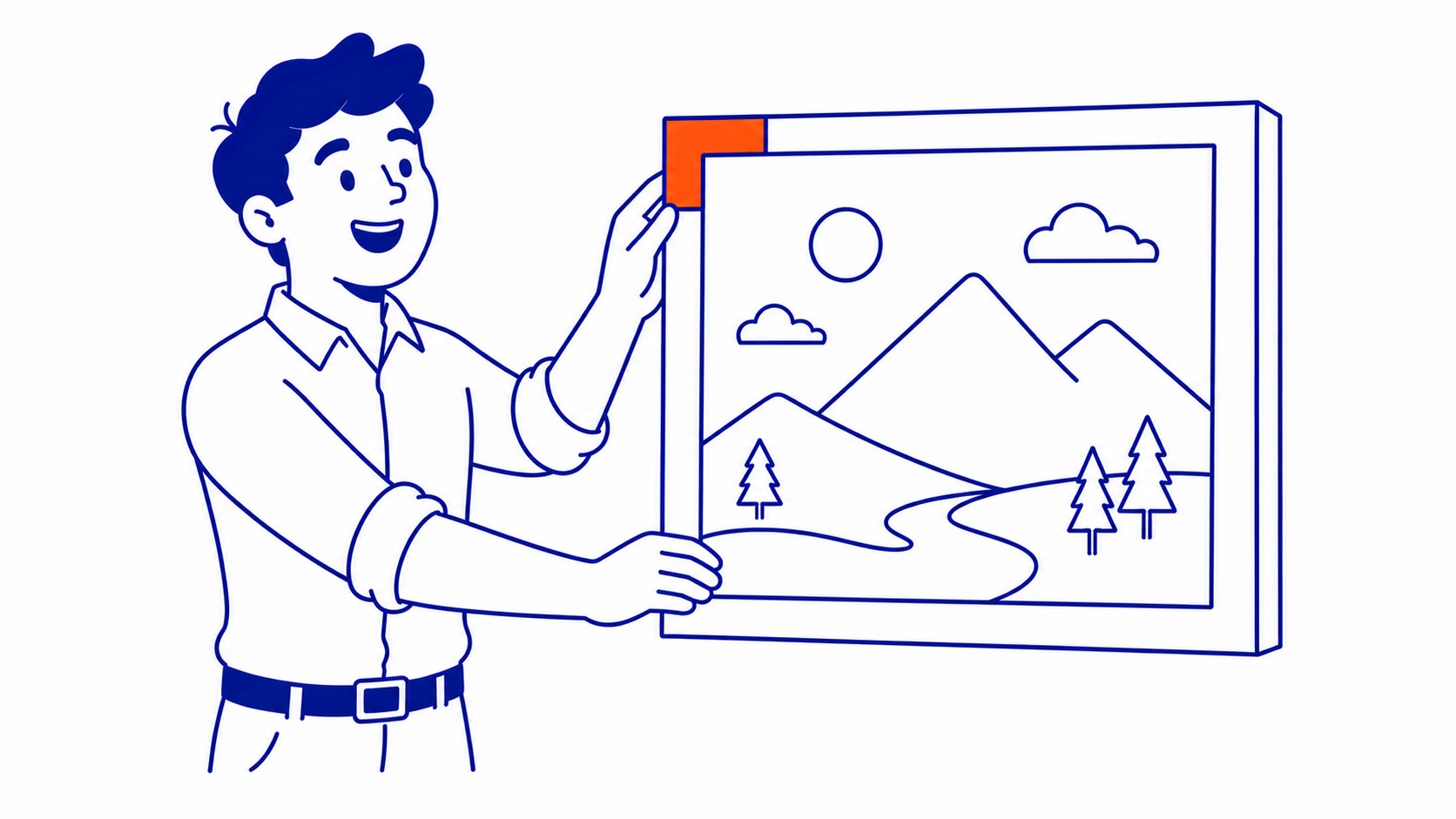
Alt text is the written description you attach to an image in the HTML. Screen readers read it aloud to people who cannot see the picture. Search engines read it to work out what the image shows. Two audiences, one short line of text. Get it right and you serve both users and crawlers.
What Alt Text Actually Does for Your Pages
Two jobs. That is the plain framing, and people usually only hear about one of them.

Accessibility comes first, and it came first historically too. A blind or low-vision user lands on your page with assistive software, it hits an image, and speaks whatever sits in that alt attribute. No alt text, and the reader announces a file name like “IMG_4471.jpg” or, worse, says nothing useful at all. That is a real person getting a broken experience. Good alt text is the difference between them understanding your page and bouncing off it.
The second job is the one that brought you here. Google cannot see an image the way you do. It reads the surrounding signals, and the alt attribute is one of the clearest. When you describe the picture accurately, you hand the search engine context it cannot get any other way. That context helps the page rank, and it is most of why images show up in Google Images at all. Ranking in image results sends real traffic, and that traffic is almost free once the work is done.
There is a quieter third benefit. When an image fails to load, the browser shows the alt text in its place. Slow connection, broken link, whatever the cause, the reader still gets the meaning instead of an empty box.
Writing a Description That Actually Helps
Here is the rule I give everyone. Describe the image the way you would describe it to someone on the phone who cannot see your screen. Plain, specific, done.
Specificity beats everything. “Dog” tells a search engine almost nothing. “Golden retriever puppy chewing a tennis ball on a back deck” tells it the breed, the action, the object, the setting. That is information a crawler can actually use, and it reads naturally to a screen reader too. The detail is the value.
Keep it short. Aim for roughly 125 characters, give or take. Screen readers tend to cut off around there, and a description longer than a sentence or two usually means you are overexplaining. One clear sentence covers most images. If you genuinely need more, the image might deserve a caption or a longer write-up in the body content instead.
Skip the throat-clearing. You do not need “image of” or “picture of” at the start. Screen readers already announce that an image is present, so “image of a golden retriever” makes the software say “image” twice. Lead with the subject. Describe what matters and stop.
Your alt text should match why the image is on the page. The same photo can warrant different descriptions depending on context. A picture of running shoes on a product page should name the model and colour. The same picture in an article about marathon training might focus on the worn tread. Write for the point the image is making right where it sits.
Where Keywords Belong, and Where They Hurt
This is where people go wrong, so read this part twice.
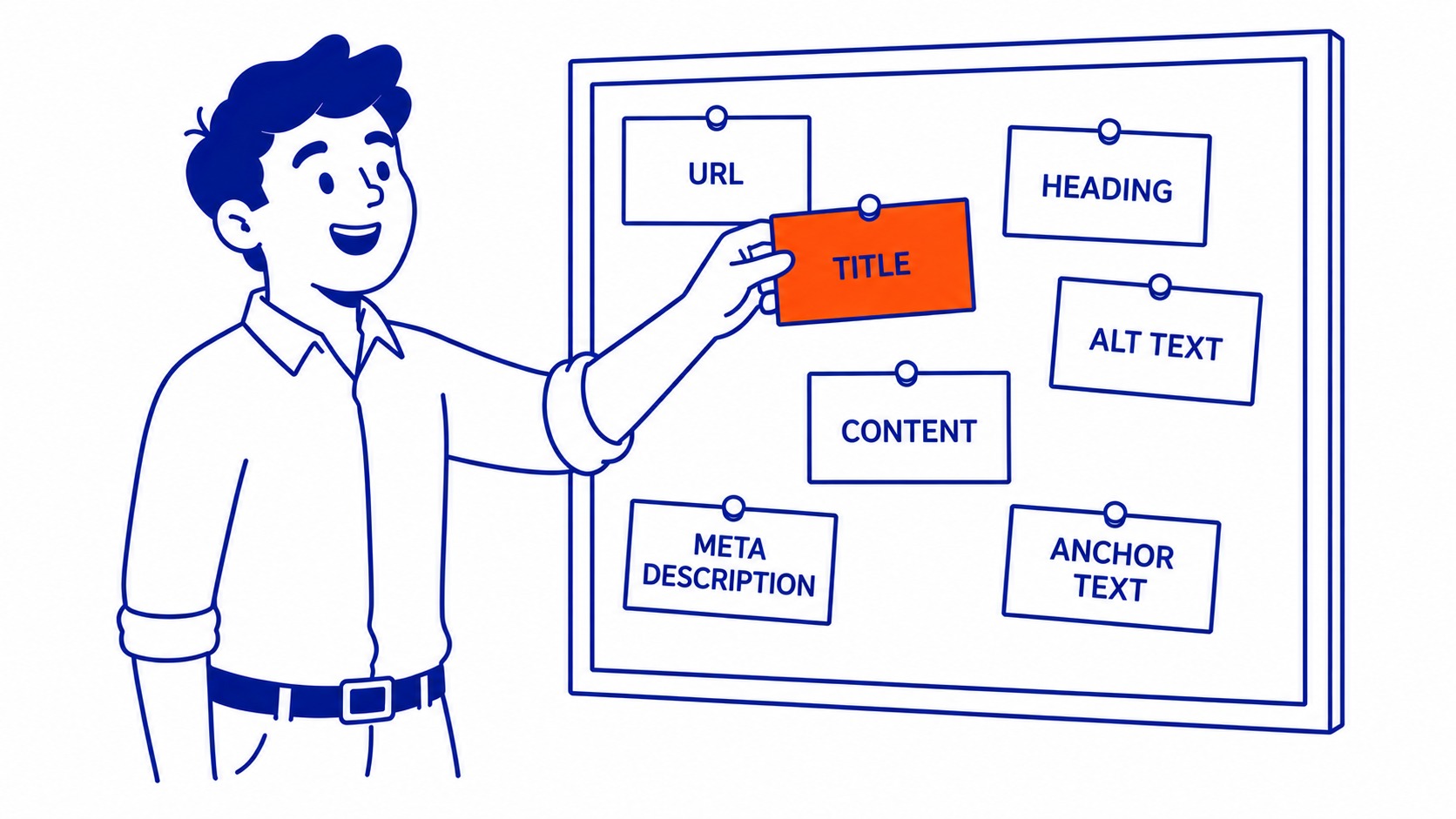
Yes, you can include a keyword in alt text, and yes it helps when the keyword genuinely describes the image. Take our own site as the example. If a photo showed the SEO Company To-The-TOP! office in Calgary, the company name and the city would belong in that description, because they are accurate. The keyword and the truth line up. That is the whole test.
What gets sites in trouble is stuffing. Cramming the same target phrase into every image, writing alt text that reads like a keyword list instead of a description, repeating “best cheap running shoes buy now online” across forty pictures. Google has flagged that pattern for years. It looks like manipulation because it is, and it drags down the page rather than lifting it. Strong on-page SEO never relies on tricks like that. The same honesty applies when you write meta descriptions for SEO.
The practical version: write the plain description first, and if your keyword fits the picture, it will already be in there. If it does not fit, leave it out. Forcing it helps nobody and risks the page. I would rather see one accurate description with no keyword than a stuffed line that names the photo nothing like what it shows.

Decorative Images: When to Leave It Empty
Not every image needs a description, and this trips people up constantly.
Some images are pure decoration. Background flourishes, dividers, a stock photo that adds visual rhythm but carries no information. For those, the correct alt attribute is empty. You write alt=”” with nothing between the quotes. That is not laziness or a missing value. It is a deliberate signal that tells a screen reader to skip the image entirely instead of announcing a meaningless description.
The distinction is function, not decoration in the visual sense. Ask one question: if this image vanished, would the reader lose any information? If no, alt=”” is right. Answer yes and it needs a real description. A company logo in the header usually gets a short alt like the company name. The swirl behind a heading gets nothing. Get this wrong in either direction and you either clutter the experience with noise or strip out meaning a user needed.
Common Alt Text Mistakes I See on Audits
Same handful of problems, on nearly every site I open.
Blank alt attributes on meaningful images top the list. The image carries information, and the field is just empty, so screen readers fall back to the file name and the search engine gets no context. Then the opposite extreme: alt text stuffed with keywords until it stops describing anything. Both fail, for opposite reasons.
Starting with “image of” wastes the first words on every description. File names left as the only text, so the page is full of “DSC_0093” announcements. Identical alt text copied across a dozen different images because someone bulk-filled the field. Long, rambling descriptions that bury the point. And decorative images given chatty alt text when they should have been empty.
None of these are hard to fix. They are just rarely checked. If you book a website audit, dozens of them usually surface in an afternoon, and cleaning them up is some of the lowest-cost accessibility and cleanup work you can do.

File Names, Captions, and the Rest of Image SEO
Alt text is one piece. A few neighbours pull in the same direction, and you may as well handle them in the same pass.
File names matter more than people expect. “golden-retriever-puppy.jpg” beats “IMG_4471.jpg” every time, because the search engine reads the file name as another context signal. Rename the file before you upload it, using real words and hyphens between them. Five seconds of work, a small ranking nudge.
The title attribute is the one people confuse with alt text. They are different. Alt text is the accessibility and search description and it is the one you cannot skip. The title attribute shows as a tooltip on hover and carries almost no ranking weight. Treat the alt text as essential and the title as optional. Do not pour effort into the wrong field.
Captions and surrounding content count too. Google reads the words near an image to confirm what it shows, so a caption or a relevant sentence right beside the picture reinforces the alt text. The whole neighbourhood of context works together. Compression and file size belong in this conversation as well, since a slow-loading image hurts the page regardless of how well you described it, though that is more a technical SEO topic than a writing one.
When images carry a real chunk of your marketing, the same description discipline pays off across your content and paid campaigns too. Clean, accurate image data supports your organic rankings, and it carries over when you have us manage your Google Ads, where the asset and its context still have to match the message. Image work is one corner of a much larger surface, and an introduction to page SEO maps the rest. Whether more pictures actually help is a separate question from describing the ones already there.
Frequently Asked Questions
How to write good alt text for images SEO?
Describe the image plainly and specifically, in roughly a sentence, the way you would describe it to someone who cannot see it. Lead with the subject, skip “image of,” and include a keyword only if it genuinely fits what the picture shows. Accurate first, optimized second. That order keeps you out of trouble and still earns the ranking benefit.
Does alt text on images help SEO?
Yes. It gives search engines the context they need to understand and rank an image, and it is most of how pages earn visibility in Google Images. That also improves accessibility for users, which Google treats as a quality signal. The effect on any single image is modest, but across a whole site it adds up to real, low-cost traffic.
How to write alt text for photos?
Name what is in the frame, the action, and anything that matters for the page the photo sits on. A product photo gets the model and colour. Scene shots get the setting and what is happening. Keep it under about 125 characters and let the description match the reason the photo is there.
How to write alt text for decorative images?
Leave it empty. Write alt=“” with nothing inside the quotes so the reader skips the image instead of announcing noise. Decorative means the image adds no information, so a divider or background flourish needs no description. Save real alt text for images a reader would miss if they vanished.
After nineteen years doing this work at SEO Company To-The-TOP!, the pattern holds: the sites that win in image results are not the ones with clever descriptions. They are the ones that simply filled the field, on every meaningful picture. Worth checking your own site before you write another word of content.
Contact Calgary SEO Company To-The-TOP!
Questions about anything in this article, or about your own rankings? Talk to a Calgary SEO specialist directly.
Phone: (403) 308-5949
Address: 1509 14 Ave SW, Calgary, AB T3C 0W4
Hours:
Monday to Friday: 10:00 am – 7:00 pm
Saturday: 12:00 pm – 4:00 pm
Sunday: closed
