
How User Experience Affects SEO
We pulled a site audit for a Calgary client last year. Good backlinks. Keywords targeted correctly. Content covered the topic. Organic traffic had been declining for eight months.
The problem was not the SEO work. It was the site. Pages took nine seconds to load on mobile devices. The navigation had eleven top-level items. Visitors who found the page had no idea where to go next. Behaviour data captured all of it.
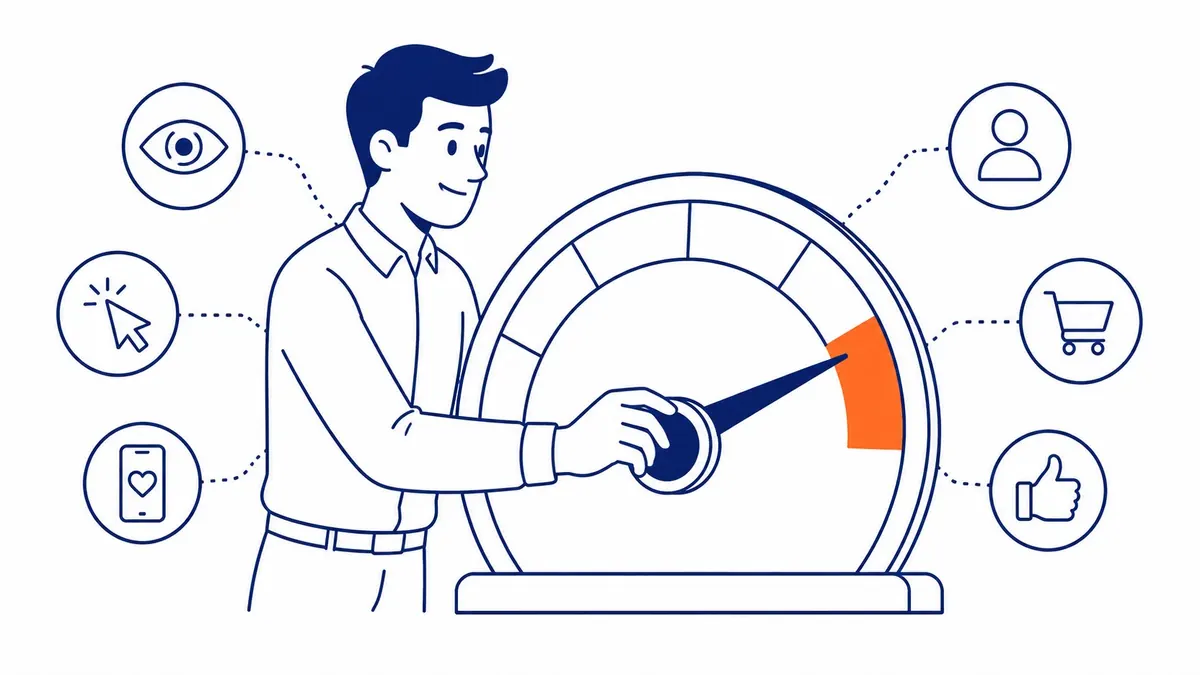
User experience affects SEO in direct, measurable ways. Not through guesswork. Through signals search engines collect on how users actually behave on your website.
What UX Signals to Google
Behaviour is the signal.
Click, land, stay, click again, convert. That pattern tells the algorithm the page worked. Click, land, leave in four seconds. That signals something different. Systems have been built to distinguish one from the other, and they still get better every year.
For years, any search engine optimization company focused almost entirely on keywords and backlinks. Both still matter. But behavioural signals now carry real weight alongside those traditional inputs. Dwell time. Engagement rate. Page speed. Core Web Vitals. What users do on your website feeds directly into where your pages appear in search results.
To-The-TOP! has been doing the local SEO Calgary businesses rely on since 2007. The pattern across nineteen years is consistent. Sites that are genuinely easy to use hold rankings better than sites built only for crawlers. The algorithm has moved steadily toward rewarding what visitors reward.
These signals are indirect but persistent. A page with strong content and solid technical basics still underperforms when users bounce immediately. Rankings reflect that pattern over months, as behaviour data accumulates on your site versus competitors in the same search space. None of that shows up in a plain reading of domain authority.
Bounce Rate and Dwell Time
What high bounce rate means for your SEO
A number worth watching carefully.
Most site owners see that number spike and blame the traffic source. Sometimes that is the right call. Often the problem is the page itself. Visitor lands. Page loads slow. Menu is unclear. Text wall with no visual breaks. They leave.
GA4 bounce rate is not officially listed as a direct ranking signal. But the underlying behaviour feeds into signals search engines do track. Pogo-sticking is one of those signals. That is when users return to search results almost immediately after clicking a result. Repeated pogo-sticking signals the result did not satisfy user expectations.
Dwell time: what longer sessions mean
Longer stays compound over time.
Visitors who scroll most of the page and click to a second page signal that the content matched their search. That pattern still accumulates. Short visits pull the signal the other direction.
Matching user intent is where this starts. Someone searches “Calgary SEO services.” The page covers international SEO strategy instead. User intent mismatch. They leave. Solid SEO keyword analysis identifies exactly what users expect before any page is written. Getting that right is still the single biggest lever on dwell time.

Page Speed and Core Web Vitals
LCP: largest contentful paint
Speed is measurable now.
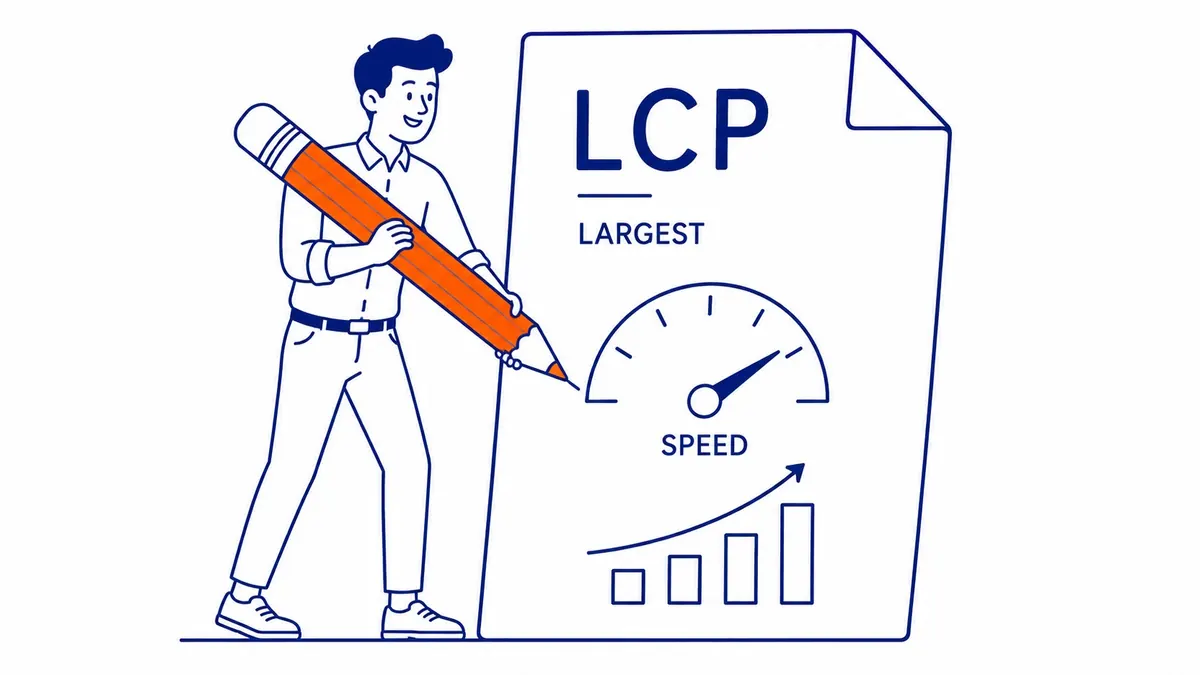
Google made Core Web Vitals an official SEO ranking signal in 2021. LCP, or Largest Contentful Paint, measures how fast the largest visible element on your page loads. The threshold is under 2.5 seconds for a passing score.
Most Calgary business websites we audit still fail LCP on hero images. Uncompressed images are the most common cause. Render-blocking scripts are the second. The page technically starts loading. Nothing useful appears until the browser finishes executing those scripts.
Search Console also shows the LCP score for free. Worth verifying before investing in other work on your site.
INP and CLS: the other two Core Web Vitals
Responsiveness and visual stability.
Interaction to Next Paint (INP) measures how fast your website responds to a click or tap. Below 200 milliseconds is the passing threshold. CLS, or Cumulative Layout Shift, measures whether elements move as the page loads. A button that jumps as a user taps it on mobile devices is a CLS failure.
All three scores appear in Search Console. Worth checking before investing in any other work on your site. Failing scores create a ceiling on how far rankings can climb, regardless of content quality or backlink count.
Mobile UX and Mobile-First Indexing
The mobile version is the primary version.
Google switched to mobile-first indexing officially in 2019. That means Google indexes the mobile version of your website. Not the desktop version. A site that looks polished on a laptop but breaks on a phone is still being ranked on its broken version.
Responsive design is the structural fix. One codebase that adapts to all screen sizes. Most modern platforms handle this well out of the box. The failures usually come from third-party plugins or custom elements that were never tested on a phone.
Mobile users behave differently from desktop users. Shorter sessions. Faster decisions. Less tolerance for friction. Your website needs to work on a phone held in one hand. Contact forms that require zooming, or menus that take three taps to navigate, lose conversions before any SEO investment pays off.
Google Analytics shows mobile session length and exit rates by device. Checking those numbers separately from desktop even reveals a gap that is larger than expected. 20 to 30 percent higher on most business sites we audit. That also has a direct cost.
Navigation, Site Structure, and Internal Links
Navigation and crawlability
Clear menus serve two purposes.
Navigation that confuses visitors also confuses search engine crawlers. Search engines follow links to discover and index pages. A menu with too many top-level items creates crawl gaps. Orphaned pages also add to the problem. People and search engines both lose the thread when this happens.
The pages most important to your business need to be reachable from the homepage in two clicks, consistently. That applies to menu structure and to how internal links are used throughout your site.
Internal links and site structure
Authority moves through links.
Every internal link passes relevance signals to the destination page. A strong homepage with no internal linking sends most of its authority to dead ends. Sites that link naturally between related pages distribute authority across the full domain.
Site depth also matters. Pages sitting four clicks from the homepage are harder for crawlers to prioritise. They are also harder for people arriving at the homepage first to find. Flat structures work better. Two or three clicks from the homepage to any service page. A site SEO audit surfaces these internal linking gaps fastest, ranked by impact, so fixes happen in priority order.
Content Readability and Accessibility
Formatting affects session length.
User experience and readability are connected more directly than most people assume. Visitors scan before they read. Headings, short paragraphs, and legible fonts give them something to scan. A page with dense text and no visual hierarchy loses visitors before they find what they came for. Well-formatted pages hold visitors longer, consistently.
Accessibility overlaps with SEO in concrete ways. Alt text on images is indexed by search engines. People with visual impairments rely on it too. Proper heading structure also helps screen readers parse the page hierarchy. Search engines use that same structure to understand which sections carry the most weight.
Keyboard navigation matters. People who rely on keyboard-only access need focusable elements and a logical tab order. Quality assessments increasingly account for these accessibility signals.
None of this requires a redesign. Heading hierarchy. Image alt text. Font size and line spacing. Those three areas already cover most of the accessibility wins on the sites we review.
Measuring UX Impact on Your SEO
Start with data you already have.
Google Analytics shows where visitors exit. Pages with high exit rates and short session times are worth auditing first. Identifying the pages on your site that fail users is a faster way to prioritise SEO work than starting from keyword gaps alone.
Search Console shows click-through rates by query. A page ranking third with a below-average CTR usually has a title tag or meta description that does not match user expectations. Exit pages from GA4 and low-CTR queries from Search Console together often reveal the three or four pages worth fixing first.
Heatmaps add behavioural context. Hotjar and Microsoft Clarity track exactly where users click and how far they scroll. Where people stop is visible at a glance. That data combined with Search Console query results shows which pages are failing users and why.
A proper SEO audit surfaces what those tools miss. Render-blocking scripts. CLS failures. Slow server response. Mobile breakages. That is where our Calgary clients typically start. A full audit pass, ranked by impact, before any content or link building begins. Fixing what your website does wrong before adding more to it.
The same principle also applies to Google Ads management. Page experience quality affects the Quality Score, which affects both ad positioning and cost-per-click. A site with poor user experience also underperforms in paid search as much as in organic. Worth checking whether breadcrumbs help SEO on those same pages while the audit data is in front of you. Page weight feeds that too, worth remembering before deciding whether adding more pictures can increase SEO.
Frequently Asked Questions
Is user experience a direct ranking factor?
Not even as a single labelled signal. Search engines use specific proxies for user experience. Core Web Vitals. Mobile-friendliness. Those are the confirmed ranking factors. Behavioural signals like dwell time and pogo-sticking still influence rankings indirectly. Sites that are genuinely easier to use rank better over time. That is the outcome that matters.
Does bounce rate directly affect SEO rankings?
GA4 bounce rate is not used as a direct ranking input. The behaviour it measures does matter, however. Short sessions and immediate returns to search results both feed into quality signals search engines track separately. Low user engagement does too. A high bounce rate is a symptom worth investigating, not a ranking penalty in itself.
How does page speed relate to Core Web Vitals?
Page speed is one component. LCP captures how fast the main content loads. INP covers responsiveness to user actions. CLS measures visual stability. All three are also official ranking signals. A site can load quickly. CLS still fails if elements shift as the page renders. Google Search Console shows all three scores for free. Worth verifying CLS specifically, since that one catches most site owners by surprise.
Can fixing UX improve SEO performance?
Often, yes. The clients where To-The-TOP! has seen the most ranking movement from a site audit are the ones where user experience was the bottleneck. Slow mobile load, unclear menus, content buried past the fold. Fix those issues. The behaviour signals improve. Better signals compound into better rankings. Usually over three to six months, not weeks. The same work that improves rankings also improves conversion rates, which makes the investment worth it twice over.
Contact Calgary SEO Company To-The-TOP!
Questions about anything in this article, or about your own rankings? Talk to a Calgary SEO specialist directly.
Phone: (403) 308-5949
Address: 1509 14 Ave SW, Calgary, AB T3C 0W4
Hours:
Monday to Friday: 10:00 am – 7:00 pm
Saturday: 12:00 pm – 4:00 pm
Sunday: closed