
What Is a Sitemap in SEO?
A sitemap in SEO is a file that lists the pages on your website you want search engines to find, so Google and Bing can discover your URLs without having to stumble onto every page through links. It can also carry optional details, such as the date each page last changed in a meaningful way, its images and videos, and the other language versions of a page. Most sites use an XML sitemap, which sits at an address such as yoursite.com/sitemap.xml and is written for crawlers rather than people. Google’s own guidance is that a well-linked site of about 500 pages or fewer may not need one, but since WordPress, Shopify, Wix and Squarespace all create one automatically, the useful job for most business owners is checking that the file they already have is accurate.
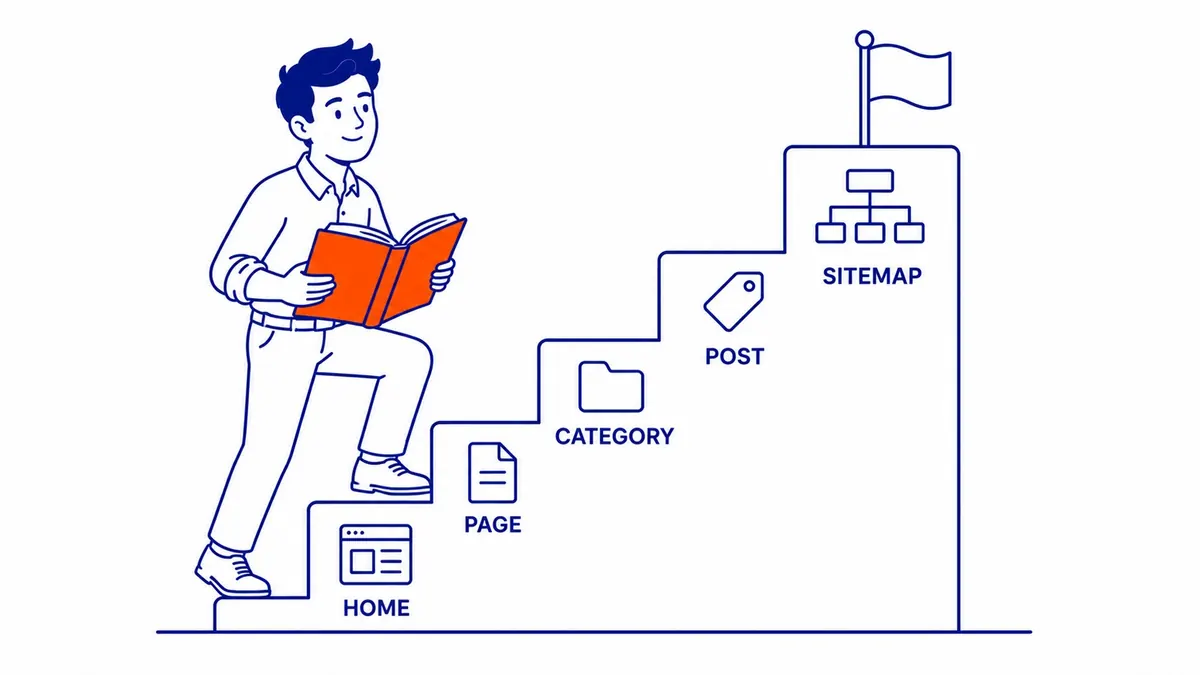
This guide explains what the file looks like, how it differs from an HTML sitemap, when a site benefits from one, and how to find, submit and check it. It also clears up a few beliefs about sitemaps that were true a decade ago and are not any more.
What a sitemap looks like
Google describes a sitemap as “a file where you provide information about the pages, videos, and other files on your site, and the relationships between them.” In practice, the XML version is a plain list wrapped in a few tags. Here is an illustrative sitemap with a single page, written in the same format as the samples in Google’s own documentation:
<?xml version="1.0" encoding="UTF-8"?>
<urlset xmlns="http://www.sitemaps.org/schemas/sitemap/0.9">
  <url>
    <loc>https://www.example.com/furnace-repair/</loc>
    <lastmod>2026-10-14</lastmod>
  </url>
</urlset>
Each <url> entry needs a <loc>, which is the full address of the page, including the https:// and the domain, because Google crawls the URL exactly as it is written. The <lastmod> date is optional and tells Google when the page last changed in a meaningful way. Larger sites usually split their URLs across several sitemaps (one for blog posts, one for pages, one for product categories) and list those files in a sitemap index, which is the single address you hand to Google. A single sitemap is capped at 50,000 URLs or 50MB uncompressed, so the split is a requirement for big stores and a convenience for everyone else.
You will often see two more tags in older sitemaps and older articles: <priority> and <changefreq>. Google’s build guide states plainly that “Google ignores <priority> and <changefreq> values,” and a 2023 post on the Search Central Blog repeated that Google “still doesn’t use the changefreq or priority elements at all.” Setting every page to priority 1.0 does nothing, so there is no reason to spend time tuning them.
XML sitemaps versus HTML sitemaps
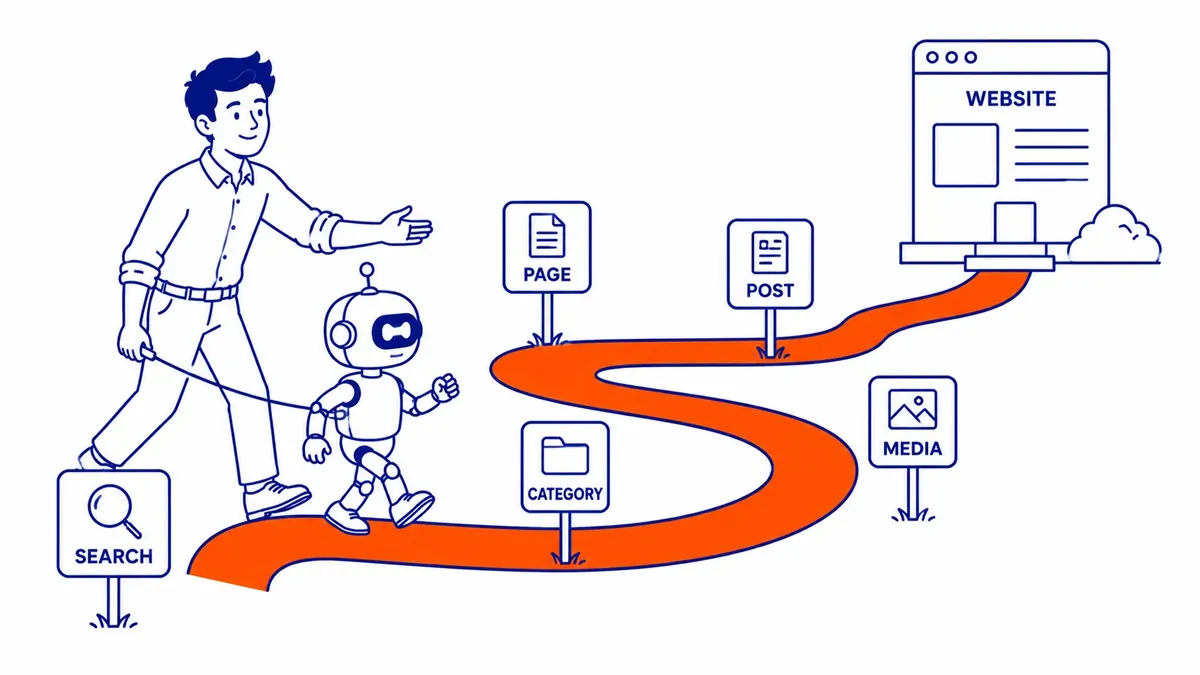
The two share a name and very little else. An XML sitemap is a machine-readable file for search engines; visitors never see it unless they type its address. An HTML sitemap is an ordinary web page with links to the main sections of a site, sometimes linked from the footer, and it exists to help people find their way around. Google also accepts two simpler formats for the same job as the XML file: an RSS or Atom feed, which most blogs already produce, and a plain text file with one URL per line.
| XML sitemap | HTML sitemap | |
|---|---|---|
| Written for | Search engine crawlers | Human visitors |
| Where it lives | A file such as /sitemap.xml or /sitemap_index.xml | A normal page, often linked in the footer |
| What it can carry | URLs, last-modified dates, image, video and news details, language versions | Links and page titles |
| Submitted to Google | Yes, through Search Console or robots.txt | No, Google finds it like any other page |
| Who needs it | Large, new, poorly linked or media-heavy sites benefit most | Large sites with deep navigation, as a usability aid |
XML is the most versatile of these formats and the one most sites submit, because it can carry image, video, news and language details as well as the URLs themselves. An HTML sitemap can still help on a large site, because it gives both visitors and crawlers a set of links to deep pages, but it is a navigation aid rather than a submission to Google, and a site with a clear menu rarely needs one.
What a sitemap does, and what it does not
Search engines find pages mainly by crawling: they load a page, follow its links and repeat. A sitemap adds a second route in. It tells Google which URLs you consider important, which helps most when a page has few or no links pointing to it, and Google says a sitemap “can improve the crawling of larger or more complex sites.” The optional lastmod date does a separate job. A 2023 post on Google’s Search Central Blog says it uses accurate lastmod dates “as a signal for scheduling crawls” to pages it already knows about, so the date helps Google decide when to recrawl a page rather than helping it find one.
What a sitemap does not do is just as important. It is not a ranking factor, so listing a page does not move it up the results, and the guide to whether sitemaps help SEO rankings covers that question in more depth. It also does not force anything into the index: Google’s documentation says a sitemap “doesn’t guarantee that all the items in your sitemap will be crawled and indexed,” and calls submitting one “merely a hint.” A page that is thin, duplicated or blocked will stay out of the index whether it is in the sitemap or not. That is why the sitemap belongs inside a wider piece of technical SEO work alongside internal linking, canonical tags and page quality, rather than being treated as a fix on its own.

Does your site need one?
Google gives a clear rule. You might need a sitemap if your site is large, if it is new and has few external links pointing to it, or if it has a lot of video, images or news content you want shown in search. You might not need one if the site is “small,” which Google defines as about 500 pages or fewer that you want in search results, and every important page can be reached by following links from the home page.
Many small Calgary service businesses, such as a contractor, clinic or law office whose menu links to every page, fit that second description, so Google can usually find their pages without a sitemap. An accurate one that the platform generates automatically is still worth having. The exceptions are common enough to matter, though. A brand-new site with no links from other websites gives Google little to follow, an online store with hundreds of product variations has pages buried several clicks deep, and a business with English and French versions of its pages can use an XML sitemap to tell Google which pages are translations of each other. In all three cases the sitemap earns its place.
How to find your sitemap
Start by typing your domain followed by /sitemap.xml into a browser. If a list of URLs or a list of smaller sitemaps appears, you have one. If not, the file may live under a different name, and the platform decides where:
- WordPress has built a sitemap into its core since version 5.5 (2020), at /wp-sitemap.xml.
- WordPress with Yoast SEO replaces the core sitemap with its own index at /sitemap_index.xml. On this site, for example, /wp-sitemap.xml redirects to /sitemap_index.xml, which in turn lists separate sitemaps for posts (split across two files), pages, categories and location data.
- Shopify generates /sitemap.xml at the root of the store’s domain and updates it automatically when products, collections, pages or blog posts are added.
- Wix and Squarespace usually manage the sitemap for you, and Google’s own Search Console Help notes that users of these services probably do not need to make one.
Another quick check is the site’s robots.txt file at yoursite.com/robots.txt. Many sites list their sitemap there on a line that begins with Sitemap:, and Google reads that line the next time it crawls the file. The robots.txt on to-the-top.ca lists three sitemap files this way.

How to submit a sitemap to Google
There are two ways to tell Google where the file is, and you can use both. The first is the Sitemaps report in Google Search Console: open your property, choose Sitemaps, paste the sitemap’s address into the “Add a new sitemap” box and click Submit. You need owner permission on the property to do this. Search Console Help points out that you are not uploading anything, only telling Google where the file is. The second way is the Sitemap: line in robots.txt, which works for any search engine that reads the file and does not need a Search Console account. Bing has its own submission tool in Bing Webmaster Tools.
Google says a submitted sitemap “should be fetched immediately,” but that is the file, not the pages in it. Crawling the listed URLs “can take some time,” and Google says not all of them may be crawled, depending on the site’s size, activity and traffic. After that, Google rechecks the sitemap on its own schedule, so you only need to resubmit after a large change.
One older habit can be dropped. Some plugins still “ping” Google whenever a sitemap changes, but Google announced the retirement of its sitemap ping endpoint in June 2023, and requests to it now return an error rather than doing anything useful. Submission through Search Console or robots.txt is all that is needed.
Checking what Google did with it
The Sitemaps report shows a status for each file: Success, Couldn’t fetch, or a count of errors Google hit while reading it. A Success status only means Google could read the file. To see what happened to the pages, open the Page indexing report and switch the sitemap filter above the chart from “All known pages” to “All submitted pages.” That view shows how many of the URLs in your sitemap are indexed and gives a reason for each group that is not, which helps separate pages left out on purpose from problems worth looking into.
Google’s own help page points out that “not indexed” is not necessarily bad, so read the reason given for each group before changing anything. Common ones include duplicate pages, redirected URLs, robots.txt blocks, noindex tags, pages behind a login and pages Google has found but not yet crawled. If someone else manages the site, the same report is a simple way to check whether a provider actually updated it after a redesign or a batch of new pages.
Common sitemap mistakes
Most sitemap problems come from the file disagreeing with the rest of the site. These are the ones that turn up most often:
- Listing pages you do not want in search. Thank-you pages, login screens, internal search results and tag archives with one post each do not belong. Google’s guidance is to include only the URLs you want shown in search results.
- Listing the wrong version of a page. If a page loads at several addresses, list only the canonical one. A sitemap full of http:// URLs on an https:// site, or URLs that redirect, sends mixed signals.
- Contradicting your own instructions. A URL that carries a noindex tag, is blocked in robots.txt or sits behind a login should not be in the sitemap. Search Console Help names exactly these cases as one possible cause of a sudden spike in indexing errors.
- Inaccurate lastmod dates. Google uses lastmod only if it is “consistently and verifiably” accurate. A theme or plugin that stamps every page with today’s date teaches Google to ignore the dates, which removes the one tag that helps with recrawling.
- A stale hand-made file. A sitemap built once and never updated still lists deleted pages and misses new ones. Google suggests making a sitemap by hand only when it holds fewer than a few dozen URLs, and letting the website software generate it for anything larger.
Removing a sitemap from Search Console does not undo any of this, because Google keeps the URLs it has already learned about. To keep a page out of search, use a noindex tag or remove the page, then let the sitemap catch up.

Where to start
On a small site where WordPress, Shopify, Wix or Squarespace builds the sitemap automatically, a basic review is usually enough. Find the sitemap, open it and skim the list for pages that should not be there, confirm that the robots.txt file points to it, submit it once in Search Console, then come back after a few weeks and compare submitted pages with indexed pages. After that, the platform keeps the file current as you add pages, and the main thing to watch is the Page indexing report.
Larger or older sites deserve more care, because years of redesigns tend to leave redirected URLs, duplicate pages and orphaned content in the sitemap. At that point a sitemap review means comparing the file URL by URL with what Google has indexed and which version of each page is canonical, so it becomes part of a full website audit, along with the crawl, indexing and internal-linking problems that usually travel with it. SEO Company To-The-TOP! has been doing this work in Calgary since 2007, and if you would like a second pair of eyes on your sitemap and what Google is doing with it, call (403) 308-5949.
Contact Calgary SEO Company To-The-TOP!
Questions about anything in this article, or about your own rankings? Talk to a Calgary SEO specialist directly.
Phone: (403) 308-5949
Address: 1509 14 Ave SW, Calgary, AB T3C 0W4
Hours:
Monday to Friday: 10:00 am – 7:00 pm
Saturday: 12:00 pm – 4:00 pm
Sunday: closed