
What Is an SEO Slug?
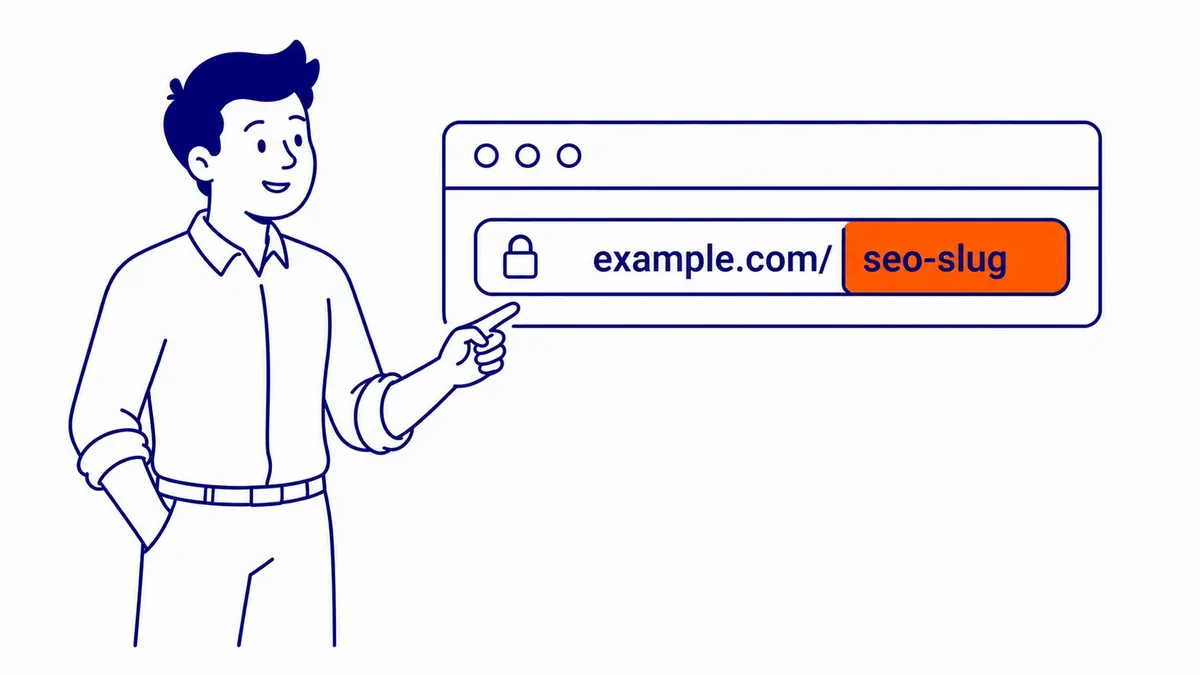
An SEO slug is the readable part at the end of a URL that names one specific page. On this page the address is to-the-top.ca/what-is-an-seo-slug/, and the slug is what-is-an-seo-slug. A good slug uses a few plain words, separated by hyphens and written in lowercase, so that a person can tell what the page is about before opening it. Google says those words have very little direct effect on rankings, so the real reasons to get a slug right are readability, cleaner links and avoiding the redirect work that comes with changing it later.
Slug, URL and permalink
The three words get used loosely, which is why the question comes up so often. A URL is the whole address of a page, including the protocol and the domain. In WordPress, a permalink is the full, permanent URL of a post or page, the one other sites and emails link to. The slug is only the last editable piece of that address, the part WordPress lets you type into a field.
| Term | Example | What it covers |
|---|---|---|
| URL | https://to-the-top.ca/what-is-an-seo-slug/ | The complete address |
| Permalink | https://to-the-top.ca/what-is-an-seo-slug/ | WordPress’s name for the permanent URL of a post or page |
| Slug | what-is-an-seo-slug | The final readable segment you can edit |
Some sites put folders in front of the slug, such as /blog/ or /services/, and some add a date. Those parts come from the site’s permalink structure rather than from the slug itself, which matters later when you decide what to change.
Does the slug affect rankings?
Much less than most guides suggest. Google’s SEO Starter Guide says that keywords in the domain name or URL path “alone have hardly any effect beyond appearing in breadcrumbs.” The same guide points out that parts of the URL can be shown in search results as breadcrumbs, so the words in a slug help searchers judge whether a result is worth clicking. That is a real benefit, although it works on people rather than on the ranking itself.
Google’s URL structure documentation adds the practical side. It recommends readable words rather than long ID numbers, words in your audience’s language, and hyphens between words, and it warns that complicated URLs with many parameters can make crawling harder. There is a fuller discussion of how much the URL affects rankings at all for anyone weighing a site-wide change. The short version is that a clear slug is worth a minute at publishing time, while rewriting the slugs of pages that already rank is rarely worth the risk on its own.
What makes a good slug
A good slug names the topic of the page in as few words as it takes to be clear. Google does not publish a word limit, so any fixed number is a house rule rather than a requirement. In practice, three to six words usually describe a page well, and a slug that copies a long headline in full is harder to read, share and remember.
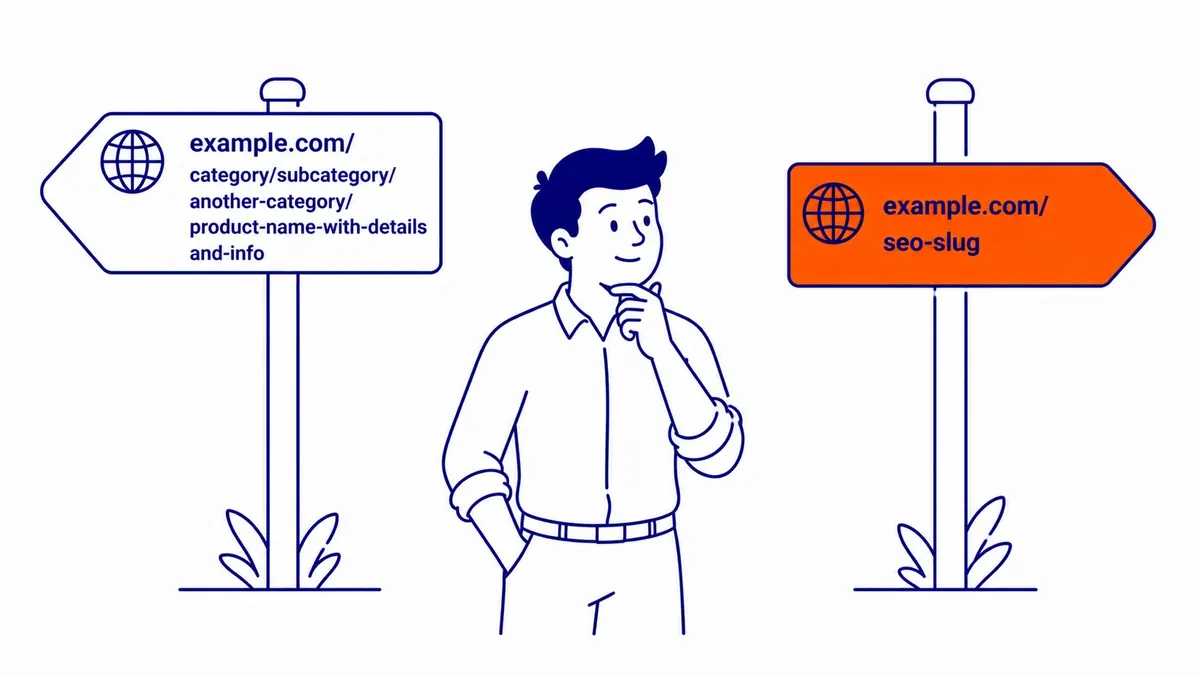
These are the habits worth following, with the reason behind each one:
- Use readable words that match the topic. Google recommends simple, descriptive words instead of ID numbers, and the main phrase of the page usually belongs in the slug because it is the clearest description, not because it is a strong ranking signal.
- Separate words with hyphens. Google recommends hyphens rather than underscores because underscores are often used to join words that belong together, such as format_date in programming, while hyphens clearly mark a word boundary. There is more on why hyphens beat underscores in a separate article.
- Keep it in lowercase. Google treats URLs as case sensitive, so /About-Us and /about-us are two different addresses as far as it is concerned. If your server shows the same page for both, Google suggests settling on one case so it can tell they are the same page.
- Stick to letters, numbers and hyphens. Spaces have to be percent-encoded in a URL, so a space turns into %20, and characters such as apostrophes and ampersands make the address harder to read, type and share.
- Leave out dates and filler. A year in the slug makes an updated article look old, and small words such as “the” or “and” can usually go when the meaning survives without them. This page keeps “what is an” because the slug mirrors the exact question people search, which is a reasonable exception.
- Say the phrase once. Repeating a keyword in the slug adds nothing that Google has documented, and it looks spammy to anyone who sees the link.

The most common slug problem comes from the CMS itself. WordPress builds the slug from the title automatically, so a long headline produces a long slug unless someone edits it before publishing. The fix takes seconds, and it belongs on any pre-publishing checklist. For the rest of the address, including folders and parameters, see the guide to building SEO-friendly URLs.
Slugs for French and accented page titles
Bilingual Canadian sites run into a detail that most slug guides skip. Google’s URL documentation recommends using words in your audience’s language, and it shows accented and non-Latin examples, percent-encoded in links where necessary. WordPress, however, strips accents whenever it saves a slug, whether generated from the title or typed by hand, because its sanitize_title function runs remove_accents. A French title such as “Référencement à Calgary” therefore becomes referencement-a-calgary.
On a standard WordPress site, then, the unaccented form is what you get, and keeping accents would need custom slug handling. That is rarely worth it, since the unaccented version is easier to type and to share in emails. What matters most is applying one approach across the French side of the site, for example keeping the French words even without accents, so that you do not end up with two styles of address for the same kind of page.
How to edit a slug in WordPress
In the block editor, open the post or page and look in the settings sidebar on the right, under the Post or Page tab. The setting is labelled Slug in current WordPress versions, and clicking it opens a small pop-over where you can type the new value. WordPress’s documentation notes that the option does not appear at all if the site’s permalink setting is Plain, which produces addresses like ?p=123.
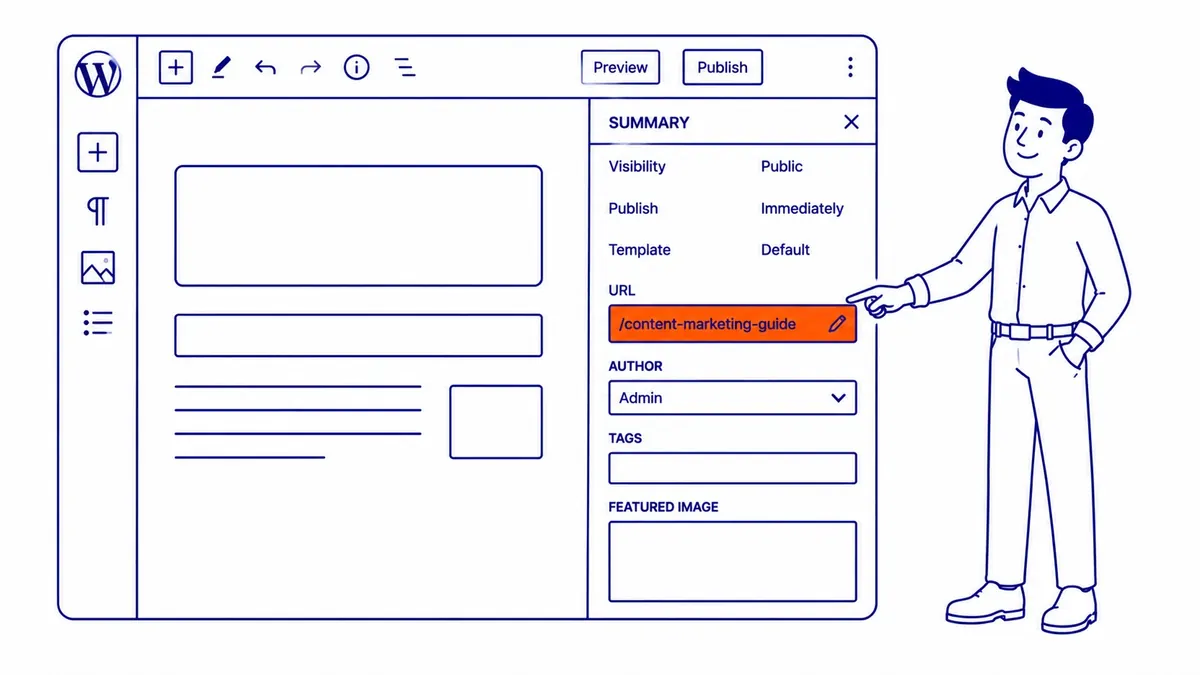
In the classic editor, the permalink appears under the title once the draft has been saved, with an Edit button beside it. Settings > Permalinks controls the structure for the whole site, with options such as Plain, Day and name, Month and name, Numeric and Post name. Post name gives the cleanest addresses, but switching an established site from a date-based structure changes the URL of every post at once, so treat it as a migration with planned redirects rather than a quick setting change.
Changing a slug after a page is live
Editing a slug before a page is published costs nothing. Changing it afterwards means the old address has to send visitors and search engines to the new one, otherwise links from other sites, bookmarks and Google’s index all point at a dead page.
WordPress handles part of this on its own. When the slug of a published post changes, WordPress stores the old slug and, if someone requests it, sends a 301 redirect to the current address. The function that records old slugs skips hierarchical post types, though, so a changed page slug gets no automatic redirect. A change to the permalink structure is not covered by that mechanism either; WordPress sometimes guesses the new address of an old post URL, but the guess is not reliable enough to plan around. Yoast SEO Premium’s Redirect Manager creates redirects automatically when a URL changes, but it is not part of the free Yoast plugin. If you are not sure which of these applies to your site, test the old address in a browser after the change and confirm it lands on the new page.
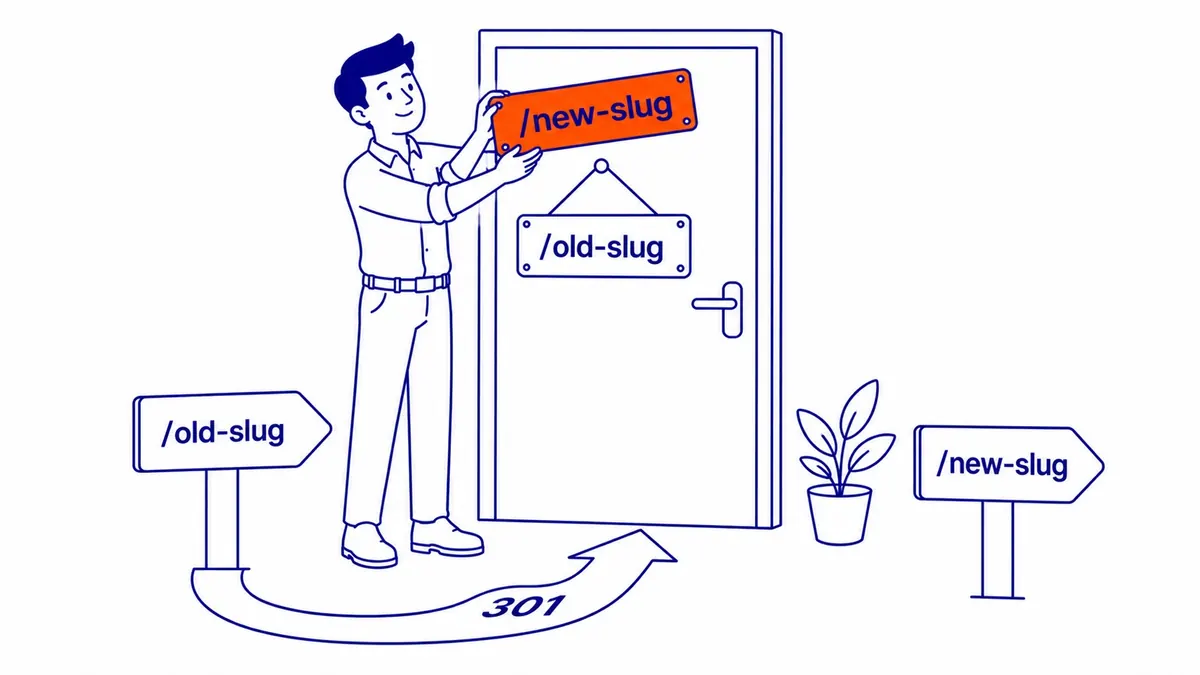
Google’s redirect documentation says a permanent redirect tells its indexing systems that the target should become the canonical URL, and its guidance for site moves recommends keeping redirects for as long as possible, generally at least a year, so that signals from links pointing at the old address can be transferred, and the same minimum is a sensible default for a single changed slug. For larger moves it also warns of temporary ranking fluctuation while Google recrawls the changed URLs. That is why 301 redirects are a safe tool when done properly, but not a free one.
A sensible rule is to change a live slug only when it is misleading, contains a wrong year or service, or is unreadable, such as an ID string or a slug that copies a forty-word title. If a page already ranks and earns enquiries, a slightly imperfect slug is usually best left alone, since the gain is small and the redirect and recrawl are certain. Before changing it, check which sites link to the old address and how much search traffic it receives, and update your own internal links to the new address so they do not rely on the redirect. If the page is also a landing page for Google Ads campaigns, change the final URLs in those ads at the same time, so paid clicks go straight to the page instead of through a redirect.
Getting slugs right across a whole site
On a small site, slugs are easy to fix one page at a time. On a site with hundreds of posts, the safer approach is to review the URL structure as part of a site audit, list which addresses are worth changing, and plan the redirects before anything is touched. SEO Company To-The-TOP! is a Calgary SEO practice founded in 2007, and the aim of that kind of review is the smallest set of URL changes that makes a real difference.
Contact Calgary SEO Company To-The-TOP!
Questions about anything in this article, or about your own rankings? Talk to a Calgary SEO specialist directly.
Phone: (403) 308-5949
Address: 1509 14 Ave SW, Calgary, AB T3C 0W4
Hours:
Monday to Friday: 10:00 am – 7:00 pm
Saturday: 12:00 pm – 4:00 pm
Sunday: closed