
What Is Keyword Mapping? An SEO Explains the Process
Keyword mapping is the process of assigning each group of related keywords from your research to one specific page on your website, so that every page has a clear target and no two pages are trying to rank for the same thing. The result is a keyword map, usually a spreadsheet with one row per URL that lists the page’s primary keyword, its secondary keywords and the search intent behind them. In practice the map becomes the plan for the whole site: which pages to improve, which ones to merge, and which ones still need to be written.
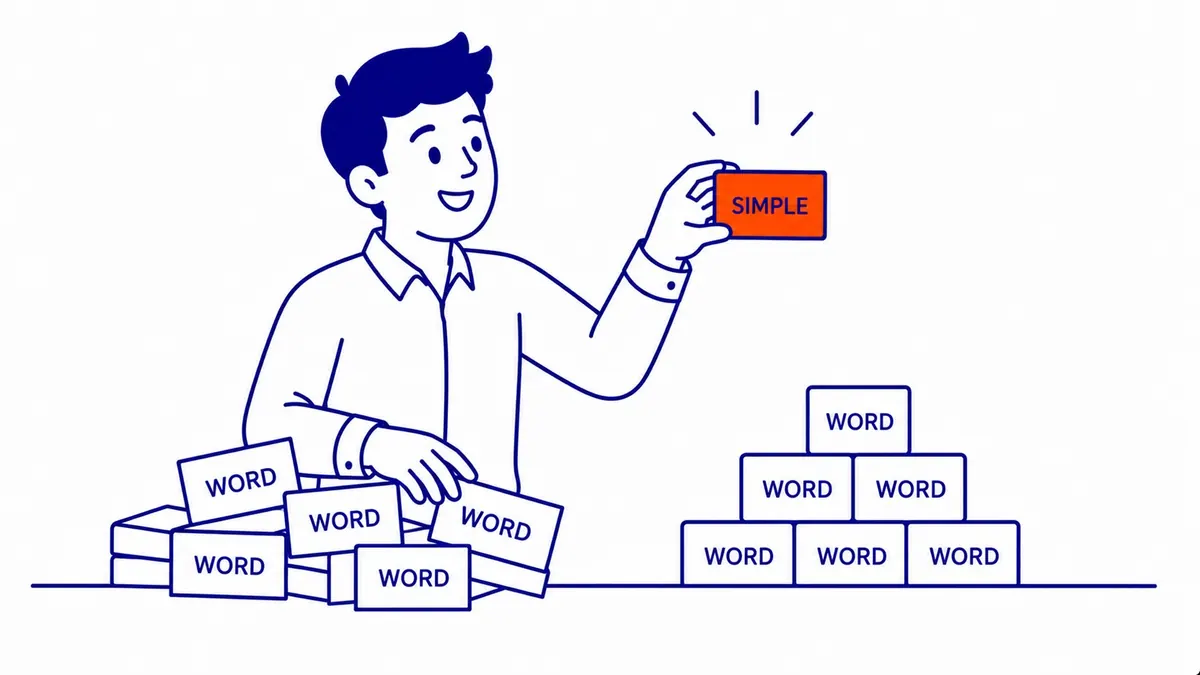
Mapping sits between keyword research and writing. Research tells you which searches are worth chasing, and mapping decides where on the site each of those searches will be answered. Skipping it is how a business ends up with three blog posts and a service page all aimed at the same question, none of them clearly the best answer.
What a keyword map contains
A keyword map does not need special software, and the useful version is usually smaller than people expect. These are the columns worth keeping, along with what each one is for.
| Column | What goes in it | Why it matters |
|---|---|---|
| URL | The existing page, or “new” with a planned slug | One row per page keeps ownership clear |
| Primary keyword | The main search the page should answer | Guides the title, H1 and opening |
| Secondary keywords | Close variants and subtopics the same page should cover | Stops each small variation from getting its own thin page |
| Search intent | Informational, commercial, transactional or local | Decides whether the page should be a guide or a service page |
| Page type | Home, service, location, blog post, product | Shows when a keyword is mapped to the wrong kind of page |
| Action | Keep, improve, merge and redirect, or create | Turns the map into a to-do list |
| Notes | Internal links the page should receive, ad groups that use it as a landing page, last review date | Keeps the map useful after launch |
The intent column does more work than it looks. Someone searching “what is a basement development permit” wants an explanation, while someone searching “basement development Calgary” is probably comparing contractors, so the first belongs on a guide and the second on a service page. If the search intent of a keyword does not match the type of page it is mapped to, the page usually struggles however well it is written, because Google tends to show the kind of page that satisfies the search.
Why keyword mapping matters
The main reason is focus. When two or more pages on one site target the same search, they can end up competing for the same spot, links can be split between them, and Google may alternate between them in the results. SEO tools call this keyword cannibalization. A map prevents it by making ownership visible before anyone writes the next post.
It also shows the gaps. A keyword group with no page beside it is content that has not been written yet, and a page with no keyword group beside it is either doing a job the map has missed or not doing much at all. Both are easier to see in one sheet than by scrolling through a blog archive.
Mapping makes internal linking simpler as well. Once each topic has an owner, a writer who mentions that topic in another post knows exactly which page to link to, and the anchor text can describe that page’s subject in natural words. Over time this gives the site a clear structure in which related pages point to each other and the most important pages receive the most links.
The same map is worth using for paid search. Every ad group in a Google Ads campaign sends clicks to a landing page, and Google Ads assesses landing page experience as part of ad quality, describing it as an estimate of how relevant and useful the page will be to people who click the ad. Recording which ad groups land on which page means an ad for “furnace repair” is not quietly sending people to a general heating page, and it shows at a glance when organic and paid traffic should share a page and when they should not.

What Google says about overlapping pages
“Keyword cannibalization” is an SEO industry term, not one Google uses in its documentation, and some of what is written about it overstates the problem. Google’s SEO Starter Guide says its “language matching systems are sophisticated and can understand how your page relates to many queries, even if you don’t explicitly use the exact terms in them.” The practical lesson is to map topics rather than exact strings: “roof replacement cost” and “how much is a new roof” belong in the same row, and writing a separate page for each wording is the very habit that creates overlap.
The same guide says duplicate content “is not a violation” of Google’s spam policies, although it can be a bad experience for users and can waste crawling on URLs you do not care about. When several pages are similar, Google’s canonicalization guidance explains that pointing them to one preferred URL helps search engines “consolidate the signals they have for the individual URLs (such as links to them) into a single, preferred URL.” It lists redirects as a strong signal and says to use them “only when deprecating a duplicate page”, while Google’s redirect documentation says to use a permanent redirect when you are sure it will not be reverted.
That makes overlap a decision rather than an emergency. The table below is a practitioner’s way of choosing among the options, built on those documented mechanisms.
| Situation | Usual decision | What to do |
|---|---|---|
| Two pages answer the same question for the same reader | Merge | Combine the best material into the stronger page and 301-redirect the weaker one to it |
| Two pages share words but serve different intents (a cost guide and a service page) | Differentiate | Sharpen each page’s title, opening and keywords so the difference is obvious, and link between them |
| Near-identical versions must both stay live (print versions, filtered listings) | Canonicalize | Add a rel=”canonical” on the duplicate pointing to the preferred URL |
| Both pages rank well for different queries and neither swaps with the other | Leave alone | Record both rows in the map and stop either one drifting into the other’s topic |
To check whether pages actually overlap, open the Performance report in Search Console, filter by a query, then switch to the Pages tab to see which of your URLs received impressions for it. Google’s Performance report help notes that data grouped by query is aggregated by property while data grouped by page is aggregated by page, so the page totals will not add up to the query total. Two URLs both showing impressions is normal; two URLs trading places for the same query over several weeks is the pattern worth acting on.

How to build a keyword map, step by step
The same sequence works for a 15-page contractor site and a 500-page catalogue; only the spreadsheet gets longer. For an existing site, start from what is already published, because most of the value comes from fixing pages you already have.
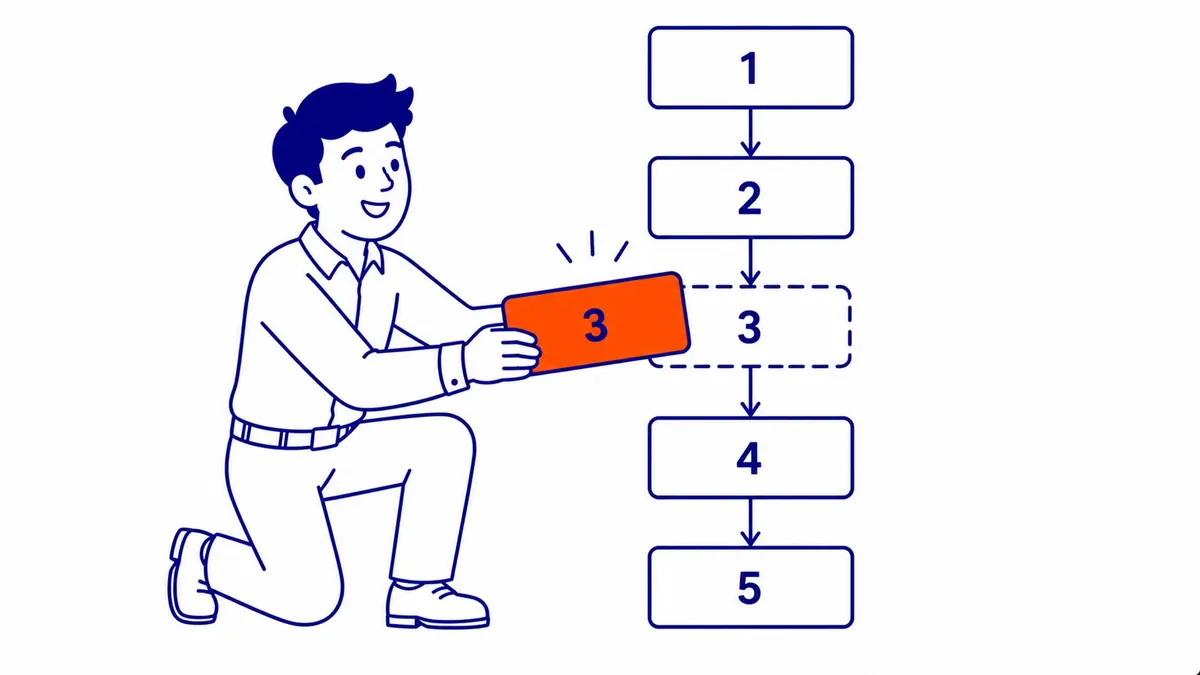
1. Gather the keywords and the pages
Pull together your keyword research, the queries each page already earns in Search Console, and a list of every indexable URL on the site. Search Console is the most useful of the three for an existing site, because it shows the searches Google already associates with each page rather than the ones you hoped it would.
2. Group keywords by topic and intent
Sort the list into groups that one page could answer well. Two keywords belong together when they want the same answer, and a quick test is to search both: if the top results are largely the same pages, Google is treating them as one topic. Grouping keywords into clusters is its own skill, and tools can speed it up on large lists, but each group still needs a human look at intent before it is assigned.
3. Assign each group to one page
Give each group one URL. Match groups to existing pages first, then mark the groups with no suitable page as “new”. If two existing pages claim the same group, choose the stronger one as the owner, using rankings, links and how well it answers the search, and note the other for a decision in the next step.
4. Set an action for every row
Each row gets one action: keep, improve, merge and redirect, or create. This is where the overlap decisions from the table above are made. A useful test for secondary keywords is whether one page could satisfy every term in its row without turning into two articles; if not, the extra terms probably need a page of their own.
5. Add the local and paid columns
For a local business, note which URL the Google Business Profile website link points to and which landing page each Google Ads ad group uses. Those two pages often carry the most commercial traffic on the site, so they should own the keywords that matter most to revenue rather than sharing them with blog posts.
6. Use the map before anything is written
From now on, every new page starts as a row in the map, and every draft links to the pages that own the topics it mentions. When the “create” rows are ready to be scheduled, the map can be turned into a publishing schedule so new content goes out in a sensible order.
A keyword mapping example for a Calgary business
The map below is an illustrative example, not a client’s. It shows part of a map for a Calgary renovation company with a home page, a few service pages, a guide section and an area page.
| URL | Primary keyword | Secondary keywords | Intent | Action |
|---|---|---|---|---|
| / | calgary home renovations | renovation company calgary, home renovation contractor | Commercial and local | Keep; Google Business Profile links here |
| /basement-development/ | basement development calgary | basement finishing, legal basement suite | Commercial | Improve; landing page for the basement ad group |
| new: /blog/basement-development-cost/ | basement development cost calgary | cost to finish a basement, basement renovation cost | Informational, close to buying | Create; link to the service page |
| /blog/basement-permit-calgary/ | do you need a permit to finish a basement in calgary | basement building permit, development permit | Informational | Improve; merge the older permit post into it and 301-redirect |
| /airdrie/ | basement development airdrie | Airdrie renovation contractor | Local | Keep only if the page has Airdrie-specific content |
Notice how commercial searches sit on pages built to sell and question searches sit on guides that link to them. The two older permit posts become one page because they answer the same question, while the cost guide and the service page stay separate because one reader is researching and the other is ready to call.

The Airdrie row deserves the most care. Google’s spam policies list doorway abuse, and one of the examples is “having multiple domain names or pages targeted at specific regions or cities that funnel users to one page.” A service-area business around Calgary can still have area pages, but each needs something a visitor in that area would value, such as projects in the area, local permit differences or service details, rather than the same text with the city name swapped. If you cannot fill that page, map the area keyword to the main service page instead.
Tools for keyword mapping
A spreadsheet is enough for most small and mid-sized business sites, and Google Sheets has the advantage that everyone working on the site can see the same version. Search Console is the free source of truth for which pages already earn impressions for which queries. Paid platforms add speed on larger sites: Semrush’s Position Tracking has a Cannibalization report that shows when several of your pages rank for the same keywords, and Ahrefs can group a keyword list by parent topic to suggest which keywords one page can target.

None of those tools makes the assignment decision for you. They show overlap and suggest groupings, but deciding whether two pages should merge, whether a city deserves its own page or which page a Google Ads ad group should land on still depends on knowing the business and its customers.
Keeping your keyword map current
A map is only useful while it matches the site, so treat it as a working document rather than a one-off project. The simplest rule is that the map changes whenever the site does: add a row before a new page is written, update the action column when a page is improved, and mark merged or redirected URLs as such instead of deleting their rows, so the history stays readable.

Beyond that, a review is worth doing when one of a few things happens. Two of your URLs start trading places for the same query in Search Console, a new service or location is added, a page loses most of its impressions after a Google update, or a Google Ads ad group is created or restructured. A busy site that publishes every week will hit those triggers often, and a 20-page site that rarely changes may go months without needing a review.
Getting the most from a keyword map
So, what is keyword mapping in practice? It is a short, plain document that says which page answers which search, and it is most valuable when it is used to make decisions: what to improve, what to merge and what to write next. A map will not rank anything on its own, because the pages still need to be useful, well built and linked, and SEO results take months to show. What it does is stop a site from working against itself, which is often the cheapest improvement a growing site can make.

Since 2007, SEO Company To-The-TOP! has done search optimization for Calgary and Alberta businesses, with one expert handling the client work from the first review to the monthly position reports. If you would like help with keyword research and mapping for your own site, call (403) 308-5949 to talk it through.
Contact Calgary SEO Company To-The-TOP!
Questions about anything in this article, or about your own rankings? Talk to a Calgary SEO specialist directly.
Phone: (403) 308-5949
Address: 1509 14 Ave SW, Calgary, AB T3C 0W4
Hours:
Monday to Friday: 10:00 am – 7:00 pm
Saturday: 12:00 pm – 4:00 pm
Sunday: closed