
What Services Do Top Technical SEO Agencies Provide?
Top technical SEO agencies provide a fairly standard set of services: a technical audit with crawl analysis (site structure, internal links, status codes, XML sitemaps, HTTPS and mobile rendering), indexing and duplicate URL cleanup, page speed and Core Web Vitals work, structured data, JavaScript rendering checks, site migration support, international setup where a site needs it, and ongoing monitoring. The list itself is not what separates a top agency from an average one, because most agency service pages list much the same menu. The difference is that a good agency ties each service to a deliverable you can check in Google’s own tools, and tells you plainly which services your site does not need.
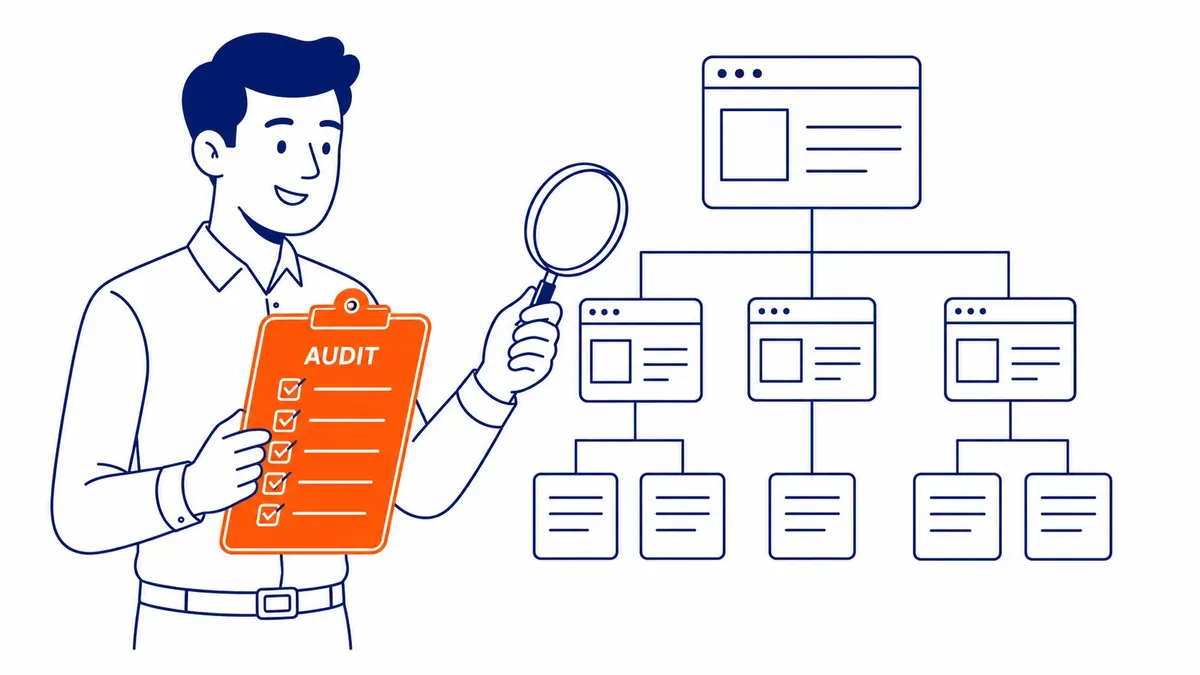
Technical SEO is the part of search work that deals with whether Google can find, crawl, render and index your pages, as opposed to what the pages say or who links to them. If you want the background first, there is a separate guide to what technical SEO covers. This page is written for the moment after that, when you are comparing proposals and trying to work out what you would be paying for.
The core services at a glance
| Service | What you should receive | How you can check it | Who needs it |
|---|---|---|---|
| Technical audit and crawl analysis | A ranked list of problems with the affected URLs | Run a crawl yourself or ask for the raw export | Most sites, at least once, and any site with indexing or visibility problems |
| Indexing and canonical cleanup | Decisions on which URLs belong in Google and fixes for the rest | Page indexing report in Search Console | Most sites, especially stores and directories |
| Page speed and Core Web Vitals | Fixes for loading, responsiveness and layout shift (LCP, INP, CLS) on the pages that fail | Core Web Vitals report in Search Console | Sites with “Poor” or “Need improvement” groups |
| Structured data | Markup that matches visible content and passes validation | Rich Results Test | Sites eligible for a rich result that still exists |
| JavaScript rendering checks | Confirmation that key content appears in the rendered HTML | URL Inspection tool, rendered HTML | Sites built on JavaScript frameworks |
| Site migration support | A redirect map, pre-launch checks and post-launch monitoring | Spot-check old URLs after launch | Anyone changing domain, platform or URL structure |
| International setup | hreflang annotations and a clear country or language structure | URL Inspection and a crawl of the annotations | Bilingual sites and sites serving several countries |
| Ongoing monitoring | Regular crawls and alerts on new errors | Search Console reports between the agency’s crawls | Sites that change often |
The technical audit and crawl analysis
A technical SEO engagement usually starts with a technical SEO audit, in which a crawler visits the site the way a search engine would and records broken links, redirect chains, orphan pages, blocked resources, missing XML sitemap entries, HTTP pages, missing or duplicate titles and similar faults. The crawl is the easy part, since many tools can produce one. What you are paying an agency for is the reading of it, because a raw crawl of even a modest site can list hundreds of warnings of very different importance.
A useful audit therefore ends in a short list that ranks the fixes by impact, says who should make each change and explains how to confirm it worked. If the deliverable is a 60-page export with no priorities, you have bought a tool report. One common misunderstanding worth testing an agency on is robots.txt. Google’s documentation says robots.txt is used mainly to avoid overloading a site with requests and is not a mechanism for keeping a page out of Google; for that you need noindex or password protection. An auditor who recommends robots.txt to hide pages from search results has the basics wrong.
Crawl budget and log file analysis also belong in this section, and they are where size matters most. Google’s crawl budget guide says it is intended mainly for large sites with about 1 million or more unique pages that change weekly, medium or larger sites with 10,000 or more unique pages whose content changes daily, and sites with a large share of URLs stuck as “Discovered – currently not indexed” in Search Console. Google adds that these numbers are rough estimates, not exact thresholds. A small service-business site with dozens or a few hundred pages is nowhere near them, unless Search Console shows a large share of its URLs as “Discovered – currently not indexed”, so if a proposal for a site that size leads with crawl budget optimization, ask why.
Indexing, canonicals and duplicate URLs
Not every URL a site produces deserves to be in Google’s index. Filtered category pages, tag archives, internal search results and parameter variations of the same product can multiply a site’s URL count without adding anything a searcher wants. This service decides which URLs should be indexed, then applies the right tool to the rest: a noindex tag, a redirect, a canonical link or removal.
Canonicals are where precise language matters. Google describes redirects and rel=”canonical” links as strong signals for which URL should be treated as the main version, and sitemap inclusion as a weak one. They are signals, not commands, so an agency should check what Google actually chose rather than assume the tag worked. You can see the result yourself in the Page indexing report in Search Console, which lists indexed and non-indexed pages with a reason for each exclusion, and in the URL Inspection tool, which shows the canonical Google selected for a single page.

Page speed and Core Web Vitals
Speed work is the most visible technical service, and Google is unusually specific about it. Its Core Web Vitals page sets three targets: Largest Contentful Paint within 2.5 seconds for loading, Interaction to Next Paint under 200 milliseconds for responsiveness, and Cumulative Layout Shift under 0.1 for visual stability. Google says it recommends good Core Web Vitals for success with Search and that this, along with other page experience aspects, aligns with what its core ranking systems seek to reward. That is support for doing the work, though it is not a promise that faster pages will outrank more relevant ones.
The fixes are usually image compression, deferring or removing scripts, better caching and sometimes server or hosting changes. Ask the agency which numbers it will report. The Core Web Vitals report in Search Console uses field data from real visitors, grouped into sets of similar pages, while lab tools such as a single PageSpeed test measure one simulated load. An agency that shows only lab scores after the work may be showing you the easier number to move.

Structured data
Structured data is code that describes what a page is about in a format Google can read, such as a product with a price, an article with a publish date or a local business with an address and hours. A good agency adds only markup that matches what visitors can see on the page and validates it with the Rich Results Test before and after launch. Google’s general structured data guidelines are clear that correct markup does not guarantee a rich result, so be wary of anyone who promises star ratings or special listings as an outcome.
This is also the service most affected by Google’s recent changes, because Google has been retiring rich result types. The clearest example for small businesses is the FAQ rich result, which many agencies still sell. Google’s documentation updates log records that the FAQ rich result stopped appearing in Google Search on May 7, 2026, and that its documentation was removed in June 2026. FAQ markup added today for the sake of expanded listings buys no rich result in Google, because that feature is no longer shown.

JavaScript rendering and site migrations
Sites built on JavaScript frameworks can look complete in a browser while some content only appears after scripts run. Google renders JavaScript with an up-to-date version of Chromium, but its documentation still tells site owners to check the rendered HTML with the URL Inspection tool or the Rich Results Test, because content that is not in the rendered HTML cannot be indexed. Older guides suggest checking Google’s cached copy of a page, but the cache: search operator no longer works and Google has removed its documentation, so a current agency uses URL Inspection instead.
Migrations are the other high-stakes service in this group. Moving from HTTP to HTTPS, changing domains, switching platforms or restructuring URLs all change addresses that Google has already indexed. The service consists of a full map of old URLs to new ones, redirects tested before launch, updated internal links and sitemaps, and monitoring for several weeks after. Google’s site move guide covers these steps, and in June 2026 it added that, for a domain change, the Change of Address tool should be used for every subdomain variant of the site, including www and non-www. A redesign is the moment to bring a technical specialist in, before the new site is built rather than after traffic drops.

International setups for Canadian sites
Canadian businesses that run an English and a French version of their site, or separate pages for Canadian and US customers, are where hreflang annotations come in. They tell Google which version suits which language and region, using codes such as en-CA, fr-CA and en-US. Google’s rules are strict: each version must list itself and every other version, and if two pages do not point to each other, the annotations are ignored. A one-language site serving Calgary and the rest of Alberta does not need this service at all, so it should not appear in that proposal.
Services to question in 2026
Some line items look technical but are out of date or unnecessary for Google Search, and a top agency will say so rather than sell them. FAQ markup for rich results is the first, for the reason above. The second is llms.txt and similar “AI files”: Google’s AI optimization guide says that for Google Search you can ignore tactics such as creating unnecessary AI text files like llms.txt, and its June 2026 clarification adds that these files will not affect visibility or rankings either way, though you may keep them for other services. The third is crawl budget work on a small site, which Google’s own guide does not aim at.
Google says llms.txt files neither help nor harm, and FAQ markup does no damage either. The problem is paying for these items in place of work that matters, such as fixing pages that cannot be indexed or a template that fails Core Web Vitals, and crawl budget changes on a small site can do harm if they block URLs that should be crawled.
One-time project or ongoing monitoring
Some technical services have a clear start and finish. A migration, a Core Web Vitals clean-up or a structured data rollout is a project, and a proposal for one should name the deliverable and say how completion will be confirmed. Other work needs repeating, because sites drift: new pages get added, themes and plugins update, and a change made for one reason can break a canonical tag or a redirect somewhere else.
How often a site changes is the main deciding factor. A small brochure site that changes a few times a year can manage on a periodic audit plus a regular look at the Search Console reports. A store, a directory or a site with frequent template changes is better served by ongoing website SEO support that includes regular crawls and someone watching for new errors. Either way, ask for the scope in writing before you compare prices, because two quotes for “technical SEO” can describe very different amounts of work.
How to tell a top agency from a tool report
Four questions separate the two quickly. Ask what the deliverable is for each service, and whether it is a ranked list or a raw export. Ask who makes the changes, the agency or your developer, because many agencies identify problems and leave the fixing to someone else, which is fine as long as you know it before you sign. Ask which Search Console report or Google tool will show that each fix worked. Finally, ask which services on their menu your site does not need. An agency that answers the last question with “none” is selling the menu rather than reading your site.
Once you have chosen, the next questions are about access, reporting and who owns which task, and the guide on how a working relationship with a technical SEO agency runs covers those.

A second opinion on your site or your quote
SEO Company To-The-TOP! has worked on search for Calgary businesses since 2007, uses White Hat methods only and reports positions monthly. It is a solo practice, so the person who reviews your site is the person who would do the work, with no handoff to a junior. If you would like a second opinion on your site, or on a technical SEO quote you already have, call (403) 308-5949.
Sources (checked November 6, 2026)
- Google Search Central, Large site owner's guide to managing your crawl budget
- Google Search Central, Introduction to robots.txt
- Google Search Central, How to specify a canonical URL
- Google Search Central, Understanding Core Web Vitals and Google search results
- Google Search Central, General structured data guidelines
- Google Search Central, Latest Google Search documentation updates
- Google Search Central, AI optimization guide
- Google Search Central, Understand the JavaScript SEO basics
- Google Search Central, How to move a site with URL changes
- Google Search Central, Tell Google about localized versions of your page
- Search Console Help, Page indexing report
- Search Console Help, Core Web Vitals report
Contact Calgary SEO Company To-The-TOP!
Questions about anything in this article, or about your own rankings? Talk to a Calgary SEO specialist directly.
Phone: (403) 308-5949
Address: 1509 14 Ave SW, Calgary, AB T3C 0W4
Hours:
Monday to Friday: 10:00 am – 7:00 pm
Saturday: 12:00 pm – 4:00 pm
Sunday: closed