How to Add Meta Keywords in WordPress
A client emailed last month asking why his competitor outranked him. His theory: the other site must have better meta keywords. So he wanted me to stuff a long list of keywords into every page on his WordPress site and watch the rankings climb. I added the tag for him, because he asked. Then I showed him his own analytics, where that field had changed nothing for eleven years running.
That is the honest starting point for this guide. You can add the keywords tag in WordPress in about a minute, and this page shows you three ways to do it. What it also tells you, which most tutorials bury near the bottom, is that Google stopped reading the keywords field in 2009. As SEO practitioners in Calgary we still get the request, so here is both the how and the why-it-barely-matters, in one place.
Do meta keywords still matter?
No. Google confirmed it publicly in 2009, and nothing has changed since. The keywords meta tag is the one piece of on-page markup the largest search engine openly ignores. Bing treats it as a spam signal at worst and a non-factor at best. So the tag that an entire generation of webmasters obsessed over now sits closer to dead weight than ranking fuel. The fuller answer to whether Google uses meta keywords has not changed in over a decade. It does not.

Why did it die? People abused it. A recipe blog would pack that field with “weight loss,” “cheap flights,” and a hundred unrelated terms, hoping to rank for all of them. Search engines caught on fast. Rather than police the abuse, Google simply dropped the signal. The tag became invisible to the crawler, and it has stayed that way. If you want the full background, the deeper explainer on what meta keywords are and where they came from covers the history.
So why add them at all? Three honest reasons. A few clients want them for peace of mind. Some internal site-search plugins read the keywords field. And a handful of smaller or regional search engines still glance at it. None of those reasons will move you up in Google search results. Set your expectations there before you touch a single line of code. The terms themselves are not the problem. Keywords still matter, just in the visible content, not a hidden tag.

How to add meta keywords in WordPress
Three routes get a keywords tag onto your WordPress website: an SEO plugin, a manual edit to your theme, or a custom field wired into the header. The plugin route is the only one most site owners should use. Those other two exist for people who want control or who refuse to install more software. All three produce the same line of HTML in the page head. That line is a meta tag with name=”keywords” and a content attribute holding your comma-separated terms. Same output, three different paths to it.
With an SEO plugin (the one-minute version)
Most WordPress meta tags are managed through a plugin already. Yoast SEO, Rank Math, SEOPress, and All in One SEO all handle title tags and the meta description out of the box. The catch: most of them removed the keywords field years ago, precisely because Google ignores it. Rank Math is the usual exception. It keeps a focus keyphrase field and, in its advanced settings, an option to output a keywords field if you insist.
Here is the Rank Math path. Open any post or page, scroll to the Rank Math panel, and switch to the Advanced tab. Enable the keywords field option in the plugin’s global settings first, under Titles and Meta. After that, a keywords box appears on every post and page editor. Type your terms, separated by commas, then update the page. Rank Math writes the tag into your header automatically. Yoast users will not find this box, because Yoast SEO dropped it on purpose. To add keywords to a Yoast site you fall back to one of the manual methods below.
Without a plugin: editing the theme header
No plugin, no problem, as long as you are comfortable in your theme files. WordPress fires an action called wp_head every time it builds the document head. You hook into it. Open your child theme’s functions.php and add a small function that echoes a meta tag with your keywords, then attach it to wp_head. Save, reload a page, and view source. The tag now sits in the head of every page on the site.
A warning before you do this. Edit a child theme, never the parent, or your next theme update wipes the change. And a single hardcoded keywords list applied site-wide is worse than useless, since every page then claims the same terms. If you go the manual route, make the function pull a per-post value rather than a fixed string. That is more work than the plugin, for markup that does nothing in Google. Worth saying twice.
Using a custom field
A middle path sits between plugin and code: the custom field. WordPress lets you attach arbitrary data to any post through the custom fields panel, which you enable from the editor’s Preferences or the screen options menu in the Classic editor. Create a field named something like meta_keywords and drop your terms in the value box. Then a single line in your header template reads that field and prints the tag for whichever post is loading. One function, per-page control, no extra software. This is how developers added keywords to WordPress before SEO plugins existed, and it still works on any WordPress website today.

Meta keywords vs meta description vs meta title
People conflate three different meta tags, so let me separate them. The keywords tag is the dead one. Those other two carry real weight.
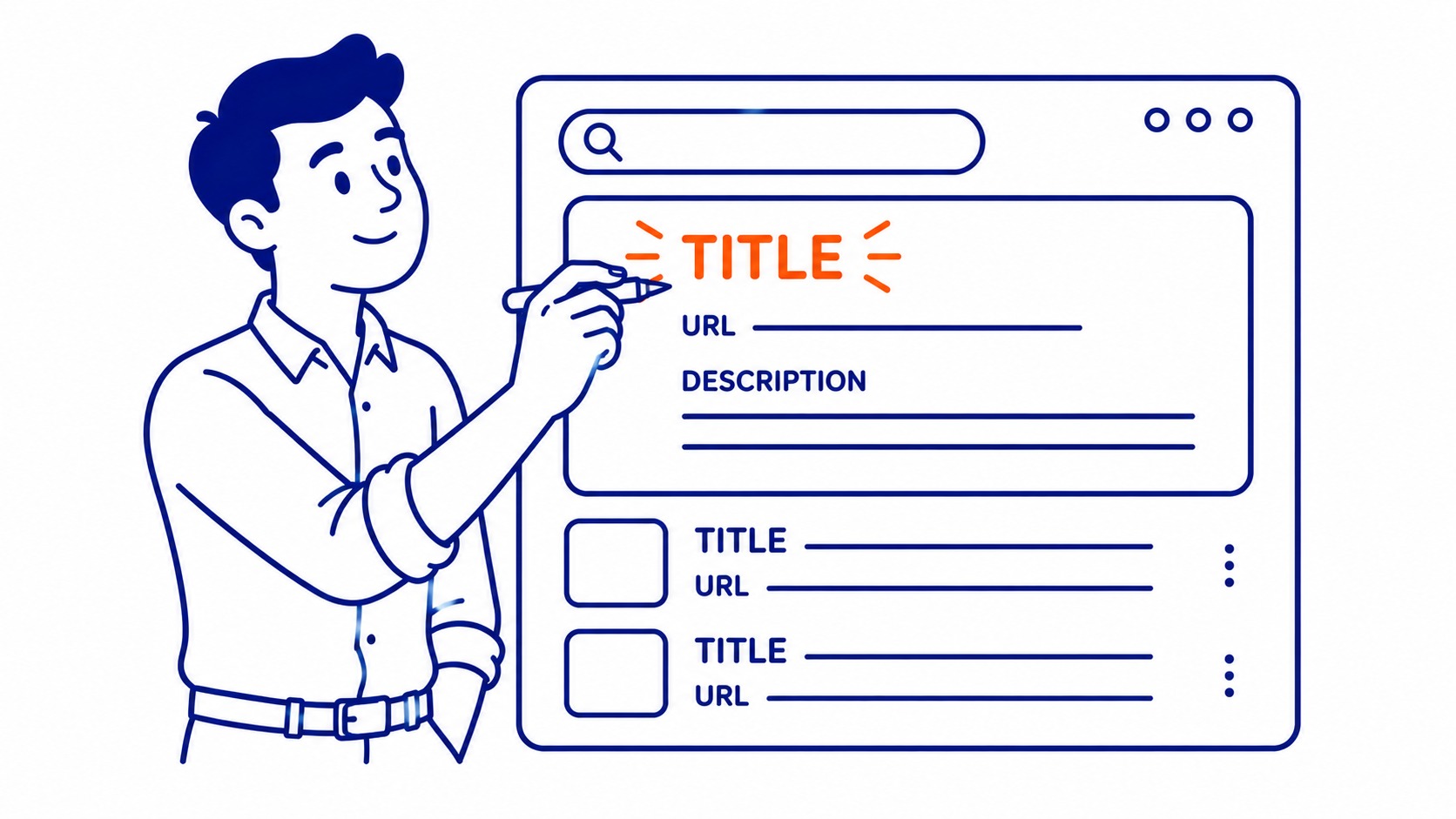
A meta description is the snippet of text that shows under your link in search results. Google does not rank on it directly, but it drives clicks, and click-through rate feeds back into ranking over time. Write it like ad copy. Around 155 characters, active voice, a reason to click. Good meta descriptions earn clicks that weak ones throw away. Every SEO plugin gives you a description field, and you should fill it on every important page.
Your meta title, the SEO title tag, is the clickable headline in the search result. This one Google reads closely. A focus keyword belongs near the front of it. Mix up the three meta tags and you waste effort polishing the one that does nothing while neglecting the two that move rankings. So learn which is which before you spend an afternoon on the wrong field.

What to do instead for on-page SEO
Skip the keywords tag and put that hour somewhere it pays. Real on-page SEO starts with one focus keyword per page, placed in the title, the first paragraph, a heading, and naturally through the content. Not a list of twenty terms crammed into a hidden field. One clear topic per page, covered in depth, beats a scattershot list every time. Knowing what counts as an SEO keyword in the first place is the start of getting that focus right.
Then meta descriptions, the headings, the internal links, and content that actually answers the query. Those are the on-page signals search engines weigh. Picking the right focus keyword to target in the first place is its own discipline, and proper keyword research beats guessing what people type. If you want the full picture of how we approach a client’s website, our search engine optimization work follows the same order: research the phrase, build the page and its content around it, then measure what moves in the search results.
One more honest note. The keywords tag has no effect on paid search either, so do not expect it to help a Google Ads campaign. Ad targeting runs off the terms you bid on inside your account, not anything written into your page source. Two completely separate systems, often confused.
Frequently asked questions
How do I add meta keywords in WordPress?
Open a post in Rank Math, enable the keywords option under Titles and Meta, then type your terms in the box and update. Prefer no plugin? Hook a function into wp_head in your child theme’s functions.php, or read a custom field from your header template. All three write the same markup to your WordPress website. None of them help your Google ranking.
Inserting a meta description in WordPress: where does it go?
The description field sits inside your SEO plugin, right under the post title in the editing panel. Yoast, Rank Math, and SEOPress all show it as a “snippet preview.” Type roughly 155 characters that describe the page and give a reason to click. Unlike the keywords tag, meta descriptions are worth your time, since they shape how your listing reads in search results.
Can you add a keywords tag in WordPress without plugins?
Yes. Two ways. Edit your child theme’s functions.php to hook a keywords tag onto wp_head, or store the terms in a custom field and print them from your header template. Both add keywords to WordPress with zero plugins. Each also produces markup Google still ignores, so weigh the effort against the return.
Where are meta tags in WordPress?
In the document head, generated when the page loads. You will not see these meta tags in the visual editor. View any live page, open the browser’s view-source, and look between the head tags near the top. Title, description, and any keywords tag all live there. Most of them get written by your SEO plugin; the rest come from your theme’s header template.
SEO Company To-The-TOP! has been untangling on-page myths like this one for businesses since 2007. The keywords tag is the tidiest example of effort spent in the wrong place. Add it if a client insists, then spend the real hours on the title, the description, and the content. That is where Calgary rankings actually come from.
