What Are Negative Keywords? A Plain Guide for Google Ads
Negative keywords are search terms you tell Google Ads to ignore, so your ad never shows for them. That is the whole idea in one sentence. They are the opposite of the keywords you bid on. For the positive list, and how the same terms work over in organic search, see what SEO keywords are. Regular keywords say show my ad here. Negative keywords say not here, not for this search, not to this person.
Most of the wasted spend we find in a new client’s Google Ads account traces back to missing exclusions. Someone bid on “running shoes” and forgot to block “free,” so half the money went to people typing “free running shoes” who were never going to buy anything. That account did not have a bidding problem. It had a negative keyword problem.

This guide walks through what negative keywords do, the match types that control how aggressively they block, where you add them, and how to find the ones costing you money right now.
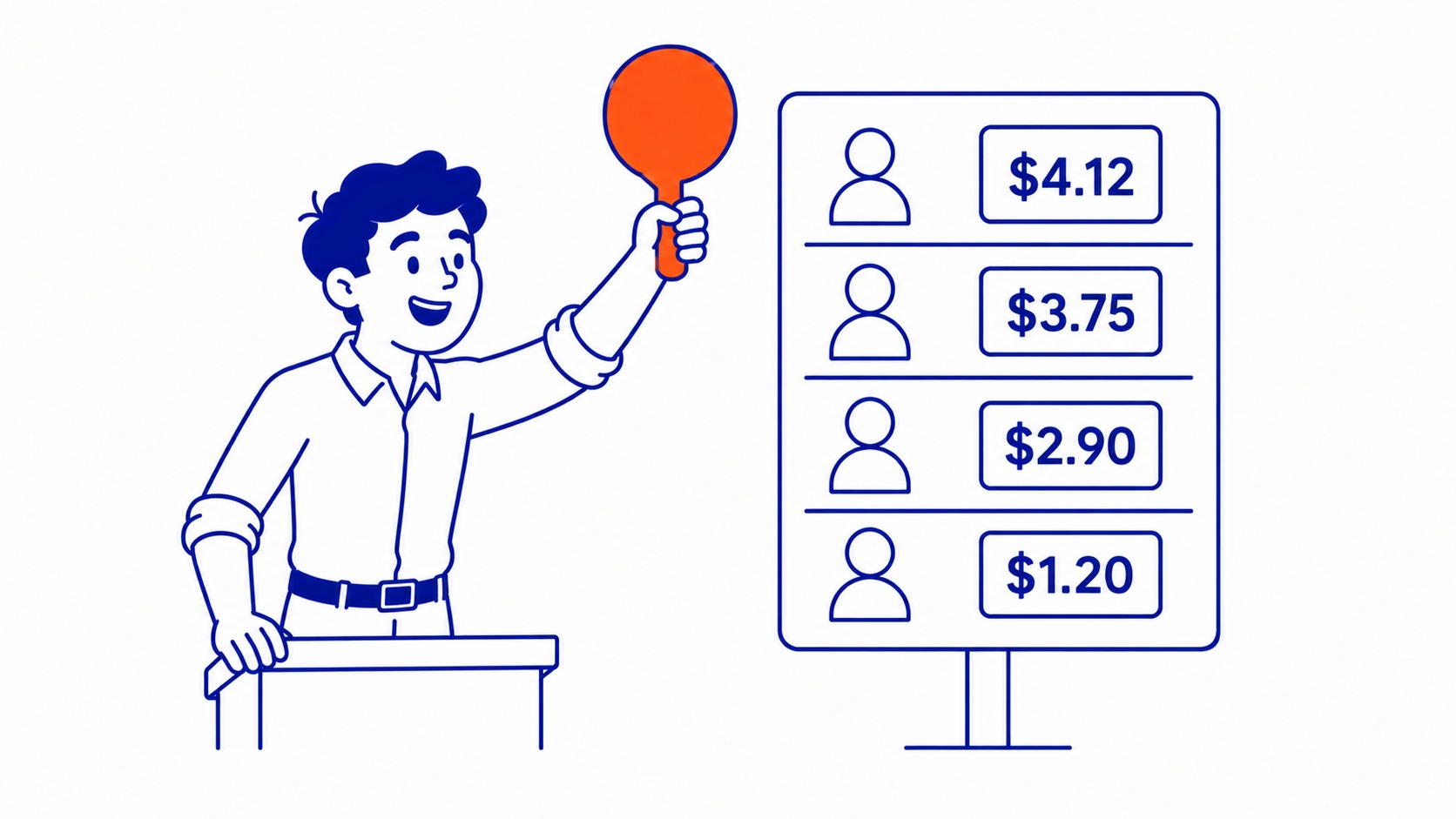
What Negative Keywords Actually Do
Picture your campaign as a net. Your regular keywords decide how wide the net opens. Broad terms catch a lot of searches, some relevant, plenty not. Negative keywords cut holes in that net so the searches you do not want fall straight through.
Say you sell premium leather boots. You bid on “leather boots.” Google, being Google, also matches you to “leather boots cheap,” “leather boots repair,” and “how to clean leather boots.” None of those people want to buy a new premium pair. Add “cheap,” “repair,” and “clean” as negative keywords, and your ad stops appearing for those searches. Your clicks get more relevant. The cost per real lead drops.
Underneath, the mechanic is simple. When someone searches, Google checks your negative list before it shows your ad. One match on that list and your ad is out of the auction for that search. No impression, no click, no charge. This is why they matter as much as the keywords you actually bid on, and it is a core part of how pay-per-click advertising works.
Why Negative Keywords Save Your Budget
Every irrelevant click is money gone with nothing to show for it. That is the blunt version. A clothing retailer paying two dollars a click for “jobs” searches because they never blocked the word is funding job seekers, not buyers.
Three things improve the moment you build a proper negative list. Your click-through rate climbs. The ad only shows to people the search actually fits. Wasted spend falls, since the junk searches stop triggering charges. Quality Score tends to rise over time, too, since Google rewards ads that earn clicks from relevant searches. Better Quality Score means lower costs down the line. It compounds.
There is a targeting benefit too that gets overlooked. Negatives let you separate similar campaigns. Run one campaign for “iphone cases” and another for “samsung cases,” and you add each brand as a negative in the other campaign. Now the right ad shows for the right phone, every time. No overlap, no self-competition. This kind of structure is the difference between a tidy account and a leaky one, which is most of what good Google Ads management comes down to.

The Three Negative Match Types
Negatives have match types, just like regular keywords. They decide how loosely or tightly a search has to match your negative before the block kicks in. Get these wrong and you either block too much or too little.
Negative broad match
Add a broad match negative with no special punctuation and it blocks any search containing all those words, in any order. Take “free shoes” as a negative broad, and you block “free shoes,” “shoes for free,” and “free running shoes online.” The words can be scattered through the query and still trigger the block. Worth noting: negative broad does not match close variants the way positive broad does. Block “running” and searches for “run” still get through.
Negative phrase match
Wrap the term in quotation marks, like “free shoes,” and you only block searches that contain that exact phrase in that order. “Free shoes online” gets blocked. “Shoes for free” does not, because the words are out of order. Phrase gives you more control than broad without being rigid.
Negative exact match
Put square brackets around it, like [free shoes], and you block only the exact search “free shoes” with nothing extra. “Free shoes online” still shows your ad. Exact is the scalpel. Use it when one specific query is the problem and everything around it is fine.
A rough rule from the field: start them at phrase match. Broad blocks more but occasionally too much. Exact is precise but you will be adding hundreds of them to cover real search behaviour. Phrase sits in the sweet spot for most setups.
Where You Add Negative Keywords
Negatives live at three levels. Each one reaches a different distance. To add negative keywords, open the campaign and drop them in at the level you choose.
Ad group level. The negative applies only to that single ad group. Use this when one group needs a block the rest of the campaign does not. Tight, surgical, easy to forget you set it.
Campaign level. The negative applies to every ad group in that campaign. All ad groups underneath inherit it. Most of your blocking happens here. General junk like “free,” “cheap,” “diy,” and “jobs” usually belongs at campaign level so it covers everything underneath.
Negative keyword lists. This is the time-saver people skip. A negative keyword list is a reusable set of negatives you build once and apply to as many campaigns as you want. Build a master list of universal junk terms, apply it across the account, and update one place when a new bad search shows up. Every campaign inherits the change. Anyone setting up a Google Ads campaign properly leans on these lists from day one.
Account level negatives exist too, though Google rolled those out more recently and they are blunter. For most advertisers, blocks set across your campaigns plus a couple of shared lists cover the job.

How to Find Negative Keywords
The search terms report is where the real work happens. Regular keywords are what you bid on. Search terms are the actual queries people typed to trigger your ad, and the two are rarely identical.
Open any campaign, head to the search terms report, and you see the literal searches that spent your money. Read down the list. Some will make you wince. We pulled a report for a Calgary roofing client once and found they had paid for “roofing apprenticeship,” “roof of mouth sore,” and “how to roof a doghouse.” Three exclusions later, those were gone.
Make this a habit, not a one-time cleanup. Weekly for new campaigns, monthly once things settle. Search behaviour drifts, new junk queries appear, and the list never really finishes. Pair it with solid keyword research on the positive side and the whole account tightens up. The two jobs feed each other. On the content side, related terms such as LSI keywords play a similar supporting role.
One tool worth knowing: the Google Ads Keyword Planner shows related searches, and skimming those surfaces obvious ones before you ever pay for a click. Cheaper to block them upfront than to pay for the lesson. The organic equivalent of fretting over term counts, what keyword density is, deserves the same skeptical treatment.
Negative Keyword Examples
Some blocks show up in nearly every account we touch. Here is the starter set most businesses can add today.
Free, cheap, discount. These pull bargain hunters when you sell at a real price. Jobs, careers, salary, hiring. These catch job seekers researching your industry, not customers. DIY, how to, tutorial. These flag people who want to do it themselves, not pay you to. Used, second hand, refurbished. Block these if you only sell new.
Competitor brand names are a judgement call. Some advertisers block them, some bid on them deliberately. Reviews and complaints often deserve a block too, since someone searching “company X complaints” is rarely about to convert. The point is that the right list depends on your business. A law firm and a snack brand share almost no negatives. Understanding how Google Ads decides which searches trigger your ad makes building that list far faster.
Common Negative Keyword Mistakes
Over-blocking is the one that bites hardest. Add “free” as a broad negative and you might quietly block “free consultation,” which is a search you wanted. Check what a negative will actually catch before you save it, especially broad ones.
Conflicts are the sneaky one. People add a negative that cancels out a keyword they are actively bidding on, then wonder why impressions cratered. If a campaign suddenly goes quiet, a fresh negative is the first thing to check.
Setting and forgetting is the slow leak. A negative list built once and never revisited goes stale within months. New products, new search trends, new junk queries. The accounts that perform are the ones where someone reads the search terms report regularly and keeps the list current. That ongoing attention is honestly half of what we do for clients in Calgary, and it is unglamorous work that quietly saves real money.
Negative keywords will not fix a weak offer or a bad landing page. They make sure you stop paying for the wrong clicks. Worth getting right before you raise your bids.
Frequently Asked Questions
What is a negative keyword example?
A common one is “free.” If you sell a paid product, adding “free” as a negative stops your ad from showing to people searching “free [your product].” Other frequent ones are “jobs,” “cheap,” and “DIY,” each blocking a group of searchers who are not buyers.
What are the four types of keywords?
In Google Ads, keywords come in broad match, phrase match, and exact match, which control how closely a search must match before your ad shows. Negative keywords are the fourth type, and they do the reverse by stopping your ad from showing for terms you list.
How do you identify negative keywords?
Open the search terms report in your Google Ads account. It lists the actual searches that triggered your ads. Any search that is irrelevant to your business becomes a negative keyword. Reviewing this report regularly is the most reliable way to find them.
Do negative keywords work outside Google Ads?
Yes. Microsoft Advertising uses them the same way, and most major ad platforms have a version of negative targeting. The match types and labels differ slightly between platforms, but the principle holds everywhere: tell the platform which searches to skip.
SEO Company To-The-TOP! has managed Google Ads accounts for Calgary and Alberta businesses since 2007, and a clean negative keyword list is one of the first things we build. Worth a conversation before your next budget increase.
