What Are Google Shopping Ads?
Listings at the top of a search result change how buyers behave. Image up top. Price underneath. Store name beside it. Comparison shopping starts before anyone clicks. Google Shopping Ads are how retailers put their inventory into that position. Run through the same platform as text search and display, Shopping campaigns pull directly from an inventory feed to build visual ads automatically.
Calgary e-commerce retailers ask about these ads more often these days. The reason is clear: text search ads still require writing copy and selecting keywords. These ads simply require clean inventory data. For businesses selling physical products with large catalogues, that difference changes the setup workflow significantly. At To-The-TOP!, our Google Ads management service has supported local Calgary businesses since 2007. That work is now a regular part of what we do.

What Shoppers See in a Shopping Ad
Image first. Price next. Store name below that.
A Shopping ad shows an item photo, a title, a price, and a retailer name. No ad copy to write. Google assembles headlines from the feed instead. Buyers searching for a specific item also see a row of these ads above organic results, and in a dedicated Shopping tab.
That format, however, changes the equation for high-intent traffic. Shoppers can compare prices across multiple sellers without visiting a single site. The people who click have already seen the price and still chose to continue. Pre-qualified by format. That matters more than most advertisers initially expect.
Promotional overlays, shipping callouts, and review stars can also appear on these ads. They pull from Google Merchant Center account settings and feed attributes. Retailers who configure them see stronger click-through rates on average. Ones who skip them leave that edge unclaimed, though.

How the Shopping Auction Works
Feed quality competes alongside bid. Not instead of it.
Highest bid does not automatically win the Shopping auction, however. Google weighs inventory quality alongside bid amount. Accurate titles, correct pricing, complete descriptions, and clean images also influence whether an ad shows for a given search query.
A retailer bidding $0.80 with well-written titles can still outplace a $2.00 bid from a seller with thin, manufacturer-default descriptions. Google wants buyers to find exactly what they searched for. Ads that reliably match search intent get rewarded with stronger placement.
Shopping campaigns, however, do not use keyword lists in the same way text search campaigns do. Google reads the inventory feed to decide which searches trigger which listings. Item titles become the de facto targeting mechanism. Whatever words buyers type into search need to appear in those titles for a match to occur.
Negative keywords still apply. Searches that trigger listings but never convert can be excluded. Finding them requires reviewing the search term report regularly. That report shows exactly what buyers typed before clicking a Shopping ad. Ongoing keyword competitive analysis and negative keyword additions improve efficiency over time.
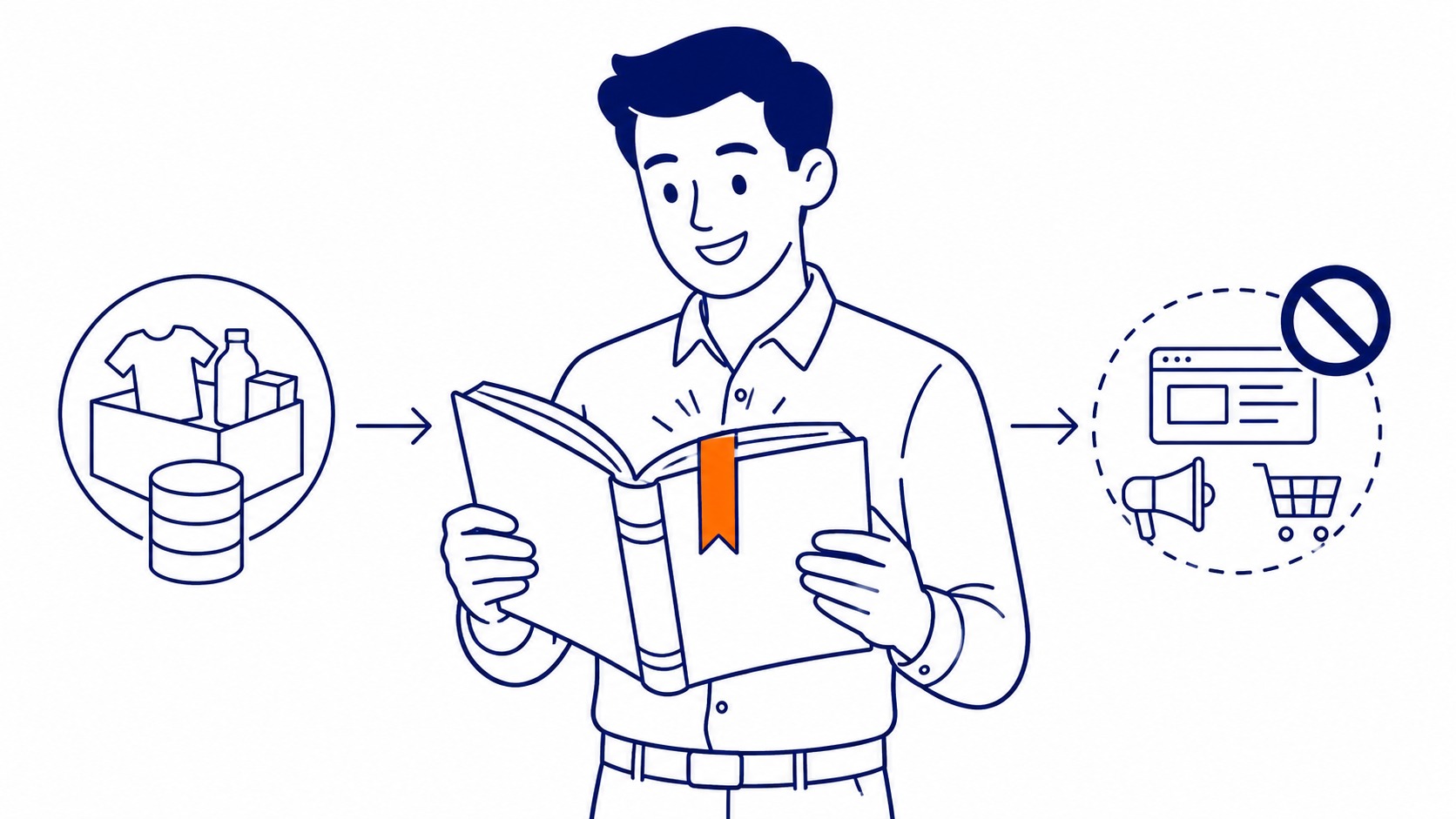
The Product Feed: Where It All Starts
No feed, no ads. That is the baseline.
Google Merchant Center is where the product feed lives. Required fields for every listing include the item title, a clear description, current price, stock status, image URL, and item category. Additional attributes like GTIN, brand, colour, and size improve matching accuracy. Search engines pull from that data automatically to build each ad.
Item titles deserve attention before anything else. The title is what Google reads to match a listing to a search query. A title like “Red Men’s Trail Running Shoe” matches far fewer searches than “Men’s Red Trail Running Shoes Size 10 Wide.” Lead with the most important attributes first. Include size and colour where relevant.
Feed setup is where most first-time campaigns stall. Titles copied from an internal catalogue use internal codes and shorthand buyers never type into search. Descriptions are thin or absent. Prices in the feed do not match the live website. Images contain watermarks or promotional text that gets flagged as non-compliant.
Each problem produces disapproved listings. Disapproved listings generate no impressions and no clicks. Spend allocated to a broken feed, however, produces nothing visible and no usable data.
So a feed audit before launch catches these problems early. Better titles trigger more relevant search matches. Accumulated conversion data then helps the algorithm optimise bids. Feed quality is not a one-time setup task.
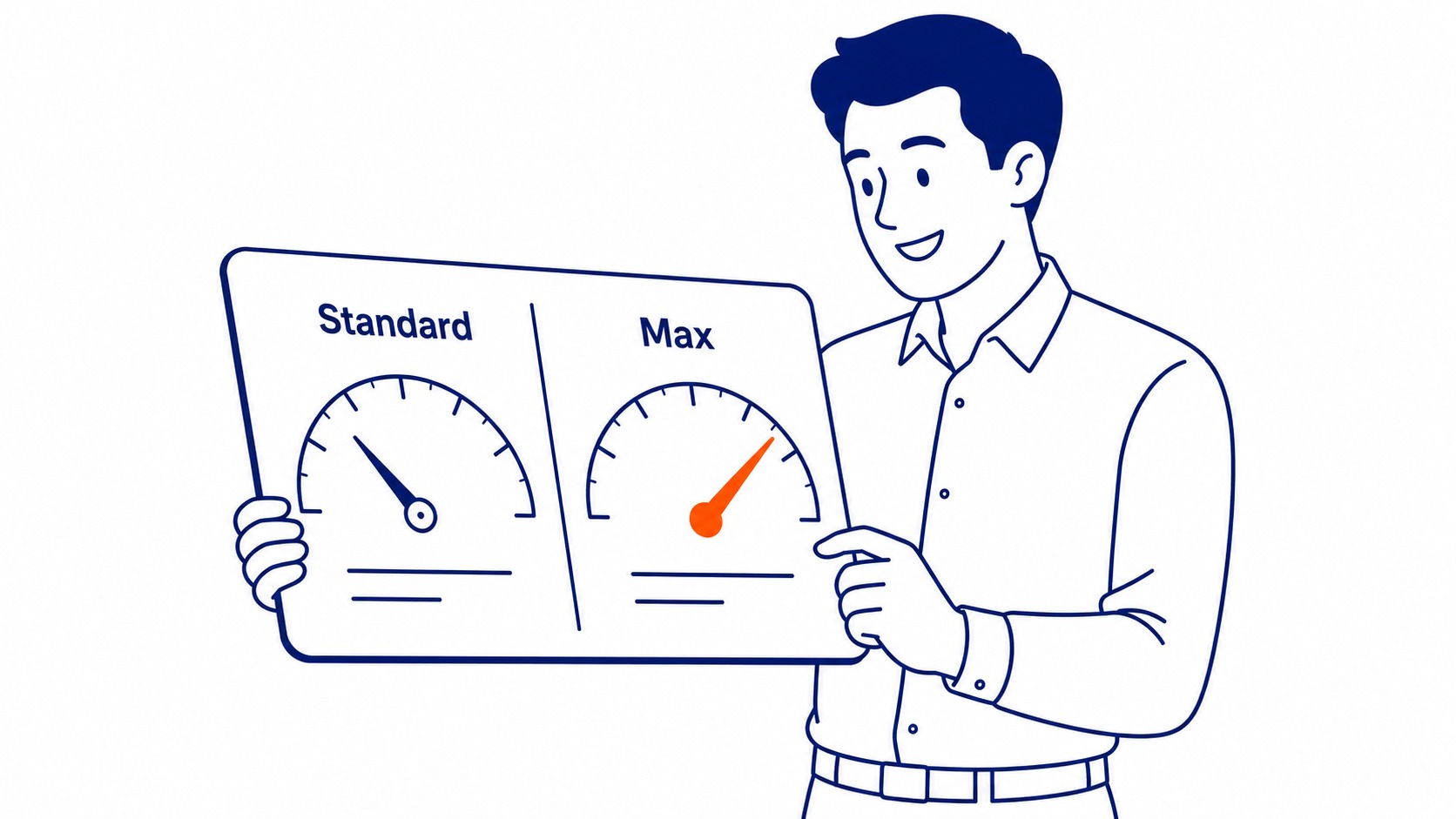
Standard Shopping vs. Performance Max
Two types. Significantly different control levels.
Standard Shopping campaigns give direct control over item groups, bids, and negative keywords. Segment inventory by margin, by brand, or by historical conversion performance. Exclude irrelevant searches. Concentrate spend on the specific categories that convert at the best margins.
Search, YouTube, Gmail, Display, Maps, and Shopping: Performance Max campaigns automate placements across all of them. The algorithm, however, controls the bids. Less manual management needed. Fewer insights into which placements actually run.
Standard Shopping campaigns produce cleaner performance data on the first run. Which items drive clicks. What search terms trigger ads. Which categories convert at profitable margins. That information, then, shapes smarter decisions later.
Performance Max becomes more useful once meaningful conversion data exists. Running it on a new catalogue with no purchase history gives the algorithm no signal to optimise toward. Standard Shopping first. Performance Max once the data is there.

What Google Shopping Ads Cost
Pay per click. Impressions cost nothing.
No flat fee exists for Google Shopping Ads. Cost-per-click varies by category, competition level, and inventory quality.
Apparel typically runs lower CPCs than electronics or appliances. Items with many competing sellers push the auction price higher. Well-managed campaigns in lower-competition segments can run under $0.50 per click. Competitive consumer electronics and popular accessories push CPCs toward $2.00 to $4.00.
$20 a day is workable as a starting point on a focused, contained set of items. Two to four weeks at that level generates enough data to see which listings convert and which spend without results. Not enough to scale a full catalogue. Enough to understand what the campaign is doing, however.
Ask to have us manage your Google Ads and the ad spend question comes up on the very first call. The straight answer is that daily spend and catalogue size need to match. A $20 daily limit spread across 5,000 listings means no single item gets enough impressions to produce useful data. Better to start with 20 to 50 focused items. See what converts. Expand from there.
Retailers managing meaningful Shopping revenue typically run $50 to $200 daily, sometimes more, based on catalogue size and target ROAS. Shopping is one format among the different types of Google Ads a store can run. Shopping is one surface among several, and Google Ads placements differ in cost on each one.

Who Google Shopping Ads Work Best For
Physical inventory. In stock. Clear pricing visible.
E-commerce businesses with active catalogues are the right candidates. In-stock items, pricing visible on the listing page, pages that load quickly, and images that meet quality standards: all four matter before the first dollar of ad spend goes in.
Service businesses cannot run these campaigns. A plumbing company, a marketing consultant, a law firm: the format is not available to them. The ad type exists for tangible goods a buyer can see, compare, and purchase directly.
B2B businesses selling physical industrial goods, parts, and supplies can also run these campaigns, however. The format works for anything with a SKU, a price, and a purchasable URL. Retailers using Shopify often find feed setup straightforward through native integrations. Other platforms may require a third-party data feed tool.
There is a caveat worth knowing. Businesses selling commodity products against dozens of established competitors face a harder road. Nike, Adidas, and large sporting goods retailers are all in that auction. Competing on ad spend alone rarely works there. Specificity in the catalogue and in the feed tends to matter more, though, in those situations.
Retailers with physical locations can also use local inventory ads, which show in-store availability to nearby shoppers alongside the standard Shopping ad. Worth considering for any business running both an online store and a Calgary storefront. One format of several, and a proper look at Google Ads shows how they differ.

What To-The-TOP! Reviews Before Getting Started
Feed health first. Listing pages second. Spend structure third.
The feed review comes first. Weak item titles, missing required attributes, pricing mismatches between the feed and the live site, and disapproved images all destroy performance before the campaign starts.
Listing page quality comes second. Shopping ad clicks go directly to item pages. Slow load times, pricing inconsistencies, and unclear purchase paths create immediate bounce. That click already cost money.
To-The-TOP! has been running Google Ads management for Calgary businesses since 2007. Shopping formats have changed in that time. The feed-quality-first approach has not. Clean inventory. Disciplined negative keyword exclusions on Standard campaigns. Realistic ROAS targets from day one. Those three things separate a Shopping campaign that works from one that spends and disappoints.
Businesses already building organic visibility with SEO Company To-The-TOP! find that these ads complement rather than compete. Organic search reaches buyers earlier in the research phase. These ads catch buyers at the moment of purchase. Both channels earn their place at different points in the same sales journey.
Reach SEO Company To-The-TOP! at (403) 308-5949 to discuss whether Google Shopping Ads fit your current setup. More detail is on the SEO services page.
Frequently Asked Questions
Google Shopping ads: what are they actually for?
Connecting buyers to specific items at the moment they are ready to purchase. A search happens. Google matches the query to relevant listings in a merchant’s feed. These ads appear above results with an item image, price, and store name. The buyer then clicks through to the listing page. Awareness to purchase consideration in one step. That is the design.
Google Ads vs Shopping ads: what is the actual difference?
Separate types within the same account. Text search ads use keywords the advertiser selects and copy the advertiser writes. These campaigns use product data from a Google Merchant Center feed instead. Different creative format, different auction inputs, different targeting mechanism. Search ads work for goods and services both. The format covers tangible inventory with visible pricing only.
How much do Google Shopping ads cost?
Pay-per-click. No charge for impressions. Actual CPC depends on category, competition, and inventory quality. Ranges run from under $0.50 per click for lower-competition items on well-managed campaigns to $4.00 or higher in competitive categories. Better feed quality generally produces a lower CPC for equivalent placement. Search engines reward well-structured inventory data in the Shopping auction.
Is $20 a day enough for Google Ads?
Workable for learning. At $20 daily on a focused set of products, two to four weeks of data shows which listings convert and which do not. Scaling comes after seeing what works. Start with a contained set, track cost-per-conversion, then expand budget toward the specific products and categories where the return justifies it.
Contact Calgary SEO Company To-The-TOP!
Questions about anything in this article, or about your own rankings? Talk to a Calgary SEO specialist directly.
Phone: (403) 308-5949
Address: 1509 14 Ave SW, Calgary, AB T3C 0W4
Hours:
Monday to Friday: 10:00 am – 7:00 pm
Saturday: 12:00 pm – 4:00 pm
Sunday: closed
