
What Is the Use of Webmaster Tools in SEO?
Most clients we speak with have heard of Google Webmaster Tools. Fewer know that Google renamed it years ago. Google Search Console is what it is called now. Same function, better interface, more data. For webmasters managing any site in search, it is still the first place to look.
These tools exist for a direct reason. They show you how search engines actually see your site. Not how you think your pages look. How the crawler found them, what got indexed, and which search queries drove traffic your way.
Google Search Console: The Foundation
Named differently. Same job.
Google Webmaster Tools launched around 2004. The name changed to Google Search Console in 2015. Webmasters who started before that shift still use the old name. The platform moved on. Ownership verification is where your site begins its relationship with GSC. You prove ownership, then data starts flowing. A new property can take a few days to populate.
Search Console is separate from paid search. If you have us manage your Google Ads, that campaign data lives in that platform, not here.
What Google Search Console Shows You
Data worth acting on.
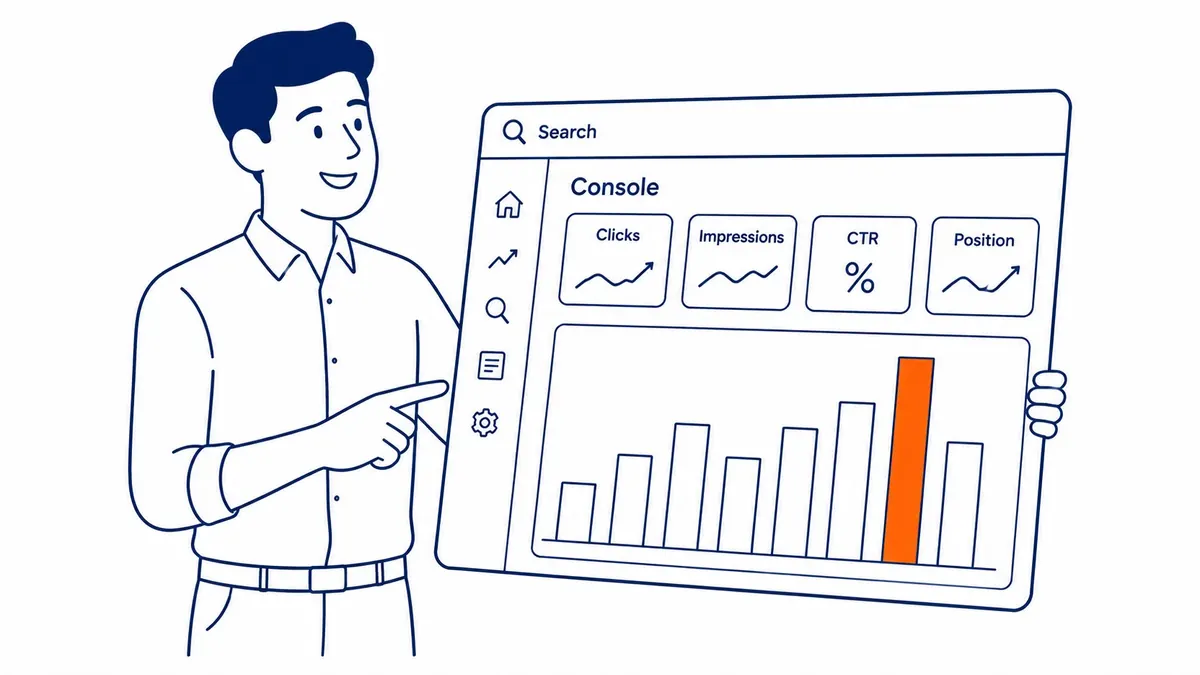
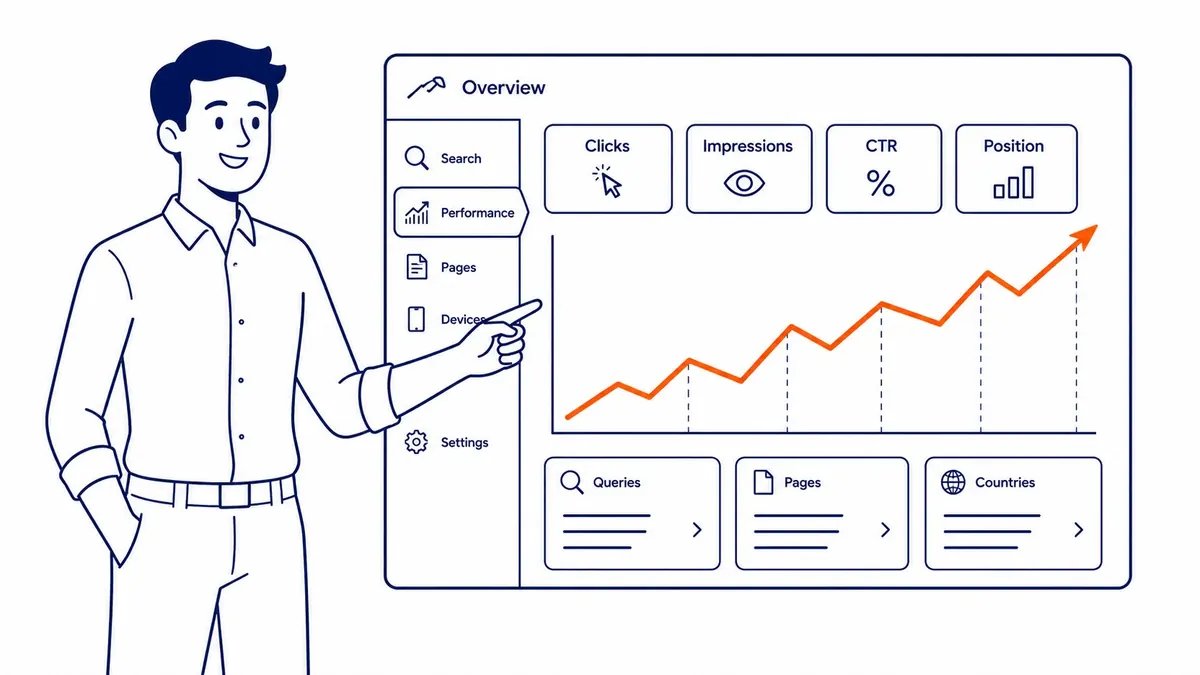
The Performance report is where most of the useful work happens. It shows which search queries generate impressions for your site. Average position in search results. Click-through rate. Actual clicks. All pulled from Google’s own index. Not an estimate.
Impressions tell you how often your site appeared. Clicks confirm which appearances drove traffic. A wide gap between them usually points to weak title tags or meta descriptions at your current ranking position. That read is free inside GSC.
The Coverage report is the other anchor. Pages excluded from Google’s index, broken down by reason. Blocked by noindex. Crawl errors by type. Discovered but not yet indexed. Each category gives your site a cleaner diagnostic picture than most paid tools can.
Crawl Errors and Indexing Problems
Quiet issues cost rankings.
Googlebot crawls your site and logs what it finds. Crawl errors show up when something goes wrong at a URL. A 404 response means the page does not exist. Server errors (5xx) point to hosting instability. Soft 404 errors are trickier. The server returns an OK response but delivers a near-empty page. GSC categorises each one.
Indexing errors are also a separate category. A crawlable page is not automatically an indexed one. Canonical mismatches. Noindex signals. Duplicate content patterns. Each one causes exclusion. GSC diagnoses each URL individually. That granularity is what makes it a core part of our website audit. You see exactly why a specific page is missing from Google’s index. Start from a definition of Google indexing in SEO if those exclusion reasons read like noise.
Sitemaps and How Google Finds Your Pages
Sitemaps cut discovery time.
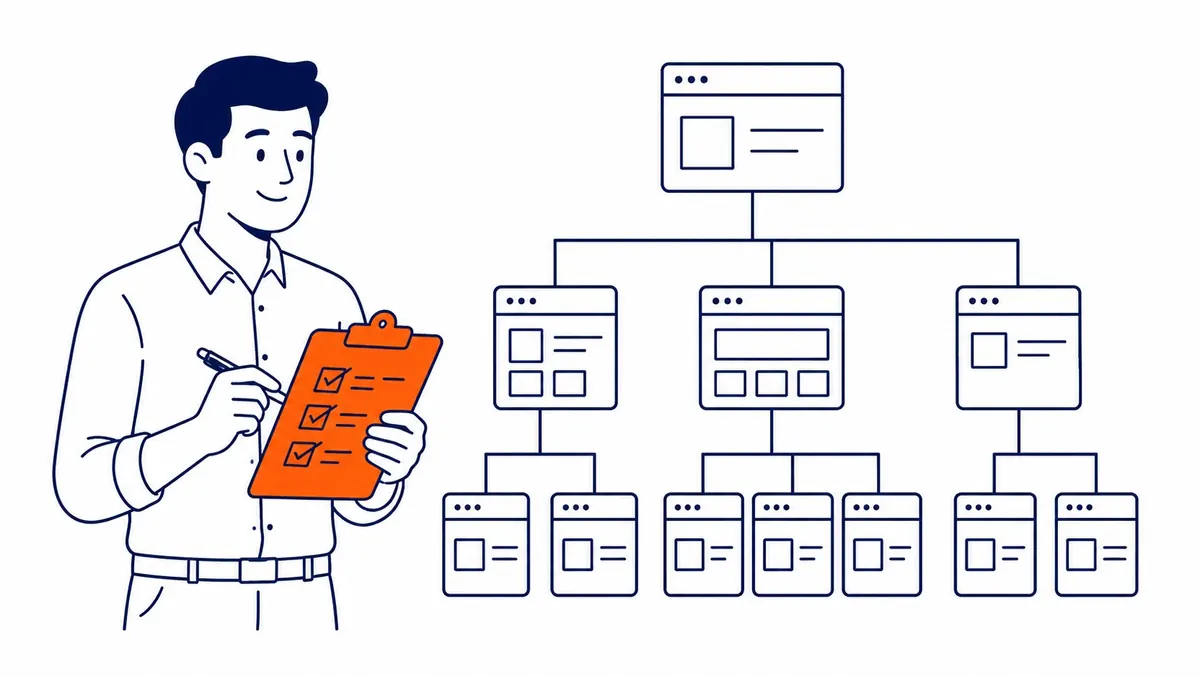
Submitting your sitemaps through Google Search Console tells Google which URLs you want indexed. It does not guarantee indexing. That decision belongs to Google. But it puts your pages in the queue faster than relying on links alone.
Larger sites benefit most. Hundreds of pages and thin content sections are harder for Google to navigate without clear guidance. An XML sitemap connected directly to GSC keeps your site’s structure visible. Worth submitting early, then updating when significant new content goes live.

Bing Webmaster Tools
Most webmasters skip it.
The platform does for Bing’s index what Google Search Console does for Google’s. Smaller market share, still worth the setup. Bing search results reach users that Google-only monitoring misses entirely.
The keyword research section inside Bing Webmaster Tools pulls insights directly from Bing’s search index. Useful for spotting gaps your website shows on Bing versus what Google shows. The backlinks report on Bing’s platform is solid. URL inspection in Bing also works similarly to GSC’s equivalent.
Webmasters who verify with both tools get fuller insights across both indexes. Skipping Bing means your site’s search visibility on Bing searches goes unmonitored. One old tag still comes up here, which is what to make of meta keywords on Bing.

How These Tools Support SEO Work
Not decoration. Real diagnostic data.
We use Google Search Console on every site we handle through our local SEO services Calgary. Rankings still shift month to month. A key page loses position in search results. GSC is where we look first. The insights from that check usually point to one of two causes. An indexing change. A relevance drop on search queries. Different signal, different fix.
Good keyword competitive analysis starts with what your site already ranks for. The Performance report surfaces that clearly. Which queries generate impressions for your website. At what average position. Which pages sit close enough to page one to be worth targeting. Standalone keyword research tools still have their place. GSC anchors everything in actual Google data.

Pairing Search Console with Google Analytics fills in the rest. Analytics shows user behaviour after the click. GSC shows how users found your site before it. Both belong in any proper Calgary SEO engagement. Neither tool existed in the early days of SEO, which is worth remembering when someone calls it easy.
Frequently Asked Questions
What are webmaster tools in SEO?
Free tools from Google and Bing that show website owners how search engines find and rank their pages. Google Search Console is the primary one. It covers performance in search results. Indexing status. Crawl errors. Sitemaps. Inbound links. Bing Webmaster Tools handles the same function for Bing searches.

Can Google Webmaster Tools help with SEO?
Directly. GSC shows which search queries generate impressions for your pages. It identifies which URLs have indexing errors. Backlinks to individual pages are listed there too. No other free tool delivers the same direct insights into how Google reads your website.
Google Search Console vs Google Analytics: what is the difference?
Search Console covers what happens before the click. Impressions. Rankings. Search queries. Indexing status. Analytics covers after the click. Session data. Bounce rates. Conversions. Search Console is about discovery. Analytics is about behaviour. Neither replaces the other.
Is Bing Webmaster Tools worth setting up?
Worth the hour it takes. Bing search results reach a meaningful share of users. The platform also provides backlink data. Keyword insights from Bing’s own index. A URL inspection tool that mirrors GSC’s function. Webmasters who skip it are only monitoring part of their site’s search visibility.
Contact Calgary SEO Company To-The-TOP!
Questions about anything in this article, or about your own rankings? Talk to a Calgary SEO specialist directly.
Phone: (403) 308-5949
Address: 1509 14 Ave SW, Calgary, AB T3C 0W4
Hours:
Monday to Friday: 10:00 am – 7:00 pm
Saturday: 12:00 pm – 4:00 pm
Sunday: closed