
What Is Google Indexing in SEO?
We have worked with clients in Calgary since 2007. One question comes up on almost every first call. Why isn’t my page showing up on Google? Nine times out of ten, the answer is indexing. Not rankings. Keywords either. The answer is indexing.
A page that is not indexed does not exist in Google’s search results. It can be well-written. Load quickly. Cover the right topics. None of that matters until Google has indexed it.
Understanding Google indexing is foundational to the work of any local search engine optimization company. It is the step before rankings. Before traffic. Everything else depends on it.
For businesses running active campaigns, indexing problems are more common than most expect. Pages on your website that never get crawled. Content quietly excluded from Google’s database. URLs Google ignores without any visible error message. These issues do not produce warnings. They produce flat traffic numbers, which is harder to diagnose.
Indexing is not a one-time event either. Google continuously re-evaluates pages already in its index. A page that passes one crawl is not guaranteed to stay indexed. Quality signals matter on every subsequent visit from Googlebot.
How Google Finds Your Pages
Starts with Googlebot.
Googlebot is Google’s web crawler. It visits web pages. Reads content. Follows links to other pages. Sends information back to Google’s servers. This process runs continuously across billions of websites.
Two paths bring Googlebot to a page it has not seen before. It follows links from pages already in Google’s index. Or a site owner submits a sitemap through Google Search Console.
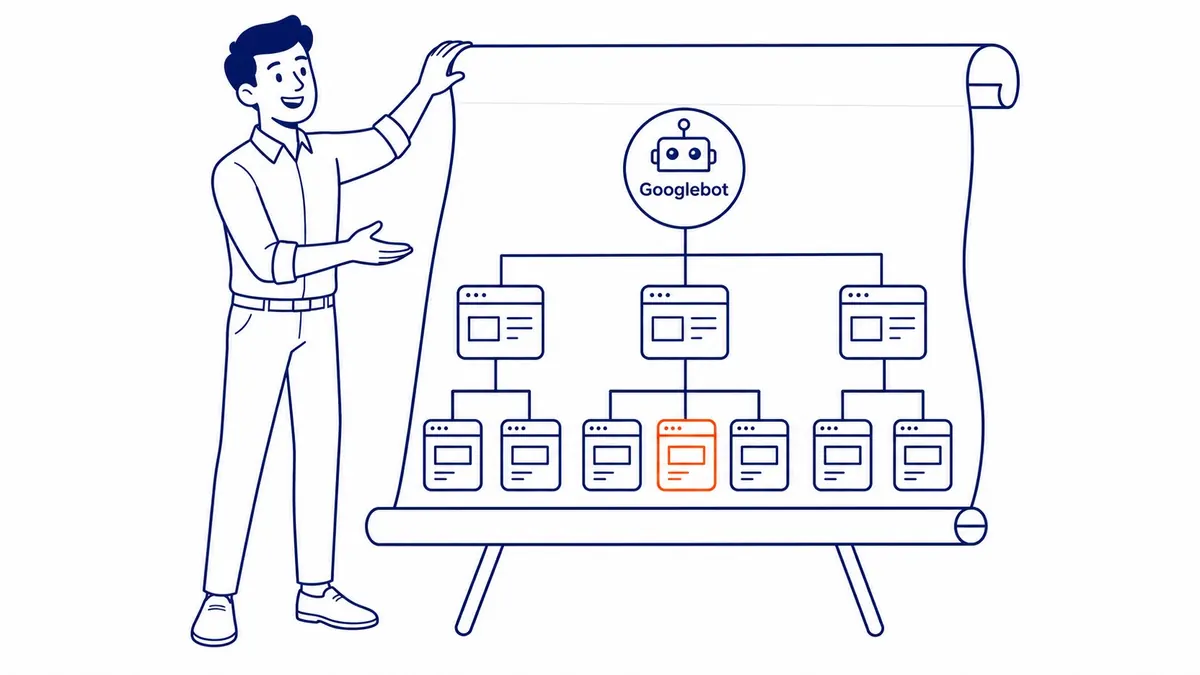
Sitemaps are the faster option for new content. An XML sitemap lists the URLs Google should know about. Googlebot still decides when to visit each one. The sitemap is a signal, not a guarantee of inclusion in search results.
Internal links matter just as much. A new page with no links pointing to it is harder for Googlebot to reach on its own. Link from an existing indexed page and Googlebot has a direct path. Most clients are surprised by how much this one step speeds up discovery.
Backlinks from other websites help too. When an established site links to yours, Googlebot follows that connection during its crawl. Backlinks are not just a ranking signal. They are also a discovery mechanism, though most site owners only think of them for rankings.
What Happens During the Indexing Process
Not just downloading the page.
Googlebot downloads a page’s HTML. Then Google’s systems process the content. Text. Images. Links. Structured data. Relationships to other pages on the web.
After processing, Google decides whether to add the page to its index. The index is a massive database. Billions of pages. Google stores the content and relevance signals for each entry.
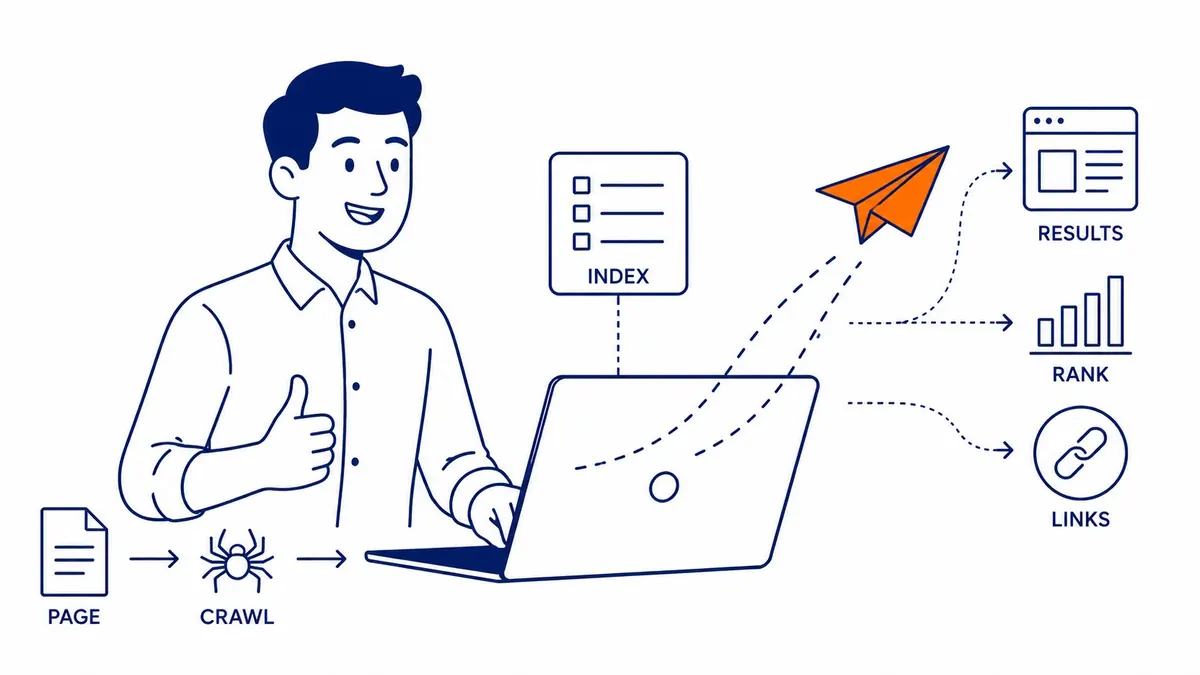
When someone types a query into the Google search bar, Google searches that database. It matches the query against indexed pages. Returns search results in order of relevance and quality.
A page outside the index still never enters that matching process. No indexed page means no appearance in search results, regardless of how good the content is. This is the reality that catches many site owners off guard. They publish. Assume Google will find it. Never check.
Rendering is part of processing too. Pages with heavy JavaScript take longer to process. That delay adds to the gap between publishing and indexing.
Crawling vs. Indexing: The Difference Matters
Two steps. Not one.
Crawling means Googlebot visited the page. Indexing means Google stored it. A page can be crawled without being indexed. This distinction trips up many site owners.
Google might crawl a page and decide the content is too thin to include. Or identify it as duplicate content of another URL. A meta tag explicitly telling it not to index the page leads to the same outcome. All three result in crawled-but-not-indexed status in Google Search Console.
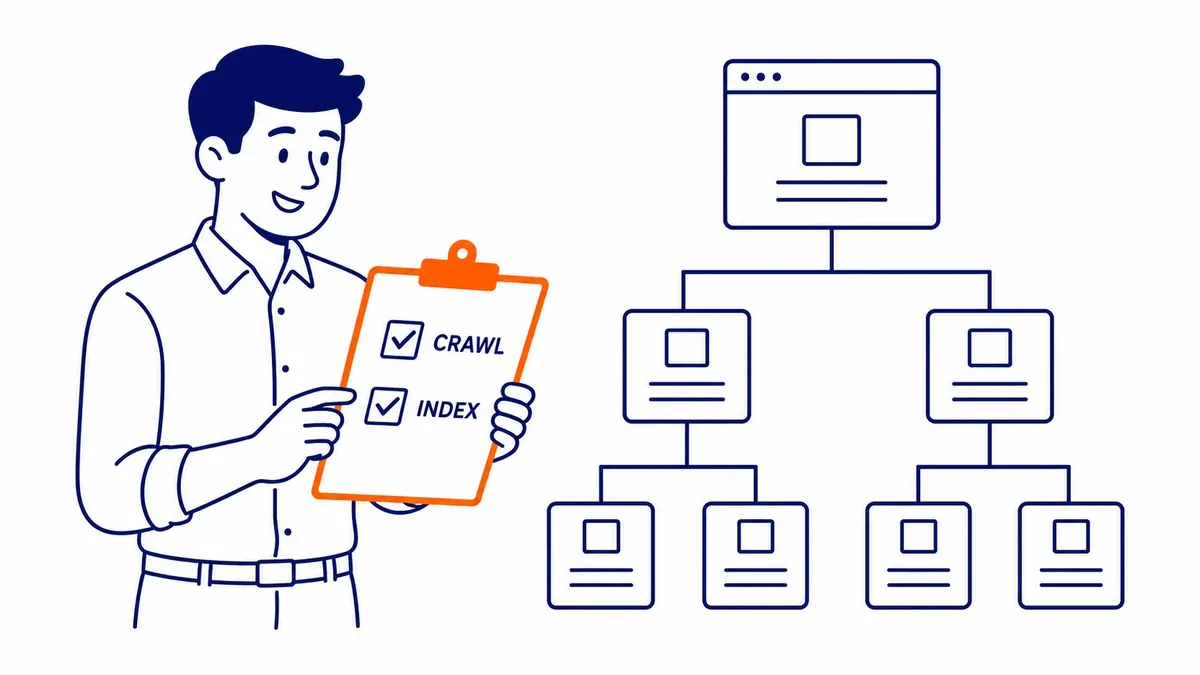
The Coverage report in Google Search Console shows this breakdown clearly. Indexed pages on one side. Excluded pages on the other. URLs with errors. Discovered addresses not yet crawled. This report is worth checking before any new website audit for SEO or content campaign begins.
We pull this report before making recommendations on any new client site. The gap between published pages and indexed pages often explains more than the ranking chart does. Some sites have hundreds of published pages with fewer than half in the index. Nobody had checked. Indexing sits inside a larger toolkit, and a definition of technical SEO maps the rest of it. Start further back if the terms blur together, because crawling in SEO is its own step.
Common Reasons Pages Are Not Indexed
Several causes. Most are fixable.
A noindex meta tag blocks indexing deliberately. It tells Googlebot to visit the URL but not add it to the index. Useful on admin pages and staging environments. Harmful when left on pages meant to rank in Google.
A robots.txt file that blocks crawling creates a different problem. Googlebot cannot read the page at all. Google cannot index what Googlebot cannot access.
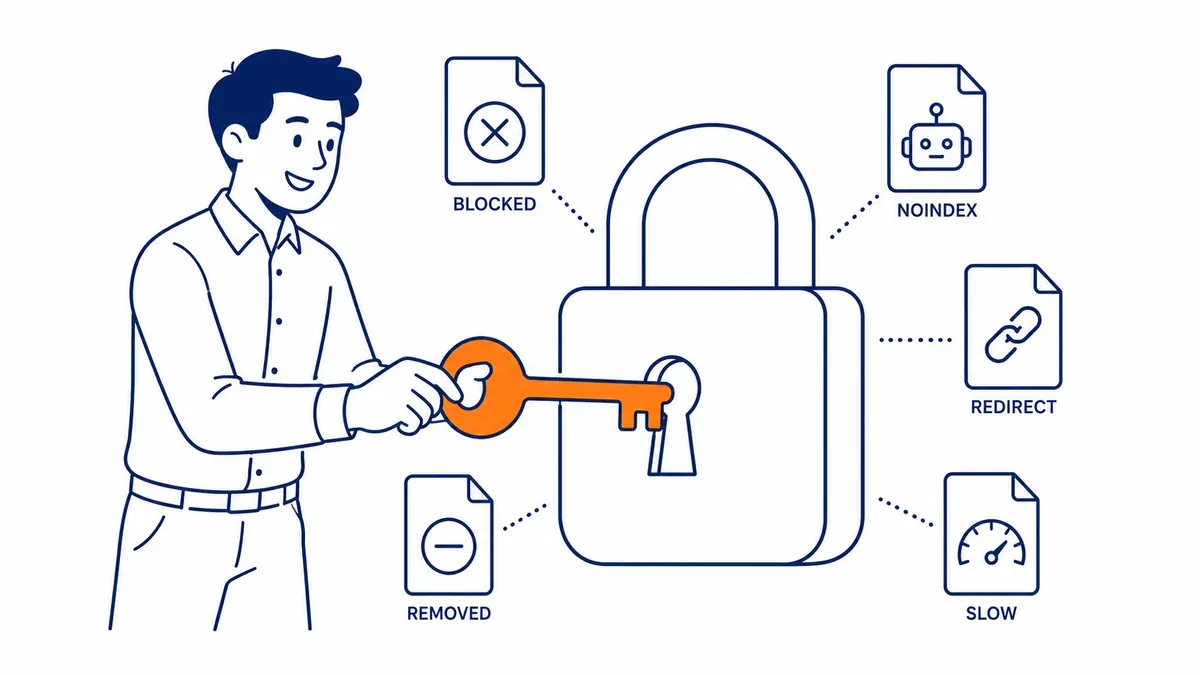
Thin content is harder to catch. Google evaluates content quality as part of the indexing decision. A page with sparse text and limited useful information may get crawled. Then excluded. No error message. Nothing to investigate. The page simply does not appear in the index.
Duplicate content forces a choice. Multiple URLs with nearly identical content prompt Google to pick one version for search results. The others get excluded. Canonical tags signal the preferred URL. Without them, however, Google makes the call on its own. Sometimes that call is wrong.
Crawl budget matters on larger sites. Googlebot allocates a fixed number of crawl requests per site visit. Slow-loading pages consume more of that budget. Important pages end up waiting longer between crawls. That delay means ranking updates arrive more slowly too.
How to Check If Your Pages Are Indexed
Two methods. One is more accurate.
Simply use the site search operator in Google. Enter your domain with the word site followed by a colon before it. Google returns an approximate count of indexed pages from your domain. Useful as a rough estimate. Not precise enough for real analysis.
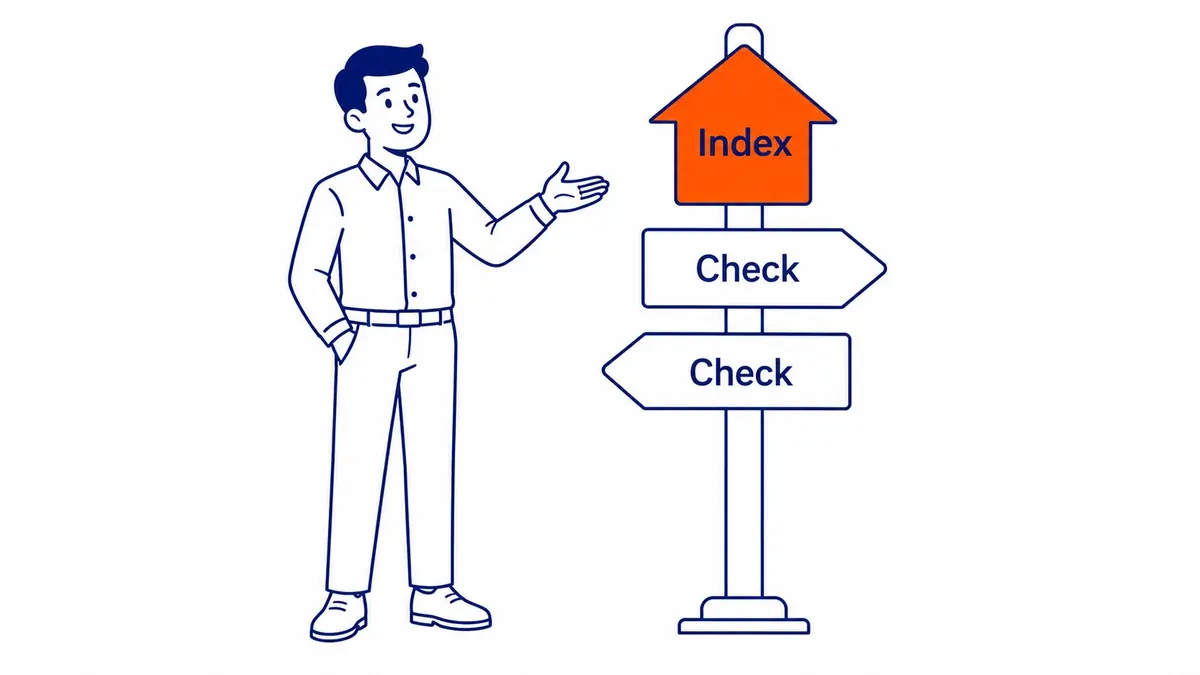
Google Search Console is the right tool. The URL Inspection feature checks any specific URL. It shows current indexing status. Last crawl date. Any issues Google found during processing.
The Coverage report shows the full picture across your entire site. Indexed pages. Excluded pages. Crawl errors. Pages discovered but not yet indexed. This is where indexing problems tend to surface first, often long before they show up as ranking drops.
We have worked with sites where fewer than half the published pages were indexed. The rest excluded. Thin content issues. Duplicate URLs. Noindex tags left from a staging migration nobody cleaned up. That gap also silently drains search traffic for months before the client notices why numbers are flat.
For any business invested in content production at scale, our keyword research starts by checking indexing status, which saves wasted work down the line.
How to Speed Up Google Indexing
Deliberate steps make a difference.
Submit an XML sitemap through Google Search Console. List your important pages. Keep it updated whenever new content goes live. This shortens the gap between publishing a page and Googlebot’s first visit.
Build internal links to every new page. New content with no links pointing to it is harder for Googlebot to discover. A link from an existing indexed page gives Googlebot a direct path. This step gets skipped more than any other, though it should not.
Use the URL Inspection tool in Google Search Console to request indexing on specific URLs. Paste the URL, then click Request Indexing. Google also queues it for a crawl. For new or recently updated pages, this is the fastest manual option available.
Content quality matters at every stage of the indexing cycle. Pages with depth and genuine usefulness are more likely to be indexed. More likely to stay indexed after subsequent crawls. Google does not index once and move on. Quality is also evaluated on every re-crawl.
Mobile-first indexing applies to all sites. Google uses the mobile version of your page when making its indexing decision. Mobile content thinner than desktop gets indexed as-is. The desktop version does not compensate.
For any company focused on SEO in Calgary, To-The-TOP! checks indexing status before keyword research or content planning begins. A site with significant indexing gaps is competing with one hand tied. Rankings conversations come after your website’s index is clean.
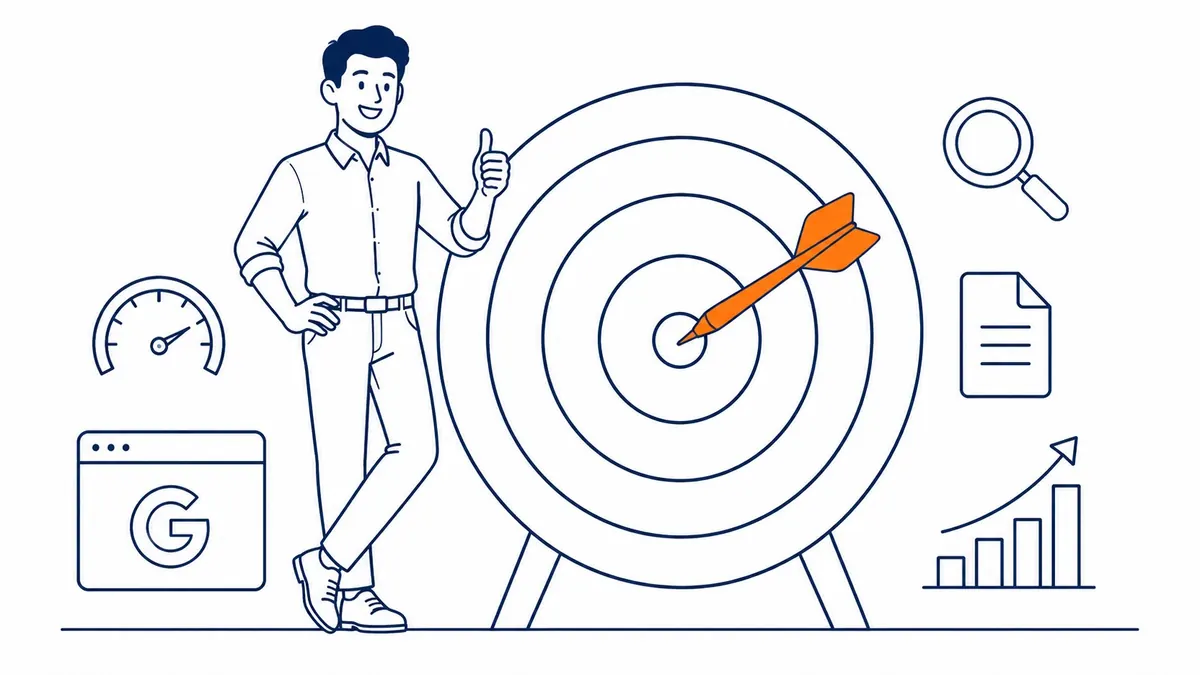
One pattern shows up again and again in this work. Businesses invest in content while indexing problems quietly cancel out the effort. The Google Ads management side of a campaign can drive traffic in the short term. But organic search, the side that compounds, depends entirely on the index being clean. Indexing is one layer of a plain explanation of SEO, not the whole thing.
FAQ: Google Indexing in SEO
What does Google indexing do?
Google indexing stores information about your page in its database. That stored entry is what appears in search results when someone searches a relevant query. A page not in the index cannot appear in Google search results under any circumstances. Content quality is irrelevant before then. Backlinks too. The page has to be indexed first.
What is the purpose of indexing in SEO?
Indexing is the prerequisite for every other SEO outcome. Keyword research only pays off on indexed pages. Link building only helps indexed pages. Content work is the same. Not until a page is in Google’s database does any of it translate to ranking or traffic.
How do you use Google indexing tools?
Google Search Console handles most indexing tasks. The URL Inspection feature shows current indexing status for any specific page, including the last crawl date and rendering issues. Use the Coverage report for the full breakdown across your site. Request Indexing in the URL Inspection tool pushes Google to crawl new or updated pages faster. All of these tools are free inside Search Console.
What are the 3 C’s of SEO?
Three factors. Content is what Google indexes and evaluates for relevance. Crawlability determines whether Googlebot can reach and read your pages. Credibility, built through backlinks and site authority, shapes how Google ranks indexed pages against competitors in search results.
Contact Calgary SEO Company To-The-TOP!
Questions about anything in this article, or about your own rankings? Talk to a Calgary SEO specialist directly.
Phone: (403) 308-5949
Address: 1509 14 Ave SW, Calgary, AB T3C 0W4
Hours:
Monday to Friday: 10:00 am – 7:00 pm
Saturday: 12:00 pm – 4:00 pm
Sunday: closed