
How to Create SEO Friendly URLs
URLs. Google reads them before anything else on a page. Title tag comes later. Same with the H1. The address in the browser bar. Most sites underinvest there. Long URL slugs packed with stop words. Dynamic parameters with session IDs baked in. Date strings that lock otherwise evergreen content in a specific year. None of these problems are catastrophic alone. Together they signal to search engines that the site has not thought through how crawlers navigate.
Six rules cover 90% of the URL structure issues that come up in audits. Apply them from the start and they never need fixing later.
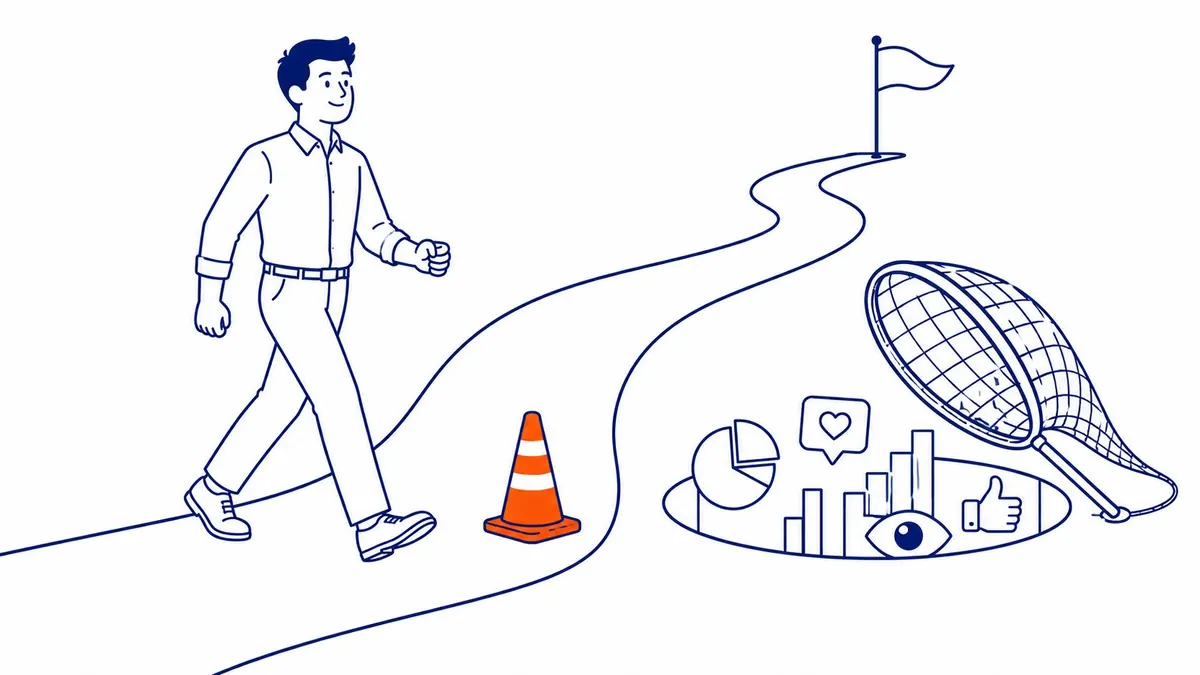
Why SEO Friendly URLs Matter
Three real effects follow from a clean URL structure. Each is worth understanding on its own.
Google reads the URL slug as an early relevance signal. The crawler sees the address before it loads the page. A slug like seo-friendly-urls tells Google something useful immediately. The slug post-48392 tells Google nothing. That gap is small but real. It compounds across hundreds of pages on a larger site.
CTR is the second effect. Search results show the URL below the title. Users scan it. A clean, readable URL slug that mirrors the search query looks more trustworthy than a string of encoded characters. Even a 2-3% CTR lift from a cleaner URL adds up across organic traffic over time.
Anchor text inference is the third. Many bloggers link to a page without writing custom anchor text. They paste the URL. A URL slug like keyword-research-guide becomes the anchor. The slug blog-p-4839 does not. That distinction matters every time someone links without thinking about the anchor.
Every website audit on a site with more than 50 pages surfaces URL issues in the first ten findings. Dynamic parameters creating near-duplicate content. Slugs that survived a CMS migration unchanged. Mixed www and non-www versions both indexed. These are common patterns. Fixing URL structure is foundational. Content improvements show their full effect only after it is resolved. Slug separators are a smaller question, though the answer on hyphens is settled.

How to Build an SEO Friendly URL Slug
Start with the page title. Strip stop words out. Pull out numbers that add no meaning. Extract the core keyword. Make everything lowercase. Replace spaces with hyphens. That process produces a clean URL slug from almost any starting point.
Take a wordy 12-word blog title with a year baked in. Strip stop words. Pull the year out too. What remains is Create SEO Friendly URLs. That gives seo-friendly-urls. Create-seo-friendly-urls also works. Six words down to three. No year locking the content. Filler that adds nothing to the slug gets removed.
Using the full blog post title as the URL slug is the most common mistake. Post titles are written for humans to click on in a feed. Keyword-rich, long, sometimes evocative. URL slugs serve a different purpose. They need to be short. Keyword-focused. Readable in under two seconds in a SERP. Reading the slug aloud is the test. More than two seconds means trim it.
Three to five words is the target range. Yoast’s data pegs optimal slug length at 30 to 50 characters. Under that is fine. Over 60 characters starts looking cluttered in search results. Stop words are the first to go. Words that duplicate information already in the folder path come next.
Hyphens separate words. Underscores join them. Google confirmed this directly. The string seo_tips reads to Google as one word, closer to seotips. Seo-tips reads as two distinct terms. Always hyphens. Never underscores. Spaces encode to %20 in a browser and sometimes break analytics tracking. Get those two rules right and the SEO slug does its job quietly.
Include Your Target Keyword
Keyword in the URL slug is a real but minor ranking signal. Google has acknowledged it. More practically, users scanning a SERP see the URL. A URL slug that reflects what they searched reads as more relevant. That click-through effect is real even when the ranking effect is small.
The keyword does not need to be exact match. A close variant works. What matters is clear topical relevance. A slug like seo-keyword-guide signals the right subject even if the target keyword phrase includes words not in the slug. Google bolds keyword matches in the URL when they match the search query. That visual signal influences clicks.
One keyword per slug. Stuffing is counterproductive and also looks like spam. The keyword research done before building the page should identify one clear primary term. That term drives the URL slug. Everything else fits into the content itself.
Keyword mismatch post-publish is a real scenario. The page was built for one term. Strategy shifted later. The slug no longer matches the target keyword. Moving to a correctly matched slug via 301 is the right call. Leaving a mismatched slug in place keeps the page working against itself. The 301 absorbs a small equity cost but the correct keyword alignment in the URL slug recovers it.

Lowercase Only and No Special Characters
Lowercase is not optional on most server configurations. Apache, the most common web server stack, treats /Page and /page as two separate addresses. Both can get indexed. Those duplicate versions split the ranking signals that should consolidate on one URL. A canonical tag resolves this after the fact. Lowercase from the start prevents the split from ever occurring.
Special characters encode. An apostrophe becomes %27. A space becomes %20. An ampersand becomes %26. Encoded characters look wrong in a browser address bar. They also complicate link building. A URL that another site links to must be pasted exactly as published. Encoded characters create transcription errors. Letters, numbers, hyphens only.
HTTPS is a ranking signal. Google confirmed this in 2014. It has not changed. Beyond the ranking signal, an HTTP URL triggers a “Not Secure” warning in Chrome in 2026. That warning drops CTR. Any new site goes live on HTTPS. Older HTTP domains switch with proper 301s, not just a certificate install.
The www versus non-www decision is related. Google treats these as separate domains unless one 301 redirects to the other and a canonical tag confirms the preference. Sites with both versions indexed are splitting link equity at the domain level. Pick one version. Set the canonical. Route all traffic to it. The SEO services to resolve this are straightforward, but the fix has to happen before the split compounds further.

URL Structure and Site Hierarchy
Folder structure communicates topic to Google. To-the-top.ca/seo/blog/ signals SEO content in the path. Specifically a blog within the SEO section. Google reads that hierarchy as a relevance signal. The URL topic should also match the folder it sits in.
Three to four folder levels is the practical ceiling. Beyond that, the additional nesting adds complexity without SEO benefit. Breadcrumb schema communicates the same hierarchy signal with less URL depth.
Date strings in slugs cause problems. Almost always. Back in 2020 that slug looked fine. By 2026 it already reads as old. That visual cue pushes CTR down even when the content has been refreshed. Removing the date requires a 301 redirect later. Starting without the date avoids the problem entirely.
Dynamic URL parameters create near-duplicate content. A product grid with 30 filter combinations generates 30 near-identical URLs with different parameter strings. Google does not always identify the canonical version correctly on its own. Pointing every filtered URL’s canonical tag at the clean base URL resolves this. So does blocking parameter variants via robots.txt. Neither option is as clean as not exposing parameters in the URL at all. Still, canonical tags handle the gap when the CMS generates them automatically.
Subfolders consolidate domain authority better than subdomains. A path like to-the-top.ca/blog/ shares authority with the rest of the domain. Subdomains like blog.to-the-top.ca are treated as separate entities. For most sites, keeping all content under the root domain in subfolders is the stronger call. A 500-page ecommerce store with parameter-generated URLs and no canonical strategy can have hundreds of pages in a crawl loop. Google never finds a clear path through it.
Calgary SEO work consistently finds URL architecture as a root cause of indexation problems on larger sites. Fixing the URL structure first is the prerequisite for content improvements, not the final step. For Google Ads management landing pages, clean URLs also simplify conversion tracking. A paid click landing on a parameter-laden URL often breaks attribution at the campaign level.
Frequently Asked Questions
What Is an SEO Friendly URL?
Short and keyword-relevant. That is an SEO friendly URL. Written in lowercase. Hyphens between words instead of underscores or spaces. No special characters. Dynamic parameters do not belong either. Logical folder hierarchy that reflects the topic of the page. Humans can read it in under two seconds. Search engines can parse it without decoding encoded characters.
How Long Should an SEO Friendly URL Be?
Three to five words in the URL slug. Yoast’s data suggests optimal length is 30 to 50 characters. Under that is fine. Over 60 characters starts truncating in SERPs. Remove a word and test it. Does the slug still clearly signal the page topic? Remove it. Stop words go first. Then any modifier that duplicates information already in the folder path above the slug.
Do SEO Friendly URLs Help Rankings?
URL structure is a minor ranking signal, not a major one. A page with a clean URL but thin content still ranks behind one with a messy URL and strong content. URL problems compound still. Duplicate URLs from dynamic parameters. Mixed www and non-www indexation. Date-locked slugs. Each issue is small alone. Together they create technical drag that suppresses organic performance across the whole site. Fixing the URL structure removes that drag. It does not guarantee higher rankings on its own.
Should I Include Dates in Blog Post URLs?
Avoid them. A date-based URL forces a choice every update cycle. Leave a stale-looking slug in place or redirect and absorb some equity loss. Publishers who adopted date-based slugs in the 2010s have spent years quietly redirecting them as content gets refreshed. Starting without the date is the simpler path that holds up over time.
Can I Change a URL After Publishing?
Yes. A 301 redirect covers this. Google and browsers read the 301 as a permanent move. Most link equity still transfers. Not all. Estimates put the transfer rate between 90 and 99%, with some loss per hop. The redirect also adds server overhead and requires maintenance. Change a URL when the old one is clearly wrong or no longer matches the page’s purpose. Keep it when the change would only be cosmetic. Every redirect hop costs something.
Contact Calgary SEO Company To-The-TOP!
Questions about anything in this article, or about your own rankings? Talk to a Calgary SEO specialist directly.
Phone: (403) 308-5949
Address: 1509 14 Ave SW, Calgary, AB T3C 0W4
Hours:
Monday to Friday: 10:00 am – 7:00 pm
Saturday: 12:00 pm – 4:00 pm
Sunday: closed