What Is an H1 Tag in SEO?
Main heading on a page. That is the H1 tag. One per page is the convention. Whatever goes inside signals the primary topic. Crawled early. Visitors read it first. Both also check whether the page is what they expected.
Not a confirmed ranking factor, not the way backlinks are. Still worth getting right. Pages without one can rank. Clear, relevant H1 tag makes that query matching faster for Google.
What Does an H1 Tag Do?
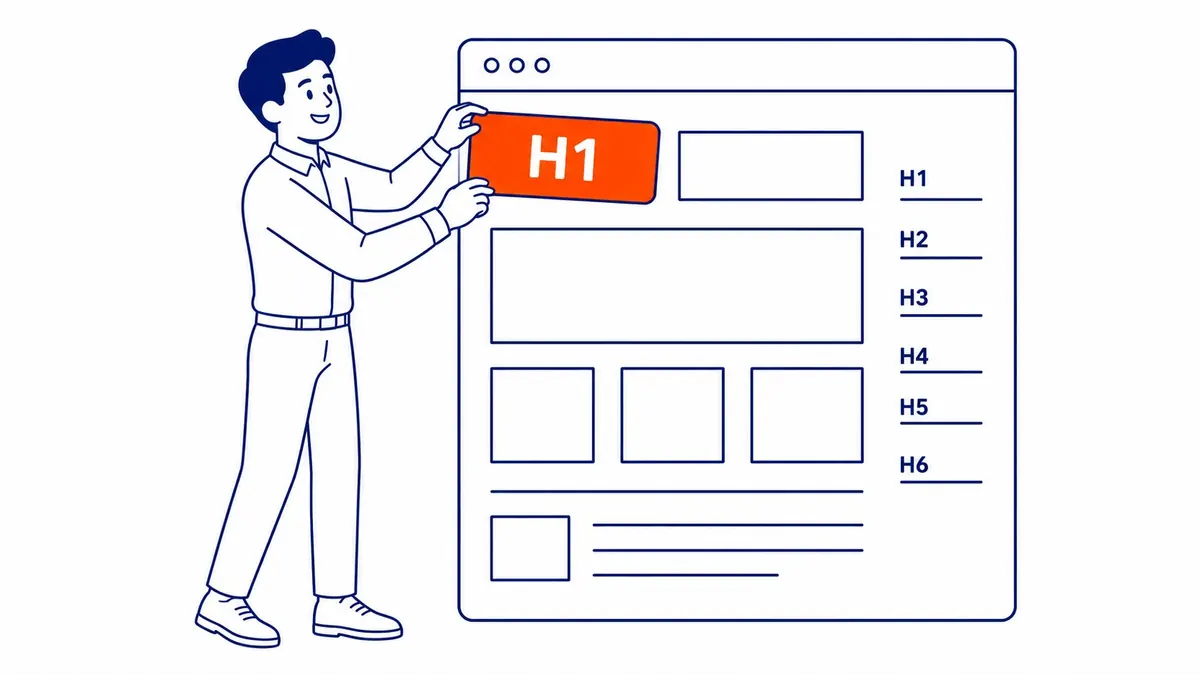
HTML defines six heading levels. H1 is the first. H2 sections the page. H3 handles what falls under each H2. Every level below H1 is supporting structure.
That first heading signals the primary topic to search engines and visitors alike. Both also check whether the page is what they expected. That matters at both ends of the interaction.
Accessibility depends on heading structure more than most SEO guides acknowledge. 67.5% of screen reader users navigate pages through headings, per WebAIM. A clear H1 at the top gives assistive technology an immediate starting point. Without it, navigational gaps follow.
As an SEO signal, the H1 tag is about relevance. It tells Google the content matches the heading. That matters more than keyword density inside the tag. A heading stuffed with keywords but backed by loosely related content creates a mismatch. Crawlers still detect that over time.
The H1 tag is also the first heading Google may use to override your title tag in search results. It swaps in the H1 when it judges it more accurate than the written meta title. The H1 tag shapes the SERP display before anyone lands.
H1 Tag vs. Title Tag
Two different elements. Same goal. Label the page accurately for the right audience.
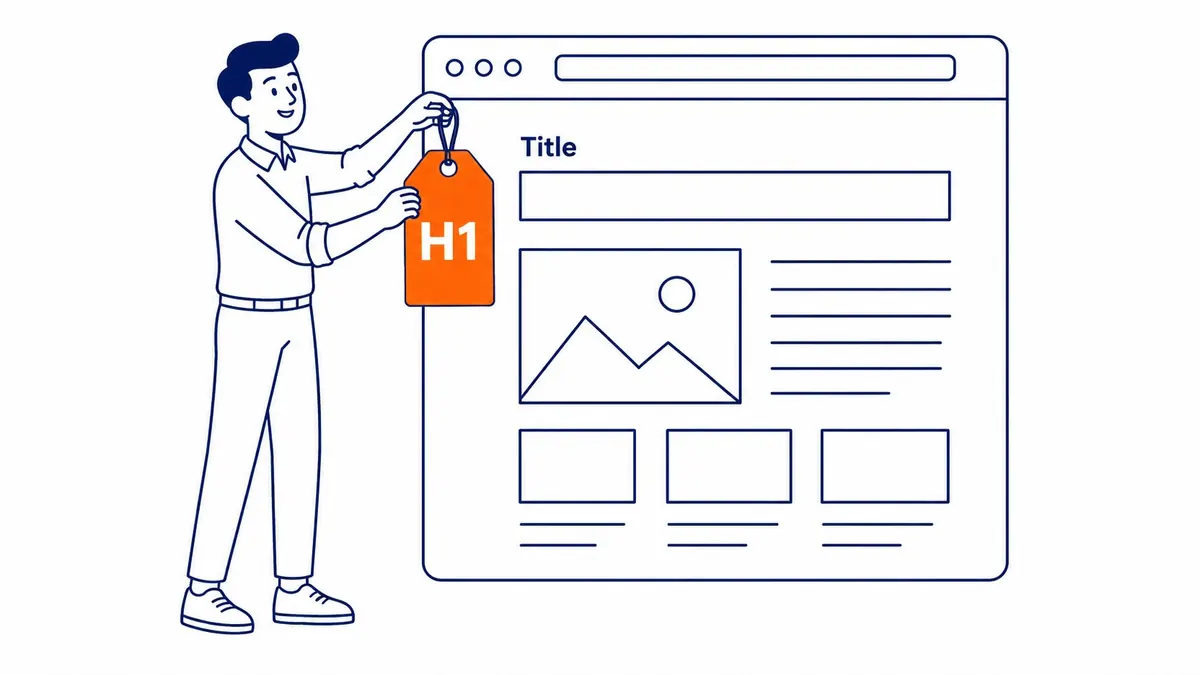
Title tag is in the browser tab and in search results. H1 tag is what the visitor sees when they land. Both can match word-for-word. Often they do. Different display surfaces, so slight phrasing variation is acceptable.
Google can override your title tag in search results. It pulls from the H1 tag when that source looks more accurate than the written title tag. Body content and anchor text from linking pages can also trigger the same override. A misleading title gets replaced. The H1 tag itself is not overridden the same way.
RankMath notes Google uses H1 tag content when deciding which meta title to surface. That means the H1 tag affects SERP presentation even when the visitor never reads it directly. A vague or mismatched H1 tag can end up producing an overridden title that reduces click-through rate.
Close alignment between the two is the practical standard. Same core message. Phrasing can vary. Big gaps between the H1 tag and the title tag still show up in every website audit. Sites that grow page counts quickly without content structure produce them regularly. Same rule applies on the title side, with SEO title explained in more detail elsewhere.

Why the H1 Tag Matters for SEO
John Mueller said it plainly in 2019. No H1 tags or five H1 tags, your site ranks the same either way. That statement is accurate and also incomplete. The H1 tag is not the hinge of the ranking system. It is still worth optimizing.
The H1 tag provides an early relevance signal during the crawl. Google reads the heading before most of the content on the page. Heading. Content. Query. All three need to align. That alignment also feeds the relevance assessment. Ahrefs measured it in 2024. The number was -0.03. That is the correlation between H1 keyword match and ranking position. Essentially nothing. Stuffed with keywords, the H1 tag gives nothing extra in rankings. A natural, accurate heading is still the target.
The H1 tag also helps Google identify the focus keyword. Google uses several signals to determine that. The URL and H1 tag are also read early. Keyword frequency and context in the body contribute as well. The H1 tag is among the first signals in the sequence. That is why including the target keyword in the H1 tag is consistent with how keyword research gets applied on-page.
The UX dimension matters too. Visitors scan pages on the first load. The H1 tag is usually the first thing they read after the navigation. Confirmed topic means they stay. Vague or mismatched heading means they leave. That bounce behaviour still feeds back into how Google evaluates the page’s relevance over time. The H1 tag is also involved indirectly in that secondary signal pathway. One tag, several jobs; that is roughly what page SEO means at the element level.

H1 Tag Best Practices
One H1 per page. Google technically allows multiple H1 tags, especially on HTML5 pages with sectioning elements. Multiple H1s do not produce a penalty. But they do create ambiguity in content hierarchy for visitors and make the page’s primary topic less clear to crawlers. One is cleaner in almost every case.
Keep it under 60 characters. Short or misleading meta title means Google sometimes reaches for the H1 tag. Under 60 characters, no truncation. Above 70 characters, it risks being cut off in the SERP. Semrush and Backlinko both put the safe range at 50 to 60 characters.
Include the target keyword. Not jammed in. Placed naturally. Write it like a heading. Not a keyword string. The right SEO services prioritize search intent. Term frequency is a secondary concern. The keyword belongs there because the page actually covers it. Not as a crawl box to check.
Target a specific query. Use an H1 that reflects it, not the broader parent category. Specificity also sets accurate expectations. It matches the query that drove the click.
Write for the visitor first. Search engines also infer intent from the full content that follows. An H1 tag that serves the reader accurately serves the crawler by extension. Optimizing an H1 tag for the crawler at the expense of reader clarity tends to produce higher bounce rates. Bounce rates eventually affect rankings anyway.
Every important page on the site should have one. Service pages and product pages especially. Blog posts and landing pages too. Thin or orphaned pages with no H1 tag are a common finding in SEO audits. They are easy to fix and usually produce measurable improvement in crawl efficiency when addressed at scale.
How to Add an H1 Tag
Raw HTML syntax is simple.
<h1>Your Heading Text Here</h1>
One opening tag. One closing tag. The text between them is the H1 tag content. Most platforms handle it without manual code. WordPress maps the post title to the H1 by default. Standard themes handle that assignment.
Squarespace and Wix default the first text block to an H1 heading in the underlying HTML structure. This is true even when the editor does not make it visually obvious. The page appears styled differently in the interface, but the semantic HTML output is correct.
Problems arise from page builders overriding theme defaults. Custom templates with conflicting heading assignments are also common. Poorly built themes still render the post title as a styled H2 instead of a true H1. Also common.
A Calgary SEO technical audit catches those. Two H1 tags on the same page is a common audit finding. Others are the primary H1 tag appearing inside a sidebar rather than the main content area. Category and archive pages with no H1 tag at all are another. Straightforward fixes once identified. Structure first, then how to add keywords to Squarespace without breaking the heading order.
Frequently Asked Questions
Can a Page Have More Than One H1 Tag?
Yes, technically. John Mueller at Google confirmed multiple H1 tags are not penalized. In HTML5, sectioning elements make multiple H1 tags structurally valid at the spec level. One H1 per page remains the consistent recommendation from every major SEO platform. Multiple H1 tags create an ambiguous primary topic signal for crawlers. Visitors also find single-headed pages easier to orient on. Edge cases exist. Most sites never hit them.
Does the H1 Tag Directly Improve Rankings?
Not directly. Relevance signal. Not a confirmed ranking factor. Ahrefs measured it at -0.03 in 2024. The correlation between H1 keyword match and ranking position. Negligible. But it still contributes to overall relevance. The title tag and body content work the same picture. Accurate, keyword-relevant H1 tags correlate with better rankings. Vague or absent ones do not, though. Correlation, not direct cause.
What Is the Ideal H1 Tag Length?
Standard range is 50 to 70 characters. Short enough to stay intact when Google surfaces it. Long enough to include the primary keyword and communicate the page topic clearly. H1 tags that get cut off usually come from copying the full meta title without checking display length first. A quick character count during content creation already avoids the issue.
Should the H1 Tag Match the Title Tag?
Close alignment is the standard recommendation. The title tag and H1 tag both describe the same page. Matching exactly is common. Slight phrasing variation is acceptable. Wide divergence creates a mixed signal for search engines. Visitors who expected one angle from the SERP and landed on a page with a different one will leave immediately.
Companies running large content programs often find title tag and H1 tag mismatches. Routine website audit work turns them up. Google Ads landing page quality reviews do the same.
Contact Calgary SEO Company To-The-TOP!
Questions about anything in this article, or about your own rankings? Talk to a Calgary SEO specialist directly.
Phone: (403) 308-5949
Address: 1509 14 Ave SW, Calgary, AB T3C 0W4
Hours:
Monday to Friday: 10:00 am – 7:00 pm
Saturday: 12:00 pm – 4:00 pm
Sunday: closed
