
How to Add Keywords to Your Squarespace Website
Knowing how to add keywords to Squarespace is more consequential than most site owners expect. The platform gives you the fields. Most people fill them in randomly. Then they wonder why their website is not showing up in search results.
We have seen it many times at To-The-TOP!. Good-looking site. Keywords scattered like afterthoughts. Traffic stuck somewhere between zero and discouraging. Technical SEO is handled automatically by the CMS. Keywords, though, remain entirely your responsibility.
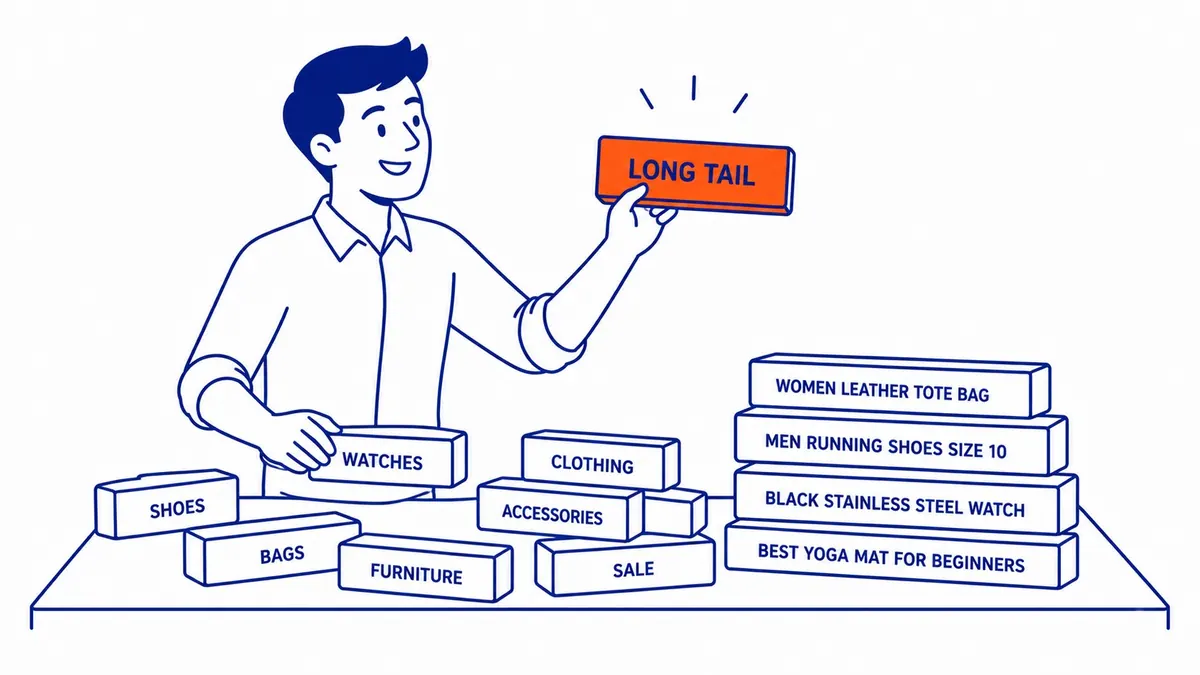
This guide covers every place on your website where keywords matter. Not just the obvious slots. Image fields, URL slugs, blog structure. All of it. Running Calgary Google Ads management alongside organic search is common for local businesses. Keyword logic overlaps between paid and organic. Mechanics are a different story.
Before You Log In: Keyword Research First
Don’t touch the dashboard yet.
Keyword research belongs before anything you do in the editor. The platform gives you fields to fill in. It has no opinion about what goes in them. That part is on you.
One question cuts through everything. What are people actually typing when they look for what you sell? Not what you think they type. Industry jargon from your About page rarely matches what people search.
Google Keyword Planner is free. It gives you search volume estimates for any term you are considering. Ahrefs costs money but tells you how competitive each keyword is. Long-tail keywords are where most websites find real traction. A local service phrase gets fewer searches than a broad term. The people searching it, however, are much closer to hiring. Search volume is not the only number that matters. Match matters more.

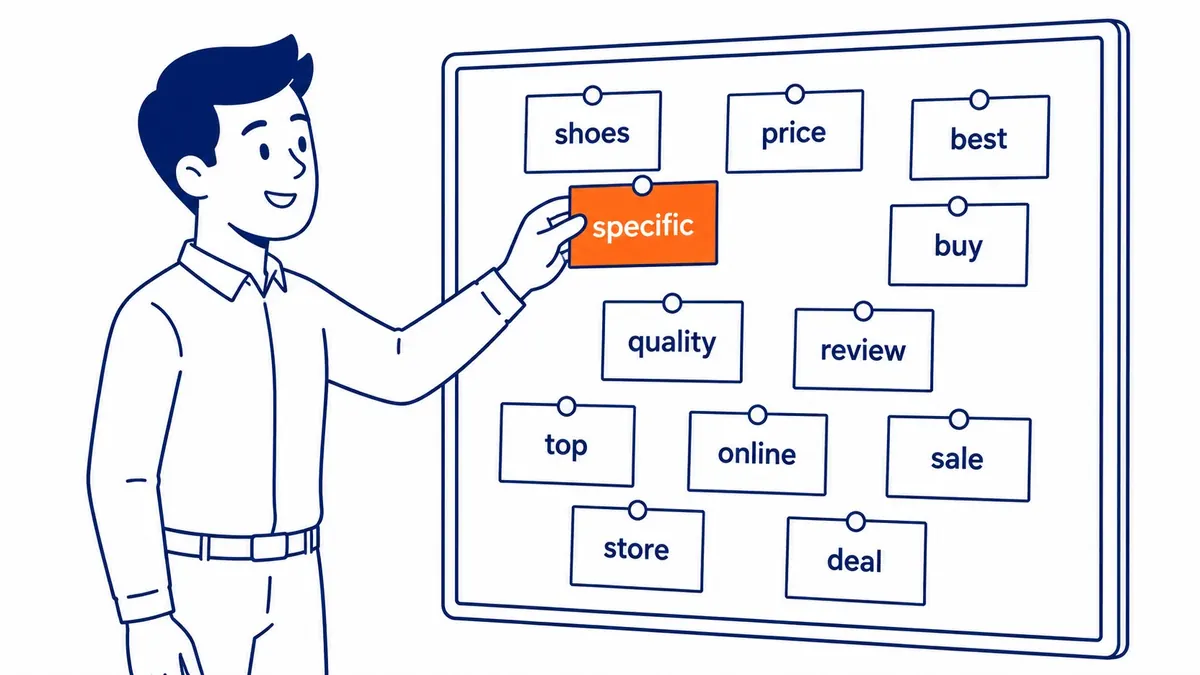
Three things to weigh before settling on a keyword. Search volume is obvious. Competition is trickier to assess. Intent alignment matters most. A high-volume keyword with mismatched intent sends the wrong traffic. Better to target a lower-volume phrase that actually converts.
Pick one primary keyword per page. One. Not five. Search engines index your site page by page. Each page needs a clear topic. Targeting multiple competing keywords on a single page dilutes the relevance signal for all of them.
Additionally, good website keyword analysis is its own discipline. To-The-TOP! runs a research service for clients who want a Calgary SEO expert handling it. Search intent. Competition scoring. Long-tail gap mapping. Worth doing before investing time writing around the wrong terms. Squarespace is not the only builder with these limits, and how Wix handles SEO follows a similar pattern.
Where Squarespace Places Keywords, and What It Leaves to You
Built-in but limited.
The platform builds native fields into most content types. Pages. Blog posts. Products. Each one gets a title field and a description field. URL slug control comes with them. That is the basic framework the CMS provides.
The platform will not inject keywords for you. It does not suggest them. Optimization is not something it handles on your behalf. Technical SEO, however, it handles well. SSL certificates come standard. URL structures are clean. Sitemaps generate automatically.
The keywords are still your job.

What your site ranks for depends on what you put in those fields. Which fields produce the most meaningful signal for search engines? The answer is consistent across every site we have audited. Page titles first. Body text next. Image alt text after that. Meta descriptions matter for click-through, not ranking. URL slugs tie into all of that, but they matter most at setup.
Page Titles: The Most Important Keyword Slot
This one moves the needle most.
The page title is the single most important keyword placement on any page. Blue linked text in search results. Browser tab title too. Search engines weight it heavily when scoring page relevance.
In Squarespace, you access the page title field through Marketing, then SEO, then Title Tag Format. On individual pages, it sits in the page settings panel under the SEO tab. The H1 visible in the design view is a separate field from the title tag.
Primary keyword near the start. Brand name at the end. Under 60 characters is the guideline. Something like “Calgary Flooring Installation | Your Brand Name” reads clearly in results. Fits the display space. Keyword near the front.

Do not leave your site title as the default SEO title across every page. The platform sets that as the fallback. Every page ends up with the same title. Search engines read that as duplicate text. Each page loses its individual relevance signal in the process.
Meta Descriptions: What Gets the Click
Doesn’t rank you. Still matters.
Meta descriptions do not directly influence where your website lands in search results. Google confirmed this years ago. They do influence whether someone clicks your listing over the one below it.
Write the meta description for the person reading it, not the algorithm. It is a 150 to 160 character pitch. Include the primary keyword. Not because Google uses it for ranking, but because Google bolds matching words in results. The bolded term draws the eye.

Each page on your website needs its own unique meta description. The platform lets you set them individually in the SEO panel under page settings. Leaving them blank means the search engine pulls a random excerpt from your body text. Duplicate descriptions across pages also send a weak signal.
Body Content and Headings
Natural placement beats forced placement.
Your primary keyword belongs in the first 100 words of your body content. Not repeated three times in the opening paragraph. Just present early, in a sentence that reads naturally. That signals page relevance before search engines finish reading it.
After that, let your keywords appear where they fit. Two or three times in a 500-word section is a reasonable pace. More than that and you are heading toward keyword stuffing, which search engine quality filters catch quickly.

Headings matter more than most people realise. H2 and H3 tags pass a weaker signal than the page title, but they still count. Use your keyword in at least one H2. Vary the phrasing in other headings. “Keyword placement on your site” and “how keywords work on your website” signal the same topic without looking mechanical.
The visual editor makes it easy to style text using the design panel. That does not create actual heading tags. Styled paragraph text looks bigger but search engines do not read it as a heading. Use the actual heading options inside the text block. H1, H2, H3. Not styled paragraphs.
Images: File Names, Alt Text, and Load Speed
Every image has three keyword fields.
Images are an underused keyword placement on any website.
File naming matters before the image reaches the platform. Rename it before you upload. “IMG_4923.jpg” communicates nothing. “calgary-florist-shop-window.jpg” tells them exactly what the image shows. Use your keyword where it fits naturally.
Every image block has an alt text field. This is the description search engines read when they cannot see the image. Screen readers use it too. Keep it descriptive. “Website dashboard showing the settings panel” is better than “settings” or leaving it blank.
Caption text is indexed too. If your keyword fits naturally in a caption, add it. Otherwise, skip it. Forced keyword placement in captions is easy to spot.
Your images also affect page speed. Heavy, uncompressed files slow down your website. Page speed is a ranking factor. Compress images before uploading. Free tools handle this without quality loss.
Blog Posts, URL Slugs, and Categories
Blogging compounds keyword coverage over time.
Publishing consistently is the most reliable way to add new keywords to your website over time. Each post covers a different keyword. Your website grows in topical coverage with every piece you publish.
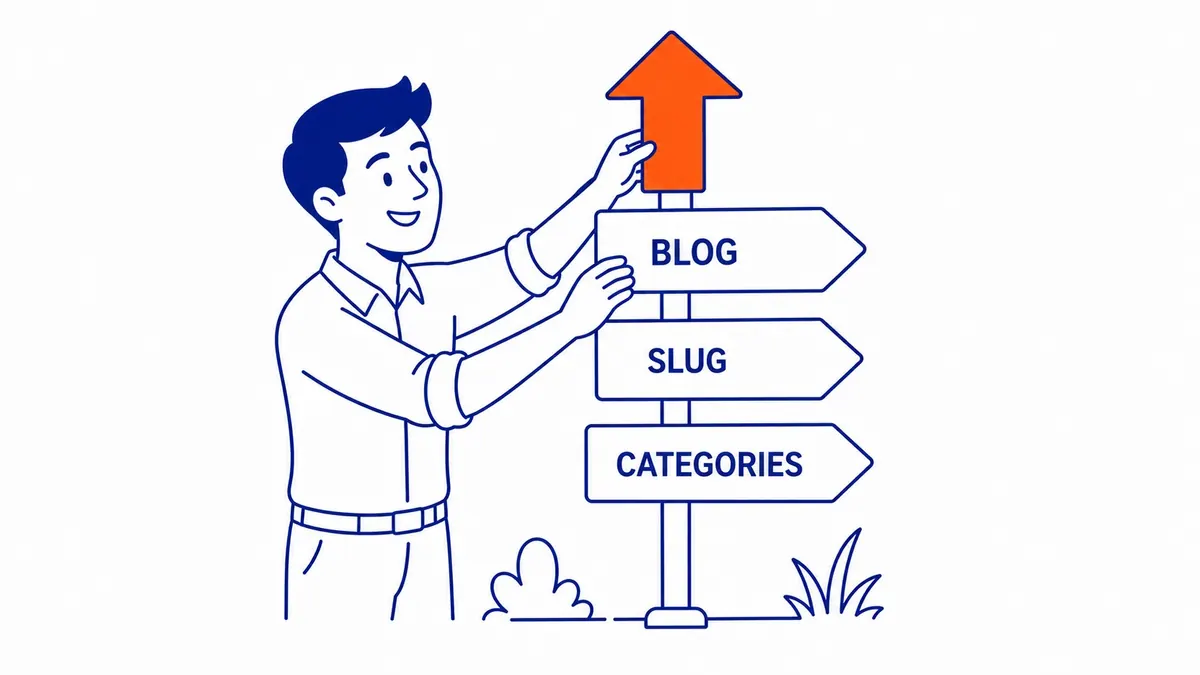
Each blog post needs its own title tag. It also needs its own meta description. The URL slug is the third element. Short, keyword-focused, no filler. Take yoursite.com/blog/how-to-add-keywords as an example. Include your primary keyword. Remove filler words where they add nothing.
Blog categories and tags are different from SEO keywords. They still create indexed pages. Categories build archive pages on their own. Tags do too. Do not flood posts with fifteen tags. Three to five relevant tags per post is the right number. Use them consistently across related posts.
One pattern repeats. Blog posts end up targeting the same broad terms everyone in the industry writes about. Find the specific, lower-competition version of any keyword before writing the post. “Calgary commercial photography tips” outperforms “photography tips” on any site that is not already a major domain. That gap is where smaller sites find real traction.
Tracking Your Squarespace SEO With Google Search Console
Free data. No reason to skip it.
Google Search Console tells you which search terms drive impressions and clicks to your website. It also surfaces crawl errors. Pages blocked from indexing. Mobile issues.
Connect it through the Analytics panel, or through Marketing, then Google Search Console. You verify site ownership through a meta tag added automatically once you connect your account.
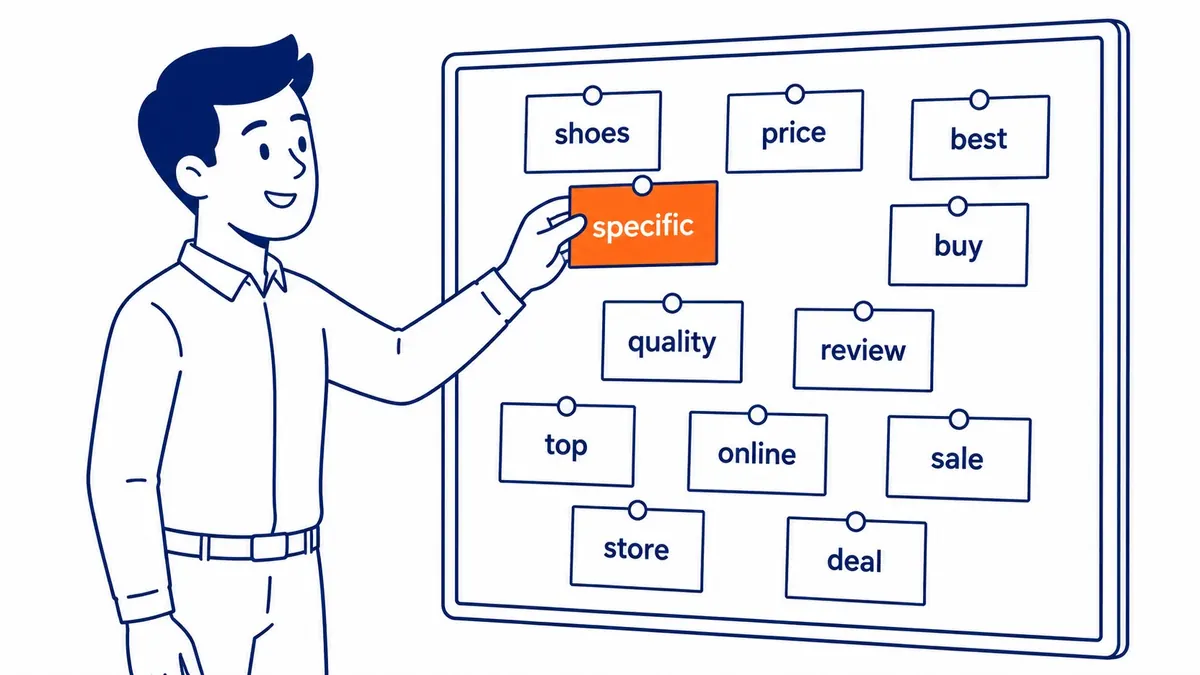
Give it a few weeks after connecting to collect useful data. Then open the Queries report. Which keywords bring your website up in search results? How many actually generate clicks? Some keywords rank but get ignored. Possibly the title or description is not compelling enough.
That data replaces intuition. You see what people are actually searching. What your site shows up for. Where the gaps are. Worth connecting on day one, not month six. Search Console is one piece of the wider SEO process, not the whole of it.
Squarespace SEO Mistakes That Cost You Rankings
Most are avoidable.
Keyword stuffing is the obvious one. Repeating the same phrase nineteen times in a 400-word page does not help your rankings. Search engine quality filters catch it. The page loses credibility in the algorithm’s scoring. Write for the person reading the page. Use your keywords naturally.
The less obvious version is targeting keywords that are too broad. “Website” is not a term you can rank for as a small business. Not unless you are a major publication with thousands of referring domains. A specific local phrase, the kind that fifteen people in your city search for every month, is the one worth targeting. Competition is manageable. Intent is clear.

Third issue is ignoring the pages search engines already have indexed. Site owners often focus on new content. Existing pages with thin, keyword-light text sit indexed and do nothing. An SEO website audit surfaces those pages fast. Fix the weak ones before adding more. That is usually a better use of time than publishing additional posts.
Finally, blank title fields are widespread. The platform shows those fields, but filling them in is not required. Many sites have empty titles across most of their pages. That is a lost keyword signal on every single one.
Getting proper keyword coverage across your whole website is the kind of thing To-The-TOP! handles as part of Calgary SEO work. If your site has been live for a while with no movement in search results, keyword gaps are usually the culprit. SEO services built around thorough keyword placement make a measurable difference over six to twelve months.
Google Ads management is a different strategy from organic search. Some Calgary businesses run both alongside each other. Organic keyword work builds slowly. Paid search fills the gap while that authority accumulates. Squarespace SEO limitations shape how fast that organic side can move.
FAQ: Squarespace SEO Questions
What are the 4 types of keywords?
The types split by intent. Informational covers research queries. Navigational finds a specific brand or site. Commercial signals someone comparing options before buying. Transactional means ready to purchase or hire. For most websites selling services or products, commercial and transactional keywords drive the most valuable traffic. That is where to focus first.
How do you add keywords to your site?
Start with keyword research before touching the dashboard. Then place your primary keyword in the title tag. Add it to the meta description and URL slug too. Also add it naturally to your body text. Put relevant keywords in image file names and alt text before uploading. Repeat the process for each page individually. Each page on your Squarespace website gets its own keyword focus. No two pages should target the same primary term.
How do I add tags to my Squarespace website?
Open the blog post editor and click the post settings panel. A Tags field sits near the top. Type a tag and press Enter to add it. Each blog post can carry multiple tags. Tags appear as navigation options on the blog index and create their own indexed archive pages. Do not rely on tags as your primary keyword strategy. Three to five relevant tags per post, used consistently, is enough.
How many keywords per 1000 words?
There is no hard rule. Two to four natural uses of your primary keyword per 500 words is a reasonable range. Keyword stuffing happens when repetition looks mechanical rather than natural. Read the section aloud. If the repetition sounds odd to a person, there are too many. Search engine optimization on Squarespace responds to relevance signals across the whole page, not raw keyword count.
Contact Calgary SEO Company To-The-TOP!
Questions about anything in this article, or about your own rankings? Talk to a Calgary SEO specialist directly.
Phone: (403) 308-5949
Address: 1509 14 Ave SW, Calgary, AB T3C 0W4
Hours:
Monday to Friday: 10:00 am – 7:00 pm
Saturday: 12:00 pm – 4:00 pm
Sunday: closed