How to Cancel Google Ads
Three different things hide behind the phrase. Knowing how to cancel Google Ads means first deciding whether you want to pause a campaign for a while, remove a campaign for good, or shut the whole account down. They are not the same action, and picking the wrong one is how people lose data they wanted to keep or keep paying for something they thought was off.
We have run paid search for Calgary businesses since 2007, and the cancel question lands in our inbox more than you would expect. Usually it arrives in a panic. The ads kept charging after a launch, or a seasonal promotion wrapped up, or someone inherited a business account nobody set up properly. So here is the plain walk-through of the whole process: every option, what it does to your billing, and what happens to your advertising once it is switched off.
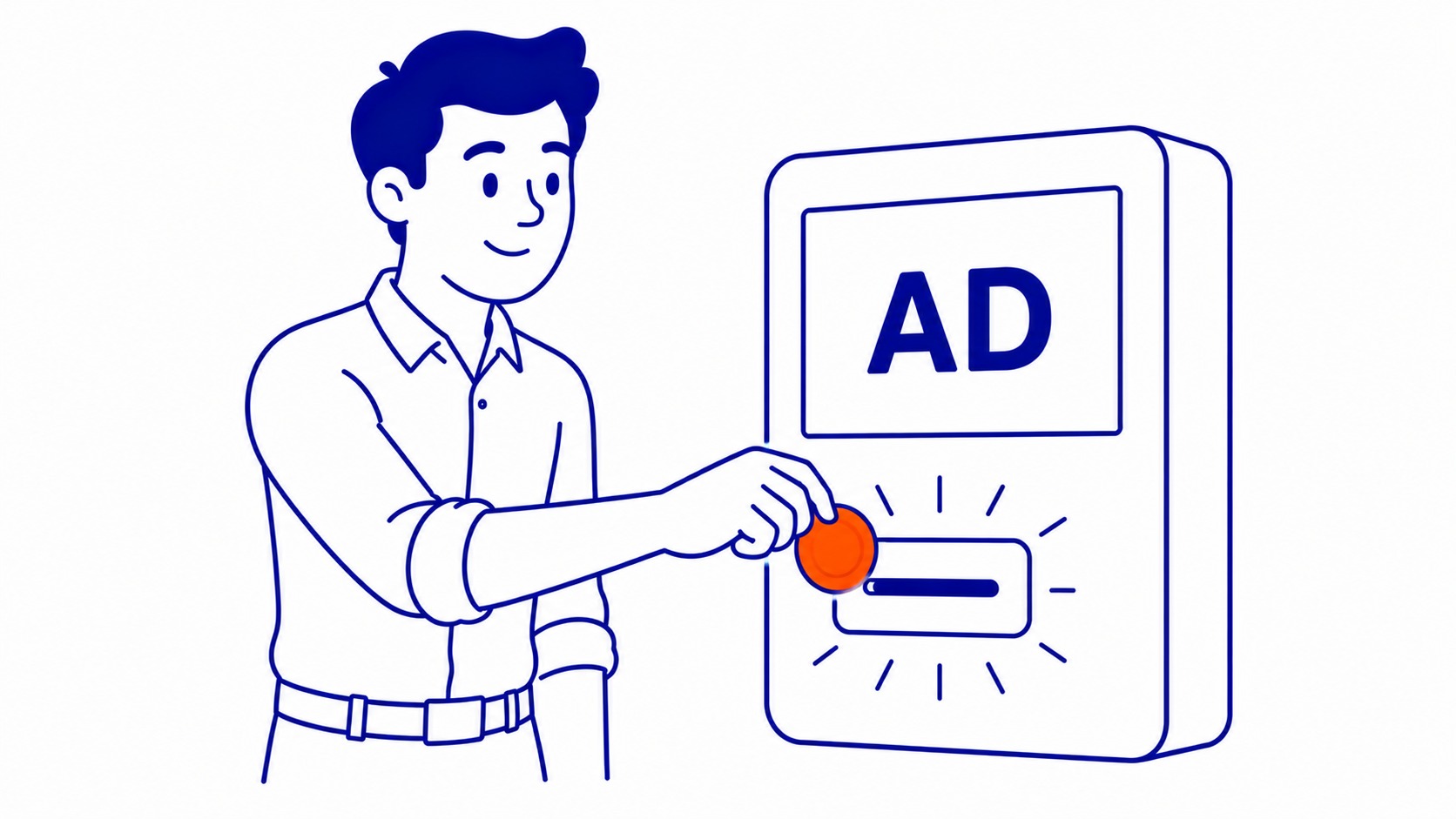
Pause, cancel, or delete: pick the right one first
Pausing stops the ads from showing. Nothing is deleted. Your campaigns, keywords, history, and settings all sit exactly where you left them, ready to switch back on. Most people who think they want to cancel Google Ads actually want this. A pause is reversible in one click.

Removing a Google Ads campaign is heavier. That campaign stops, drops out of your active view, and you cannot simply flip it live again later. Data stays for reporting. Removal is final. Useful when a promotion is genuinely over and you never want that ads campaign running again.
Cancelling closes the entire account. Every campaign inside it stops. Billing settles up. Your login still works, but the account sits dormant. That is the nuclear option, and it is the one most people reach for too early. Before you take it, it helps to understand what PPC is actually costing your business versus what it returns, because a badly managed account and a useless account are different problems.
How to pause a Google Ads campaign
Fastest fix, and the one we recommend nine times out of ten. Sign in to your Google Ads account. Open the Campaigns page from the left menu. Each campaign has a status toggle on its row.
Click the green dot beside the campaign name. Choose Pause. Done. That ads campaign stops serving within minutes, and your spend stops with it. Want every campaign off at once? Select the checkbox at the top of the list, hit Edit, and pause all of them together.
Paused campaigns cost nothing. No impressions, no clicks, no charges. They wait. When the season turns or the budget frees up, you reverse the toggle and that Google Ads campaign picks up where it left off. Pausing is the safest way to stop your Google Ads without throwing anything away.

How to remove a campaign for good
Sometimes a Google Ads campaign has served its purpose and you want it gone, not paused. This is also how to delete a campaign you no longer need. Open the Campaigns page again. Find the one you want gone. Use the same status toggle, but choose Remove instead of Pause.
A removed campaign stops immediately and disappears from your default view. Reporting data survives, so you can still pull historical numbers months later. What you cannot do is re-enable it. Google treats Remove as final. If you think there is any chance you will want that ads campaign back, pause it instead. We have watched clients remove a strong performer in a tidying-up mood, then rebuild the whole thing from scratch a quarter later.
How to cancel your Google Ads account
Ready to close your account entirely? This is the step people mean when they search how to cancel Google Ads and want everything switched off. Sign in as an administrator first, because only admin-level access can close an account.
Open the Admin section, usually the gear or tools icon. Find Account settings. Scroll to the status option, which reads something like Cancel my account or Cancel account. Click it, confirm, and your account moves into a cancelled state. Every campaign stops. No new charges accrue beyond what you already owe.
One detail catches people: you cannot close a Google Ads account that still has an outstanding balance on certain payment setups until billing is squared away. Google walks you through any final payment before it lets the cancellation process finish. More on that money question below, because it is where most of the confusion lives. Check that an existing Google Ads account is even attached to your login before starting. The step-by-step version of closing a Google Ads account lives in its own walkthrough.
Closing a Google Ads manager account
Agencies and anyone running multiple accounts under one roof use a manager account, sometimes called an MCC. Shutting one down works a little differently from a standard account. The individual accounts linked underneath are not automatically cancelled when you close the manager account. They simply unlink.
Sign in to the manager account with admin rights. Open Admin, then Account settings or Account actions depending on your interface. Look for Close account. Before you confirm, unlink any client accounts you do not own, because closing the manager should not strand accounts that belong to someone else. If you want to delete Google Ads access for a whole agency relationship, this is also where you remove your own user access cleanly. Starting fresh later means building a Google Ads account from scratch again.

What happens to billing and your final payment
Money is where closing an account gets nervous. Here is the plain version. Cancelling stops future charges, but it does not erase what you already spent on advertising. Any clicks the account earned beforehand still get billed.
On automatic payments, Google charges your final balance shortly after it closes, or when the next billing threshold hits, whichever comes first. Manual or prepaid payments flip the picture. Leftover prepaid funds that never got spent can be refunded, though the refund can take several weeks to land back on your card. Check your transaction history before you close anything so you know exactly what is outstanding.
Your budget on a campaign is a ceiling, not a charge. Closing mid-month does not trigger some penalty for the unspent portion. You only ever pay for the clicks and impressions the advertising actually delivered. That is the whole logic of pay-per-click, and it is the same logic whether your business spends ten dollars or ten thousand.
What happens after you cancel
A closed account does not vanish. Your login keeps working, and your history stays visible. Google holds the door open on purpose, because reactivation is common. Change your mind next week, sign back in, and you can reactivate a cancelled Google Ads account and switch your campaigns back on.
Reporting data sticks around too. Conversion records, historical spend, the keywords that worked: all of it stays readable. That matters more than people realise. An account you close today is also a record of everything you learned about your market, and starting fresh later throws that history away. The old account remembers which campaigns paid off. A new one starts blind.

Should you cancel, or just step back?
Straight take, after sixteen years of these calls. Most accounts that get closed did not need closing. They needed managing. The ads were not the problem. Setup was: wrong keywords, no negative list, a landing page that converted nobody, a budget bleeding into searches that were never going to buy. A clean rebuild from the ground up usually fixes all of it, the way a walkthrough of how to advertise on Google Ads lays out.
Pulling the plug fixes the symptom by removing the patient. Pausing buys you time to diagnose. Part of that diagnosis is seeing what rivals are running, so learning how to check competitors’ Google Ads often reveals the gap your own account missed. If the spend genuinely scared you, pause everything, take a breath, and look at what the account was actually doing. Plenty of times the structure was fine and one runaway campaign was the whole story. Worth knowing before you delete Google Ads entirely and lose the history.
If paid search just is not your tool right now, that is a fair call, and organic search may be the better long game. Either way, our Google Ads management usually costs less than the money a neglected account wastes in a single quarter. We have rescued accounts a week before the owner planned to cancel them, and the difference was rarely dramatic. It was tightening, not magic. Plenty of Calgary owners reach for the cancel button when a tune-up was the real answer, and understanding how Google Ads works in the first place tends to change the decision.
Frequently asked questions
Does cancelling Google Ads stop charges right away?
Future charges stop, yes. What you already spent still gets billed. Any clicks the account earned before cancellation show up on a final invoice, usually within a few days of closing the account.
Can I reactivate a Google Ads account after cancelling?
You can. Sign back in, find the reactivation prompt in your account settings, and switch the account live again. Your old campaigns and history come back with it, which is exactly why pausing is often smarter than cancelling.
What is the difference between pausing and cancelling Google Ads?
Scope. Pausing stops one campaign or all of them while leaving the account open and reversible in a click. Cancelling closes the whole account and settles your billing. Pause when you might return. Cancel when you are genuinely done.
Will I get a refund when I cancel Google Ads?
Only on prepaid balances. Money you loaded but never spent can come back, though the refund takes a few weeks. On automatic payments there is nothing to refund, because you only paid for clicks already delivered.
Does cancelling Google Ads hurt my SEO?
No. Paid search and organic rankings run on separate tracks, so closing an ads account will not undo the work a Calgary SEO agency has put into your rankings. The traffic from ads stops, of course. Your organic visibility carries on exactly as before.
Contact Calgary SEO Company To-The-TOP!
Questions about anything in this article, or about your own rankings? Talk to a Calgary SEO specialist directly.
Phone: (403) 308-5949
Address: 1509 14 Ave SW, Calgary, AB T3C 0W4
Hours:
Monday to Friday: 10:00 am – 7:00 pm
Saturday: 12:00 pm – 4:00 pm
Sunday: closed
