
How to Delete a Google Ad Account
There is no delete button. Google built a cancel button instead. Most people asking how to delete a Google Ad account really want two things. Ads that stop serving. Billing that stops arriving.
SEO Company To-The-TOP! has closed and reopened plenty of these since 2007. The cancellation itself takes about four minutes. Cleanup around it takes considerably longer. A dead account leaves tracking code sitting in your website. Linked properties keep pointing at it afterwards.
Why You Cannot Really Delete a Google Ads Account
Read Google’s own wording sometime. It says cancel. Nowhere does the platform offer to erase you.
Cancellation stops the ads from running. The Google Ads account itself stays bound to the login that created it. Sign back in a year later. Campaign history is still sitting there, spend and all. Google publishes no timeline for permanently removing what you closed, so plan around persistence rather than disappearance.
That surprises people who assumed a closed account meant a clean slate. It rarely does. Anyone holding admin access can walk back in and switch the whole thing on again. Whatever the ads were doing, tracking SEO conversions is a separate build.

What Cancellation Actually Does
Ads stop serving, usually the same day. Campaigns freeze wherever they stood. Nothing new gets charged once the final bill clears.
Reporting still loads, though. Historical data still exports. The interface stays open to you indefinitely, which is genuinely useful when a tax question surfaces two years later.
Then comes the part nobody mentions. A cancelled account still counts as an account. It keeps appearing inside whatever manager account it was linked to. Google still recognises the billing profile behind it.
Before You Touch the Cancel Button
Export first. Search terms reports especially. Those hold years of real customer language, and no other tool hands them back once the account goes quiet.
Then check who actually holds admin access. Standard users cannot cancel anything at all. Plenty of small businesses discover their only admin is a former agency. That phone call is never a quick one.
Payment setup deserves a look next. Manual payments leave a prepaid balance behind. Google refunds whatever sits unspent to the original payment method, though the money moves in weeks rather than days. Automatic payments run the opposite direction. Cancelling triggers one final charge for everything accrued since the last invoice.
One more billing wrinkle catches people out. That final invoice often lands after the account has already closed. Watch the card statement for a month afterwards. Clients ring us about that charge more than any other part of the process.
Finally, write down every property linked to the account. Start with Google Analytics. Merchant Center next. A YouTube channel, occasionally. Those connections never clean themselves up.
Cancelling a Google Ads Account Step by Step
Sign in as an admin on the account you want closed. Not the manager account sitting above it.
Open the settings area Google currently calls Admin. That menu has been renamed more than once. Hunt for account-level settings rather than trusting a screenshot from 2021. Find Preferences, then Account status. Cancel my account sits in there.
Google asks why you are leaving. Answer that or skip it. Confirm, and serving stops from that point forward.
Suspended accounts behave differently, though. Suspension blocks the normal path. Support has to close those manually, which takes days rather than minutes.
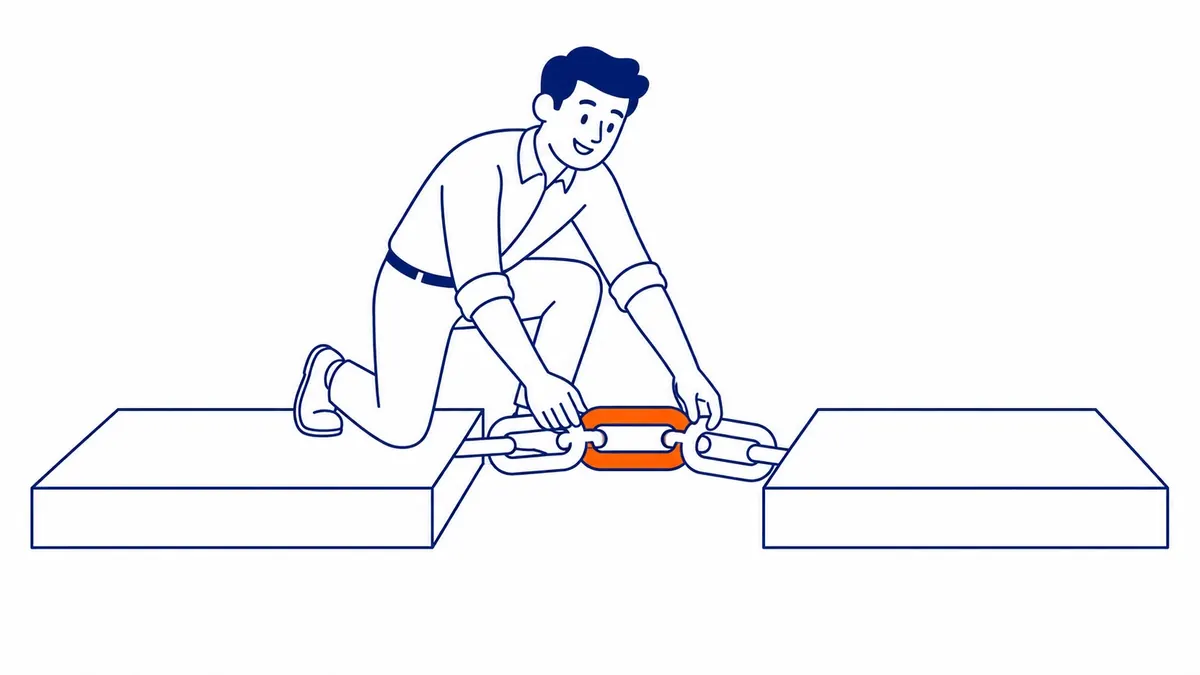
Manager Accounts Change the Order of Work
Manager accounts break the usual order. Closing the manager does not close the accounts underneath it. Those keep running. Ads keep serving. Cards keep getting charged.
So work upward instead. Cancel each child from inside that child account first. Unlink whatever survives. Only then close the manager account itself.
Agencies get this backwards constantly. A client leaves. The manager account gets shut. Nobody touches the client’s live campaigns, which quietly spend for another month before anyone notices the invoice.

What Stays Behind on Your Site
Cancellation never touches your website. Whatever Google Ads put there stays exactly where it was.
The conversion tracking tag remains in your page source. Remarketing tags remain. A gtag snippet keeps firing into an account that no longer buys anything. Your Google Tag Manager container keeps dutifully loading it.
Dead tags slow pages down for no return whatsoever. They also confuse the next agency inheriting the site. The code implies an active campaign that ended eighteen months ago. A proper website audit surfaces them in minutes.
Unlink Analytics first. Then detach Merchant Center. Strip the conversion tracking code out of the templates afterwards.

Pausing Beats Cancelling for Most Businesses
Most businesses asking about deletion should pause instead. Pause the campaigns. Leave the account sitting idle. An idle Google Ads account costs nothing to keep.
Conversion history explains why. Smart Bidding learns from years of recorded conversions. Cancel now. Rebuild in two years. That learning restarts at zero. You forfeit Quality Score history too. The audience data somebody paid real money to collect goes with it.
Seasonal advertisers understand this already. Roofers across Calgary pause every November and switch back on in March. Nothing gets closed. Cancellation makes sense for a business that has actually shut. It makes sense for an account tied to a card belonging to someone you no longer work with.
We would rather understand why the account underperformed first. Sometimes the answer is Google Ads management that was never genuinely managed. Other times that budget belonged in Calgary SEO the whole time. Our SEO blog covers that trade-off at length.
Worth asking before you press cancel. Is the account really the problem? Or is it the landing page every ad has been pointing at? Starting a new Google Ads account does not answer that question either.
Questions About Deleting a Google Ads Account
Can I permanently delete a Google Ads account?
Not through the interface. Cancellation is the only self-serve option Google provides. The account ID stays attached to the login behind it, and reactivation remains possible afterwards.
Will Google refund my remaining balance?
Only on manual payments. Whatever sits unspent returns to the original payment method once final costs clear. Budget for weeks, not days. Automatic payment accounts get charged instead, since outstanding cost comes out at cancellation.
Does cancelling remove my conversion tracking tags?
Never. Those tags live in your website code, not inside Google Ads. Remove them by hand or through your tag manager. A cancelled account cannot reach into a site and tidy up after itself.
Can I reopen a cancelled Google Ads account?
Usually. An admin signs back in and reactivates it. Billing information often needs re-entering first. Long-dormant accounts occasionally need Google support to step in before anything runs.
Who is allowed to cancel a Google Ads account?
Admin-level access only. Standard and read-only users see no cancel option whatsoever. Check the access list before assuming you control an account you have been paying for. To-The-TOP! runs exactly that check for every client inheriting an old account.
Contact Calgary SEO Company To-The-TOP!
Questions about anything in this article, or about your own rankings? Talk to a Calgary SEO specialist directly.
Phone: (403) 308-5949
Address: 1509 14 Ave SW, Calgary, AB T3C 0W4
Hours:
Monday to Friday: 10:00 am – 7:00 pm
Saturday: 12:00 pm – 4:00 pm
Sunday: closed