
How to Search Google Keywords
Two questions hide in that phrase. One: how to find keywords people are searching for on Google. Two: how to use keywords when searching in Google yourself. Both useful. This covers the first one. The second, finding a specific word on the page in front of you, is covered in how to search keywords on a web page.
The goal: discover which phrases real people actually search, then build your SEO and advertising around those phrases. Every keyword tool, every platform, every free option leads to the same destination.
What Are Google Keywords
A keyword is any phrase typed into the search bar. Someone searching “emergency roof repair Calgary” creates one. So does “best dentist near me.” Google tracks all of it. Which phrases, how often, how that shifts month to month. Both organic rankings and paid ad campaigns run on that data. On the SEO side specifically, those phrases are what SEO keywords are.

Good website keyword analysis starts with the phrases customers actually use, not the polished version your marketing team prefers. Someone searching for a plumber at 9pm types something fast and specific. That phrase is the keyword worth targeting.
Three main paths lead to keyword data. Keyword Planner for search volume and competition. Autocomplete for free discovery with zero account setup. Search Console for keywords your site already ranks for. Each keyword tool in that list answers a different question. Picking between them is the real work in finding Google keywords. Pulling accurate search volume for keywords is the step most people rush.
How to Search Keywords in Google Keyword Planner
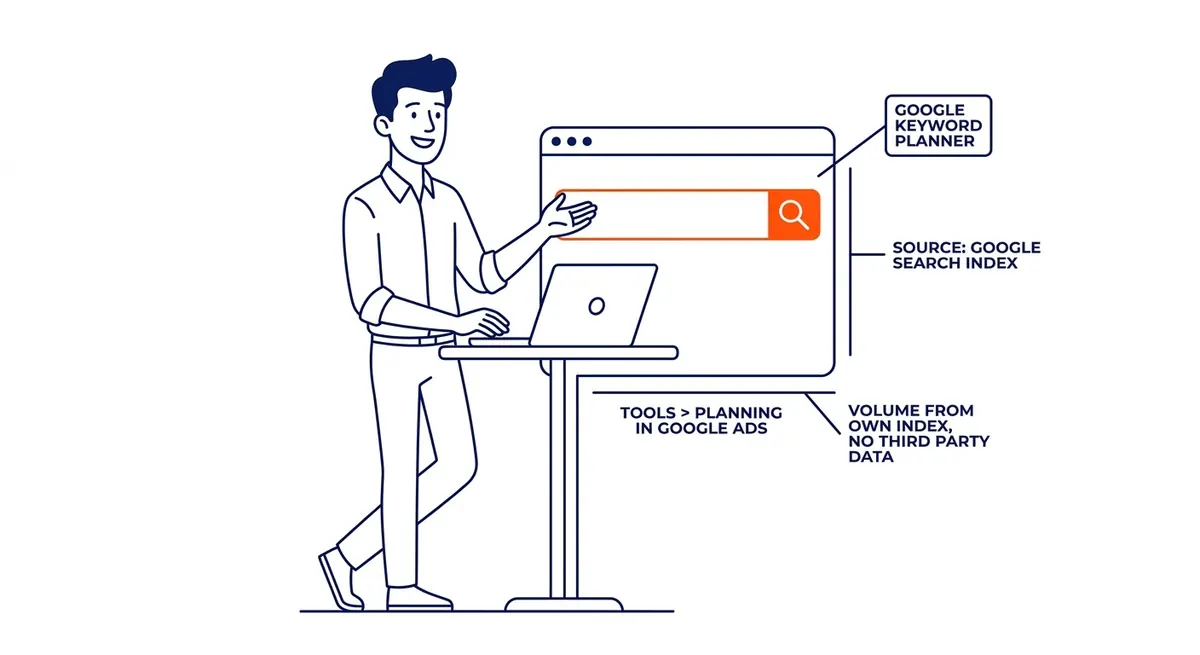
Keyword Planner is Google’s keyword tool. Lives inside Google Ads, pulling from the source. Volume figures come from Google’s own search index. No estimates from third parties, no scraped data. A full walkthrough of how to use Google Keyword Planner covers every screen.
Find it under Tools, then Planning inside your Google Ads account. If the account runs in Smart Mode, switch to Expert Mode first. Smart Mode hides most of the useful functionality in this keyword tool. Billing information is required to unlock full access. No active spend needed, just a completed account setup.
Two entry points inside the planner:
Discover New Keywords takes seed terms or a competitor URL and returns keyword suggestions. Enter what you sell, or drop in a competitor’s homepage URL instead. A URL often surfaces keywords the seed terms would never pull. The results list shows monthly search volume, competition level, and top-of-page bid ranges for every keyword.
Get Search Volume and Forecasts takes a keyword list you already have and returns volume data. Paste in terms from any source. The planner returns volume and performance forecasts. Useful before committing budget to a list built elsewhere.
Read all three columns from the results: volume, competition, and bid range. High bid ranges signal that advertisers are getting results on that keyword. A keyword with 300 monthly searches and a $12 bid converts better than one with 10,000 searches and a $0.40 bid. High volume, low intent, low bids. That combination rarely produces customers. Volume alone does not predict value.
Two settings most people skip. Change the location filter before reading anything. Default settings show national data. For local businesses, that makes every comparison wrong. Switch to your city or province before comparing keyword results. Then filter by bid range to surface high-intent keywords quickly.
A Google Ads management company builds its campaigns on a solid keyword list, and those campaigns outperform the ones built on guesses. This is where that list comes from. Nothing stops you using Keyword Planner without an ad running, though the ranges get wider.
How to Search for Keywords Using Google Autocomplete
No account needed. Just a browser.
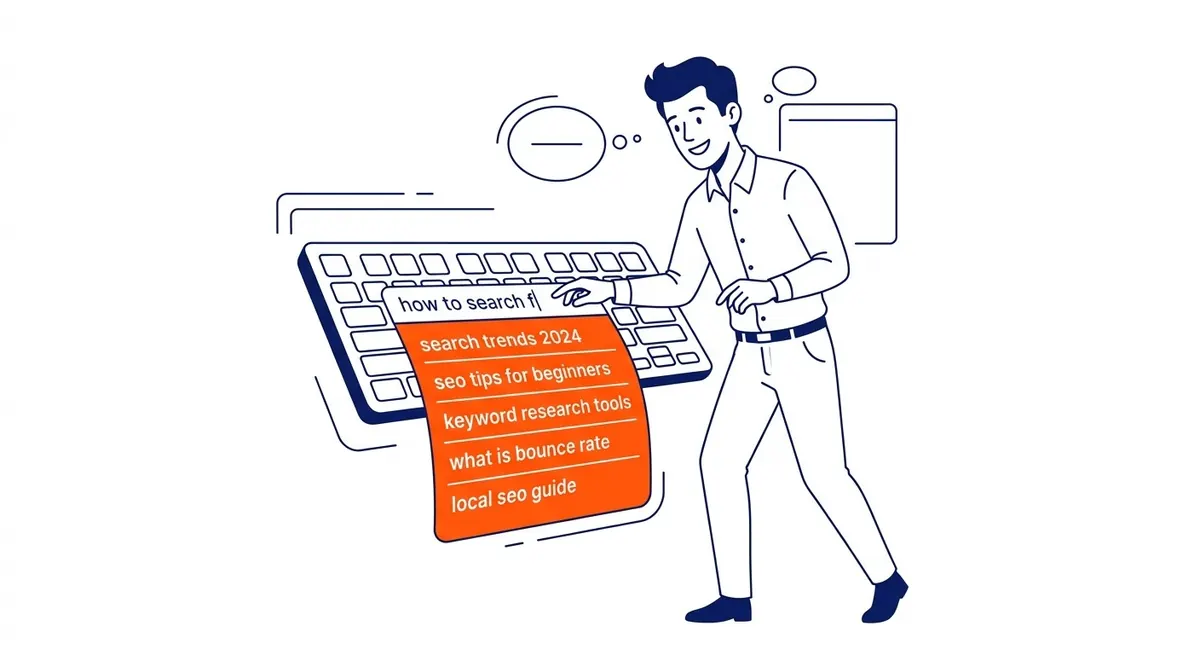
Open it and start typing. The moment you start typing in the search bar, keyword suggestions appear. These autocomplete suggestions come from real search data. Autocomplete generates them based on real search activity, weighted by frequency. Every suggestion is worth checking in the keyword tool.
Work through variations systematically. Type a core term. Note the suggestions. Add a city name. Note the new suggestions. Try a question word next, then a modifier like “cost” or “near me.” Different combinations unlock different keywords that no keyword research tool would surface on its own.
At the bottom of every results page: related searches. Scroll past the organic listings after any search. Eight to ten related queries appear. Often long-tail keywords phrased differently from anything you would have typed. Worth adding to a list before opening Keyword Planner.
People Also Ask panels in the middle of results pages pull question-based keyword ideas. Every expandable question is a real search query. For informational content, these are direct targets. Free, always current, no tools required.
Using Google Search Console to Check Your Keywords
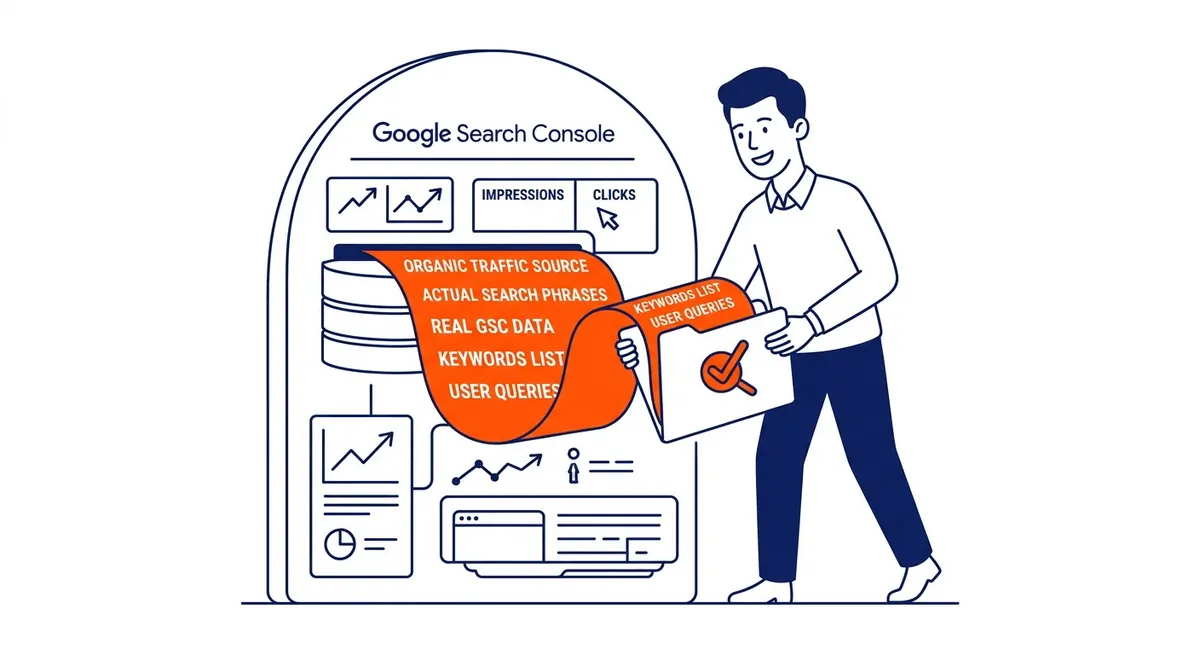
Search Console shows the keywords your website actually ranks for. Not estimates. Real data from the source.
Log in, go to Performance, then Queries. Every search phrase that brought a visitor to your site appears in this list. Sort by impressions to find the widest reach. High impressions, low clicks: those are keywords where your page shows up but is not yet winning the click. Improving an existing ranking position is faster than building one from scratch.
Download the full query list. Work through it. Some queries will be irrelevant. Others will reveal keywords you never targeted. Unexpected rankings happen constantly. A page written for one keyword often picks up traffic from a dozen related terms. That data tells you which pages to expand and which terms deserve dedicated new pages.
Filter by page to see which keywords a specific page is pulling in. Compare against what the page was written to rank for. Gaps between intent and actual search traffic are a common find. Quick wins in SEO often sit right there. Fix the gap. No new content required.

Free Keyword Search Tools for Google
Four tools. All free. Each keyword tool serves a different purpose.
Keyword Planner is the discovery and volume tool. Best for finding new keywords and checking monthly search volumes before committing budget to a campaign or a content page. Requires a Google Ads account.
Search Console is the performance tool. Best for seeing what keywords your site already ranks for and identifying which pages need optimization. Requires your site to be verified.
Autocomplete is the open-ended discovery tool. Best for generating new keyword ideas before you know what to search for. No account, no cost, no setup.
Trends is the timing tool. Best for understanding whether a keyword is growing or declining, comparing two related terms, and spotting seasonal peaks before they arrive.
For Calgary SEO campaigns, these four cover most of what local keyword research needs. Paid tools like SEMrush and Ahrefs add precision. Exact volume figures instead of ranges. Keyword difficulty scores. Competitor keyword gap analysis. Most serious keyword research combines free tools for initial discovery with a paid keyword research tool to validate and prioritize before committing budget.
FAQ
How do I search for Google keywords for free?
Three free options. Open Google Ads, find Keyword Planner under Tools, then Planning. Enter seed terms or a competitor URL and it returns keyword suggestions with monthly volume and competition data. Autocomplete shows keyword suggestions live as you type in the search bar. No account needed. Related searches at the bottom of every results page add more keywords at zero cost. Search Console adds a fourth option for live sites: every keyword already driving existing traffic.
How do I find keywords people search for on Google?
Start with Keyword Planner. Open it under Tools in Google Ads. Switch to Expert Mode if needed. Click Discover New Keywords. Drop in a product, a service, or a competitor URL. Back comes keyword suggestions connected to those terms, with monthly search volume and bid ranges. Autocomplete layers in keyword ideas Planner might miss. Between the two, most keyword discovery work for local businesses gets done without a paid keyword tool.
How do I check what keywords a website ranks for on Google?
For your own site, Google Search Console shows your exact ranking keywords under Performance, then Queries. Sort by impressions for the broadest view. For a competitor site, paste their URL into Discover New Keywords inside Keyword Planner. The results surface keyword suggestions the planner associates with their content. Need more precision? SEMrush and Ahrefs show organic rankings directly for any domain, competitors included.
What is the best free keyword search tool for Google?
Keyword Planner is the strongest option because the data comes from Google’s own index. Volume figures show as ranges without active ad spend, but they are directionally accurate. Search Console adds the dimension Planner cannot provide: the keywords your site already attracts. Using both together handles discovery and performance in one workflow. An SEO services agency in Calgary will usually add a paid keyword tool for exact volumes and competitor analysis.
How do I search keywords in Google Keyword Planner?
Log into Google Ads. Click Tools, then Planning, then Keyword Planner. Choose Discover New Keywords. Enter a product, a service, or a website URL. Click Get Results. A list of keywords appears with monthly search volumes, competition levels, and bid estimates for each term. Before reading any results, set the location filter to your target city or province. Default settings pull national data, which makes local keyword comparisons inaccurate.
Contact Calgary SEO Company To-The-TOP!
Questions about anything in this article, or about your own rankings? Talk to a Calgary SEO specialist directly.
Phone: (403) 308-5949
Address: 1509 14 Ave SW, Calgary, AB T3C 0W4
Hours:
Monday to Friday: 10:00 am – 7:00 pm
Saturday: 12:00 pm – 4:00 pm
Sunday: closed