
What Is the Best Site Structure for SEO?
We have audited websites that ranked for nothing despite solid copy. Architecture was the issue nine times out of ten. The copy was fine. Underlying organisation was not.
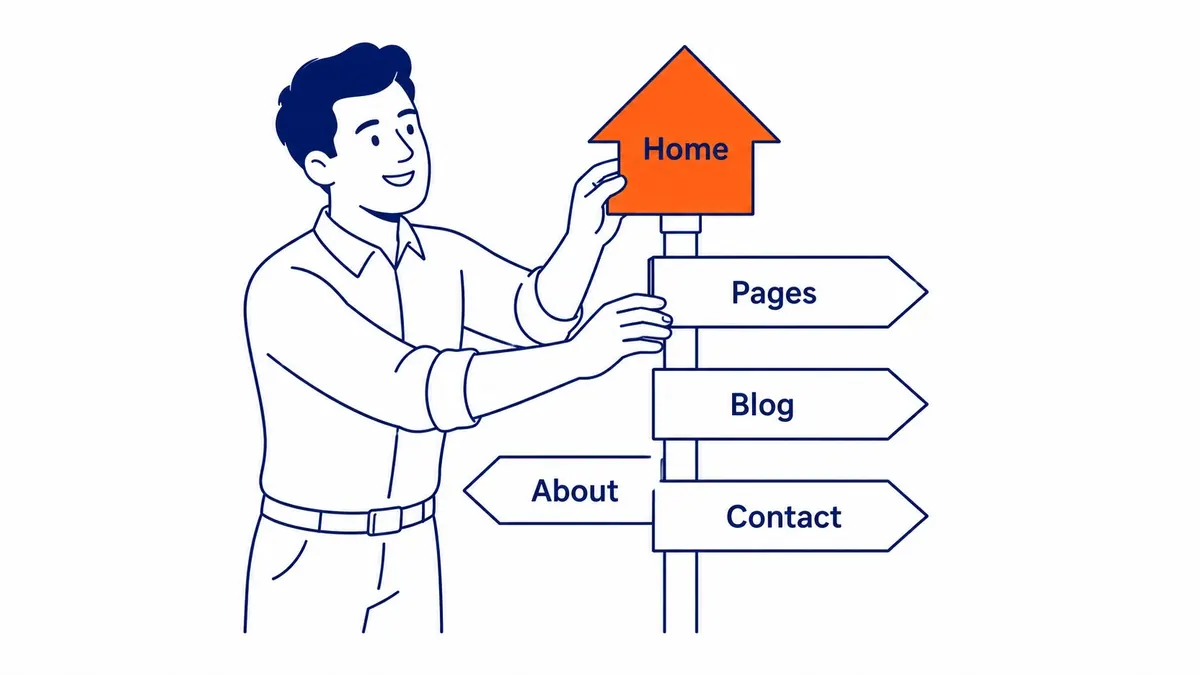
Most people plan their website first. Google evaluates your site’s architecture first. Search engines crawl the underlying organisation before reading a single sentence of body copy. What they find in that crawl still sets the ceiling on how well any individual URL can rank.
Why Architecture Comes Before Content
Google reads organisation first.
Crawlers follow links. That is how they move through your site. The path from your homepage to your deepest sections still tells search engines which areas matter most. Even URLs buried four or five clicks deep from the homepage see less crawl attention. Less crawl attention means slower indexing. Slower indexing means rankings that take longer to move.
This is not theory. It is what we see in Google Search Console data across the accounts we manage as a Calgary SEO agency. Crawl coverage gaps almost always trace back to architectural problems, not copy issues. Fixing the organisation is often what finally moves the needle.
Strong site architecture also helps users. When a visitor cannot find what they need, they leave. That bounce signals to search engines that your website failed to deliver. Architecture affects user experience as much as it affects crawlers, though most clients only think about it after rankings stall.
The Hierarchy That Search Engines Prefer
Flat beats deep. Usually.
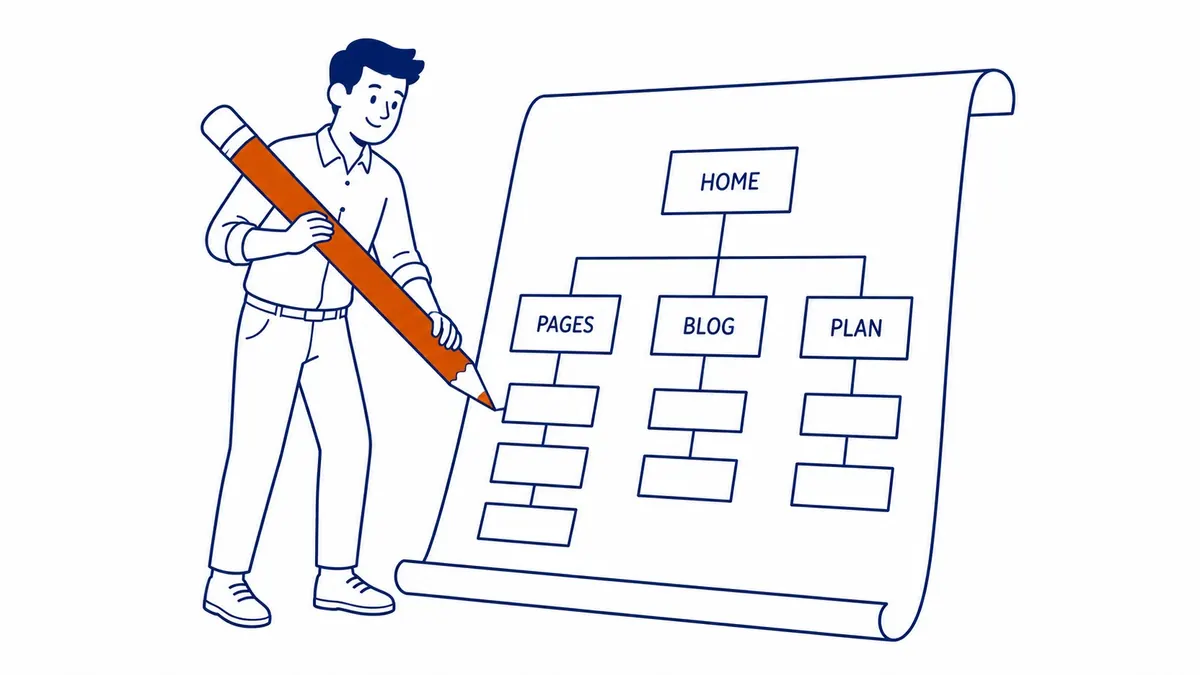
A flat site structure keeps every important section within three clicks of the homepage. Googlebot reaches key areas quickly. Users do too. Neither has to dig through layers of navigation to find what they came for.
Deep hierarchies, however, are not always wrong. Large ecommerce sites need subcategories. The goal is to keep important sections close to the top. A key service section sitting five levels down has a problem that copy quality cannot fix.
Think of it as a pyramid. Homepage at the top. Topic hubs one level down. Subcategories and individual sections below that. Link equity flows from the top of the pyramid down. Sections near the top receive more of it.
The three-click rule is a practical guide, not a hard law. Most practitioners apply it to service areas and category hubs. Blog posts and supporting articles can also live a level deeper without much penalty. Solid internal links pointing to them are the condition that makes it work.
How Categories and Subcategories Organise Your Site
One topic level. Sometimes two.
Topic hubs give your site’s content its context. A well-organised site groups related sections together. Visitors land on a topic hub and also see everything relevant to that area. Search engines crawl the category and understand the relationships between the URLs inside it.
Subcategories add depth for larger sites. An SEO services site might start with a top-level section for services. Below that, subcategories for each service type. Individual city sections sit at the next level down. That hierarchy tells Google which topics you cover and how thoroughly you cover them.
Cornerstone content sits at the category level. Blog posts and supporting articles link back up to it. That pattern is how topical authority builds across a domain. The cornerstone section draws ranking power from everything below it through internal links.
Your topic hubs should mirror the way your customers search. Thorough website keyword analysis done before building the category framework saves a lot of painful rebuilding later.
URL Structure: Short, Descriptive, Hierarchical
URLs telegraph the hierarchy.
A clean URL tells both users and search engines where a section lives. Something like /services/calgary/ is clear. The visitor knows what they are looking at. Google also knows how that URL relates to the rest of your website.
Keep URLs short. Use hyphens instead of underscores. Drop filler words. Avoid dates in URLs for evergreen content, since dates make your pages look stale and create redirect chains when you update them.
URL structure reinforces site architecture. Each subfolder represents a level in the hierarchy. Get this right early. If you change it after your site has traffic, you face redirects on top of redirects. Some link equity always gets lost in that process.
Internal Links and Link Equity
Links carry the authority signal.
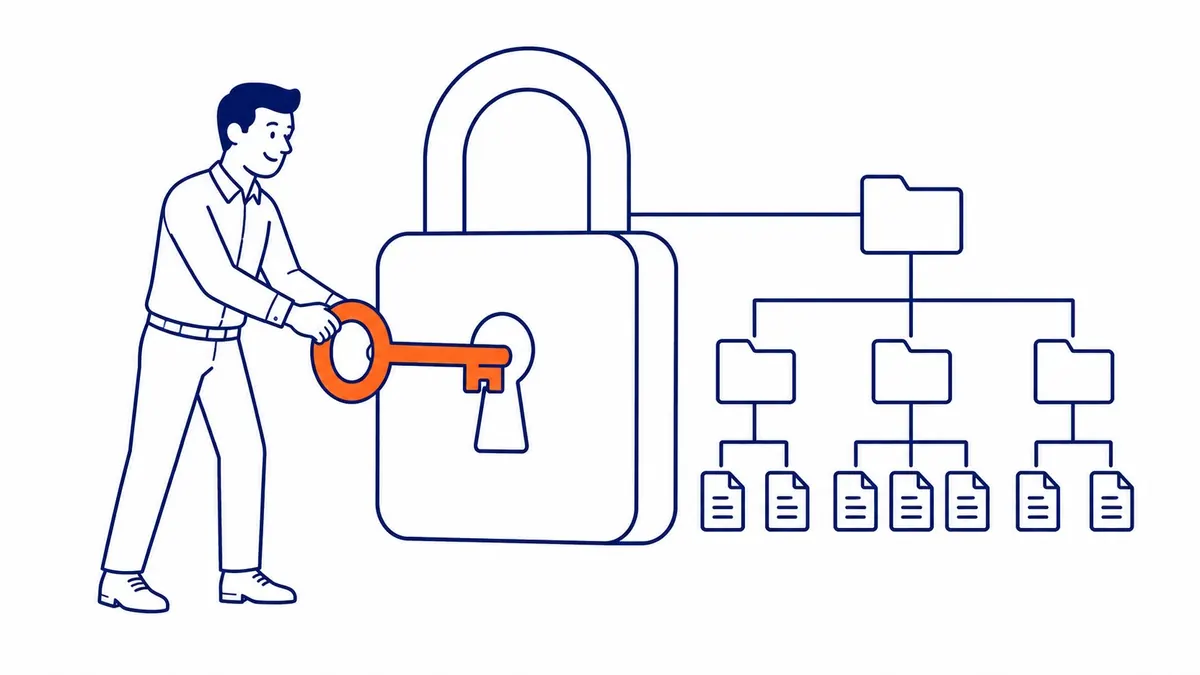
Internal links are how link equity moves through your site. A backlink to your homepage gives that section weight. From the homepage, internal links still push some of that authority down to category hubs. Each hub passes it further down through its own contextual links.
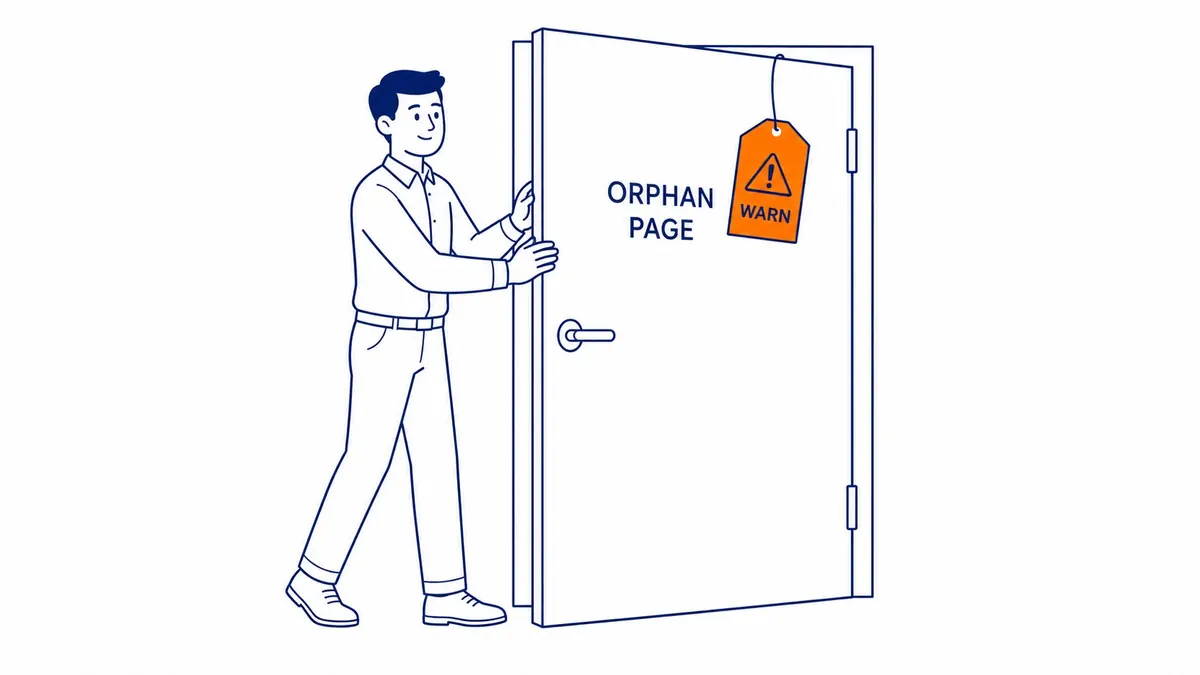
This is why orphan pages rank so poorly. No links pointing to them means no equity reaching them. Search engines may not even find them unless they appear in an XML sitemap. And even then, sections with no contextual links carry almost no ranking authority.
The anchor text surrounding a link matters as well. Google reads the context around it. A link woven into a paragraph signals relevance in a way a footer link does not. Placement matters as much as the wording in internal and external linking in SEO.
What Breadcrumbs Do for Crawlers and Users
Breadcrumbs are not decoration.
Breadcrumb navigation shows users where they are in your site. Home > Services > Local SEO. Clear path. Visitors know how to get back. That clarity reduces bounces on deeper sections.
For crawlers, breadcrumbs still reinforce the layer order. Google reads breadcrumb markup and uses it to display sitelinks in search results. Your website with proper breadcrumb schema sometimes earns expanded SERP appearances that take up more screen space than a standard result.
WordPress handles breadcrumb schema through Yoast on most setups. Other platforms manage it differently. If your CMS does not add it automatically, BreadcrumbList schema can still be added manually.
Common Mistakes That Hurt Your SEO
Orphan pages. Duplicate categories.
The most common problem we surface is orphan pages, which is exactly why it pays to book a website audit. A section exists on the site but nothing links to it. Search engines, therefore, have no practical way to find it. It sits on the server doing nothing for your site’s ranking power or visibility.
The second common issue is overlapping categories. Site owners create tags and categories both. Dozens of near-identical sections accumulate. Google then sees duplicate content across all of them. Ranking power splits instead of concentrating where it counts.
The third problem is deep nesting. Important sections buried under several topic levels receive less crawl attention, so move them higher. Add contextual links from top-level sections pointing down to them as well.
These problems are not visible in a surface-level review. A proper audit from a dedicated search engine optimization service, however, surfaces them. Sites that get the architecture right early hold an advantage that is hard to close later. Proper architecture also underpins stronger Google Ads management results, since landing page quality affects how much you pay per click. Architecture choices are also testable, which is where A/B testing earns its keep.
Frequently Asked Questions
Does site structure directly affect Google rankings?
It does. Google’s crawlers use your site’s organisation to determine which sections matter. Content reachable quickly from the homepage gets crawled more often. Sections that link around a shared topic signal topical relevance to search engines. Weak organisation limits how far your content ranks, regardless of quality. Think of it as the ceiling your search performance works beneath.
Is a flat or deep website architecture better for SEO?
Flat is generally better for smaller websites. Fewer levels means crawlers also reach every section faster. For large ecommerce sites with hundreds of products, some depth is unavoidable. The goal is to keep key sections no deeper than three or four levels. Unnecessary depth is the problem, not depth itself.
How many clicks should any page be from the homepage?
Three clicks is the number most practitioners use. Any important page should be reachable in three clicks from the homepage. Service sections, category hubs, key blog posts. All of them. Past that point, crawl frequency drops and signal flow weakens. It is a practical guide more than a strict rule, though most well-built websites land well within it.
How often should you audit your website?
Annually at minimum. More often if you are publishing new material regularly. Architectural problems compound over time. Orphan pages accumulate. Categories multiply. URL patterns drift. A regular website audit, therefore, catches these before they become ranking problems. To-The-TOP! has been doing this kind of SEO work since 2007. Websites that hold their positions year after year tend to be the ones where architecture was planned, not patched.
Contact Calgary SEO Company To-The-TOP!
Questions about anything in this article, or about your own rankings? Talk to a Calgary SEO specialist directly.
Phone: (403) 308-5949
Address: 1509 14 Ave SW, Calgary, AB T3C 0W4
Hours:
Monday to Friday: 10:00 am – 7:00 pm
Saturday: 12:00 pm – 4:00 pm
Sunday: closed