
What Is Internal and External Linking in SEO?
The most common finding when I audit a new client’s domain: internal linking is broken. Dozens of pages that Google has never reached. No traffic, no rankings, no visible errors. Just pages sitting there because nothing on the domain actually links to them. Search optimization professionals in Calgary spend real time on internal links and external links because those connections directly control which pages rank and which ones go invisible.
These two types of hyperlinks are how your domain communicates with search engines. Get the architecture right and Google discovers, indexes, and values your content. Miss it and well-written pages quietly stall at position 40 for months. Understanding the difference, and knowing how each type affects rankings, is foundational to any serious on-page optimization work.

Internal Links vs External Links
An internal link connects two pages on the same domain. Clicking from your services page to your pricing page is one example. An external link points from your domain to a different one, such as citing a Statistics Canada report or referencing Ahrefs documentation. Source and target domain determines the category.
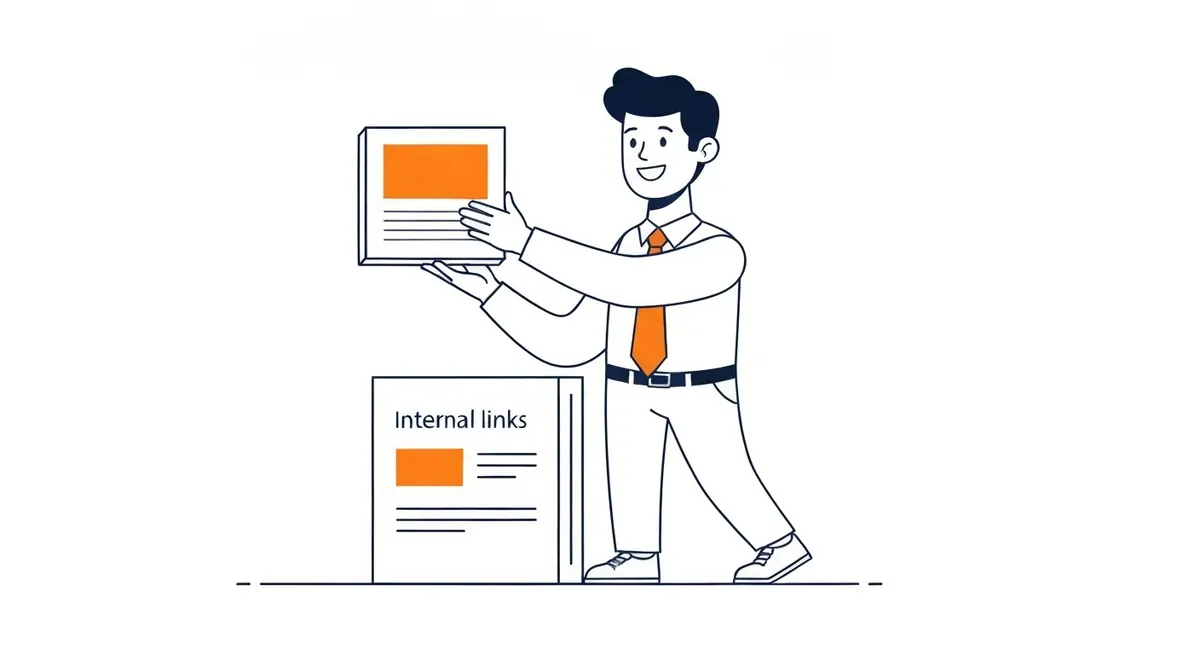
Backlinks are external links pointing to your domain from other sites. Those carry authority from wherever they originate. Earning them deliberately is its own discipline, which is what link building in SEO involves. Outbound links you place in your own content point readers to outside sources; placing them does not meaningfully reduce your domain’s authority, despite what older guides sometimes implied.
Contextual internal links placed inside body copy carry more weight than the same link sitting in a footer or sidebar. Google’s reasonable surfer model gives more PageRank to links that appear genuinely useful to a reader. A navigation menu link passes some authority; a contextual in-sentence internal link from a relevant paragraph passes more.
Four types appear on most sites. Navigation links live in the header or main menu. Contextual links appear within body content and carry the strongest search engine signal. Footer links are useful for legal and secondary pages. Breadcrumb trails show hierarchy and help search engines understand how pages relate. Of these, contextual in-content internal links within relevant posts are the ones that move rankings. Links are also the trail bots follow, which is how crawling in SEO works underneath. That leaves the right number of internal links per page, which is its own argument.

Why Internal Linking Matters for Rankings
Search engines discover the majority of new pages by following internal links, not through sitemaps. A page with zero inbound internal links may never get indexed, regardless of how well-written it is. That is documented in Google’s own guidance on how Googlebot crawls. Any content strategy that ignores this will reliably produce pages nobody can find.
Beyond discovery, internal links distribute PageRank and link equity. A page that earns strong external backlinks accumulates authority. Those internal links then let that authority flow to supporting pages. Your most-linked homepage passes strength to every page it connects to, and those pages pass it onward. The search engine optimization work you do on individual pages matters less if those pages are isolated, cut off from the authority your top pages have built.
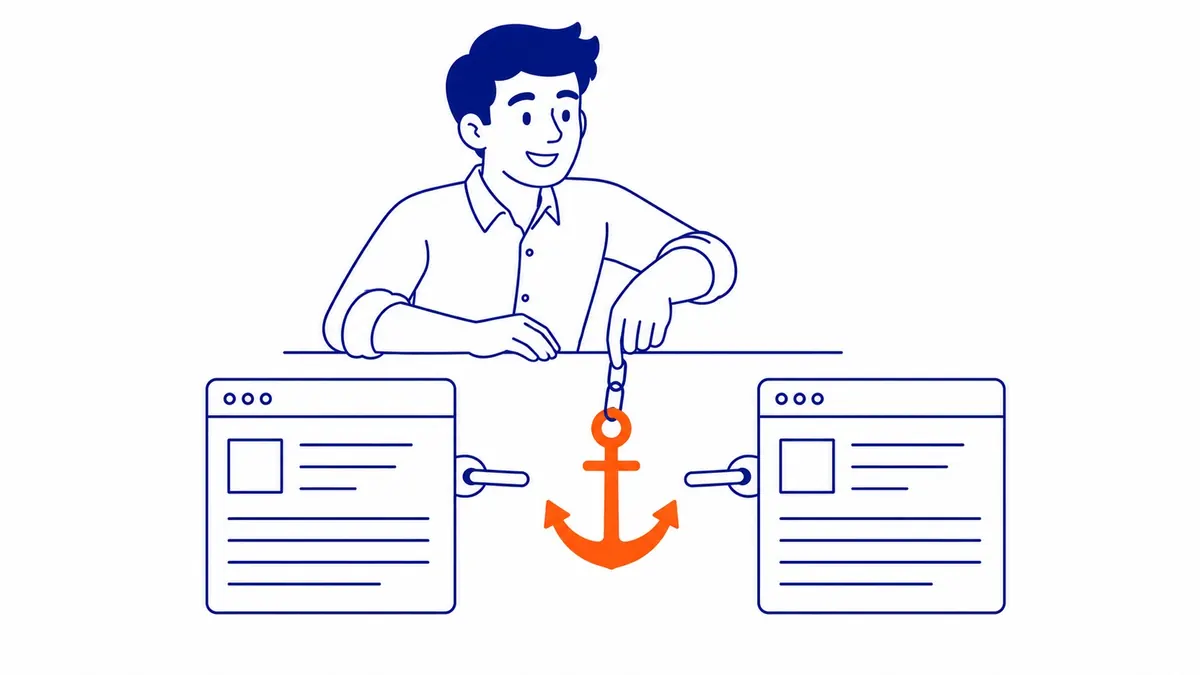
Anchor text matters here. Clickable words in an internal link tell search engines what the destination page is about. Pointing to a service page using anchor text that matches the target keyword reinforces relevance. Vague phrases like “click here” or “read more” waste that signal. Repeating the exact same anchor text every time you link to the same destination is also a problem; search engines expect natural variation.

The Cost of Getting Internal Linking Wrong
On a 200-page service domain, roughly 15 to 20 percent of pages are typically orphaned. That is 30 to 40 pages Google has no reliable path to reach. Those pages earn zero rankings because nothing links to them. Traffic: zero. That content exists only for people who bookmark a direct URL.
Crawl budget matters more as a site grows. Google allocates a discovery budget per domain based on authority and page count. Pages requiring four or five clicks from the homepage look less important; they get visited less often. A new post living seven layers deep may take six months to appear in the index. Add a single contextual internal link from a well-trafficked page and that same post could be indexed within 48 hours.
Redirect chains cost authority at every hop. An internal link pointing to a URL that redirects to a second URL that redirects to a final destination loses a fraction of PageRank at each step. On domains that have gone through redesigns or migrations without updating these links, chains pile up quietly. Screaming Frog’s SEO Spider surfaces them in minutes; Ahrefs Site Audit catches them in the link report. Fix it before anything else in a site audit: update internal links to point directly to the final URL.
Broken internal links are authority going nowhere. A 404 error on a destination page means every link pointing there passes zero PageRank. Google Search Console flags these under Coverage and the Crawl Stats report. Fixing broken links is the simplest way to recover that authority.
How to Build an Internal Linking Structure That Works
The approach depends on site size. Three scenarios cover most situations.
Small domains, under 50 pages, need a flat site structure. Every page should be reachable in two clicks from the homepage. At this scale, orphaned pages are easy to find. Open Google Search Console, pull the Coverage report, and cross-reference with Screaming Frog’s inbound internal link count column. Any page with fewer than two inbound internal links gets one added from the most relevant existing page.
Medium sites, 50 to 500 pages, need a pillar and cluster architecture. Identify the most important topic pages; those become pillar pages. Every supporting post or service page links back to the relevant pillar. The pillar then links down to the strongest cluster pages. This creates coherent authority flow: backlinks land on pillar pages, which distribute that strength through the cluster via internal linking. Meta tags and title elements reinforce relevance per page, but internal link architecture determines how relevance flows across the whole domain.
E-commerce sites face a different problem: faceted navigation and pagination create large numbers of low-value internal links that dilute crawl budget. Noindex or canonical tags on thin filter pages reduce that waste. Deliberate contextual links from category pages to the strongest product pages focus that budget where it matters. Tools like Semrush’s Site Audit and Ahrefs show exactly where crawl budget is going. Without that data, e-commerce link architecture decisions are guesswork.
Across all three scenarios, anchor text variety matters. Track which phrases you have already used for each destination so you are not repeating identical text. Title tag keywords and heading terms inform which anchor variants make sense for a given destination page. Readable, relevant anchor text that naturally varies across posts is the standard.
One detail that often gets skipped: adding contextual internal links to older posts when new content goes live. Every new post should receive at least two inbound internal links from already-indexed pages on day one. Search engines follow those links on the next visit, discover the new post, and begin evaluating it immediately. Waiting for the sitemap to do that work is slower. Consistent ongoing optimization support over time is partly just staying on top of that task; new content that sits unlinked is a recurring cost. All three scenarios rest on the same call about best site structure, made before the first post goes up.
Frequently Asked Questions
What are internal and external links in SEO?
Internal links join pages within your own domain. They help search engines discover content, pass authority between pages, and signal which pages are most important. External links point from your domain to other sites, or from other sites to yours as backlinks. Both matter in technical optimization; they work through different mechanisms. Internal links are fully under your control. Backlinks you earn through content quality and outreach.
What is internal linking in SEO?
Internal linking is the practice of creating links between pages on your own domain. Done well, it ensures search engines can discover and index all your content, distributes PageRank from authoritative pages to supporting ones, and signals topical relevance through anchor text. Poorly managed, it leaves pages orphaned and authority pooled on your homepage with nowhere useful to go.
What is an example of an external link in SEO?
If a Calgary news outlet publishes an article about local businesses and includes a link to your domain, that is a backlink. It passes authority from their domain to yours. If you cite a Statistics Canada report in a blog post, the link you add is an outbound external link from your side. You are pointing readers to a source, not receiving authority. Same terminology, different direction and ownership.
What is the difference between internal and external links in Google sites?
Within Google Sites, an internal link connects pages within the same site. External links go to pages on different domains. Search engine implications are identical to any other platform: internal links control discovery paths and authority flow within your domain, while external backlinks bring authority from outside. What differs with Google Sites is that the hosting is managed, so some technical details around link implementation differ from a self-hosted WordPress or Shopify build.
Contact Calgary SEO Company To-The-TOP!
Questions about anything in this article, or about your own rankings? Talk to a Calgary SEO specialist directly.
Phone: (403) 308-5949
Address: 1509 14 Ave SW, Calgary, AB T3C 0W4
Hours:
Monday to Friday: 10:00 am – 7:00 pm
Saturday: 12:00 pm – 4:00 pm
Sunday: closed