
How to Check Keyword Difficulty
To check keyword difficulty, type the keyword into a free keyword difficulty checker such as Ahrefs, SE Ranking or Keywords Everywhere, set the country to Canada, and note the score, usually on a scale up to 100. Then confirm that number by searching the keyword yourself and reading the top 10 results, because the score is a summary of the pages already ranking, built mostly from their links and authority. It cannot tell you whether your kind of page matches what searchers want, and most tools do not show you the local map pack or what the results look like from Calgary. Those often decide whether a keyword is winnable. This guide walks through both parts, plus what to do when two tools disagree.

Step 1: Get a score from a free keyword difficulty checker
Most of the large SEO platforms now offer a free checker, and they work the same way on the surface: enter a keyword, pick a country, read a number. What sits under the number differs a lot from one tool to the next, which is why it is worth knowing what each one measures before trusting it. The table below is taken from each vendor’s own page, read on 2026-11-07.
| Checker | What the score is built from (vendor’s own description) | Account and country |
|---|---|---|
| Ahrefs (KD) | The number of referring domains linking to the top 10 ranking pages; on-page factors are not counted. Ahrefs says a KD of 40 suggests roughly 56 referring domains to reach the top 10. | Free checker with no account; a country field that shows United States until you change it |
| SE Ranking | The authority of the competing domains and the quality of their backlink profiles, from the top 10 results | No sign-up needed; a country menu that includes Canada |
| Semrush (KD%) | Weighted signals from the top 10: referring domains (41.22%), Authority Score (16.99%), dofollow ratio (9.17%), search volume (9.47%) and SERP features, then calibrated to the regional database | A free checker page; the score is calibrated to the country database you choose |
| Moz (Difficulty) | Roughly a weighted average of the Page Authority of the top 10, adjusted for Domain Authority, expected click-through rate and other inputs, with more weight on the higher positions | Needs a free Moz account |
| Keywords Everywhere | The Domain Authority of each page in the live top 10 for your keyword and location, weighted toward position 1 | A small number of free checks a day, shared with its other tools |
Two things in that table matter more than the brand names. First, every tool starts from the current organic top 10, with only a few extra inputs such as Semrush’s search volume and SERP features, so the score is a summary of the competition rather than a fact about the keyword itself. Second, the scales are built differently, so a 40 in Ahrefs and a 40 in Moz are not the same 40. Pick one tool, set it to Canada where it allows, and compare keywords against each other inside that tool. Each vendor also publishes its own way of reading the numbers (Semrush, for example, calls 30 to 49 “possible” and 50 to 69 “difficult”), and there is a separate guide to what counts as a reasonable score for a site like yours.
One common mix-up is worth clearing up here. Google Keyword Planner, the free tool inside a Google Ads account, shows a “Competition” column of low, medium or high, and many business owners read it as organic difficulty. Google Ads Help defines it as “the number of advertisers that showed on each keyword relative to all keywords across Google,” for the location and network you selected. It describes the ad auction, not the organic results, and Google does not publish an organic difficulty score of its own.
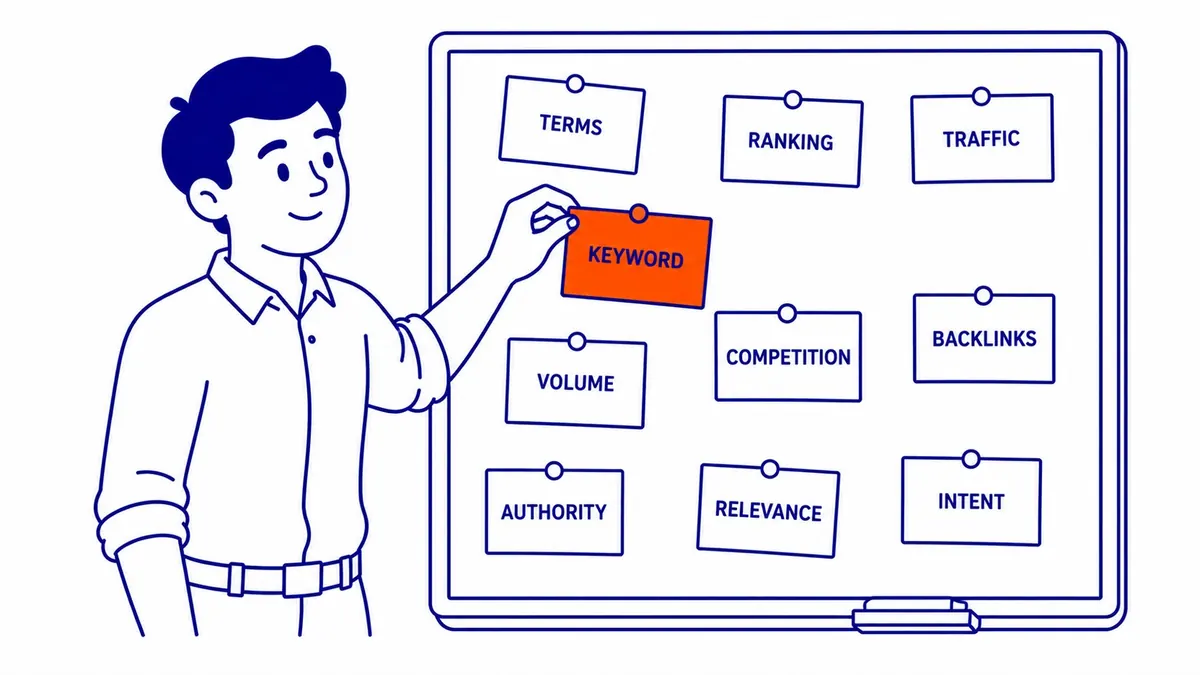
Step 2: Check the difficulty yourself by reading the top 10
The score tells you how well linked the current results are. Reading the results page tells you whether you are even in the right contest. Search the keyword in Google, ideally in a private window so your own history has less effect, and go through the first page with a few questions in mind. The method is the same one behind reading a results page for opportunities, applied to a single keyword.
- What kind of page wins? If the top results are tools, product pages or forum threads and you were planning a blog article, the format is the obstacle, whatever the score says.
- Who owns the results? National brands, government sites and large publishers are hard to displace. Smaller blogs, thin pages and results from sites similar in size to yours are the openings.
- How good and how current is the content? Old, shallow or off-topic pages in the top 10 are a sign that a better page has room, even on a keyword with a middling score.
- What features take the space? Ads, a featured snippet, a “People also ask” box, videos or a map pack all push the organic results down the page and take clicks before anyone reaches them.
This keyword is a good example of why the manual read matters. In a Semrush data export from March 2026 (probably the US database), “how to check keyword difficulty” scored 46, which falls in Semrush’s “possible” band. When the same search was run from Calgary on 2026-11-07, all nine organic results on page 1 were free tools or a tool vendor’s glossary: Ahrefs, SE Ranking, Semrush, SEO Review Tools, Serpstat, Moz, Keywords Everywhere, Backlinko and Seobility. An article, however good, is not what that page rewards. The number looked workable, while the results page showed a wall made of search intent, and only the manual check revealed it.
Ahrefs makes a similar point in its own guide, which tells readers to look for “cracks” in the results that a difficulty score does not show, such as a weak or outdated page sitting among strong ones. That kind of gap only shows up when you open the pages themselves.
Step 3: Check what the results look like in Calgary
Most difficulty tools score a whole country by default, and only some let you narrow the location; Keywords Everywhere, for example, accepts a city. Google, on the other hand, tailors results to the searcher; its How Search Works pages list “your location and settings” among the signals it uses. For a Calgary plumber, dentist or accountant, the national top 10 for “emergency plumber” can look quite different from what a homeowner in Signal Hill sees, and the difference often sits above the organic results in the map pack.
The map pack follows its own rules. Google’s Business Profile help says local results “are mainly based on relevance, distance, and popularity,” which means a low keyword difficulty score says nothing about how hard the map will be, and a high one does not rule a local business out of it. If a search shows a map pack, check the Business Profiles in it as carefully as the websites below it: how many reviews they have, how complete their profiles are and how close they are to where your customers search from.
Local phrases bring one more wrinkle. Many tools show no volume and no difficulty for city or neighbourhood keywords because their databases are country-wide. A blank does not mean nobody searches it, and in these cases a checker that accepts a city, or the manual check, is what you have left. Keyword Planner can be set to a specific location for volume, and the process for building a local list is covered in the guide to local keyword research.
When Moz, Semrush and Ahrefs disagree
It is normal for the same keyword to score 30 in one tool and 50 in another. The tools draw on different link indexes, weigh different signals and apply different curves, so their numbers are not translations of each other. Ahrefs looks almost entirely at referring domains, Semrush mixes links with authority and SERP features, and Moz builds on Page Authority. Beyond those differences, a disagreement can also mean the top 10 is uneven: perhaps a few heavily linked pages sit next to weak ones, and each formula weighs that mix differently.
The practical rule is to stop comparing tools and start comparing keywords. Inside one tool, a keyword at 25 has measurably weaker competition than one at 45, because both were scored the same way. Across tools, the only reliable way to settle a disagreement is the manual read from step 2. A useful refinement is to look up keywords your site already ranks for on page 1 in the tool you use and note their scores, because that gives you a working ceiling for your own site rather than a general rule from somebody else’s.
Where the difficulty check fits
A difficulty check is a filter, so it works best near the end of keyword research rather than at the start. Gather candidate keywords first, check that people actually search them, and then run the check on the shortlist to decide which ones are realistic now and which ones need more links and time. If the goal is a list of low competition keywords for a newer site, this is the step that confirms them.
The check also helps when deciding between organic and paid search. A keyword with a very hard organic results page can still be targeted through Google Ads while a site builds toward it, and Keyword Planner’s competition and top-of-page bid estimates give a rough idea of that auction. Just remember that the two columns answer different questions: one is about advertisers and the other is about the pages ranking organically.
SEO Company To-The-TOP! is a Calgary firm founded in 2007, and keyword research is one of the services it offers. If you would like a second opinion on a keyword list or on the difficulty scores a tool has given you, call (403) 308-5949. The firm is a solo practice, so the person who looks at your keywords is the person who does the work, and you can learn more about SEO Company To-The-TOP! before you call.
Sources
- Google Ads Help, About Keyword Planner forecasts (read 2026-11-07)
- Google, How Search Works, Ranking results (read 2026-11-07)
- Google Business Profile Help, Tips to improve your local ranking on Google (read 2026-11-07)
- Ahrefs, Free Keyword Difficulty Checker and Keyword Difficulty (read 2026-11-07)
- SE Ranking, Free keyword difficulty checker (read 2026-11-07)
- Semrush, Free Keyword Difficulty Checker and What is KD%? (read 2026-11-07)
- Moz Help Hub, Difficulty and Moz, Keyword Difficulty (read 2026-11-07)
- Keywords Everywhere, Keyword Difficulty Checker (read 2026-11-07)
Contact Calgary SEO Company To-The-TOP!
Questions about anything in this article, or about your own rankings? Talk to a Calgary SEO specialist directly.
Phone: (403) 308-5949
Address: 1509 14 Ave SW, Calgary, AB T3C 0W4
Hours:
Monday to Friday: 10:00 am – 7:00 pm
Saturday: 12:00 pm – 4:00 pm
Sunday: closed