
What Is SEO Analysis?
SEO analysis is a structured review of how a website performs in search and why, covering whether search engines can crawl and index the site, whether its pages match what people are searching for, how much authority it has compared with the sites that outrank it, and which of those problems is costing the most traffic. The result of a good SEO analysis is a short, ranked list of what to fix first and the evidence behind each item, rather than a single score. It is the diagnosis that comes before any SEO work worth paying for.
SEO Company To-The-TOP! has worked in SEO in Calgary since 2007, and this guide explains what an SEO analysis looks at, the order the checks run in, how it differs from the free score a checker tool gives you, and what the findings should look like when they land on your desk.

An SEO analysis is not the same as a checker score
Search for SEO analysis and the first results are usually free checker tools that crawl a page and return a score out of 100. Those tools are useful, because they catch missing title tags, duplicate meta descriptions, slow pages, broken links and missing alt text in seconds. A checker tests a page against a list of rules, though, and a page can pass every rule and still rank nowhere.
The questions that decide rankings are ones a checker cannot answer on its own. Which search query should this page be ranking for, and does the page answer it? Why do the pages above it win, whether through better content, a better match to the format Google shows, or more links from relevant sites? And of the forty issues the tool flagged, which one is actually holding back traffic, and which are cosmetic? An analysis answers those questions, using the checker’s output as one input among several.
The three layers, and the order they are checked in
Most analyses work through three layers: technical health, on-page relevance, and off-page authority. The split between on-page and off-page SEO is the familiar one, and the technical layer sits underneath both, which is why it is checked first. Around all three sits the competitive picture, because a site is never ranked in isolation and what matters is the distance between it and whoever holds the positions it wants.

The order matters because each layer depends on the one beneath it. A page Google cannot crawl cannot be indexed, a page that is not indexed cannot rank, and a page that ranks for the wrong query will not bring the right visitors no matter how many links point to it. Working from the bottom up stops a business spending months on content or links while a crawl problem quietly keeps its best page out of the results.
Technical health comes first
The technical pass asks whether Google can find, crawl and index the pages that matter. It looks at the robots.txt file, the XML sitemap, redirects and redirect chains, canonical tags, noindex directives, server errors and internal linking. One detail catches people out: Google documents that robots.txt “is not a mechanism for keeping a web page out of Google”, and a URL blocked there can still be indexed if other sites link to it. Keeping a page out of the results takes a noindex tag or a password, so an analysis checks that the two are not being confused.

For a specific page, the URL Inspection tool in Google Search Console shows what Google holds in its index for that URL, including the canonical Google has chosen, which is not always the one the site declares. The technical pass also covers page experience. Google’s Core Web Vitals set three thresholds for a good experience: Largest Contentful Paint within 2.5 seconds, Interaction to Next Paint of 200 milliseconds or less, and Cumulative Layout Shift of 0.1 or less, measured at the 75th percentile of page loads on mobile and desktop.
Speed deserves a sense of proportion, though. Google’s page experience documentation says that “Google Search always seeks to show the most relevant content, even if the page experience is sub-par”, and that a great page experience can contribute to success when there is lots of helpful content available for a query. A slow page competing in a crowded field has a real problem, while a slow page that is the only good answer to its query usually does not, and the analysis should say which situation applies.
That is the point of the technical pass: to rank the issues by what they cost, not to list them. A broken link on a page nobody visits is a tidy-up job, while a canonical error on the main service page can hide the page that brings in most enquiries. If you want to run the checks yourself, a step-by-step audit walks through them in order.
On-page relevance: does each page match a real search?
The on-page pass asks whether each important page is built around a query people actually search, and whether it answers that query in the form Google is already rewarding. That means checking the search results for the target query before judging the page. If the first page of Google is all how-to guides and your page is a sales page, or the results are local map listings and your page is a national article, the mismatch matters more than any keyword placement.
From there the pass looks at the familiar elements: title tags and meta descriptions, headings, the depth and accuracy of the content compared with the pages that rank, internal links that tell Google which pages matter most, and duplicate or overlapping pages that compete with each other for the same query. That last problem, often called cannibalization, is common on sites that have published a lot of blog posts, because two half-strong pages on the same topic often both rank worse than one good page would.

Topical coverage is the wider view. A site that ranks for a service usually has supporting pages that answer the questions around it, and an analysis maps which of those questions the site answers, which it skips, and which pages already earn impressions but sit too low to be clicked. Google’s guidance on helpful, people-first content is a fair yardstick for the content itself, because it asks whether a page would satisfy someone who arrived on it directly.
Off-page authority: links and reputation
The off-page pass looks at who links to the site, how relevant and trusted those sites are, and how the profile compares with the sites ranking above it. A link from a relevant local or industry source counts for far more than a pile of directory listings, and the analysis is looking for the gap rather than a raw count. Mentions of the business on other sites, local news coverage and industry associations all belong in this pass too, because they show whether the wider web treats the site as a credible source on its topic.
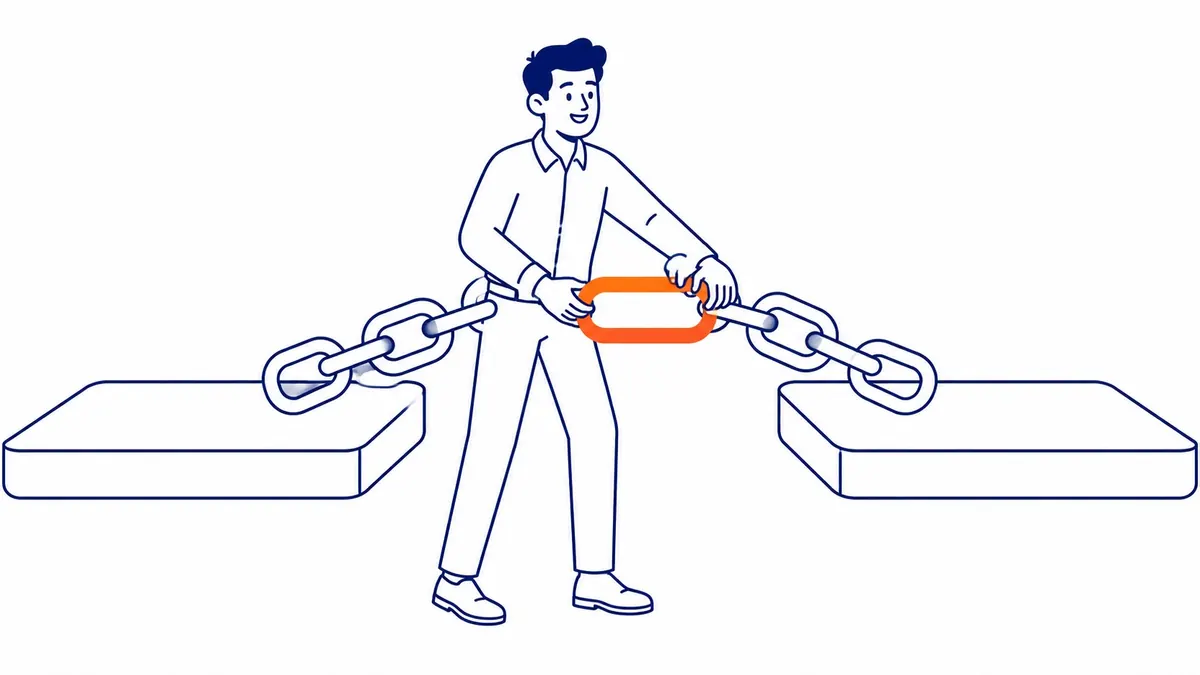
As an illustrative example, a site with 40 referring domains competing against pages that each have several hundred is unlikely to close the distance with on-page work alone, however good that work is. Third-party scores such as domain authority are estimates built by tool vendors and are not Google measurements, so they are useful for comparing sites and misleading when treated as a ranking factor.
Spammy links are part of the review, but a calm part. Google’s disavow help says that “in most cases, Google can assess which links to trust without additional guidance, so most sites will not need to use this tool”, and it reserves the tool for sites with a considerable number of artificial links that have caused, or are likely to cause, a manual action. An analysis that recommends a large disavow file for an ordinary small business site deserves a second opinion.
The competitive picture
Competitor research runs through every layer, because rankings are relative. The useful questions are concrete ones: which pages hold the top positions for your most valuable queries, what format they take, which subtopics they cover that your page does not, and where their links come from. The answers turn a vague sense that a competitor is “doing better” into a specific list of things to build.

Location changes this more than most people expect. A business in Calgary sees different results from someone searching the same phrase in Toronto, and a rank tool set to a national average can report positions that no local customer ever sees, so competitor checks need a set location. For searches that trigger the map pack, Google’s Business Profile help says that local results are mainly based on relevance, distance and popularity, which means part of a local analysis belongs to the Google Business Profile and reviews rather than the website. The method for running a competitor analysis is covered step by step in its own guide.
Where the data comes from
Google Search Console is the starting point, because it is Google’s own data and it is free. Its Performance report shows the queries a site appears for, impressions, clicks and average position, and its indexing reports and URL Inspection show what Google has and has not indexed. Average position needs care: Google defines it as the average position of the topmost result from your site, averaged across all the searches where the site appeared, so it blends good days, bad days and many different queries into one number.
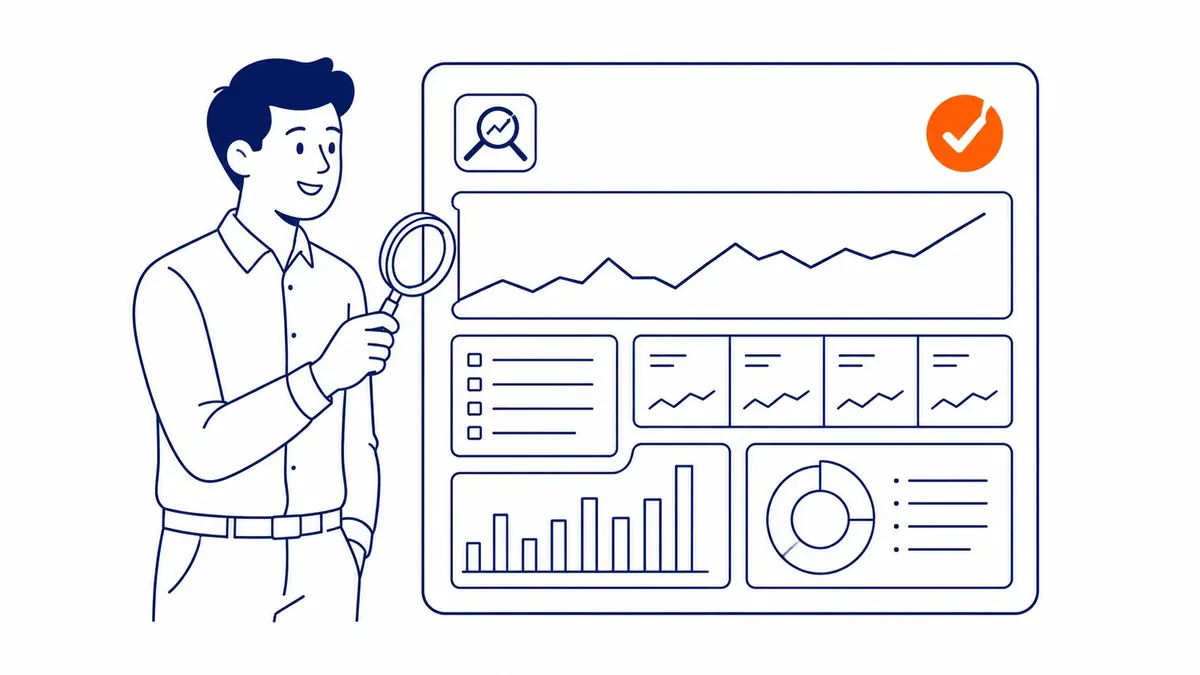
Third-party tools fill the gaps Search Console leaves. A crawler such as Screaming Frog finds technical issues across the whole site, tools such as Semrush and Ahrefs estimate keyword competition and map backlinks, and GA4 connects search visits to enquiries and sales. If the business also runs Google Ads, the search terms report, with conversion tracking in place, shows which searches have actually produced enquiries, which is a useful check on whether the organic targets are worth chasing.

No single tool gives the full picture, and the tools often disagree, because each one estimates from its own data. The analyst’s job is to cross-check them and decide which signal to trust for which question. Search Console is usually the referee for anything about Google’s own view of the site, such as indexing and the queries a page appears for, while the third-party tools are better suited to comparing your site with competitors that Search Console cannot see.
Matching the symptom to the layer
Most people commission an analysis because something looks wrong. The table below maps the common symptoms to the layer that usually explains them and the first thing to check. It is a starting point for diagnosis, not a rule, since several causes can produce the same symptom.
| What you see | Layer that usually explains it | First check |
|---|---|---|
| An important page gets no impressions at all | Technical | URL Inspection: is the page indexed, and is Google’s chosen canonical the right URL? |
| Many impressions, almost no clicks | On-page | Which queries the impressions come from, the position for each, and whether the title and description match those searches |
| The page ranks, but for the wrong queries | On-page | Whether the page targets a query people search and matches the format of the results for it |
| Stuck on page two or three for months | Off-page and competitive | How the page’s content and links compare with the five pages above it |
| Traffic fell suddenly across the whole site | Technical first | Indexing reports, recent site changes, redirects, robots.txt and noindex tags |
| Visible in national tools but not in Calgary | Competitive and local | Rank checks from a Calgary location and the Google Business Profile for map-pack queries |
SEO analysis and SEO audit
The two terms are often used interchangeably. Where a distinction is drawn, an SEO audit usually means the technical and on-page inspection of the site itself, while an SEO analysis widens the view to search demand, competitors and authority to explain why the site performs the way it does. In practice the labels vary from provider to provider, so the useful question is not what a review is called but what it covers.
Before commissioning either, ask the provider which of the three layers it includes, whether competitors are checked from your own market, and whether the findings arrive ranked by likely impact or as an export from a tool. A sixty-page report that lists every warning a crawler produced is not more thorough than a ten-item plan; it just leaves the hard part, deciding what matters, to you.
What a useful SEO analysis gives you
The output should read as a plan, not a data dump. Each finding should say what the problem is, where it appears, the evidence for it (a Search Console screenshot, a crawl export, the competing pages), how much it is likely to matter, and roughly how much effort the fix takes. Sorted by impact and effort, that list usually splits into a handful of quick fixes, a few larger pieces of work, and some issues that can wait.
It should also be plain about what it cannot promise. SEO results take months to show, rankings depend on competitors who keep working too, and nobody can promise a position on Google. A good analysis says which changes it expects to move results and why, and gives you a baseline to judge them against later, which is why it pairs well with regular position reporting once the work starts, and knowing how to read an SEO report helps you check those numbers yourself.
How often to run one
A full analysis makes sense at the start of any SEO engagement, after a site redesign or migration, after a sudden traffic drop, and when a new competitor starts taking positions. Between those points, monthly reporting tracks rankings and traffic, and a periodic deeper review checks whether the strategy is still aimed at the right targets.

How often that deeper review is needed depends on the size of the site and how hard the competition is moving. A small service business with a stable site can go longer between reviews than a large site that publishes every week in a crowded market, where problems can appear and compound before anyone notices them in the monthly numbers.
Getting a second opinion

The tools an analyst uses have changed a great deal over the years, while the questions have stayed the same: what is blocking the site, where the gaps are against the sites that rank, and which change will move results soonest. To-The-TOP! is a solo, White Hat practice, so the person who reviews your site is the person who does the work, and you can read more about its website audit and SEO analysis service. If you would like a second opinion on your site, or on an audit quote you already have, call (403) 308-5949.
Contact Calgary SEO Company To-The-TOP!
Questions about anything in this article, or about your own rankings? Talk to a Calgary SEO specialist directly.
Phone: (403) 308-5949
Address: 1509 14 Ave SW, Calgary, AB T3C 0W4
Hours:
Monday to Friday: 10:00 am – 7:00 pm
Saturday: 12:00 pm – 4:00 pm
Sunday: closed