
How to Set Up Retargeting Ads on Google
Most visitors leave your site without doing anything. The number runs between 92 and 98 percent on the first visit across most industries. Retargeting, Google’s internal term for it is remarketing, is how you put your brand back in front of those people after they leave.
Conversion rarely happens in one visit. Someone comparing service providers this afternoon is still comparing tonight. Remarketing keeps your ads in front of them during that window.
Here is how the setup actually works, from tag installation to a live campaign. For new accounts starting from scratch, the Google Ads setup and strategy guide covers account structure before remarketing becomes relevant.
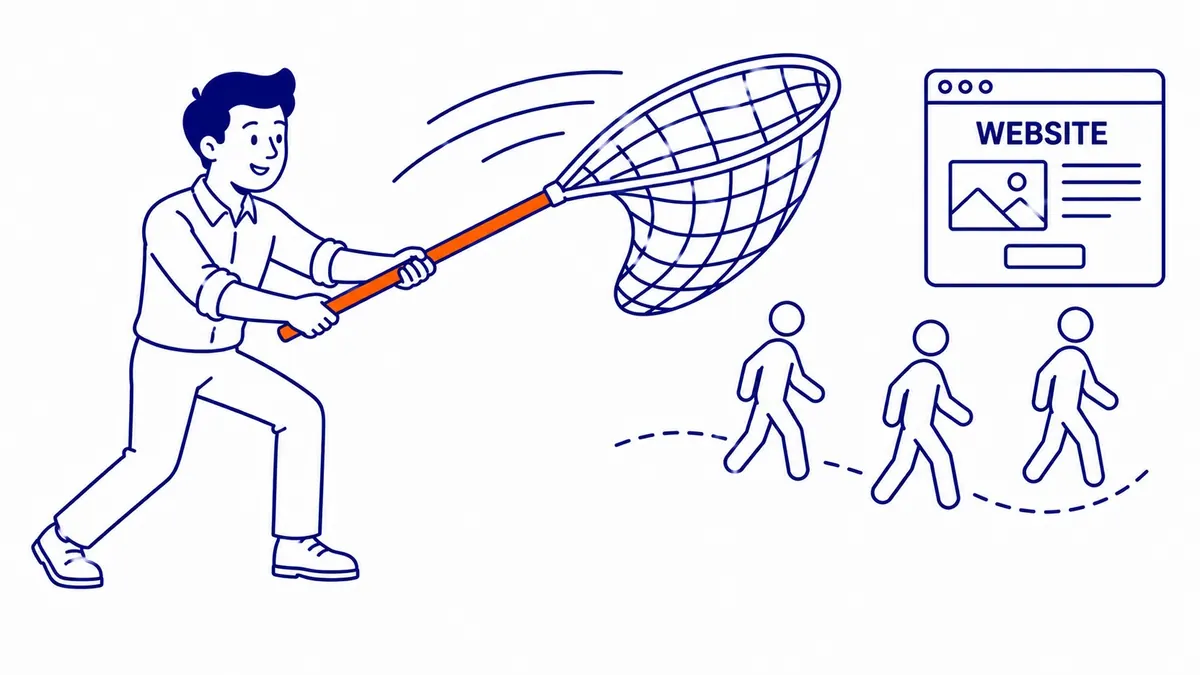
Why Most Visitors Leave Without Converting
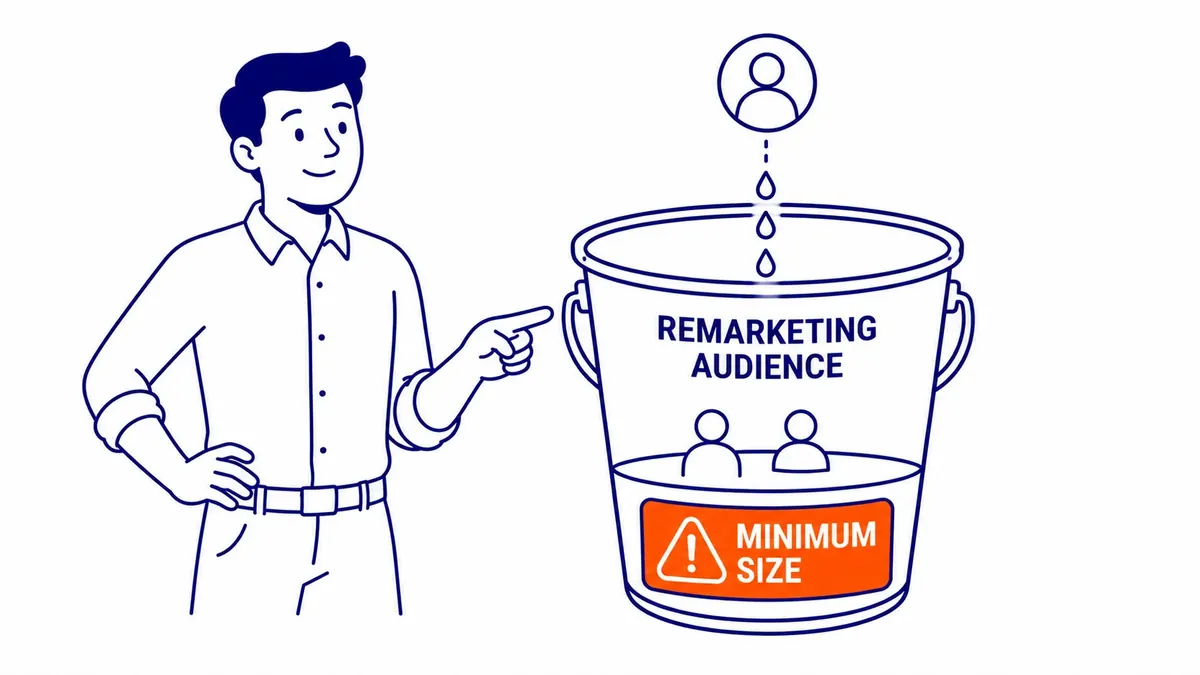
The visit happens. Cookie fires. Google records it. The user gets added to your audience list once that list hits the minimum size Google requires: 100 users for display campaigns, 1,000 for search.
Those users then see your ads while they browse other sites across the Google Display Network, watch YouTube, or search the same category again. Only people who already visited your website see the ads. Not cold traffic. Everyone browsing your category for the first time sees nothing. Past visitors, who already showed some level of interest. That is the targeting advantage remarketing provides.
Click-through rates on remarketing display ads run roughly ten times higher than cold display. Cost per acquisition on well-managed retargeting campaigns typically lands 30 to 60 percent lower than cold search. The audience is already warm. Good economics follow from that. Understanding what PPC advertising is and how the auction model works helps set realistic expectations for where remarketing fits into an overall paid strategy. Who runs the account matters as much, which is the hard part of choosing a PPC agency.
How Google Remarketing Works
Remarketing runs through a tracking tag placed on your website. The tag fires when someone visits, adds them to a cookie-based list, and that list becomes available inside your Google Ads account. Campaigns then serve ads only to people who are already on that list.
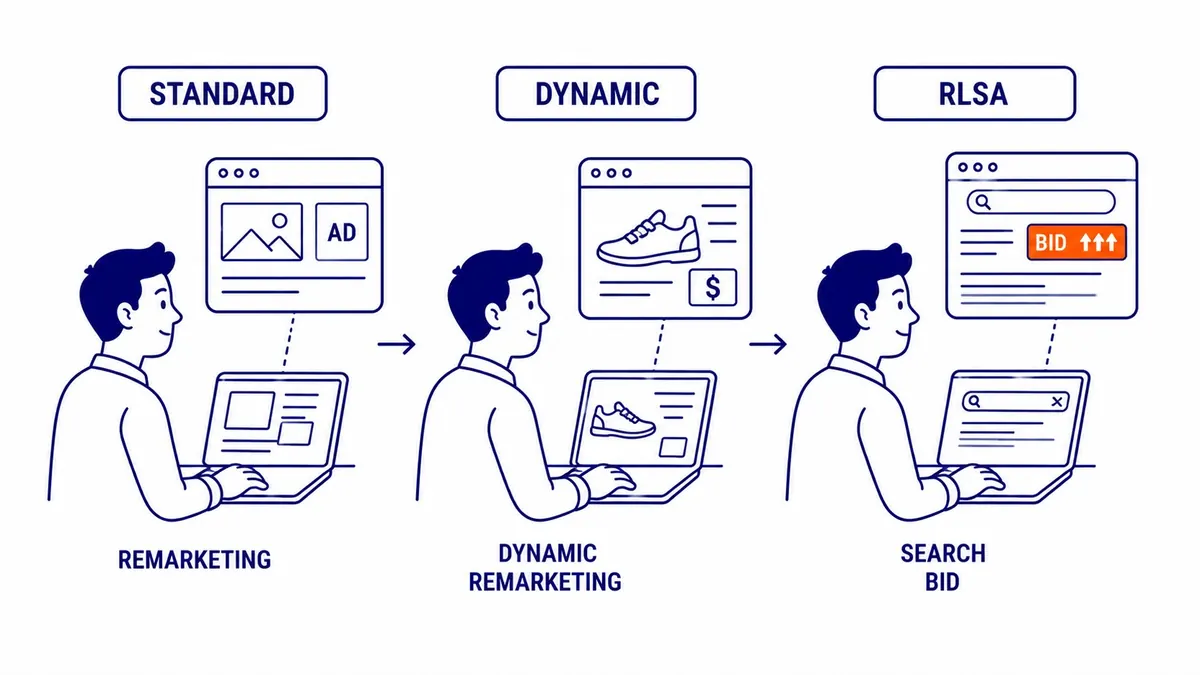
Most advertisers think of remarketing as display ads following people around the internet. That is standard remarketing. Two other types matter more for service businesses: dynamic remarketing, which shows the specific products or services the visitor viewed; and RLSA, Remarketing Lists for Search Ads.
RLSA is where we consistently see the highest conversion improvement on search campaigns. A searcher who already visited your pricing page and is now searching your service category again is worth a higher cost per click. Bid adjustments for RLSA audiences regularly produce meaningful drops in cost per lead compared to cold search bidding.
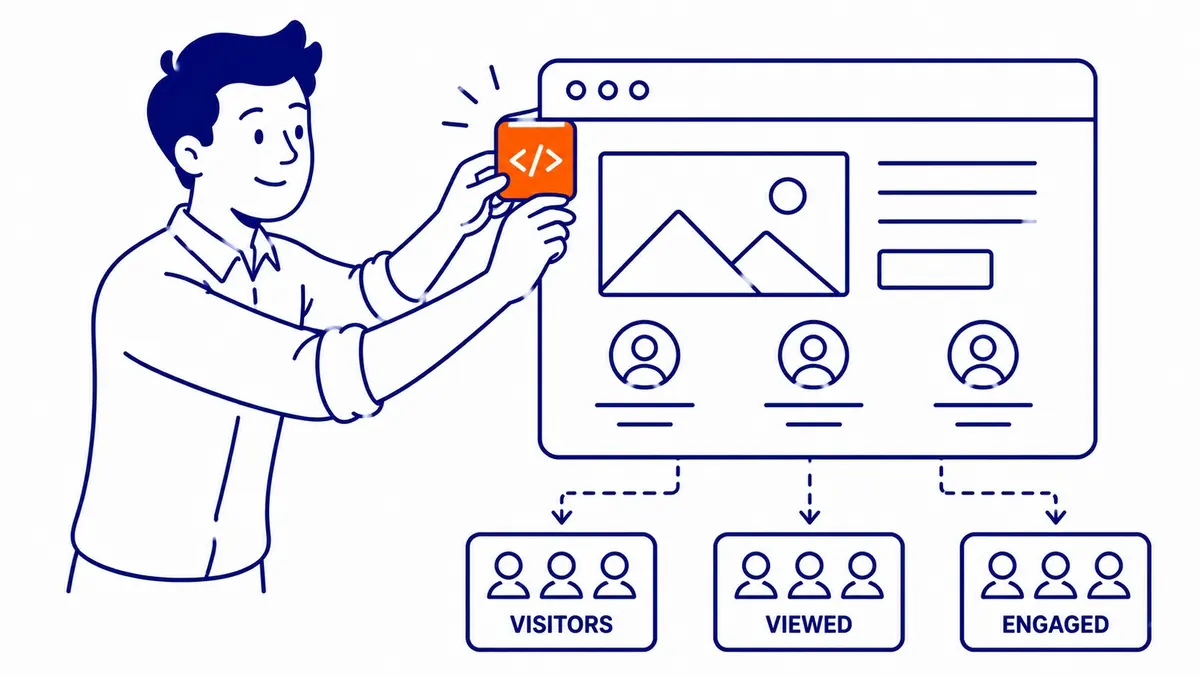
Tag Installation: Where Setup Starts
Nothing works until the remarketing tag is on your site. No list builds without it. This is where most businesses stall for weeks without realizing anything is wrong.
Inside your account, go to Tools and Settings, then Audience Manager under the Shared Library. Any firm providing the Google Ads management Calgary businesses rely on starts in that same place. The Your data sources tab is where you generate and configure the Google Ads tag.
Two install paths exist. Paste the snippet directly into the head section of every page on your site, or deploy through Google Tag Manager. Tag Manager is worth the extra setup time if you already run multiple tracking scripts. One container, fewer conflicts. GA4 users have a simpler path: link Google Analytics to your Google Ads account and import audiences directly. No separate remarketing tag needed.
Test before building anything else. The Google Tag Assistant Chrome extension confirms the tag fires correctly on your key pages. Lists built on a tag that is not firing take three frustrating weeks to diagnose.
Building Your Audience Lists
Back in Audience Manager, create a new website visitors list. Name it clearly. All visitors – last 30 days is still useful six months from now when you have ten lists running. List 1 is not.
Membership duration: 30 days works for most service businesses. E-commerce accounts with longer consideration cycles sometimes stretch to 90. Past 90, the list goes stale. Someone who visited six months ago is a fundamentally different audience from someone who came last Tuesday.
Segment from the start. All website visitors is the broad baseline, lowest intent. Service or product page visitors showed specific interest, higher intent. Cart abandoners or contact page visitors are your highest intent group and convert at dramatically higher rates than the all-visitor list. Separate remarketing campaigns, separate bids, and separate creative for each segment is where most of the ROI improvement happens.
Running the same ad against all three segments with the same bid ignores the intent signals already sitting in your data.
Standard Remarketing, Dynamic Remarketing, and RLSA
Standard remarketing shows display ads to past visitors as they browse across the Google Display Network. Millions of placements: websites, apps, YouTube. Your brand follows them while they are still deciding.
Dynamic remarketing goes a step further. It pulls the specific products or services the visitor looked at and renders them in the ad itself. Works well for e-commerce accounts with a Google Merchant Center product feed already connected. The creative updates automatically per user.
RLSA layers over search campaigns instead of display. Apply a remarketing list to an existing Google Ads search campaign and set a bid adjustment for users who are already in your audience. Someone who already visited your site and is now searching your service category: the combination is worth more. Most accounts running RLSA also see improved Quality Scores for those audience-matched keywords. Worth testing even on campaigns where the keyword selection is already solid. Pair it with keyword analysis for SEO and you can see whether those same terms are earning organic positions too.
Creating a Remarketing Campaign in Google Ads
Click New Campaign. Set your goal: sales, leads, or website traffic. Campaign type is Display for standard or dynamic remarketing; Search for RLSA.
Under Audiences, select Your data segments and apply the remarketing list you built. For display, responsive display ads work well to start. Upload several image sizes, a couple of headlines and descriptions, and let Google test combinations.
Ad creative matters more here than on cold traffic campaigns. People in your remarketing audiences already know your brand. Generic banner ads waste that familiarity. Specific creative tied to what they viewed on your website converts better than broad brand awareness messaging.
Daily budget: $10 to $25 for testing a warm, defined audience. Remarketing lists are smaller than cold traffic pools. Spend goes further per thousand impressions. Scale once conversion tracking confirms the numbers are working. Remarketing is a good first taste of campaign control in Google Ads, since every lever is visible.
Budget: What to Expect on Retargeting Spend
Twenty dollars a day is reasonable for a local service business with a list of two to four thousand visitors. It covers solid impression frequency against a warm audience. The math shifts for e-commerce accounts with larger lists: $50 to $100 a day makes more sense once the audience and creative are proven.
Display CPCs on well-managed remarketing audiences often run under $0.75. Sometimes closer to $0.30 on focused placements. Cold search traffic is where the expensive bids live. Retargeting audiences cost less to reach and convert at higher rates.
For a business investing in SEO in Calgary, coordinating that organic work with paid search across cold search and remarketing usually outperforms either approach running in isolation. That is why it often pays to have us manage your Google Ads alongside the search work. The channels reinforce each other.
What Usually Goes Wrong
No audience segmentation. Running all website visitors in a single ad group with a single bid ignores the intent data you already have. The person who hit your homepage and left in four seconds and the person who spent ten minutes reading your service pages are not the same audience.
Frequency capping ignored. Three to five impressions per day per user is the comfortable range on display. Past that, the ad moves from reminder to annoyance. Most accounts leave frequency at the platform default. The default is too high.
Audience too small. Google requires 100 users for display and 1,000 for search before a list activates. New sites with lower traffic volumes sometimes wait weeks before a list can run. Build the list well before you need the campaign.
No conversion tracking in place. Running retargeting campaigns without conversion tracking tells you nothing about whether the spend is working. Set this up before the first campaign goes live, not after. Any decent search engine optimization SEO service will catch this gap before budget starts spending.
Businesses in Lloydminster, Maple Ridge, and Markham run remarketing campaigns to recapture visitors who found them through local organic search.
Frequently Asked Questions
Same questions come up every time someone sets up their first remarketing campaign.
Can you do retargeting on Google Ads?
Remarketing has been available in Google Ads since 2010. Search campaigns, display, YouTube, Gmail, app placements: the same account handles all of them. The capability has been there for over fifteen years. Most small businesses underuse it.
How to set up Google retargeting?
Tag installation on your website comes first. Then audience list creation inside Audience Manager. A new Display or Search campaign follows, with your remarketing list applied under Audience Segments. In practice: about 30 minutes of initial setup, then a few days of list-building before the audience reaches the minimum size to activate.
Is $20 a day good for Google Ads?
Local service businesses with two to five thousand visitors: $20 a day covers solid impression frequency against a warm audience. That is a reasonable testing budget. Scale up once conversion data confirms the audience and creative are working.
How much does Google retargeting cost?
Display CPCs across industries average around $0.63, though focused remarketing audiences typically come in below that. What you pay depends on audience size, bid strategy, and competition in your category. Compared to cold search traffic, retargeting generally produces a lower cost per acquisition.
Contact Calgary SEO Company To-The-TOP!
Questions about anything in this article, or about your own rankings? Talk to a Calgary SEO specialist directly.
Phone: (403) 308-5949
Address: 1509 14 Ave SW, Calgary, AB T3C 0W4
Hours:
Monday to Friday: 10:00 am – 7:00 pm
Saturday: 12:00 pm – 4:00 pm
Sunday: closed