
Why Is Having Duplicate Content an Issue for SEO?
Nineteen years of site audits, and duplicate content issues still appear on the majority of reports we produce. Not because site owners create them deliberately. Because most platforms generate them automatically, and nobody catches it until rankings start sliding.
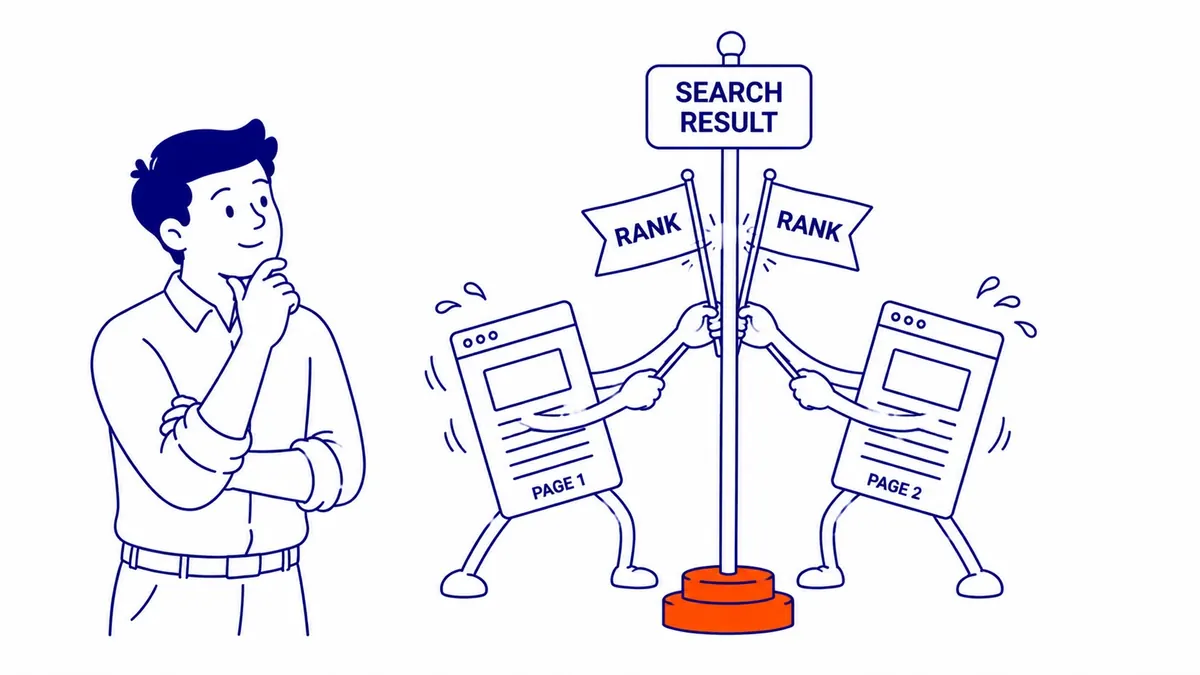
Two URLs. Identical page body. Search engines now face a problem: too many copies, no clear winner. That uncertainty spreads across your ranking signals. Quietly, without any notification in your dashboard.
Two URLs, One Problem
Duplicate content is what search engines see when the same text, or substantially the same text, appears at multiple URLs. Word-for-word identical is not required. Heavy overlap is enough. An e-commerce site with 60 product pages pulling from a manufacturer’s description has duplicate content across your website, even if every URL is different and every product photo is unique.
Most of this is unintentional. URL parameters from tracking codes, print-friendly page versions, HTTP versus HTTPS variations, and session IDs appended by the CMS all create multiple URLs carrying the same content. Nobody set out to build duplicate pages. The platform architecture did it. Picking one protocol and redirecting the rest is part of the SEO case for HTTPS.

How Search Engines Handle Duplicate Content
Search engines index what they crawl. Find the same content at three URLs, they have to pick which version shows in search results. The algorithm makes a reasonable call most of the time. Still, it is a guess. Sometimes which version gets picked is the wrong one. An internal URL carrying a session ID gets indexed instead of the clean canonical URL. A filter page outranks the main category page it was never meant to replace.
Search Console does not send a notification that says “we picked the wrong version of your page.” Ranking signals get divided across those pages. No clear signal to you that it is happening.
The Ranking Signal Split
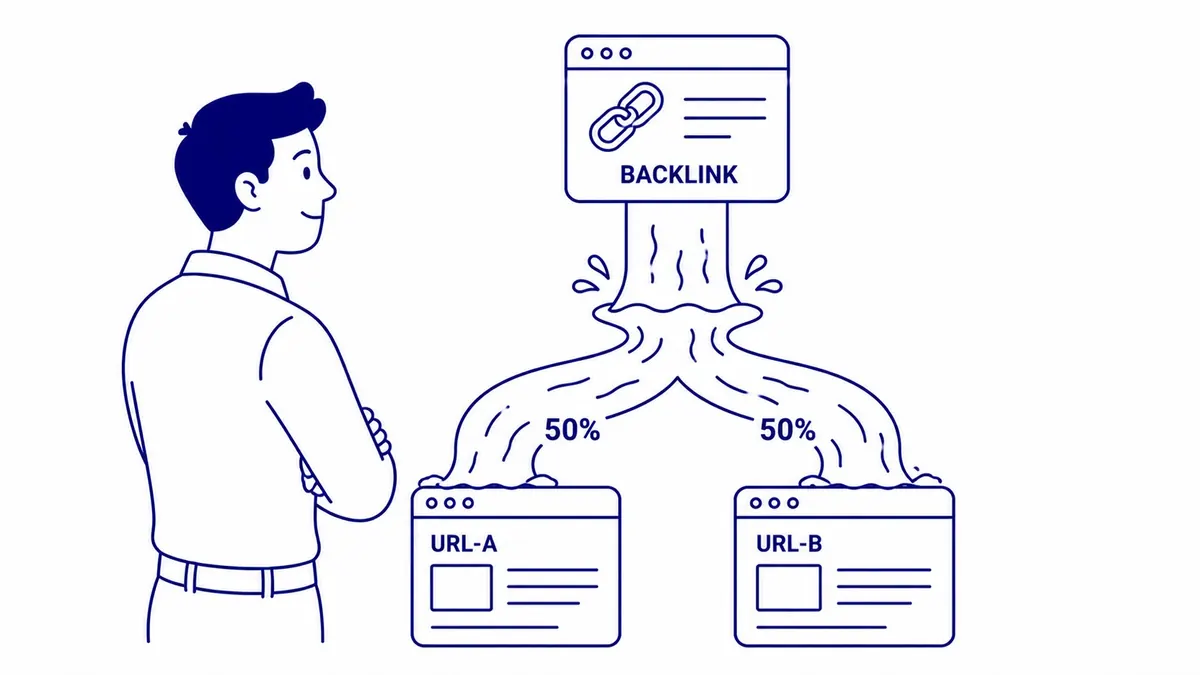
This is where the real SEO damage accumulates. Link equity, the ranking power that flows from other websites linking to yours, gets divided across duplicate URLs instead of concentrating on a single page.
Backlinks pointing to example.com/product/ and other backlinks pointing to example.com/product?sort=asc are both passing authority. Search engines treat these as separate pages. Authority does not automatically pool on the canonical version unless you instruct it to. Diluted link equity. Lower rankings. Keyword cannibalization between your own pages is a common result as well. No clear diagnostic signal tells the site owner any of it is happening.
Crawl Budget Gets Wasted
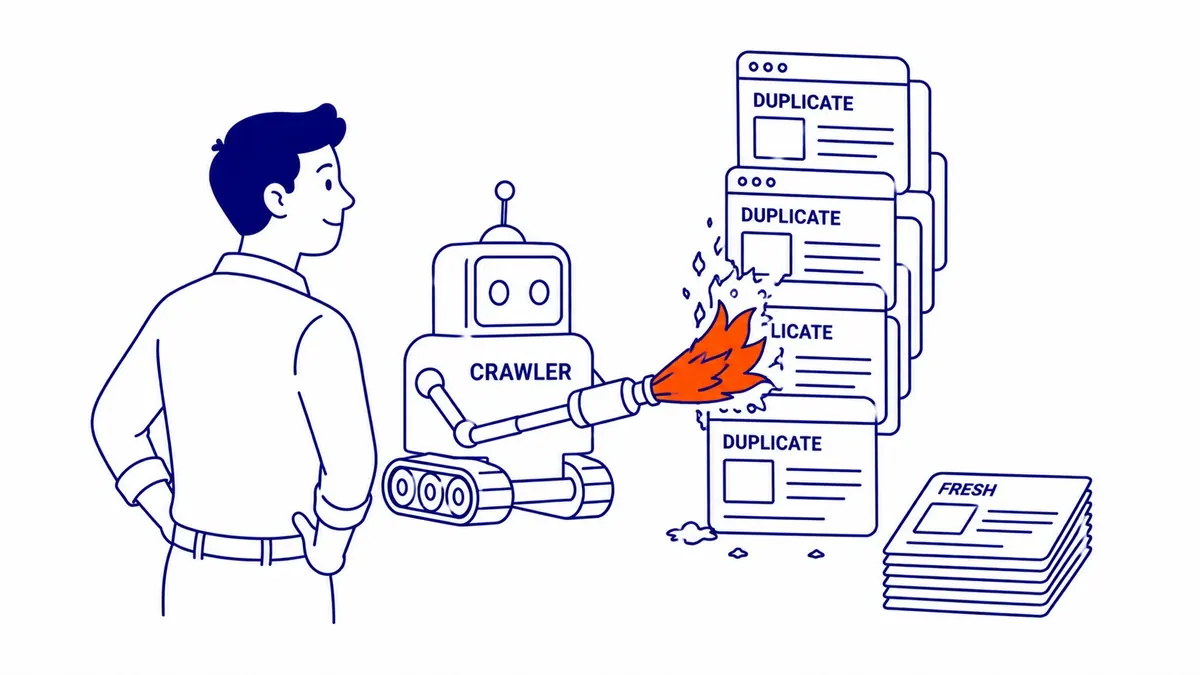
Search engine crawlers allocate a finite crawl budget to each site. Spend it on duplicate pages, and important content does not get crawled on schedule. For e-commerce sites, directories, and large publications, this matters considerably. Crawlers burning through hundreds of near-identical product pages on different URL parameters are not spending that time on fresh content, new pages, or recently updated sections.
Smaller sites rarely feel this as sharply. Still worth resolving, however, because crawl efficiency compounds over months. The full overview of what technical SEO covers connects crawl budget, indexation, and duplicate content within a broader site health picture.
Common Causes of Duplicate Content Issues
Knowing which version is the preferred version starts with understanding where the duplicates actually come from.
URL Parameters: Tracking Codes and Session IDs
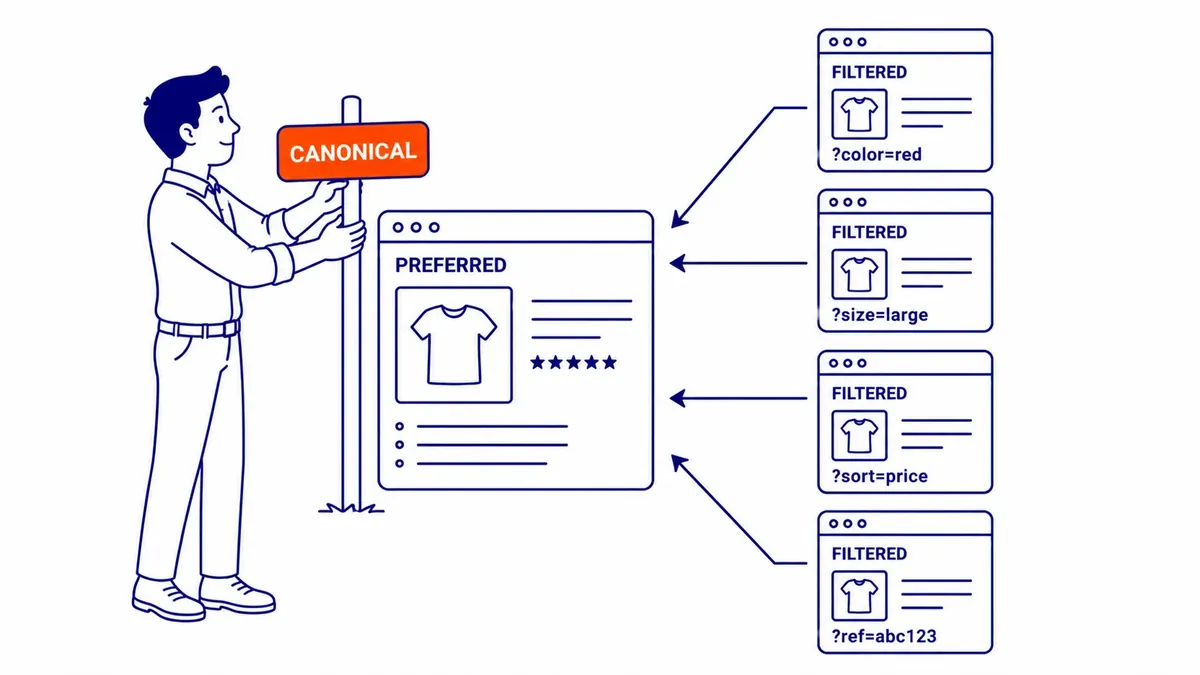
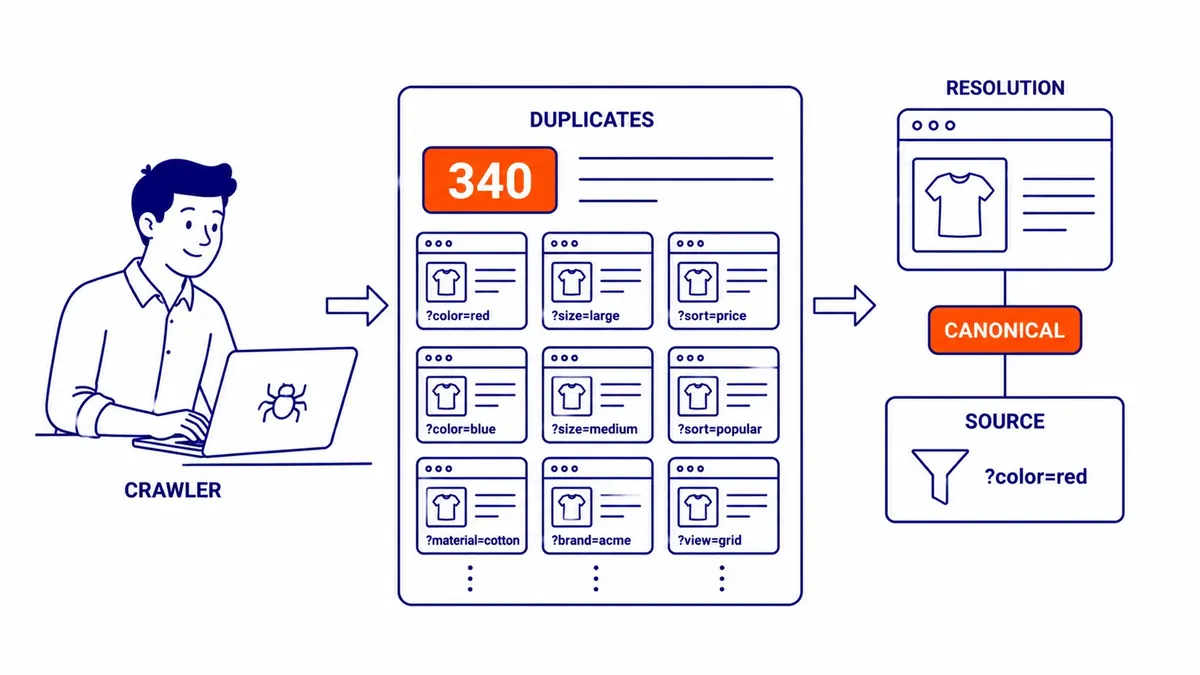
Tracking codes, sorting filters, and session IDs all append to URLs and create new addresses for the same page. example.com/page/ and example.com/page/?ref=email look identical to a human. Different URLs to a crawler. Paid campaigns are a common source here. People search for everything from campaign setup to Google ad management, though the duplicate URL problem starts somewhere plainer: UTM parameters on ad landing pages generate separate URL variants for every traffic source, and those variants often get indexed. E-commerce sites using faceted navigation see this at scale.
WWW vs. Non-WWW: An Easy Miss
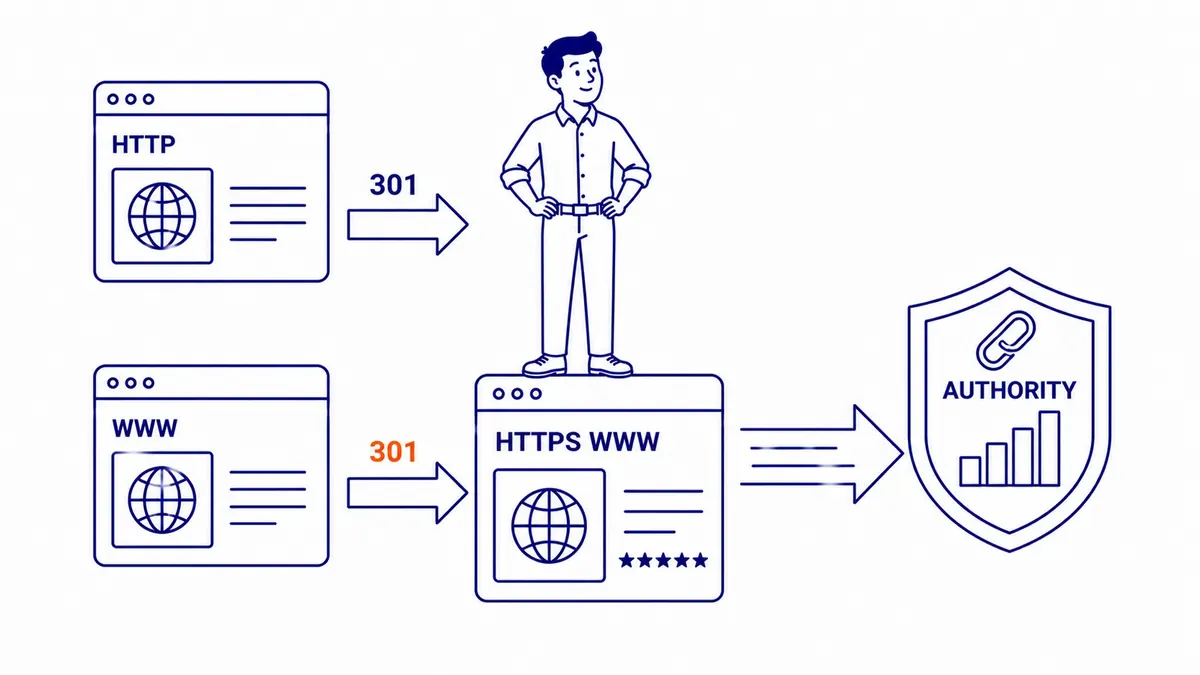
example.com and www.example.com, if both resolve without a redirect, are two separate pages in the index. A 301 redirect from one version to the other resolves this. Sites miss it during launch and often never circle back. The duplicate version accumulates backlinks independently and dilutes authority over time.

E-Commerce Product Descriptions
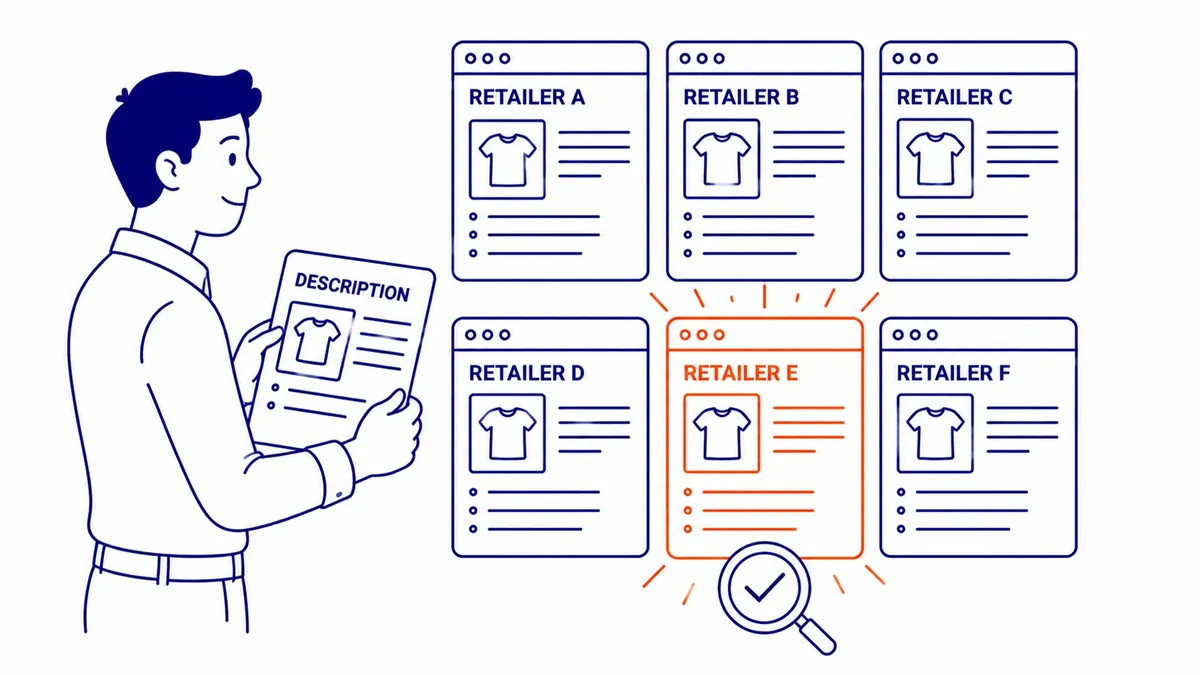
Product pages pulling manufacturer descriptions face this constantly. Every retailer carrying the same SKU uses the same paragraph. Identical content across dozens of sites, all competing on the same search terms. Search engines pick one to rank. Often not yours.
Syndicated Content Without Canonical Tags
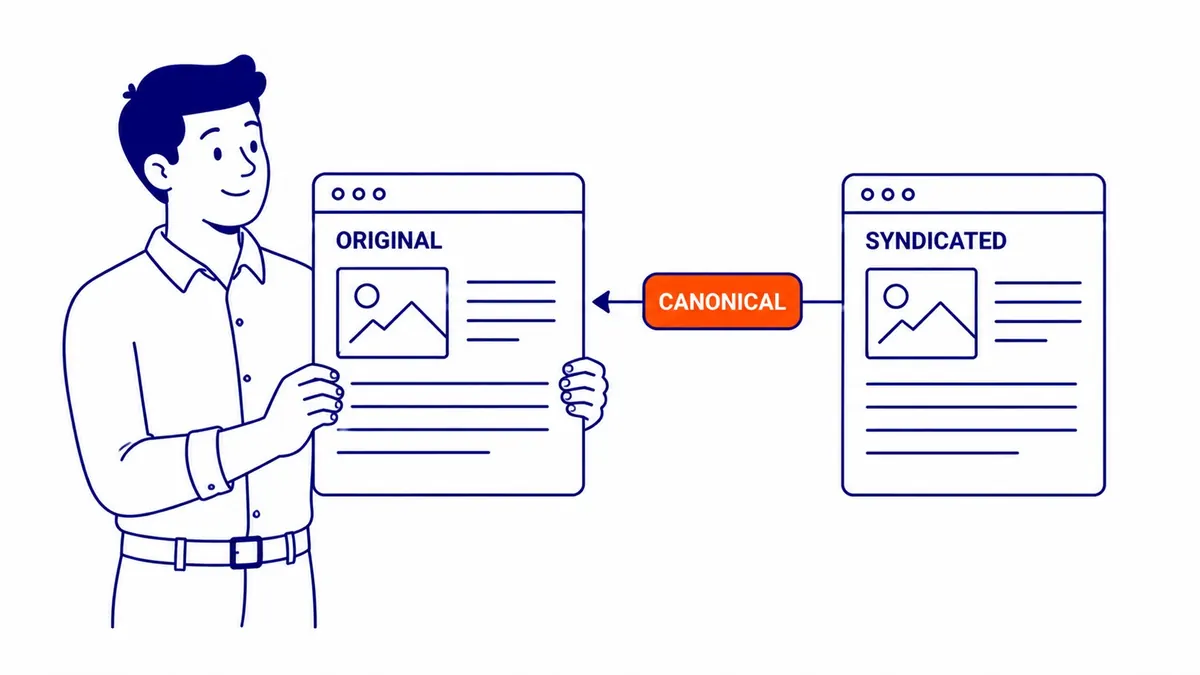
Publishing the same article on your site and a partner publication without canonical tags on the syndicated versions risks losing the ranking credit to the copy. The syndicated piece sometimes outranks your original content. Specifying the canonical URL pointing back to your domain before the piece goes out protects your content from losing ranking credit to the copy.
How to Fix Duplicate Content Issues
Three tools handle the majority of duplicate content issues. Which one applies depends on whether the duplicate URL needs to exist at all.
Canonical Tags: Tell Search Engines Which Version to Use
A canonical tag in the head section tells search engines which URL is the preferred version. It does not block crawling. Instead, it concentrates ranking signals on the URL you specify. For e-commerce sites with URL parameters, this is usually the right fix. Most CMS platforms handle canonical tags automatically for main pages. Faceted navigation, filter parameters, and pagination often still get left out, however. Those need checking.
301 Redirects: Consolidate and Enforce
Permanent 301 redirects push ranking signals from the old URL to the new one. HTTP to HTTPS. Non-WWW to WWW. An old page URL from a site redesign to the current version. Canonical tags recommend the preferred URL. Redirects enforce it. If the duplicate URL does not need to exist independently, a redirect is the cleaner solution. A dedicated breakdown of whether 301 redirects hurt SEO covers the specific scenarios where redirect chains cause ranking problems.
Noindex Tags: Remove Thin Pages From the Index
Pages that need to exist but should not appear in search results, such as thin filter pages, internal search result pages, and paginated archives, get a noindex tag in the head section. Search engines stop counting them as indexable content. Crawl budget stops going to them. The pages still function for users navigating the site.
Rewriting Duplicate Content
Some situations call for differentiation rather than consolidation. Two pages overlapping too much but each serving a genuine purpose need distinct copy. Different angles, specific details one page covers that the other does not. Each page needs something the other lacks. Consolidation decisions get easier once URL structure is settled first.

External Duplicate Content: A Different Problem
Scrapers copy pages without permission. Syndicated articles run on aggregators. Both create versions of your content living on other websites outside your control.
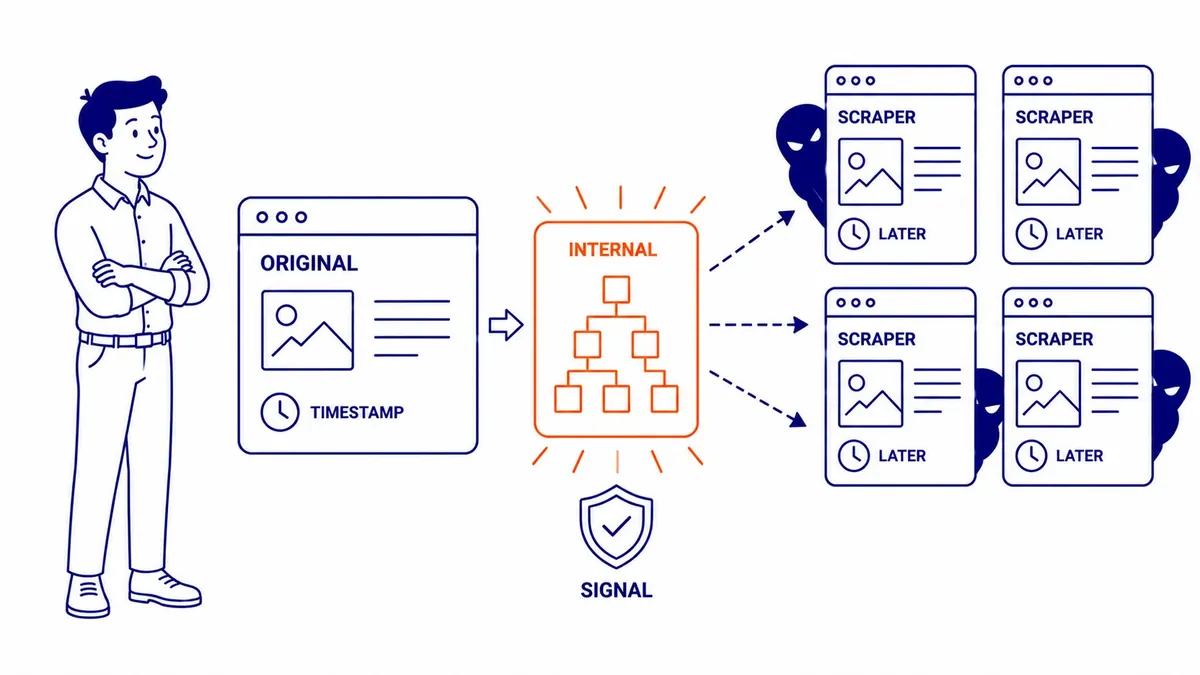
The original source generally gets credit when the algorithm can identify publication order and internal link structure. Publishing first, maintaining consistent internal links throughout your website, and getting indexed quickly all help establish which version is yours. For unauthorized scrapes, request removal through the webmaster contact or a DMCA takedown.
Checking Your Site for Duplicate Content
Google Search Console flags pages it identifies as duplicates in its Coverage and Indexing reports. Screaming Frog, Semrush, and Siteliner all crawl your site and surface duplicate content issues across your URLs and titles.
One reliable way to catch these is to book a website audit, and ongoing maintenance does the same job. Much of our search engine optimization work that clients pay for month to month is exactly this kind of routine checking. The problem compounds over time. Every new product page added, every URL parameter introduced, adds to it without appearing on any visible list of issues.
Worth one concrete example: auditing a client’s e-commerce site last year, we found 340 duplicate pages generated by a single filter parameter running unmanaged for two years. One canonical tag directive resolved all of them. Nothing in Google Search Console had flagged it as a critical error. The ranking impact on the main category pages was real, however.
Crawl reports, canonical checks, and the rest of that routine are part of the Calgary SEO services To-The-TOP! delivers, with technical audits standing in the schedule rather than bolted on once something breaks. Your website can accumulate duplicate content for years without anyone knowing which version is ranking or why organic traffic has stalled.
Businesses in Vermilion, Vernon, and Victoria often discover duplicate content issues during their first structured site audit, typically from URL parameters or platform migrations.
Frequently Asked Questions About Duplicate Content and SEO
Does Having Duplicate Content Affect SEO?
It does. Ranking signal dilution, crawl budget waste, and the wrong pages appearing in search results all follow from unresolved duplicate content issues. The effect compounds on larger sites. Smaller sites feel it first as a “why is this URL showing instead of that one” problem that can persist for months without a clear cause.

Is Duplicate Content a Penalty for SEO?
No direct penalty. Search engines do not manually flag sites the way they respond to unnatural backlink schemes. The cost comes through signal dilution and wrong-page indexing, not a manual action. Rankings decline without notification. Nothing in Google Search Console points clearly at what happened. That is part of what makes the problem harder to diagnose without a structured review of your site.
Which Version Does Google Index When Duplicate Content Exists?
Google picks one and consolidates signals around it. The criteria include which URL has more backlinks, which one appears in your XML sitemap, and which one your internal links consistently point to. Often the call is reasonable. Still, it is Google’s decision, not yours. A canonical tag hands that decision back to you without requiring the duplicate URL to be removed.
How Much Duplicate Content Is Too Much?
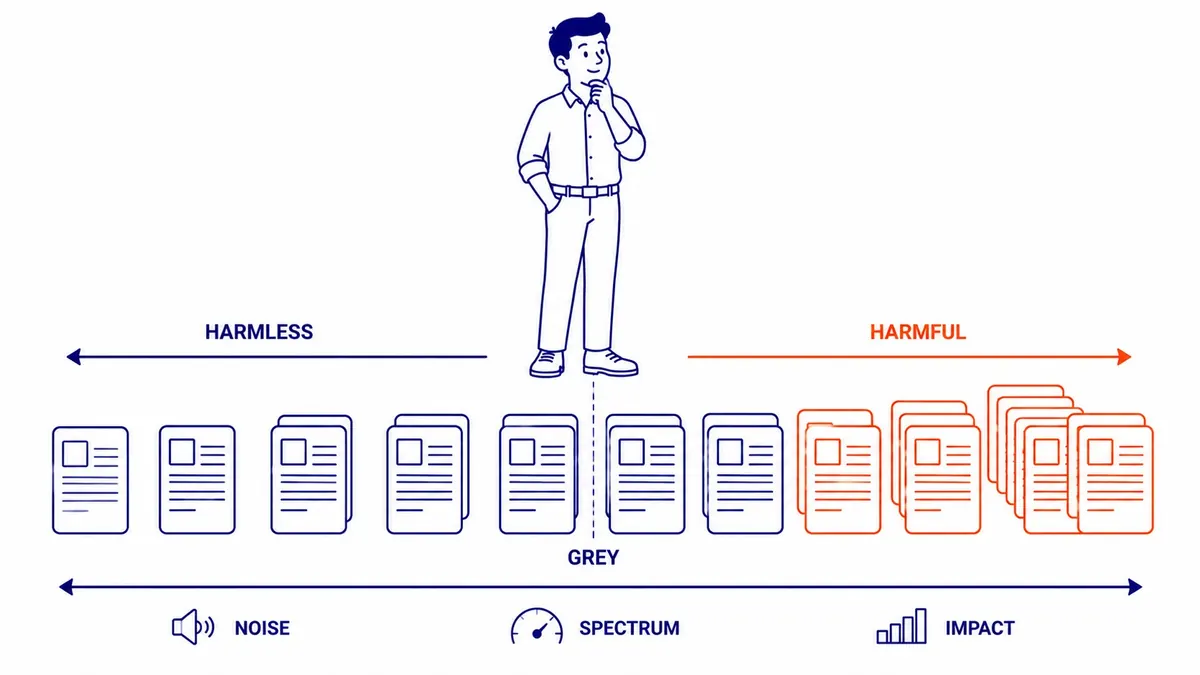
No clean threshold exists. Moz has estimated roughly 25 to 30 percent of all web content is duplicate, most of it unintentional and most generating no penalty. Where it starts hurting your SEO depends on site size and how important the duplicated pages are. Worth reviewing during any site audit. Fix it as soon as it turns up.
Contact Calgary SEO Company To-The-TOP!
Questions about anything in this article, or about your own rankings? Talk to a Calgary SEO specialist directly.
Phone: (403) 308-5949
Address: 1509 14 Ave SW, Calgary, AB T3C 0W4
Hours:
Monday to Friday: 10:00 am – 7:00 pm
Saturday: 12:00 pm – 4:00 pm
Sunday: closed