
How to Use Google Search Console to Improve SEO
Free, and a straight line into how Google actually reads your site. That is what Google Search Console gives you. I have handled our Calgary SEO work since 2007, and GSC is still the first tool I open on any new account. Not the paid third-party suites. This one, every time.
Most people install it, glance at the traffic graph once, and never come back. That is the mistake. The numbers sitting in there point straight at the URLs worth fixing and the keywords worth chasing. This guide walks through how to use Google Search Console to improve SEO the way we actually work it for clients at SEO Company To-The-TOP!, not the feature tour you find everywhere else.
What Google Search Console Actually Tells You
Start with what the numbers mean. Four metrics carry most of the weight. Impressions count how often your page showed up in search results. Clicks count how often someone actually came through. Average position is roughly where you sit on the page when you appear. CTR ties the first two together, the ratio between the two. None of it is an estimate, because the data comes from Google itself rather than a tool scraping the results from outside. That is the whole point of Search Console. It is the one source telling you what Google sees, straight from the source, for free. Worth a plain walkthrough of Google Search Console if you have never opened the account. Analytics answers a different question, and finding keywords in Analytics works nothing like this.

Setting Up Google Search Console and Verifying Your Site
Setup takes about ten minutes. You add your site as a property, then prove you own it. A DNS record handles a domain property, or an HTML file handles a single URL prefix. Either way works. After verifying, submit your sitemap so Google knows which pages exist and crawls them faster. Then you wait. Realistic timeline here: the data does not show up the same day. Give it a few days before the performance report starts to fill out, and a couple of weeks before the trends mean anything at all. Anyone promising instant insight from a brand-new property has not actually used the tool. The numbers need history before they say anything useful. Once the history builds, the reports start showing where improving SEO fits into the week.
Reading the Performance Report: Clicks, Impressions, and CTR
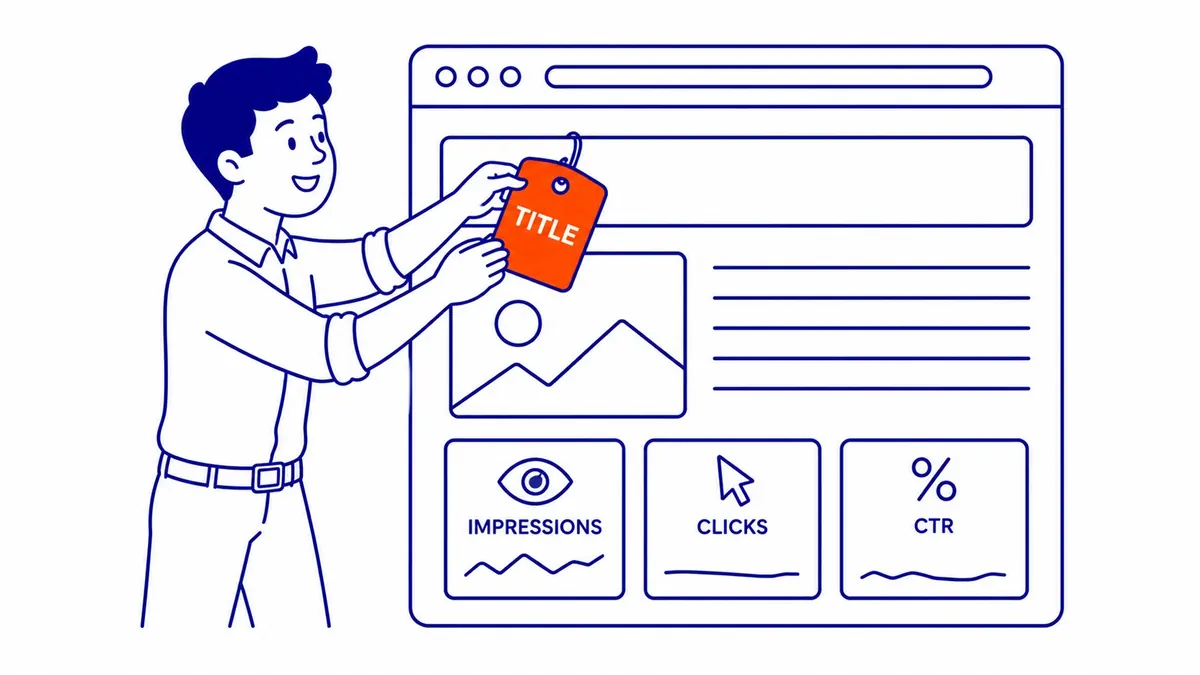
This is where the real work happens. Open the performance report and set the date range to the last three months. Toggle on all four metrics across the top. Now you can see which queries bring impressions, which earn clicks, and where your average position actually lands. Sort by impressions first, because that surfaces the pages Google already trusts enough to show. Then sort by CTR. The listings with plenty of appearances and almost no visits are the ones being skipped over. That gap between the two columns is your to-do list, ranked for you automatically. A page showing constantly but earning nothing is leaving traffic on the table every single day it sits there.

Finding Keyword Opportunities Hiding in Your Data
Your best keywords are already in here. Filter the query list to positions between eight and twenty. These are the near-misses, the keywords parked just off the bottom of page one. A small push usually moves them. Stronger internal links pointing at the page, a tighter heading, one paragraph that answers the query head-on, and that ranking climbs into clicking range. This beats a cold keyword competitive analysis in one way that matters: you already rank for these terms, with real search demand behind every one, not a guess from a volume estimator. We pull this striking-distance list for every client before touching anything else on the site. It is the fastest quick win SEO offers, though it still takes a few weeks to land.

Fixing Pages That Earn Impressions but No Clicks
High impressions, low clicks. Familiar problem. When a page turns up constantly yet nobody clicks, the listing is the issue, not the ranking itself. Usually the title tag or the meta description is the culprit. Rewrite the meta description so it speaks to what the searcher actually wants, not what reads nicely. Match the title to the real query instead of some clever phrase nobody types. Sometimes the intent is simply wrong, and the page never stood a chance for that keyword in the first place. Then you either reshape the content around the right intent or let the term go. Either way, GSC told you exactly where to look before you wasted a week guessing.

Using the Sitemap and Coverage Reports to Get Indexed
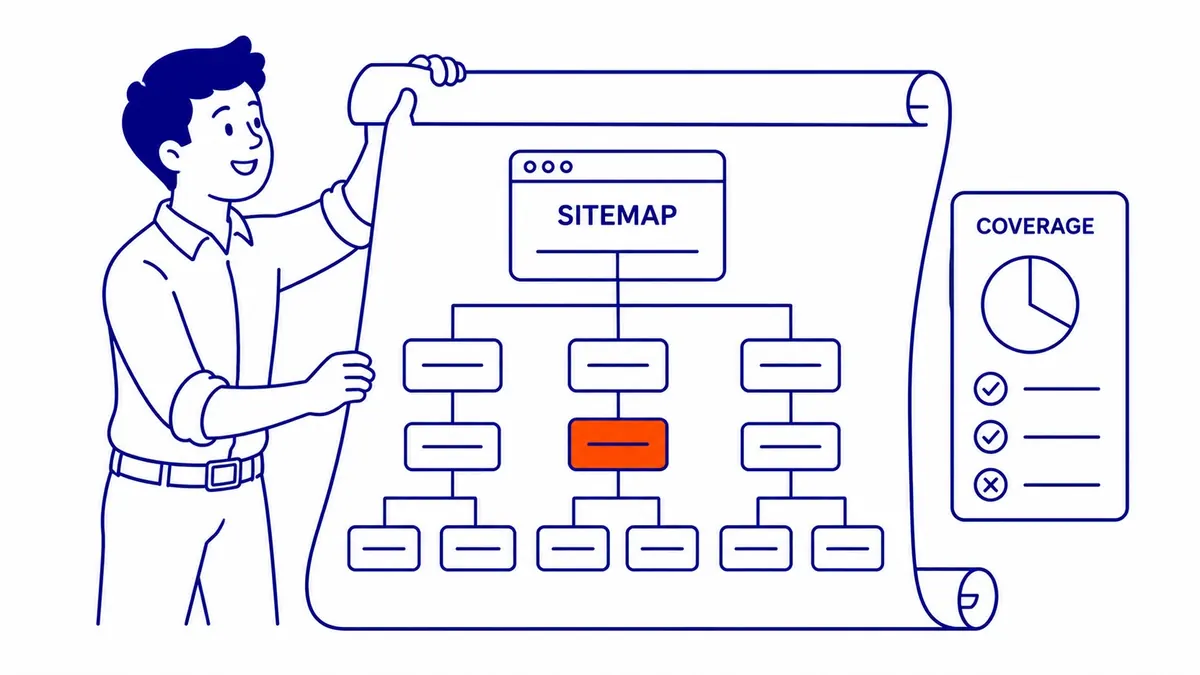
Ranking starts with getting indexed. A page Google has not indexed cannot rank for anything, full stop. The pages report shows you what made it into the index and what got left outside. Submit your sitemap under the sitemaps section so fresh content gets discovered sooner. Then read the excluded pages and the reason beside each one. Crawled but not indexed. Discovered but not currently crawled. Each label points at a different fix. Thin content, duplicate URLs, or weak internal links are the usual suspects behind the excluded ones. A proper SEO site audit catches most of these problems early, before they quietly cost you traffic for months. Index coverage is unglamorous, but it is the floor everything else stands on.
Turning Search Console Data Into Ranking Gains
Data on its own changes nothing. The pattern we follow with clients is plain. Pull the report, find the near-misses, fix the weak listings, update the thin content, then check back the next month. SEO moves slowly, and there is no shortcut around that. Three to six months before meaningful movement, and that is the straight answer for Calgary SEO or anywhere else. GSC is the scoreboard that tells you whether the effort is actually paying off. Without that feedback loop, our search engine optimization work would be just guessing in the dark. Pair the data with steady content updates and the rankings follow, one query at a time. Some clients also run Google Ads alongside the organic work, so the keywords that take longest to climb still bring traffic in the meantime.
Comparing Date Ranges in Search Console
Two more habits earn their keep. The performance report lets you compare one date range against another, and that comparison is where trouble shows up early. Set the last three months beside the previous three. A query that quietly slid from position six to position fourteen jumps right out of the table. Catch the slide while it is small and a quick content refresh usually pulls it back. Miss it for a full quarter and you are rebuilding from scratch. We compare ranges on every monthly check for exactly that reason.
The Links report deserves a look too. It lists the URLs on your site that other sites point to, plus your own linking structure laid out plainly. Top linked content tells you which posts carry the most authority. Sending a few internal links from those strong URLs toward a post you want to lift is one of the cheapest ranking moves there is. The data already sits in Search Console, so there is no reason to guess. Most sites have one or two posts doing all the heavy lifting and never think to spread that authority around.
There is a mobile angle as well. Google reads your site the way a phone does first, so a layout that breaks on small screens drags the whole domain down. The report flags those issues by URL. Fix them and you remove a quiet weight on rankings that most owners never even notice. None of this is complicated. It just takes someone actually opening the tool every month, instead of once a year when something already went wrong.
Frequently Asked Questions
Can Google Console improve SEO?
Not on its own. Google Search Console is a diagnostic tool, not a ranking lever you pull. It surfaces the queries, the clicks, and the pages that need attention. You still have to do the actual fixing afterward. Still, every improvement we make for a client tends to start with something the data flagged first.
How do you use Google Search Console for SEO?
Performance report first. Sort by impressions, find the pages with weak click-through rate, and rewrite the titles and meta descriptions to match real intent. Then filter the queries to positions eight through twenty for quick keyword wins. After that, submit your sitemap, clear any indexing issues, and track the movement month over month.
What is the 80/20 rule for SEO?
Roughly eighty percent of your results come from twenty percent of your pages. GSC makes that twenty percent obvious at a glance. A small handful of pages pull most of your appearances and visits while the rest barely register. Focus your effort there before spreading thin across content nobody ever finds.
How do you improve SEO on Google search?
Earn relevance, then earn trust. Match your content to what people actually search for, fix the technical issues blocking indexing, and build internal links between related posts so authority flows where it should. Search Console shows you the gaps plainly. Closing them page by page is what lifts you up the search results over time, and good keyword research keeps pointing at the next one to close.
Contact Calgary SEO Company To-The-TOP!
Questions about anything in this article, or about your own rankings? Talk to a Calgary SEO specialist directly.
Phone: (403) 308-5949
Address: 1509 14 Ave SW, Calgary, AB T3C 0W4
Hours:
Monday to Friday: 10:00 am – 7:00 pm
Saturday: 12:00 pm – 4:00 pm
Sunday: closed