How to Conduct a Technical SEO Site Audit
A technical SEO audit is a check of everything search engines use to access and rank your site. Not the keywords or the content strategy. The underlying machinery. Broken redirects. Pages Google cannot find. Speed that drops users before they read a sentence. That is what the audit surfaces.
Run one without structure and you end up with five hundred issues. Six steps. High-impact findings first.

What a Technical SEO Audit Actually Checks
It sits underneath all of it. Content can be excellent. Keywords targeted correctly. Yet if Google cannot crawl the page, none of it matters. The audit is how you find out where the machine breaks down.
Six areas cover most of what a technical SEO audit looks at. Crawlability and indexability. Speed. Mobile usability. Internal site structure. Technical on-page signals. Each one affects rankings separately, though they are also connected. A crawlability problem prevents indexing. An indexing problem means no rankings. So fixing the right one first matters.
Missing any one of those six is a ranking problem waiting to surface. The audit tells you which one is bleeding before the traffic report does.
That is also why audit sequencing matters. Fix the technical problems first, then address content. The opposite order regularly wastes time and budget. Sequencing is a big part of what a technical SEO agency does for the money.
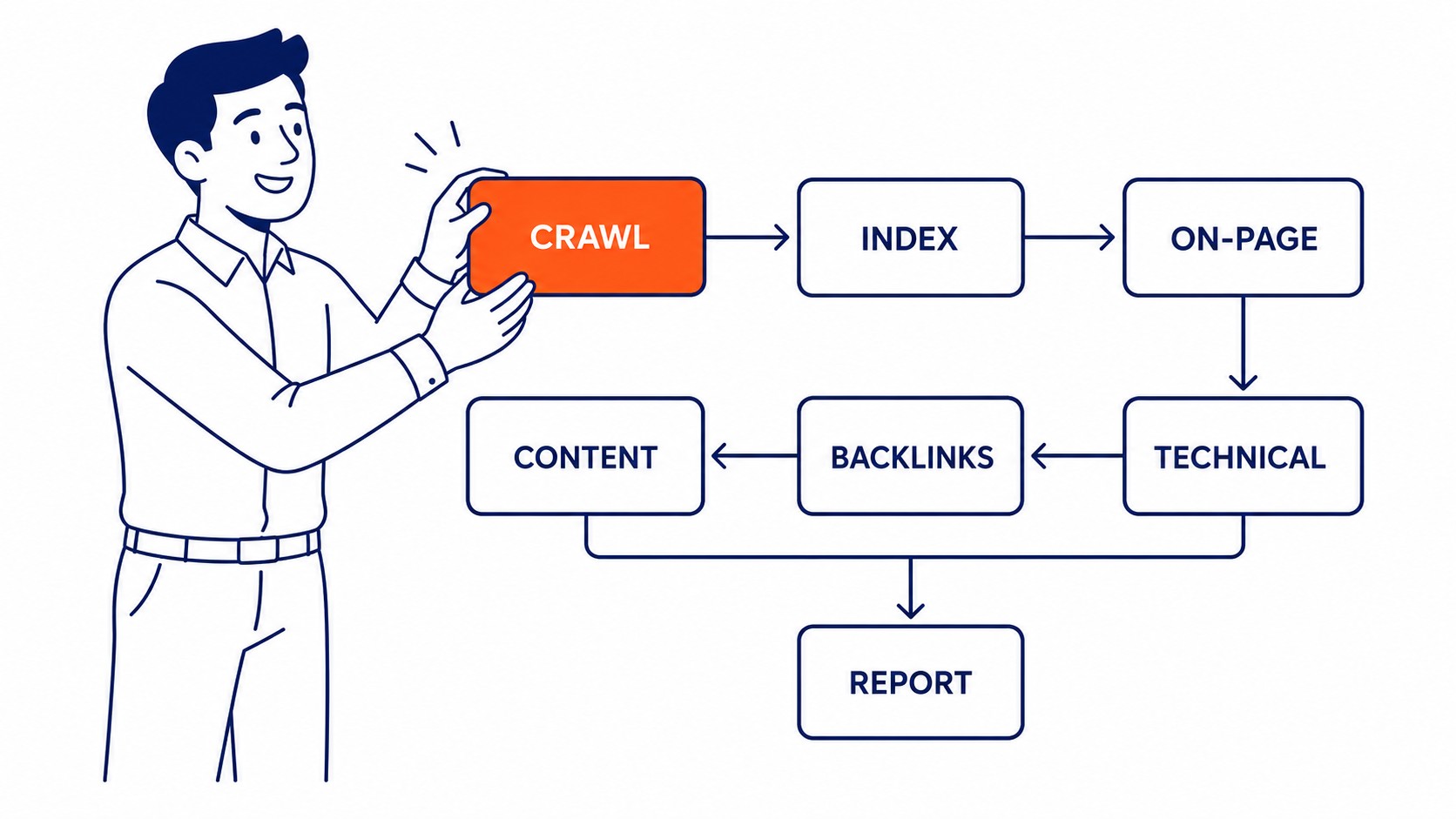
Step 1: Start the SEO Audit With a Crawl
Everything else in the audit depends on what the crawl finds. Screaming Frog is the standard tool for this. Free up to 500 URLs. The paid version handles larger sites without limits.
Point it at your domain and let it run. What comes back is a complete map of every URL on the site. Status codes. Redirect chains. Missing title tags. Broken internal links. Duplicate pages. All of it in one export.
Start with the errors. A 404 error on a page with inbound links is traffic and authority going nowhere. Redirect chains three hops long slow the crawl and dilute link equity with every extra hop. Those are the first issues to fix.
Redirect chains are also easy to miss manually. A page that was moved twice ends up pointing to a redirect that points to another redirect. Each hop adds latency. Google still follows chains, but long ones slow indexing on sites with many pages.
Orphan pages show up here too. A page Google can reach but no other page links to. Orphan pages rarely rank because the site architecture treats them as unimportant. Map them back into the site or merge the content into pages that already receive internal links.
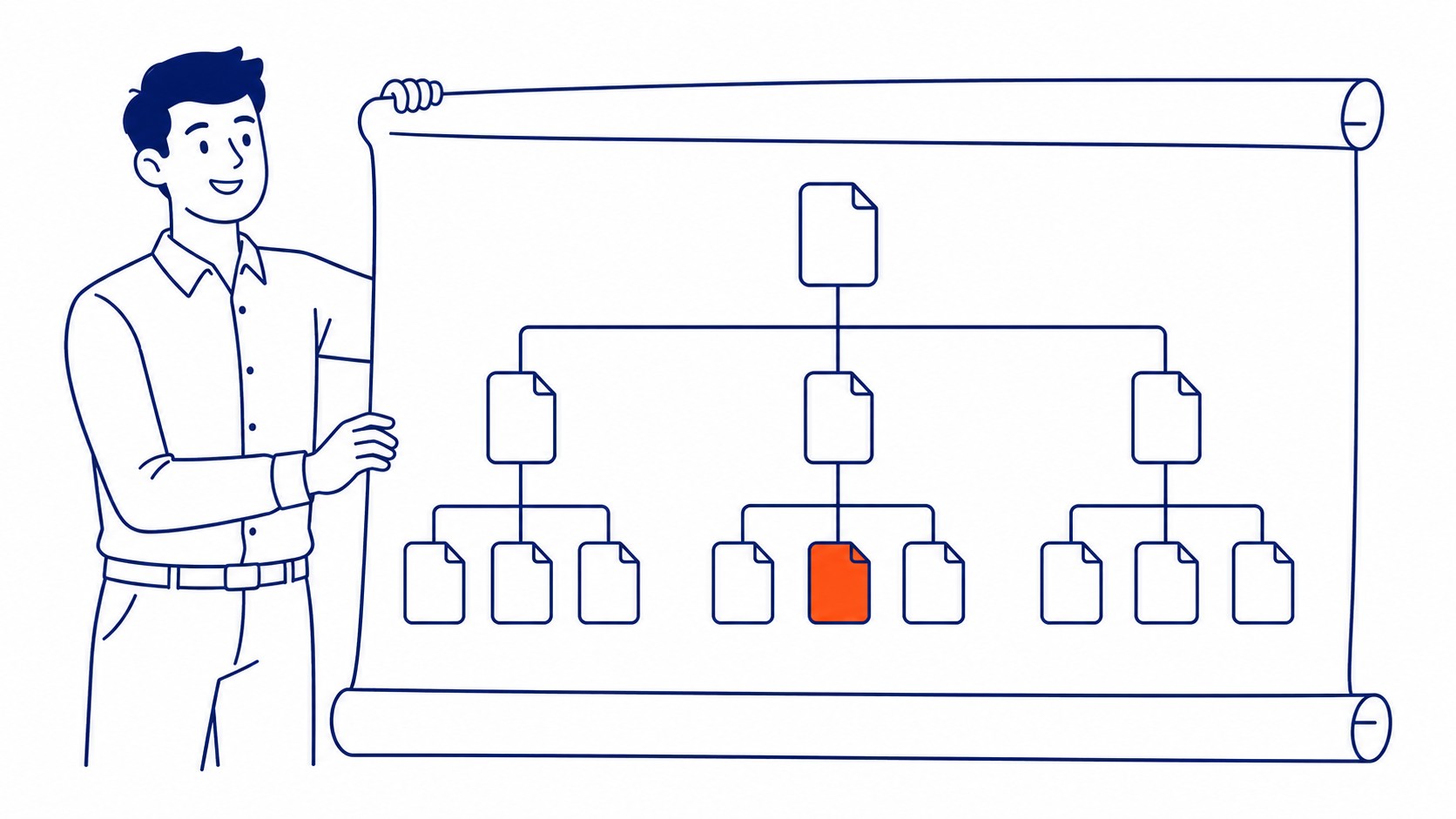
Step 2: Check Indexability
Crawling and indexing are two different things. Google can crawl a page and still not index it. The audit checks both.
Pull the Coverage report in Google Search Console. Four groups organize what comes back. Error pages. Valid pages. Pages valid with warnings. Excluded pages. Errors need attention first. Submitted URLs returning 404s. Redirect errors. Server errors. These prevent pages from appearing in search results.
The excluded bucket is where indexability issues hide. Pages blocked by robots.txt. Noindex tags on URLs that should rank. Soft 404s, which return a 200 status but have thin content Google chose to ignore. Duplicate content suppressed in favour of another version. Each exclusion type has a different fix. That said, the excluded category also reveals pages that should be deindexed. Thin content pages. Duplicate URL variations. Paginated sets Google chose not to serve.
Worth a direct look at robots.txt. Paste yourdomain.com/robots.txt into a browser tab. One typo can block a section of the site. Seen it on client sites. A disallow rule written during a migration and never cleaned up. Google never flagged it as an error. Traffic just quietly dropped.
Canonical tags also affect indexability. The canonical tells Google which version of a page should be indexed when duplicates exist. Misconfigured canonicals cause Google to index a page you did not intend to surface. That page stays ranked instead of the one you wanted.
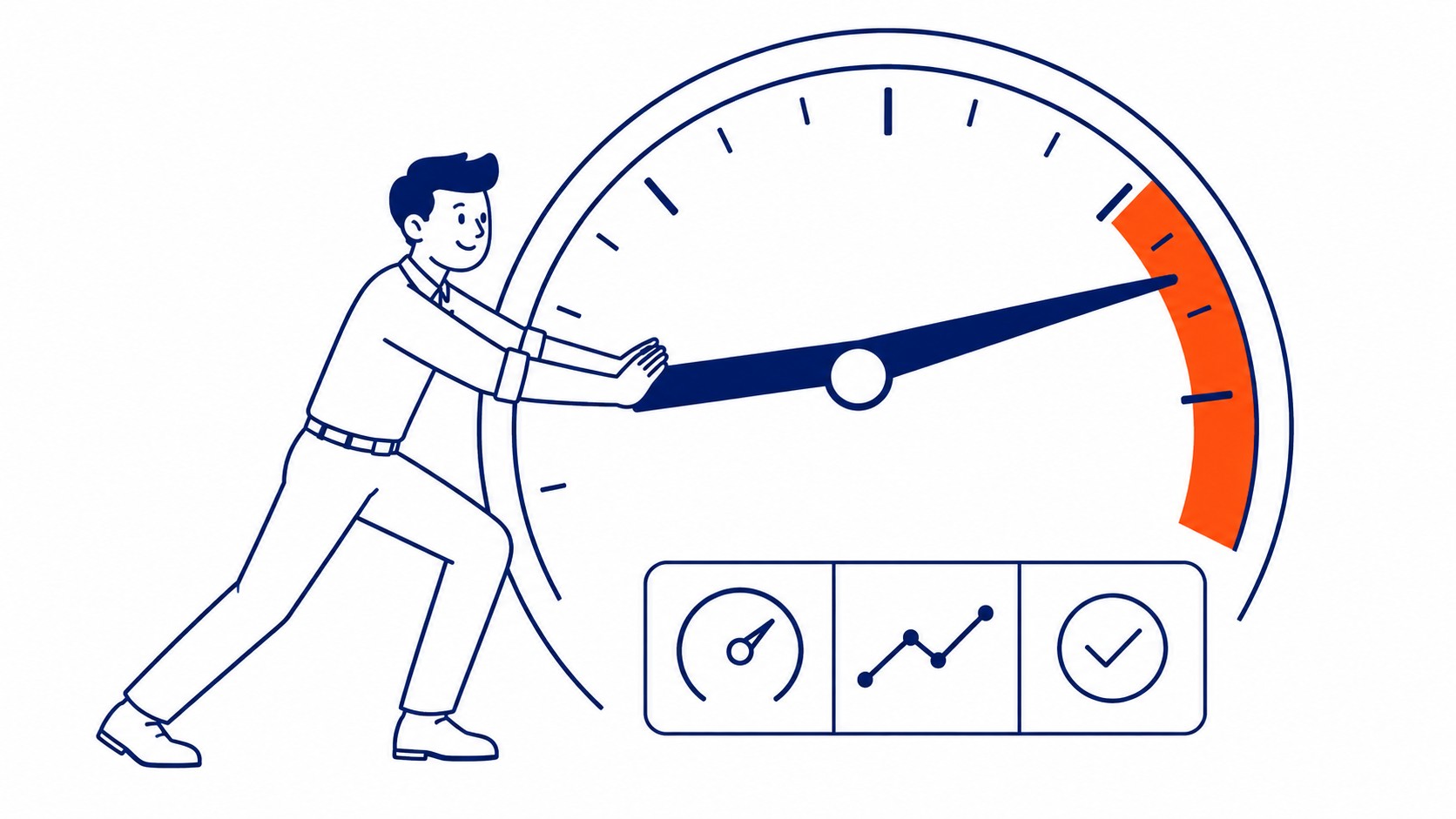
Step 3: Review Site Speed and Core Web Vitals
Confirmed ranking factor. Google said it plainly. Core Web Vitals are the specific metrics. Largest Contentful Paint. Interaction to Next Paint. Cumulative Layout Shift. Poor scores show up in the Core Web Vitals report inside Search Console.
PageSpeed Insights is the fastest starting point. Paste any URL and get a score for mobile and desktop. The opportunities section breaks down the specific fixes. Render-blocking JavaScript. Uncompressed images. Slow server response time. Each one links to documentation.
LCP over 2.5 seconds is where rankings start to suffer. Most sites over that threshold are dealing with images that are too large or not properly formatted. Hosting that is slow for the volume it handles is the other common culprit. Both are fixable without a full redesign.
INP measures how quickly the page responds after a user interaction. Still under 200 milliseconds is the target. Sites using heavy JavaScript frameworks often struggle here, though there is usually a clear source once you profile it.
CLS matters for user experience. A page that shifts visually while loading frustrates users and signals poor quality. The common sources are images without defined dimensions and fonts loading after the page renders. Fix both and the score usually improves significantly. So CLS fixes are also worth testing before and after any major template change.
Page speed affects rankings and conversion both. Worth prioritising early in the audit.
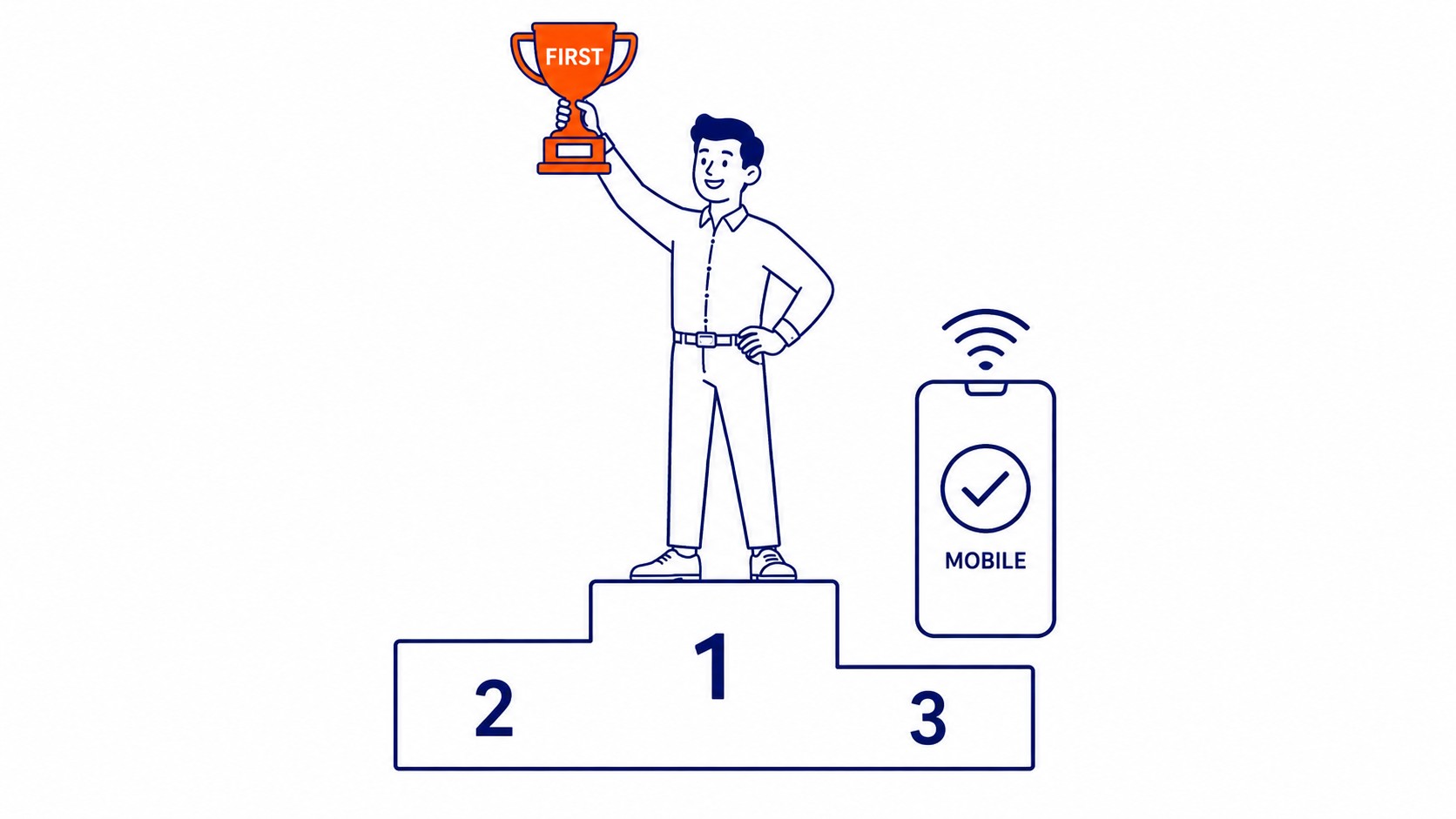
Step 4: Check Mobile Usability
Mobile gets indexed first. Has been since 2019. A broken mobile version costs rankings even when the desktop looks polished.
In Google Search Console, the Mobile Usability report lists them. Clickable elements too close together. Text too small to read without zooming. Content wider than the screen. All of them push users off before the page finishes loading.
Something still feels off? Run individual pages through the Mobile-Friendly Test. Renders the page exactly as Googlebot does. Sometimes the visual result and the Googlebot render diverge significantly. That gap is usually the problem worth fixing.

Step 5: Audit Internal Linking and Site Structure
Internal link patterns tell Google what matters most. Deep pages with few internal links often rank poorly. The site architecture treats them as unimportant, not the content quality.
Run a crawl depth check. Pages more than three clicks from the homepage receive less crawl attention. Anything buried that deep benefits from a flatter structure. Rankings and discoverability both improve. It is also worth checking whether the homepage links to every major section of the site.
Check anchor text on internal links. Anchor text like “click here” signals nothing about where the link goes. Descriptive anchor text that names the topic works better. Not keyword-stuffed. Just accurate.
Identify pages that receive no internal links at all. Those are the orphan pages from Step 1. The fix is to bring them into the linking structure through related content. Or merge the content into a page that already receives links. Also check for pages that exist in the site map but receive no external links. Those are also worth flagging for the link-building side of the campaign.
PageRank flows through the domain along internal link paths. A page with strong external backlinks but no internal links pointing away from it keeps all that authority to itself. Thoughtful internal linking redistributes it instead.

Step 6: Check Technical On-Page Elements
Technical on-page elements carry their own weight too. The audit flags patterns that cause ranking issues across the whole site.
Duplicate title tags. Two pages with the same title confuse Google about which one should rank for a query. Screaming Frog surfaces title issues in the Page Titles tab. Rewrite each to match the page’s actual topic.
Missing or duplicate H1 tags. Every page should have exactly one. Sites that use H1 for decorative formatting rather than structure often end up with three on the same page. That distributes the signal that should concentrate in one heading. Screaming Frog flags heading issues in the Headings tab.
HTTPS implementation. Every page should load over HTTPS. A site still serving some pages over HTTP sends mixed signals about the security and reliability of the domain. Search Console flags mixed content issues in the security report. It is also worth confirming the canonical self-reference on every indexable page.
Structured data. Schema markup is not a direct ranking factor, but it affects how results display. A local business without LocalBusiness schema is missing an easy enhancement for the knowledge panel. FAQ pages without FAQ schema miss out on rich results in the search listing.
How Often to Run a Technical SEO Audit
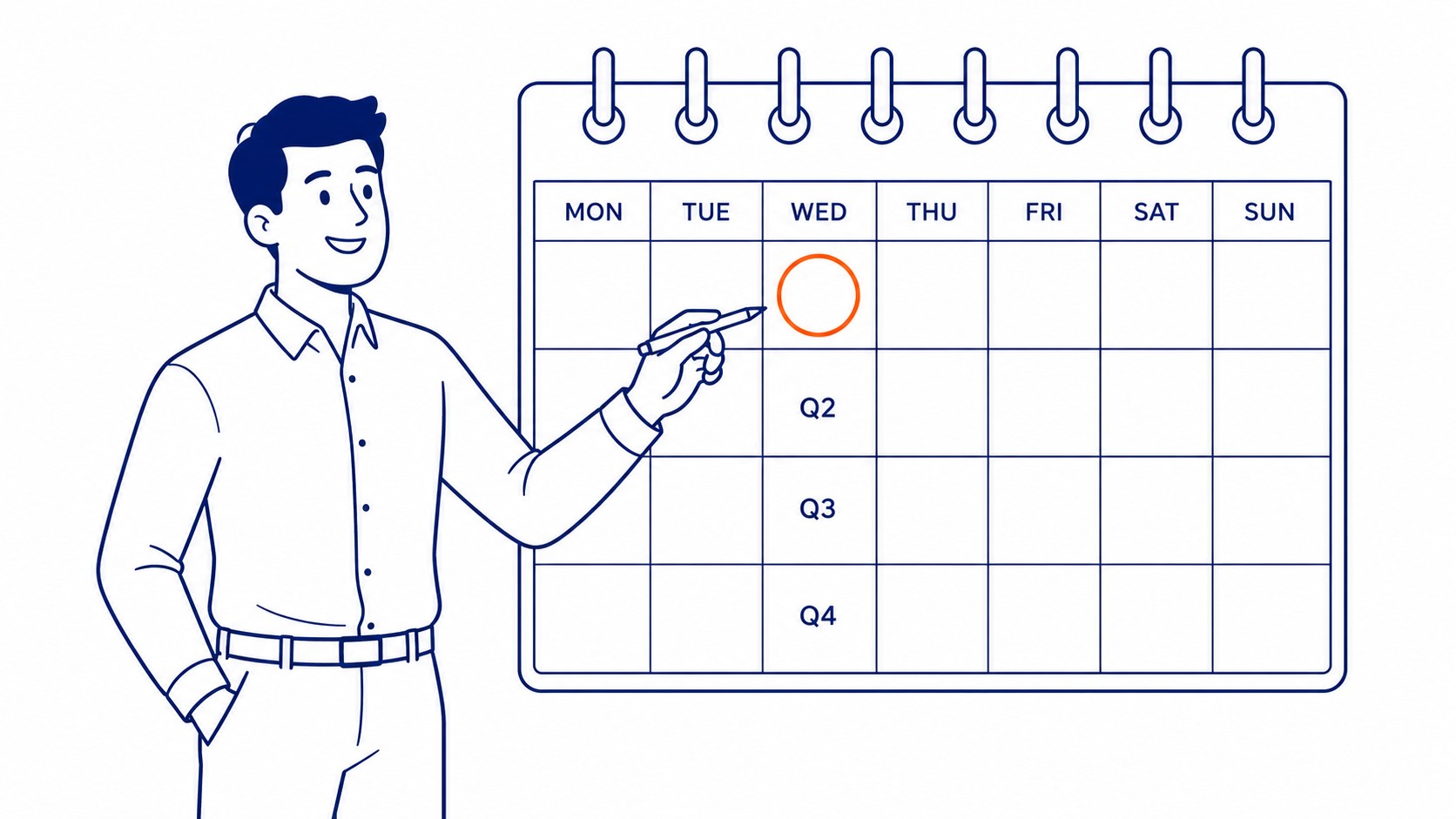
Quarterly is a reasonable baseline. Sites change. Developers push code. Plugins update. What was clean in January may have a technical issue by April that nobody noticed.
Run one after any major change. A site migration. Platform switches. Template redesigns. A significant expansion of the page count. Each of those introduces new technical issues. Catching them in the first week is faster and cheaper than diagnosing traffic drops six months later.
Smaller sites can get away with two full technical audits per year if the site is otherwise stable. Larger sites with frequent content updates and multiple contributors should audit more often.
The most useful time to run one is right after something changes. A migration audit done within a week catches issues before they stack up. Running it six months later is already damage control.
For Calgary SEO clients, running an audit before any significant content push is standard practice. Technical problems cap what content can accomplish, however well-optimised the writing is. That cap is most of the reasoning behind an SEO audit running before the content budget.
Frequently Asked Questions
What is a technical SEO audit?
A check of the technical foundation search engines use to reach and rank a site. Crawlability and indexability. Page speed. Mobile usability. Internal linking. Technical on-page signals. Not content strategy. The mechanics underneath. Technical and content work together. Still, start with the technical layer. It affects everything else.
How long does a technical SEO audit take?
Depends on the site. A small site finishes in a few hours. Larger sites take longer, especially when redirect chains are complex. Running the tool itself is fast. Deciding what to fix first takes longer than the scan itself.
What tools are used in a technical SEO audit?
Google Search Console. Also a crawler, usually Screaming Frog. PageSpeed Insights for speed checks. Ahrefs or Semrush when backlink issues are involved. Those four together catch most of what a technical audit needs. Still, no one tool covers everything.
Can I do a technical SEO audit myself?
Yes. Most tools are free for a small business site. Google Search Console alone finds the majority of critical issues. Complexity changes the equation though. Knowing what a problem means and which issues to fix first takes experience from running dozens of these. A professional site audit is worth it when the site is competitive or the stakes are high. Most comprehensive SEO services include a technical audit as part of the initial engagement.
Contact Calgary SEO Company To-The-TOP!
Questions about anything in this article, or about your own rankings? Talk to a Calgary SEO specialist directly.
Phone: (403) 308-5949
Address: 1509 14 Ave SW, Calgary, AB T3C 0W4
Hours:
Monday to Friday: 10:00 am – 7:00 pm
Saturday: 12:00 pm – 4:00 pm
Sunday: closed
