How Important Is Page Speed for SEO? | Calgary
Page speed matters for SEO, though not in the way most business owners assume. It works as a genuine ranking signal. The bigger effect, though, lands on whether visitors stick around long enough to convert. Both of those things feed each other. A website that loads in under two seconds keeps users reading. Pages that keep users reading tend to earn the engagement signals Google watches. We have run SEO Company To-The-TOP! since 2007, and slow load times show up in more underperforming websites than almost any other technical problem we audit.
Here is the plain version, before the marketing version. Page speed alone will not push a thin, poorly targeted page to the top of Google. Speed is a multiplier, not the engine. Get the content and keywords right first, then a fast website lets that work actually rank. The kind of SEO Calgary businesses count on treats speed as one input among many, never the whole strategy.

Does Page Speed Matter for SEO
Yes, page speed matters for SEO, and it matters in two separate ways that people tend to blur together. Google uses speed as a direct ranking signal through its page experience system. Visitors read speed as a trust signal, mostly without realizing it. The direct ranking effect is modest. Where slow pages quietly cost real money is the indirect effect, through bounce rate and conversion.

Think of it as a tiebreaker. Two pages cover the same topic with similar authority and similar relevance. The faster one wins, because Google would rather send a searcher somewhere that does not make them wait. That tiebreaker decides a lot of close races on page one. Weight is what tips it, which makes adding more pictures a decision worth thinking through. Delivery networks come up constantly in that context, so whether CDN affects SEO is worth settling.
How Google Uses Page Speed as a Ranking Signal
Speed became an official ranking factor for desktop back in 2010, then for mobile in 2018. Google folded it into the broader page experience signals after that. The point was never to reward the single fastest site on the internet. It was to stop sending people to pages that frustrate them.
Mobile-first indexing changed the stakes. Google now judges most sites by the mobile version, and mobile is where slow load times hurt most. Phones run on weaker connections and weaker processors than the desktop you built the site on. A homepage that feels instant on your office fibre connection can crawl on a phone in a parking lot with two bars. That gap is exactly what Google measures, and it is the version that decides your rankings.
One caveat worth stating plainly: speed is a relatively light signal compared to relevance, content depth, and backlinks. Do not expect a faster server to rescue rankings on its own. It clears a hurdle. Speed does not run the race for you. This is the kind of nuance a real technical SEO review sorts out before anyone touches code. Treat an SSL certificate the same way, necessary without being a ranking lever.
Core Web Vitals and What They Measure
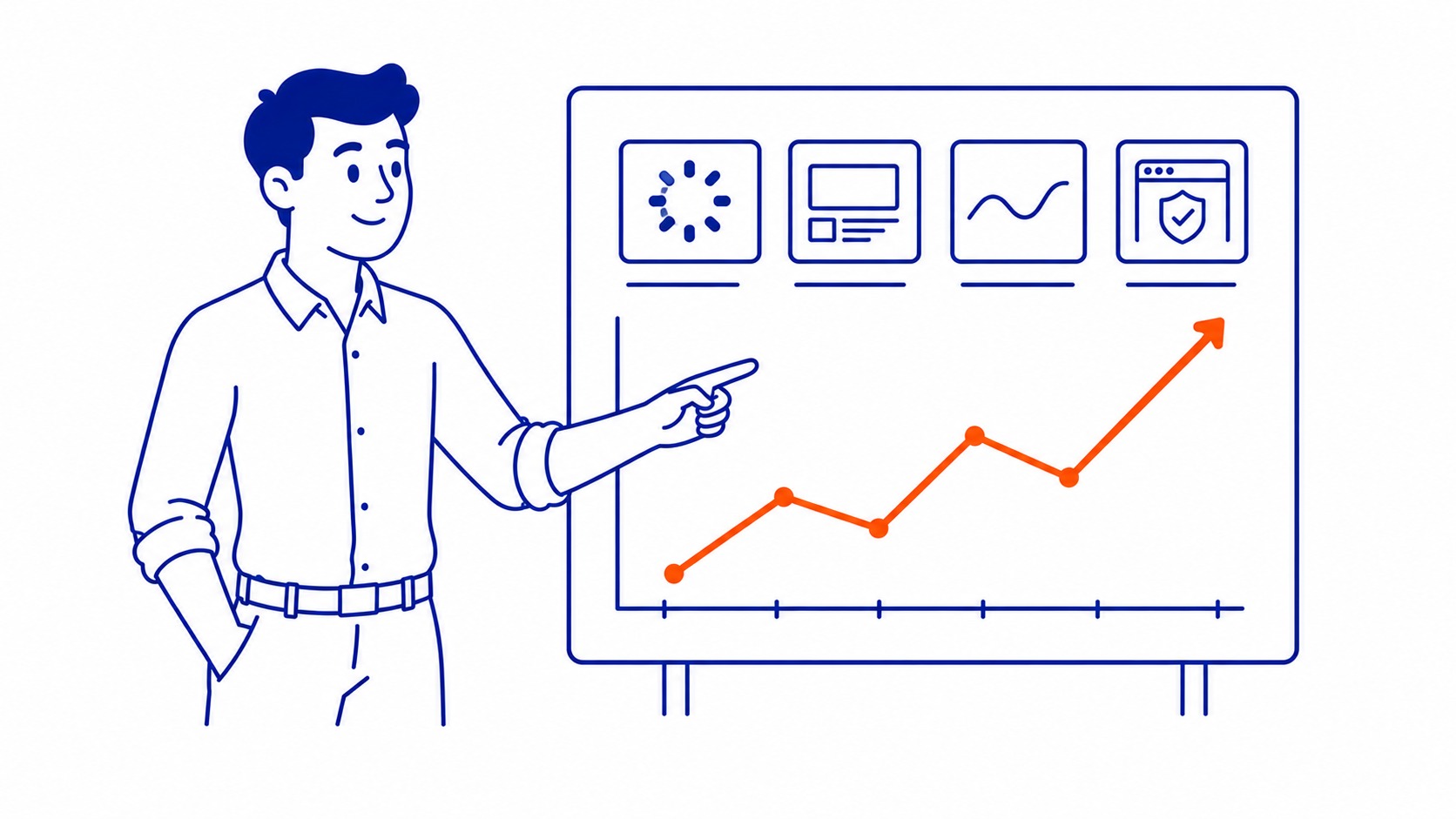
Core Web Vitals are Google’s attempt to put numbers on the user experience while a page loads. Three metrics carry the weight.
Largest Contentful Paint, or LCP, measures how long the main content takes to appear. Under 2.5 seconds is the target. Cumulative Layout Shift, or CLS, measures how much the page jumps around as it loads. Aim under 0.1, because nothing annoys a reader faster than a button that moves right as they tap it. Interaction to Next Paint, or INP, measures how quickly the page responds when someone clicks or taps. It replaced First Input Delay in 2024 and gives a fuller picture of responsiveness.
You can see all three in Google Search Console under the Core Web Vitals report. That report pulls from real Chrome user data, not a lab simulation, so it reflects what your actual visitors experience. A page can score well in a test tool yet fail in the field report. When those two disagree, trust the field data. That is the version Google ranks on.

What Slow Page Speed Costs You
The ranking penalty is the part everyone fixates on. The conversion loss is the part that actually drains revenue. Google’s own research found that bounce probability climbs sharply as load time stretches: a jump from one second to three roughly doubles the odds a visitor leaves. Push it to five seconds and the bounce rate climbs higher still.
Picture the math on a local services business. A hundred clicks land on a page that takes six seconds to load. Half of them give up before it finishes. That is fifty potential leads gone, and you paid for some of those clicks through ads. We have watched this drain conversions on otherwise solid sites, where the content was strong and the keyword targeting was right, but the page simply made people wait. Slow site speed turns paid and organic traffic alike into bounce statistics.
There is a compounding effect, too. High bounce rates and short visits feed back into how Google reads the page. People arriving and immediately leaving is not the engagement pattern that holds a ranking. The slow load does not just cost the sale in front of you. It chips at the position that brought the visitor in the first place.
How to Check Your Page Speed
Three free tools cover almost everything you need. Start with Google PageSpeed Insights. Paste in a URL and it scores both mobile and desktop, then lists specific problems in priority order. The mobile score is the one to watch, since that is what Google indexes. Lighthouse, built into Chrome’s developer tools, runs a similar audit and is handy for testing pages before they go live. GTmetrix adds a waterfall view that shows exactly which file is holding up the load.
PageSpeed Insights deserves a word of caution. The number at the top is a lab score from a simulated device, and it can swing between runs. Treat it as a diagnostic, not a grade. The field data lower down, drawn from real visitors, is the true measure. Run any page two or three times and watch the recommendations, not just the headline number.
A proper SEO web audit goes further than a single URL. It checks speed across templates, flags the heaviest pages, and connects slow load times to the rankings and conversions they are dragging down. Checking one page tells you that page is slow. An audit tells you which slow pages are actually costing you. If you want the full process, our guide on how to do an SEO audit walks through it step by step.

How to Improve Page Speed
Most speed problems trace back to a handful of usual suspects. Tackle them in rough order of payoff.
Images are the first place to look. They are almost always the heaviest thing on a page, and they are the easiest fix. Compress them, serve them in modern formats like WebP, and size them to the space they actually fill rather than uploading a 4000-pixel photo into a 600-pixel slot. On most small-business websites, image work alone shaves seconds.
Caching comes next. Browser caching lets returning visitors skip re-downloading files they already have, and server-side caching spares your database from rebuilding the same page on every request. A caching plugin handles most of this on WordPress without touching code.
Then there is the server itself. Time to First Byte, the delay before your server even starts responding, depends heavily on your hosting. Cheap shared hosting often sits at the root of a slow website, no matter how clean the front end is. A content delivery network helps here by serving files from a location near each visitor instead of one distant origin. Render-blocking scripts are the last common culprit: bloated themes, unused plugins, and third-party trackers that freeze the page until they finish loading. Trim what you do not need. Redirect chains belong on that list as well. Each hop adds a round trip. That is one reason 301 redirects get blamed for SEO problems they rarely cause on their own.
None of this is glamorous. It is mostly housekeeping, and it pays off quietly. Speed work supports every other part of search engine optimization rather than replacing it. Get the page fast, get the content right, and the two reinforce each other. The same logic applies whether traffic comes from organic search or from paid campaigns run by a Google Ads management agency, where a slow landing page burns budget on clicks that never convert. Faster pages stretch every dollar of that spend.
Frequently Asked Questions
Does page speed affect Google rankings directly?
Yes, through Core Web Vitals, which are part of Google’s page experience signals. The effect is real but modest. Speed works as a tiebreaker between pages of similar relevance and authority, not as a substitute for either. Fix the content and targeting first.
What is a good page speed score?
Aim for a PageSpeed Insights score above 90 on mobile, but treat the number as a guide rather than a goal. The metrics that matter more are the field thresholds themselves: LCP under 2.5 seconds, CLS under 0.1, INP under 200 milliseconds. Hit those on real-user data and the score usually follows.
How do I check my website’s page speed?
Google PageSpeed Insights is the fastest start. Paste your URL, read the mobile result first, and work through the recommendations in the order they appear. For ongoing monitoring, the field-data report in Search Console tracks real visitor experience across your whole website over time.
Will faster page speed improve my rankings overnight?
No. Speed improvements help, but Google takes weeks to recrawl pages and update the field data behind those metrics. SEO works on a timeline of months, not days, and speed is one piece of it. Anyone promising instant ranking jumps from a speed fix is overselling. Worth keeping in mind before you judge whether the work paid off.
Contact Calgary SEO Company To-The-TOP!
Questions about anything in this article, or about your own rankings? Talk to a Calgary SEO specialist directly.
Phone: (403) 308-5949
Address: 1509 14 Ave SW, Calgary, AB T3C 0W4
Hours:
Monday to Friday: 10:00 am – 7:00 pm
Saturday: 12:00 pm – 4:00 pm
Sunday: closed
