
What Is SEO Poisoning?
SEO poisoning, also called search engine poisoning, is an attack that uses search engine optimization tricks to push malicious pages high in search results so people click them. The most common goal of SEO poisoning is to steal logins and payment details or to install malware, and the high ranking is simply the delivery method. For a business it shows up in three ways: staff or customers land on a poisoned result, attackers build fake pages around the business name, or the business’s own hacked website becomes the host that does the ranking.
How SEO poisoning works
The attack starts with a search people already trust the answer to. The Canadian Centre for Cyber Security describes SEO poisoning as an effective attack vector precisely because so many people assume the top results are relevant, vetted and legitimate, and attackers aim at popular and trending searches to exploit that habit. Software downloads, remote-access tools, document templates, sign-in pages and support numbers are typical targets, because the visitor arrives expecting to download something or enter a password. CrowdStrike gives the example of a person who types “team viewer” into Google, clicks a lookalike result and is offered a malware-infected installer instead of the real TeamViewer download, and Zscaler documents spoofed download pages for Ivanti’s VPN client and fake payroll portals that captured employees’ payroll credentials and rerouted their direct deposits.
To get those pages ranking, attackers reuse old black hat techniques: keyword stuffing, link farms, lookalike domains with deliberate typos and cloaking, where the server shows Google one page and the human visitor another. Google’s spam policies list cloaking, sneaky redirects and hacked content as violations for exactly this reason, since the page Google reviewed is not the page the visitor receives. The most effective shortcut is to skip building a new site at all. A hacked website already has an indexed domain, some history and real links, so a page planted on it can rank far faster than anything on a brand-new domain, and the owner usually has no idea it is there.
What a poisoned result looks like
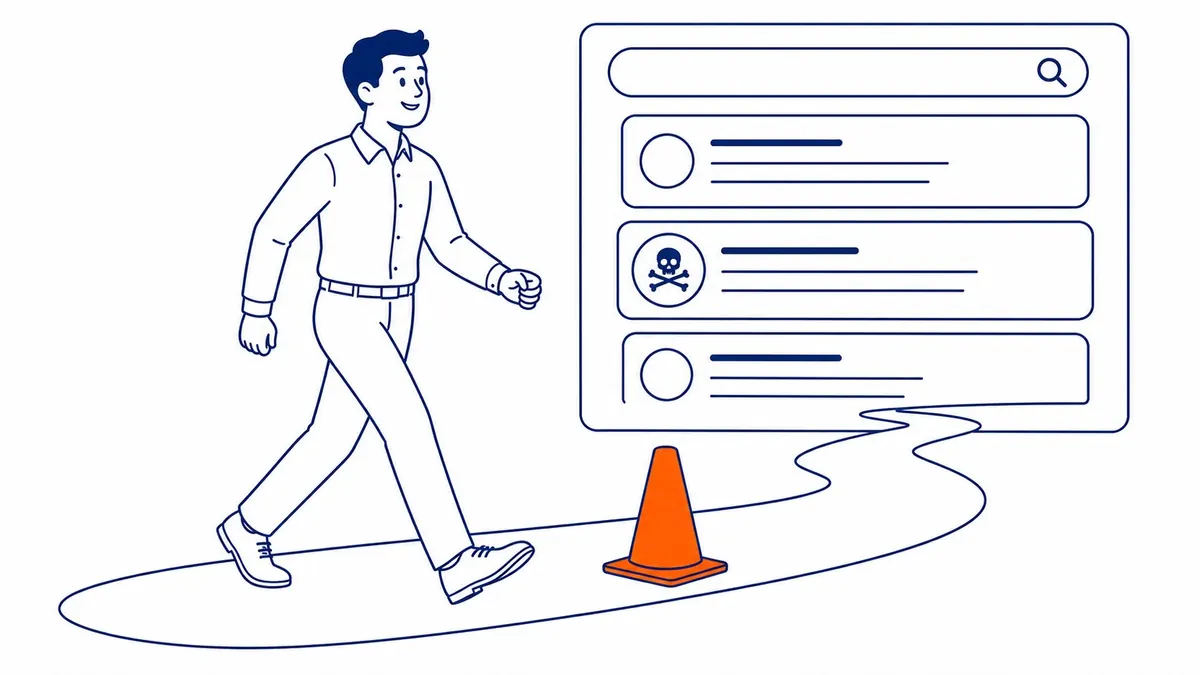
Most of the time a poisoned listing looks ordinary, with a believable title and description, which is why the Cyber Centre’s advice to searchers is to read the result before clicking. Its clues are practical: check the address for misspelled words, confirm the page is related to what you searched for, be wary of cluttered or unprofessional pages and fonts that look out of place, and make sure a file you download has the extension its description promises. A padlock in the address bar is not proof of safety, because malicious sites can show one too. The Cyber Centre also recommends typing the known address into the browser instead of searching and clicking, which matters most for anything that involves a password or payment, such as online banking or a payroll portal.
Google flags some of these results itself. When it believes a hacker has changed pages on a site or added spam pages, the listing can carry the message “This site may be hacked”, and Google’s help page tells searchers not to visit the site until the message disappears. Sites with other security problems, such as malware or deceptive pages, can show a warning in the results or a full-page warning in the browser. A listing whose snippet is in a language the business does not use, or that talks about pharmaceuticals or designer goods on a domain that sells plumbing or accounting, is another strong hint that the site has been compromised.

SEO poisoning, negative SEO and black hat SEO
These three terms get mixed together, yet they describe different attackers with different goals, and the fix for one does little for the others. Negative SEO is aimed at a competitor’s rankings, while black hat SEO is a site owner breaking Google’s rules to lift their own pages. SEO poisoning borrows black hat methods, but the ranking is only a means to reach victims.
| SEO poisoning | Negative SEO | Black hat SEO | |
|---|---|---|---|
| Who is the target | Searchers who click the result | A competitor’s website | Nobody directly; the goal is the cheater’s own ranking |
| What the attacker wants | Logins, payment details, malware installs, scam calls | Lower rankings for the rival | Higher rankings and traffic |
| Typical methods | Hacked sites, lookalike domains, cloaking, keyword stuffing | Spam links pointed at the rival, scraped copies of its content | Keyword stuffing, bought links, doorway pages |
| Where a business owner feels it | Their site hosts the pages, their brand is impersonated, or staff get infected | Their rankings may drop | Their own penalties if they do it |
One practical consequence follows from the table. A disavow file asks Google to ignore certain links pointing at a site, so it belongs to the link side of negative SEO. It does nothing about spam pages or scripts sitting on a hacked server, which have to be removed from the site itself.

How a legitimate business ends up hosting it
Google’s hacked content policy and its Security Issues help describe the main patterns. Code injection adds malicious JavaScript or iframes to existing pages, often to redirect visitors or run code in their browsers. Page or URL injection adds new pages full of spam keywords or links, often meant to manipulate search engines or to attempt phishing. Content injection slips spam links or text into pages the owner still uses. Google’s Japanese keyword hack guide gives a typical example: autogenerated pages in random directories, selling fake brand-name goods through affiliate links and shown in Google Search.
The way in is usually ordinary. Google’s hacked-site guides say many sites get hacked because they run outdated software, the Cyber Centre’s owner checklist points to secure coding, keeping the site updated, a web application firewall, regular security audits and multi-factor authentication for administrators, and Google’s Ads policy names “a content management system with known security vulnerabilities, where it has been exploited” as a compromised site. For a typical small-business WordPress site, that means an outdated plugin or theme, a reused administrator password, or an old admin account nobody removed. The owner often sees nothing wrong, because the hacked pages sit in folders nobody browses and cloaking can show a normal page or even a 404 error to anyone who is not Google.
How to check whether your own site is involved
A few minutes in Google’s free tools will answer this better than any scanner, and the reports in Search Console are the place to start. Google reports hacked content, malware and deceptive pages in the Security Issues report, which is separate from the Manual Actions report: Google describes manual actions as mostly attempts to manipulate its index, and security issues as signs that a site was hacked or could harm visitors.
- Open Security issues in Search Console. A green check mark means Google has found nothing; otherwise the report lists the issue type with example URLs.
- Open Settings, then Users and permissions, and look for owners you do not recognize. Google’s guide to the Japanese keyword hack notes that attackers often verify themselves as an owner so they can change settings such as sitemaps, and that removing them also means removing their verification file or rewrite rule.
- Search Google for
site:yourdomain.caand page through the results looking for addresses, titles or languages you did not publish. - In the Performance report, sort queries and pages for anything unrelated to the business, such as foreign-language queries or product names it never sold.
- Test a suspicious URL with URL Inspection’s live test, which shows the page as Google receives it, and request it from the command line with a tool such as cURL, setting Google as the referrer, since hacked pages often respond differently depending on who appears to be asking. Google suggests both because opening an infected page in a browser can be risky and because hacked pages often show different content to Google than to the owner.
- Check the domain in Google’s Safe Browsing site status tool, which Google’s Ads policy also points to, while keeping in mind that it may not catch everything.
Unexpected spikes or drops in traffic are worth a look too, since the Cyber Centre lists them as a sign that a site may have been hacked.

What it does to a Google Ads account
A hacked site is not only an organic search problem, because the same pages are often the landing pages for Google Ads campaigns. Google’s Advertising Policies separate two situations, and the difference matters. Under the Compromised sites policy, ads that send people to a hijacked or hacked destination are disapproved, and Google states that violations of this policy do not lead to immediate suspension: it issues a warning at least 7 days before suspending the account. The fix Google describes is to find the code loading from the domains it names in the disapproval, remove it, check the Security Issues report and the Safe Browsing status, and then have the ads reviewed again.
The Malicious software policy is far harsher. Intentional distribution of malware is treated as an egregious violation, and Google states that accounts found violating it are suspended on detection, without prior warning, and reinstated only in compelling circumstances. A business whose site was hacked without its knowledge normally falls under the first policy, which is a good reason to act on a Compromised site disapproval the day it appears rather than letting the warning period run out.
Cleaning up, in the right order
Deleting the visible spam pages is the part people do first and the part that matters least on its own. Google’s cleanup guides start with a full backup of the files and database, then removing unknown Search Console owners and the spam itself, and they call fixing the vulnerability the essential final step, since a site with the same hole still open can be hacked again soon after the cleanup. The same guides advise changing the passwords for the hosting account, FTP and the content management system, and turning on two-factor sign-in wherever it is offered, and any administrator account nobody can explain should go. If the server-side work is beyond the person who looks after the site, Google’s guidance is to build a support team, which in practice means the host or a security specialist.
When the site is clean, request a review from the Security Issues report. Google says a review can take from a few days to a few weeks, and the “This site may be hacked” message is not removed until the owner has acted. Rankings for the real pages can take longer to settle after that, so watch the Performance report for the old spam queries fading and for the real pages coming back, and use a technical SEO audit to confirm that redirects, sitemaps and robots settings were not changed by the attacker.
How to prevent SEO poisoning
Prevention splits into protecting the people who search and protecting the site. For staff, the Cyber Centre’s advice is to keep browsers and security software updated, avoid suspicious links, show file extensions so a fake document is easier to spot, and type the known address of a tool or sign-in page instead of searching for it. Bookmarking the ones used every week does the same job with less typing. Downloading software only from the vendor’s own site, rather than the first search result, removes the most common route for fake installers.
For the website, keep WordPress, plugins and themes updated, delete the ones nobody uses, turn on multi-factor authentication for every administrator and keep a recent backup somewhere other than the server. Add the site to Search Console if it is not there already and turn on its email notifications, because a security issue is reported there, often before the owner notices anything else. Businesses can also search for their own name every so often to catch lookalike pages early.
SEO Company To-The-TOP! has worked on Calgary websites since 2007 and offers SEO and Google Ads management for businesses in Calgary, Edmonton, Vancouver and across Alberta and British Columbia. If a site has been through a hack and the rankings or ads have not recovered, an audit is a sensible place to start, and the To-The-TOP! home page has the contact details, or call (403) 308-5949.
Contact Calgary SEO Company To-The-TOP!
Questions about anything in this article, or about your own rankings? Talk to a Calgary SEO specialist directly.
Phone: (403) 308-5949
Address: 1509 14 Ave SW, Calgary, AB T3C 0W4
Hours:
Monday to Friday: 10:00 am – 7:00 pm
Saturday: 12:00 pm – 4:00 pm
Sunday: closed