What Is SEOquake? A Free Browser Extension for Fast SEO Data
Running competitor checks on client sites since 2007, I have kept a short list of tools that actually get used. SEOquake made the cut early and has stayed there. Install the browser extension once. It runs quietly in Chrome, Firefox, or Opera after that. Ready the moment you need it.
The simplest description: a free plugin that attaches an SEO bar to every result and SERP you visit. No separate tab, no login, no platform account required. Open a competitor site and click the icon. The data is already in front of you.
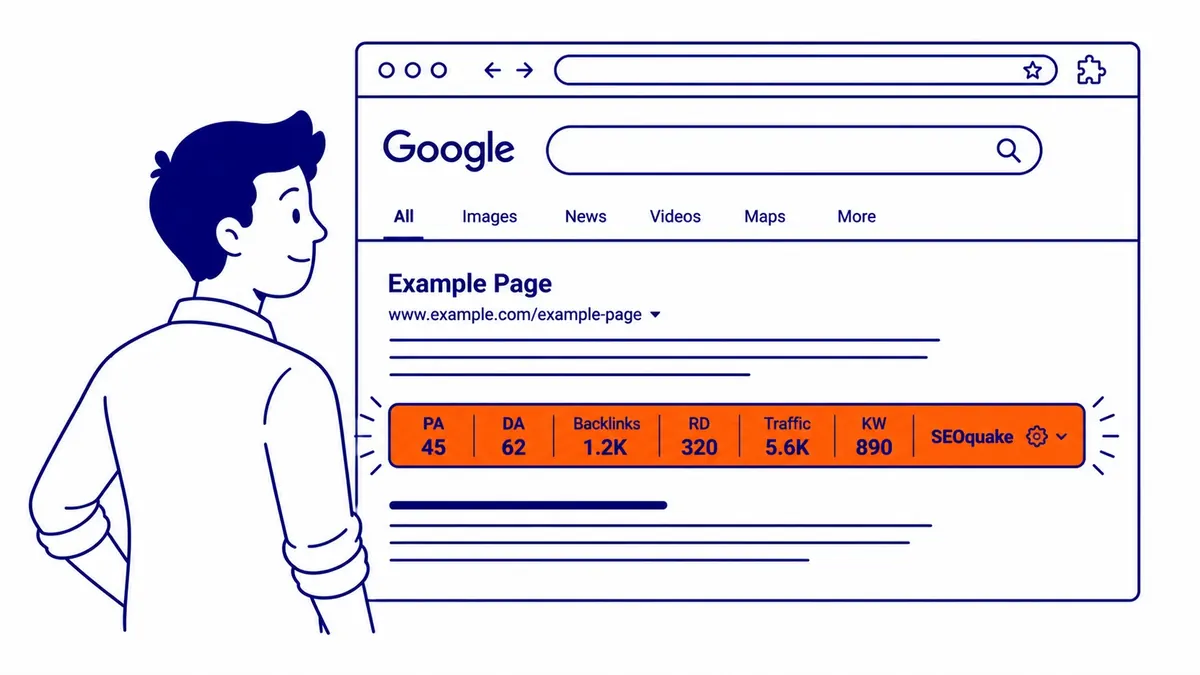
What SEOquake Shows on Every SERP
Run a search and the SEO bar appears beneath each organic result on the page: Google index status, Bing index status, backlinks count, Alexa rank, and domain age. Switch to the comparison view and all visible SERP results line up side by side in a single table.
Not the most authoritative dataset, though; the tool draws from SemRush’s index rather than a live crawl. For a fast directional read on who is ranking and what their domain profile looks like, it answers the question in seconds rather than minutes.
At To-The-TOP!, this kind of quick scan comes first during initial client analysis, before full audit tools come out. Directional SEO metrics first; precision, however, follows from the full tools.
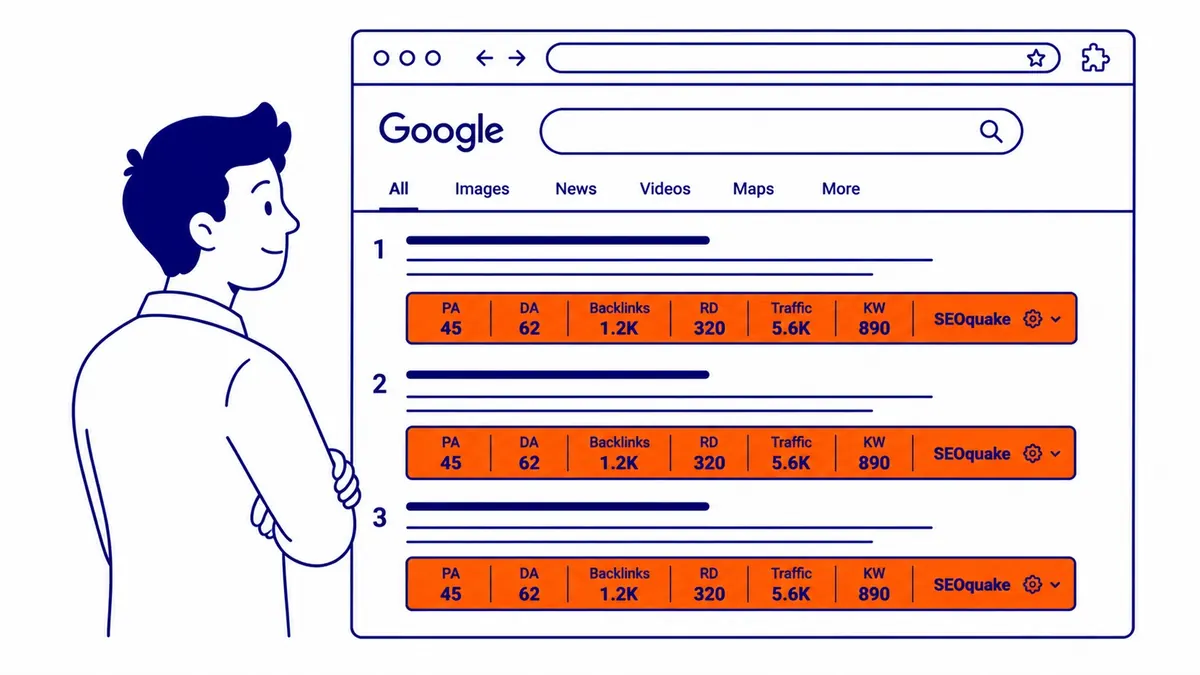
The On-Page Audit: What the Diagnosis Panel Covers
Click the icon on any site and the diagnosis panel expands without opening a new tab.
The broader category of what is an SEO checker tools covers where SEOquake fits alongside dedicated platforms like Screaming Frog and Search Console.
What it surfaces: title tag text, meta description, meta keywords, headings from H1 through H6, internal links count, external links count, keyword density report, and a set of HTML parameters. All of it in one view.
The keyword density analysis is the feature worth learning first. Pull up a competitor site, click the icon, look at which terms dominate the content at what frequency and percentage. Then check your own content against those numbers. Gaps show up quickly. Terms the competitor uses heavily that yours is missing: that is where content work starts.
What the panel does not do: rank those findings by impact or diagnose what is causing a ranking problem. That job is the reason to book a website audit instead. Entirely different scope, though. The plugin surfaces parameters. An audit, however, interprets them and prioritizes the fix list.
Exporting Data in CSV Format
Pull a set of SERP results, export the metrics in CSV format, drop into a spreadsheet, sort by domain age or link count. Useful for practitioners doing competitor mapping across a large keyword set.
The guide on what is the best SEO software covers the fuller platform options for campaigns that need more than a browser extension can provide.
Most users never touch the CSV export. Single-site spot checks are, however, the common use case. For agencies doing volume analysis across many domains, however, the CSV format saves a lot of manual re-entry. Worth knowing it exists.
Which Browsers Support the Extension
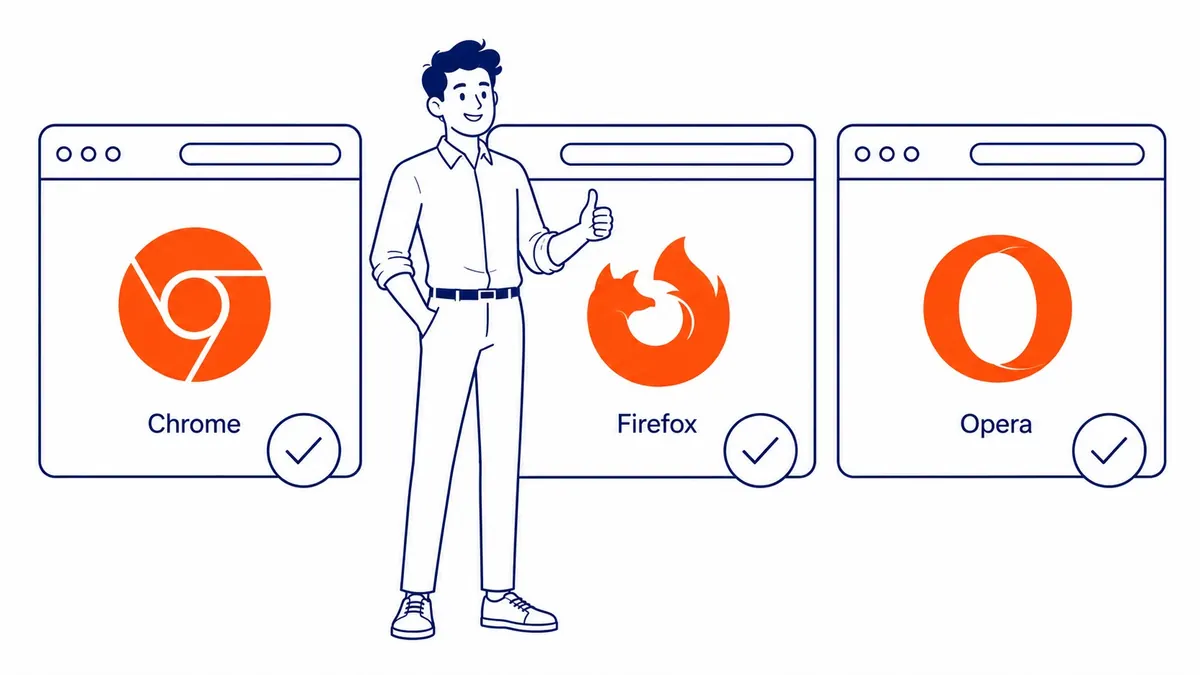
Find it in the Google Chrome store or Mozilla Firefox add-ons. Opera also carries it. Install like any other add-on. No OS restrictions. Works anywhere those browsers run, even on older machines.
Who Gets the Most from SEOquake
Beginners learning on-page optimization for the first time. Title tags. Meta descriptions. Headings. Internal and external link counts. All visible without writing a line of code. That immediate access is genuinely useful when you are still building a mental model of what a site actually contains.
Junior analysts who need fast data before pulling full platform tools find it cuts down the preliminary work. Experienced practitioners still have it installed for quick checks: confirm a site is indexed in search engines, spot a competitor’s title tag, run a fast keyword density check before a content call. Ten seconds, no subscription required.
What the tool is not: a replacement for Search Console, a place to have your keywords researched, a proper link analysis suite, or a substitute for Google Ads campaign management. It has earned a permanent spot in our Calgary SEO work, mostly for fast situational awareness. Building a real strategy requires considerably more, though. To-The-TOP! also uses several tools in combination across every client engagement. It still covers the quick end.
SEOquake vs. a Full SEO Audit
Worth being direct about this comparison, since it comes up regularly.
The plugin shows parameters. Diagnosing causes takes a full audit, and no website audit report template free of charge will do that work for you.
Search Console, GA4, and crawl data: a proper audit pulls from all three. It works through crawlability blocks. Indexation failures. Page speed. Core Web Vitals gaps. Schema markup. Internal link architecture. Local citation accuracy for businesses in local search. A proper audit, however, covers every one of those areas. Still, SEOquake surfaces only a subset of those SEO metrics, one site at a time. No root-cause context comes with it.
The practical difference: one tool answers what a site has on it. Another answers why it is not ranking, and what needs to change first. No browser plugin, however, replaces a structured audit. One gives a reading. Another, instead, tells you what to do about it.
SEO practitioners in Salmon Arm SEO, Sidney SEO, and Slave Lake SEO keep SEOquake installed for fast competitor checks before pulling full audit tools. The full tools come later, once the steps to do an SEO audit are actually mapped out. SEOquake is an extension, not a site plugin, and SEO plugin basics cover that difference.
Frequently Asked Questions
What is SEOquake used for?
On-page data across any site. SERP overlay on every organic result. Keyword density analysis. Internal and external link counts. Title tag and meta description visibility, no source-code access required. Free browser extension, no login. Works in Chrome, Firefox, and Opera.
Is SEOquake free?
Free. No subscription required. Google Chrome, Mozilla Firefox, and Opera all support it. SemRush develops and maintains it alongside their paid suite. Core functionality has stayed free since the tool launched.
SEO Quack vs. SEOquake: same product?
Different products entirely, though. SEO Quack is a separate browser extension with its own name and interface. This is the SemRush-built tool with the SEO bar overlay. Not related, not interchangeable. Check the publisher and extension name before installing either one.
Contact Calgary SEO Company To-The-TOP!
Questions about anything in this article, or about your own rankings? Talk to a Calgary SEO specialist directly.
Phone: (403) 308-5949
Address: 1509 14 Ave SW, Calgary, AB T3C 0W4
Hours:
Monday to Friday: 10:00 am – 7:00 pm
Saturday: 12:00 pm – 4:00 pm
Sunday: closed
