
Are 404 Errors Bad for SEO?
Every client site we audit still turns up 404 errors. Sometimes hundreds. The question that follows every crawl report: do 404 errors on your website actually damage your rankings?
Truth is, it sits somewhere between “not really” and “it depends on which ones.” Google has been clear on this for years. John Mueller confirmed it in multiple public forums. Crawlers find a broken URL, log the response code, and move on.
But that is not the end of the conversation on your site.
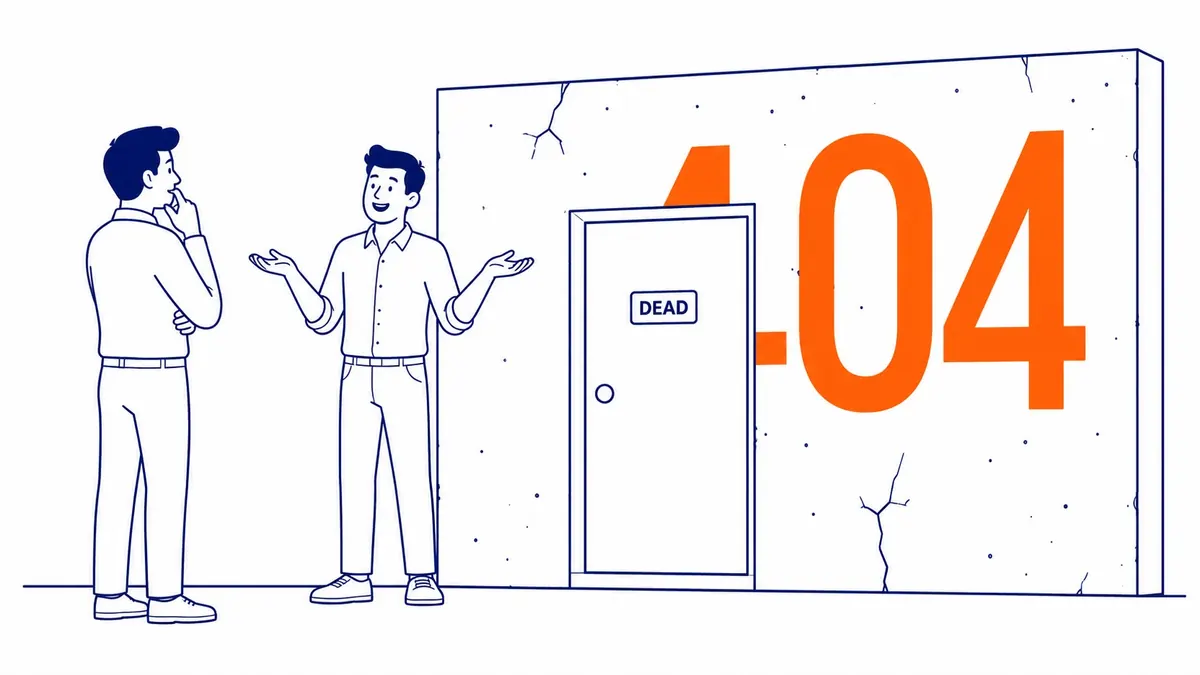
What a 404 Status Code Tells Google
Each request to your site gets a status code in return. The 200 tells the browser the page is there. That 404 status code tells it the page is not. Server is doing exactly what it should.
Google’s crawlers log it. The URL gets dropped from the index eventually, though.
No manual penalty. Ranking hits don’t happen just because a URL on your website returns 404.
Scale and context still change that calculation.
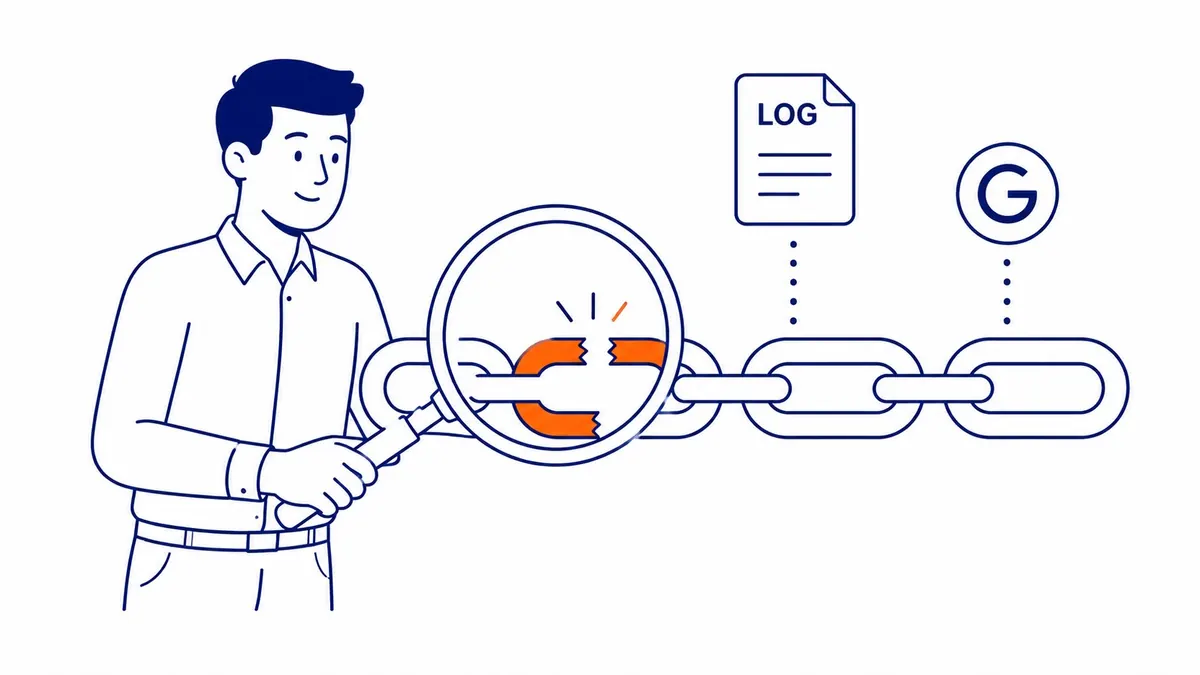
When 404s Start Hurting Your SEO
Still, context matters. A handful of 404 errors on a large site is background noise. Hundreds of broken links pointing to 404 pages is where it starts to matter, though.
For context on the broader crawl health picture, the guide to technical SEO fundamentals covers how Googlebot prioritizes pages during a crawl.
Crawl budget waste. Googlebot follows your site’s internal links and hits 404 after 404. That crawl budget gets burned on dead ends rather than your real content. For larger sites, this matters more than most guides admit.
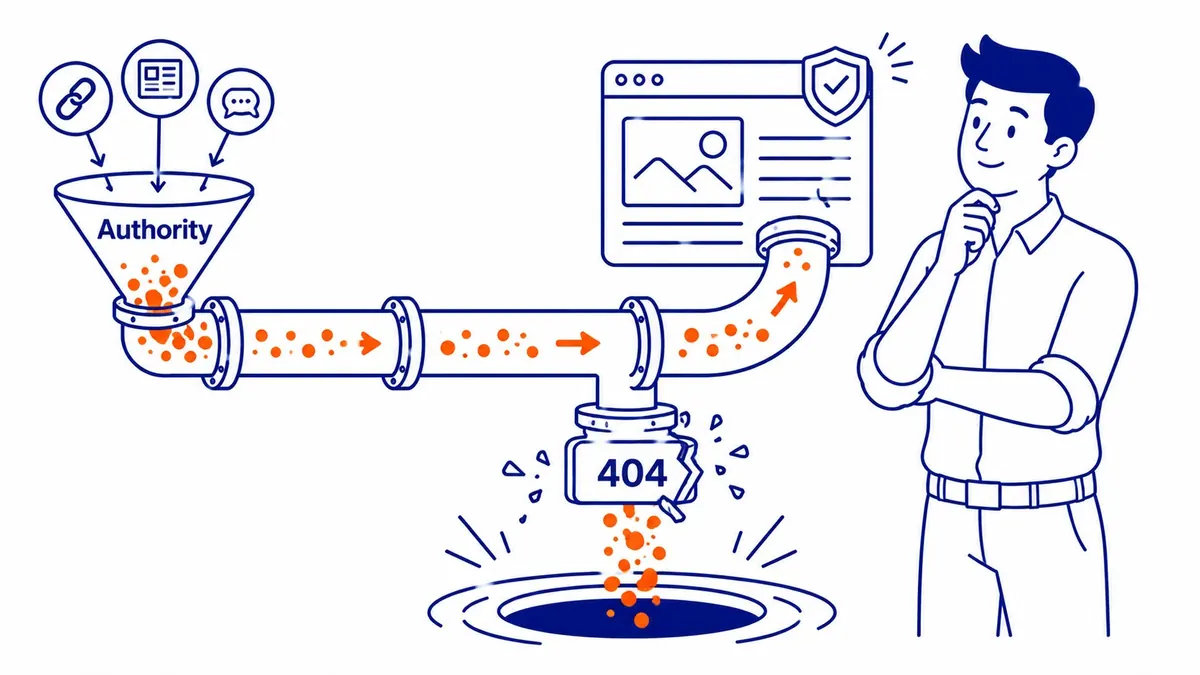
Lost link equity. Link equity goes nowhere when backlinks point to URLs on your site that return 404. A 301 redirect to a relevant page. Most of that value comes back. Without one, the authority from the referring domain disappears.
Broken internal links. Users who click a link and hit a dead end on your website do not convert. Bounce rate climbs. That is a poor user experience, and search engines still read those visit signals accordingly.

How to Audit 404 Responses on Your Site
Then, three places to check. Google Search Console shows crawl errors under the Coverage section. Any URL on your website that returned 404 appears there. Free and updated regularly.
A full walkthrough of how to do an SEO audit covers the process for prioritizing which broken URLs to fix first.
Site links that Search Console misses also tend to surface in Screaming Frog. Run a full crawl of your site and filter by 4xx.
Ahrefs or a backlink tool shows which external URLs pointing to your domain are returning 404 responses. That is where link equity is quietly leaking off your website.
Fixing Broken Links and Dead URLs
Then comes triage. Not every 404 on your website is worth addressing, though. A URL that was never linked to, never ranked, never generated traffic: leave it. Eventually it stops getting checked.
URLs that moved. Slug changed during a rebuild of your site. Set one up from the old URL to the new one. Link equity still mostly follows.
Deleted URLs with backlinks. Pull a backlink report. Any external link landing on a 404 on your site is a recovery opportunity. Redirect it to the closest relevant page.
Internal link cleanup. Update the link in the body copy or navigation. Simplest fix in the pile, and it directly improves user experience for users who land there instead of a dead end. The wider ranking cost of broken links is worth a separate read.
Soft 404s: A Different Problem
Still, different mechanism. Server sends back a 200 instead. That tells Google the page exists. No useful content is actually there, however: just an empty results template or a thin placeholder. Google still catches soft 404s eventually. The delay means they sit in search results longer than warranted.
E-commerce categories with no products. Search result URLs indexed by accident. Sections that never got content during a site migration. Those are the common culprits on your website.
Add real content to the page. Or return a proper 404 status code if there is nothing there to save. Permanently gone? A 410 tells search engines to drop it faster than a standard 404 does.
What This Means for Your SEO
An SEO website audit at To-The-TOP! almost always surfaces some 404 errors. On most sites, a reasonable number is not a problem. Still not a race to eliminate every broken URL. The question is whether the 404 errors on your website are costing crawl budget, backlink value, or trust from users who hit dead pages.
Worth fixing: broken internal links, external links landing on 404 pages, soft 404s hiding thin content. Those get fixed. The rest get monitored.
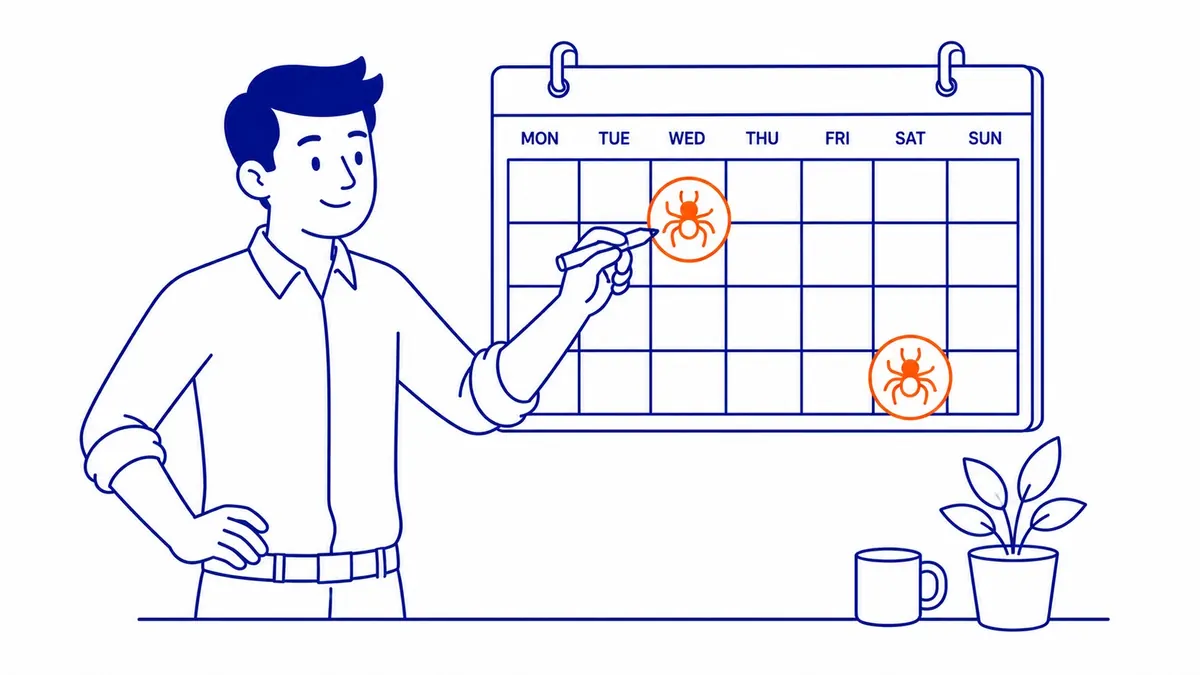
Worth crawling your site at least twice a year. URLs change, pages get deleted, plugins break links. No site stays clean without checking.
A thorough audit covers broken links, crawl errors, and the technical faults that our search engine optimization work is meant to catch. And if Google Ads management runs alongside your organic search, broken landing pages cost you even more. Every click that lands on a dead page was paid for, which is never true of the organic traffic To-The-TOP! brings in.
Businesses in Abbotsford SEO, Airdrie SEO, Armstrong SEO, and Athabasca SEO run into the same broken-link cleanup challenges after site migrations. Migrations are also where the verdict on 301 redirects gets tested properly.
Frequently Asked Questions
Still, a few come up every time.
Do 404 errors hurt SEO?
Not automatically. What hurts is scale: hundreds of broken links burning crawl budget, backlinks landing on 404 pages, and users hitting broken site links. Those specific problems carry real costs for your site.
Is it okay to have some 404 errors?
Pages get deleted. URLs change. Google treats both as normal. Worth addressing: any broken URL on your website with external backlinks still pointing to it.
404 error in SEO: what exactly is it?
Server tells the browser that URL is gone. Still a 404 status code. Real traffic hitting a 404 instead of a redirect is still where the actual cost starts.
Are 500 errors worse than 404 errors for SEO?
Different problem. Server failed to respond: that is what a 500 means. Sustained 500s push key URL rankings down faster. A 404 tells search engines a URL is gone. The 500 tells them your server is not responding.
Contact Calgary SEO Company To-The-TOP!
Questions about anything in this article, or about your own rankings? Talk to a Calgary SEO specialist directly.
Phone: (403) 308-5949
Address: 1509 14 Ave SW, Calgary, AB T3C 0W4
Hours:
Monday to Friday: 10:00 am – 7:00 pm
Saturday: 12:00 pm – 4:00 pm
Sunday: closed