
How to Cancel Google Ads
Three different things hide behind the phrase. Knowing how to cancel Google Ads means first deciding whether you want to pause a campaign for a while, remove a campaign for good, or shut the whole account down. They are not the same action, and picking the wrong one is how people lose data they wanted to keep or keep paying for something they thought was off.
We have run paid search for Calgary businesses since 2007, and the cancel question lands in our inbox more than you would expect. Usually it arrives in a panic. The ads kept charging after a launch, or a seasonal promotion wrapped up, or someone inherited a business account nobody set up properly. So here is the plain walk-through of the whole process: every option, what it does to your billing, and what happens to your advertising once it is switched off.
How to Check Competitors’ Google Ads: Free and Paid Tools
Knowing how to check competitors google ads usually starts with the wrong expectation: that one magic dashboard exists. It does not. What you get instead is a stack of free tools and a couple of paid ones, each showing a slice. Ads serving right now. The search terms behind them. Roughly how often a rival shows up against you. Stitch those slices together and a working picture appears. SEO Company To-The-TOP! has read these signals for Calgary advertisers since 2007, and the plain version is that the data points a direction, it does not hand you exact figures.
Worth saying up front: none of this is spying in any real sense. The ads are public. Google publishes them. Your competitors see yours the same way. What separates a useful audit from an afternoon of clicking around is knowing which signal answers which question.
How to Find Google Keywords
The keywords you pick determine which searches find you. Wrong ones mean invisible campaigns, wasted ad spend, pages that never rank. Right ones mean consistent traffic from people already looking for what you sell.
Here is how to find them.
Google Ads Setup and Strategy: How to Start Advertising
Short version: start a Search campaign, target the queries your customers actually use, write ads that match those queries closely, send traffic to a page that answers what the ad promised, and track which clicks become conversions. That is the whole system. Everything else is optimising within that frame.
Slightly longer version: Google Ads is an auction-based pay-per-click platform where every search triggers a real-time bid on who shows up and where. The ad you see at the top of a results page is not the highest bidder, it is the highest-ranked combination of bid and Quality Score. Quality Score rewards relevance between keyword, ad, and landing page. Understanding that one mechanic makes every other decision easier. For search marketing in Calgary and beyond, the businesses that get the most from Google Ads are not always the biggest spenders.
How to Use Google Keyword Planner
Google Keyword Planner is free. Runs inside Google Ads. Pulls data directly from Google’s own search index. A Google account is all it requires to access, though full search volume data means adding billing information at some point.
I have been using it with clients in Calgary and across Canada for years. Here is how the keyword planner tool actually works and what to watch out for.
How Do Google Ads Work? A Plain Guide for Canadian Small Businesses
Google Ads is Google’s online advertising program, which lets a business show ads on Google Search, YouTube, Gmail, Maps and millions of partner websites and apps. So how do Google Ads work in practice? You pick a campaign type, the searches or audiences you want to reach, a daily budget and a bid. Every time someone searches, Google runs an auction among the eligible ads and ranks them by Ad Rank, which combines your bid with the quality of your ad and landing page and the context of that search. On most search campaigns you pay only for clicks, and often less than your maximum bid.
This guide explains each piece as Google currently documents it, including what Quality Score does and does not do, since several popular explanations describe rules Google has changed. It then covers billing, a first-campaign setup order and the settings a Canadian small business should get right before spending a dollar.
How Much Does It Cost to Buy Keywords on Google?
Google does not sell keywords at a fixed price. You pay for each click your ad receives, and that price is set in an auction every time someone searches, so the cost of buying keywords on Google depends on your industry, your location and the quality of your ads. Published benchmarks still give a useful reference point. LocaliQ’s 2026 search advertising benchmarks, built with WordStream from thousands of customer campaigns on Google Ads and Microsoft Ads, put the average cost per click across all industries at $5.42, with industry averages from $1.63 in arts and entertainment to $9.87 in legal. LocaliQ does not state a currency, although figures from an American company’s customer campaigns are most likely US dollars. One analysis of commercial keywords reports far higher figures for some industries, so there is no universal figure, and the most useful thing this guide offers is how to estimate the likely cost of your own keywords before you spend anything.
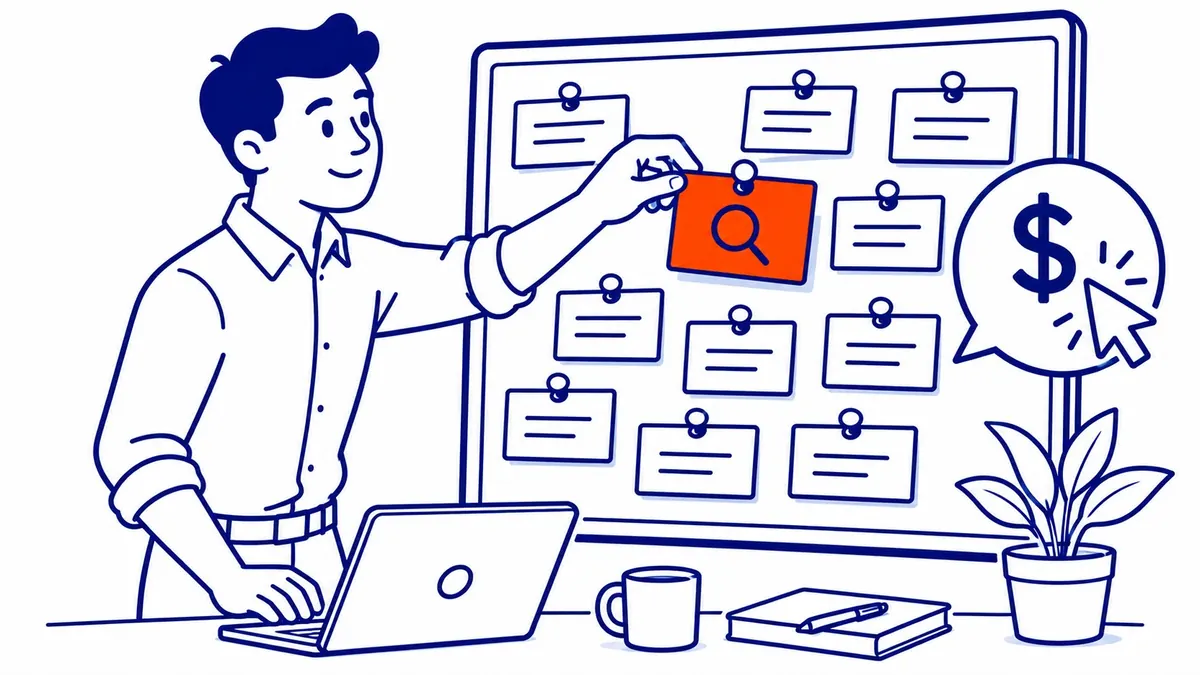
Why You Cannot Actually Buy a Keyword on Google
Keywords are not for sale on Google, and nobody can own one. Advertisers may generally bid on the same keywords, including trademarked terms such as your business name, subject to Google Ads policies. What you pay for is a click: your ad can show when a search matches your keyword, and Google charges you only when that person clicks through. Because Google runs a fresh auction for every search (the guide to how Google Ads work walks through it), the same keyword’s price can change from one search to the next.
How to Pause Google Ads, Stop a Campaign or Cancel Your Account
To pause Google Ads, sign in at ads.google.com, open Campaigns in the Campaigns menu, select the coloured status dot next to the campaign and choose Pause. Google says a paused campaign stops showing ads, stops accruing new charges and keeps all of its settings and history, so you can turn it back on later with Enable. To pause several campaigns at once, tick their checkboxes, open Edit and choose Pause. That covers most people who search for how to stop Google Ads, because a pause is the only option that is fully reversible. Removing a campaign and cancelling the account are bigger steps with consequences that are easy to miss, and both are covered further down, along with what you will still be billed for after the ads stop.
What Is Amazon PPC? | Calgary | SEO Company To-The-TOP!
Sell anything on Amazon and you run into it fast. The organic results push your product down, and paid placements sit right at the top of the page. What is Amazon PPC, then? It is Amazon’s pay-per-click advertising system, the auction that decides which sponsored products show up when a shopper types a query into the search bar.
PPC stands for pay-per-click. You only pay when someone taps your ad, not when it shows. Sellers bid on keywords, Amazon runs the auction in milliseconds, and the winning ads appear in results and on product pages across the marketplace. Simple in theory. Expensive when the targeting gets set without a plan.
What Are AdWords Keywords?
AdWords keywords are the words and phrases you add to a Google Ads campaign so your ad can appear when someone searches for something that matches them. Google’s own glossary puts it this way: keywords are “words or phrases describing your product or service that you choose to help determine when and where your ad can appear.” AdWords was simply the old name. Google renamed the product Google Ads in 2018, so an AdWords keyword and a Google Ads keyword are the same thing, and everything below applies to the platform as it works today.
A keyword does not guarantee that your ad shows, and it is not the text of the ad. It is the signal that makes your ad eligible for a search, after which an auction decides whether it appears and where. How widely a keyword matches depends on its match type, and which searches it is kept away from depends on your negative keywords.
- 1
- 2