
How to Add Google Ads Conversion Tracking to a Shopify Store
Every order that comes through Shopify checkout gets tracked. On its own, Google Ads never sees that data. Someone has to build the bridge, or ad spend keeps getting judged on clicks instead of actual sales.
Setting it up takes under an hour for most stores. Getting it accurate takes a bit more care.
How to Check If My Google Ads Are Running: Five Checks in Order
To check if your Google Ads are running, sign in to Google Ads and work down five checks in order: the billing summary, the campaign status, the ad group status, the status of each ad, and then the Ad Preview and Diagnosis tool, which simulates a search and tells you why an ad would not show. The quickest sign that ads have actually run is impressions on the Campaigns page for a recent date range, because an Eligible status only means they can run. The order of the checks matters because a status higher up overrides everything below it. A paused campaign stops every ad inside it, however healthy those ads look, and a declined payment can stop the whole account. If all five checks come back clear and you still see few impressions, the ads are running but held back, usually by budget, keywords or targeting, which the second half of this guide covers.
How to Increase Organic Keywords on Your Website
To increase organic keywords, you need Google to show your pages for more searches, and that happens in a fairly predictable order. Improve the pages already appearing for searches in Search Console, expand them to answer the related questions people ask, add new pages for topics your site does not cover yet, connect everything with internal links, and earn links from other sites. The “organic keywords” figure in tools such as Semrush and Ahrefs is a count of the search terms the tool has seen your site rank for in its own database, so it rises as your pages start appearing for more of those terms.
That last point matters more than it seems, because the number you are trying to raise depends on who is counting. It is worth understanding before you spend months trying to move it.
How to Search Google Keywords
To search Google keywords, use the free tools Google itself provides: Keyword Planner inside Google Ads for estimated monthly searches and bid ranges, autocomplete and related searches on the results page for the phrasing people commonly search with, Search Console for the queries your own site already appears for, and Google Trends for how interest changes over time. Each one answers a different question, and each has limits on its numbers that Google documents but most guides skip. This guide walks through the tools in the order that works, explains what their figures mean, and covers the other meaning of the phrase, which is searching Google itself with keywords and operators.
What Is Yoast SEO? A Plain Guide to the WordPress Plugin
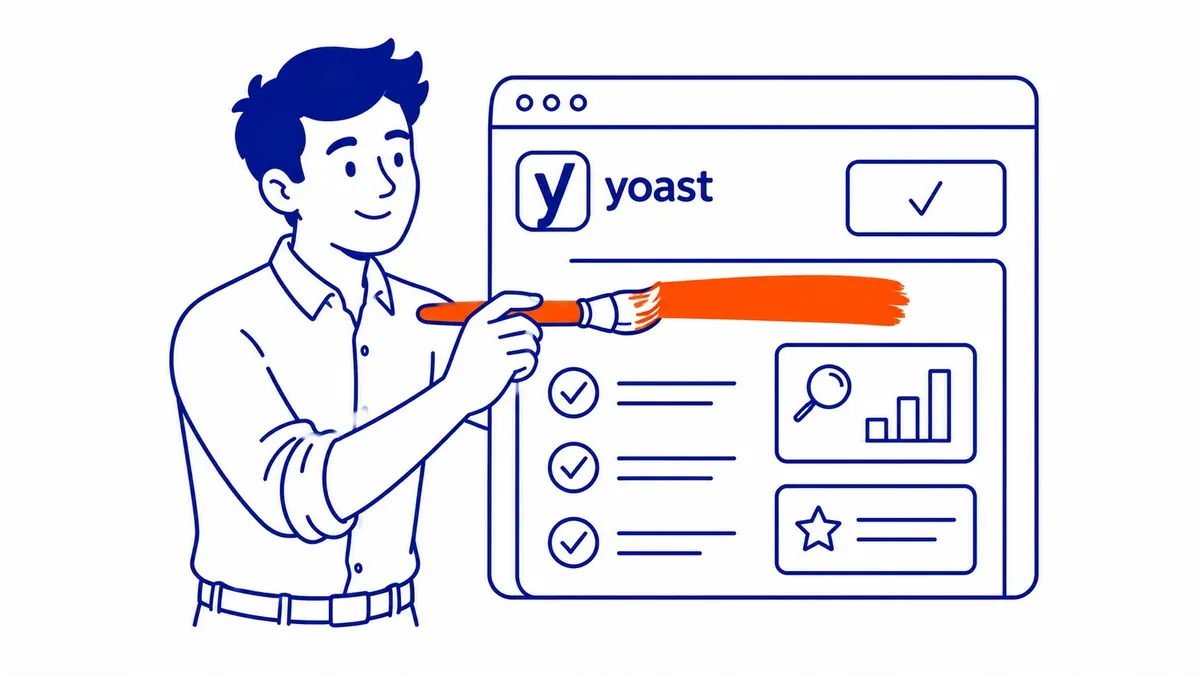
Yoast SEO is a WordPress plugin that adds search engine settings and writing checks to your site. It lets you set the title and meta description Google may show for each page, generates an XML sitemap, outputs schema markup, and grades each post with red, orange and green lights for keyphrase use and readability. The core plugin is free, Yoast SEO Premium costs US$118.80 a year before VAT, and WordPress.org lists more than 10 million active installations as of October 2026. What it does not do is rank your pages. It makes the technical basics hard to forget, which is useful, but the decisions that move rankings still sit with you.
What Yoast SEO does on a WordPress site
The plugin does three kinds of work, and most site owners only ever notice one of them. The first runs in the background once the plugin is set up. Yoast generates and updates an XML sitemap, adds canonical tags so search engines know which URL is the main version of a page, lets you mark pages as noindex, adds breadcrumbs, and builds a schema graph describing your organization, your pages and your articles. WordPress.org’s listing also describes crawl settings that manage how bots access the site and cut unnecessary server load and, newer in 2026, an llms.txt file meant to guide how AI tools read your site.
What Is an SEO Agency?

An SEO agency is an outside company you pay to get your website found in organic search, the unpaid results that sit below the ads on Google. Its job is to bring more of the right people to your site from search without you paying for each click, which it does by fixing the technical side of the site, improving the pages, earning links and reporting on what changed. The words “SEO agency”, “SEO company” and “SEO firm” mean the same thing in practice, so the more useful question is who inside the agency does the work.
That question matters because agencies range from large teams with account managers to a single specialist who does every task personally. This guide covers what an SEO agency does, the four types you will meet, what you should receive each month, how agencies charge, what no agency can control and when a business needs one at all. SEO Company To-The-TOP! is one of these providers, a Calgary practice run by one specialist since 2007, so you can weigh what follows with that in mind.
Can You Use Google Ads to Promote a YouTube Video?
We get this one from clients fairly often. Business owners and content creators who have put real time into video and want reach faster than the platform’s organic algorithm delivers. Google Ads can do that.
How it works. What it costs. Where it falls short for your channel.
How to Improve SEO
To improve SEO on a site that already exists, find out where it is stuck before changing anything. Every page has to get through four stages: Google has to index it, rank it for the right searches, earn the click, and then the visitor has to find what they came for. Search Console shows which stage is failing, and the fix for each one is different, so the order matters more than the length of the checklist. Google’s own SEO Starter Guide says some changes take effect within hours and others take several months, and that you should usually wait a few weeks before judging whether a change helped.
How Long Does It Take for SEO to Take Effect? The Three-Stage Timeline
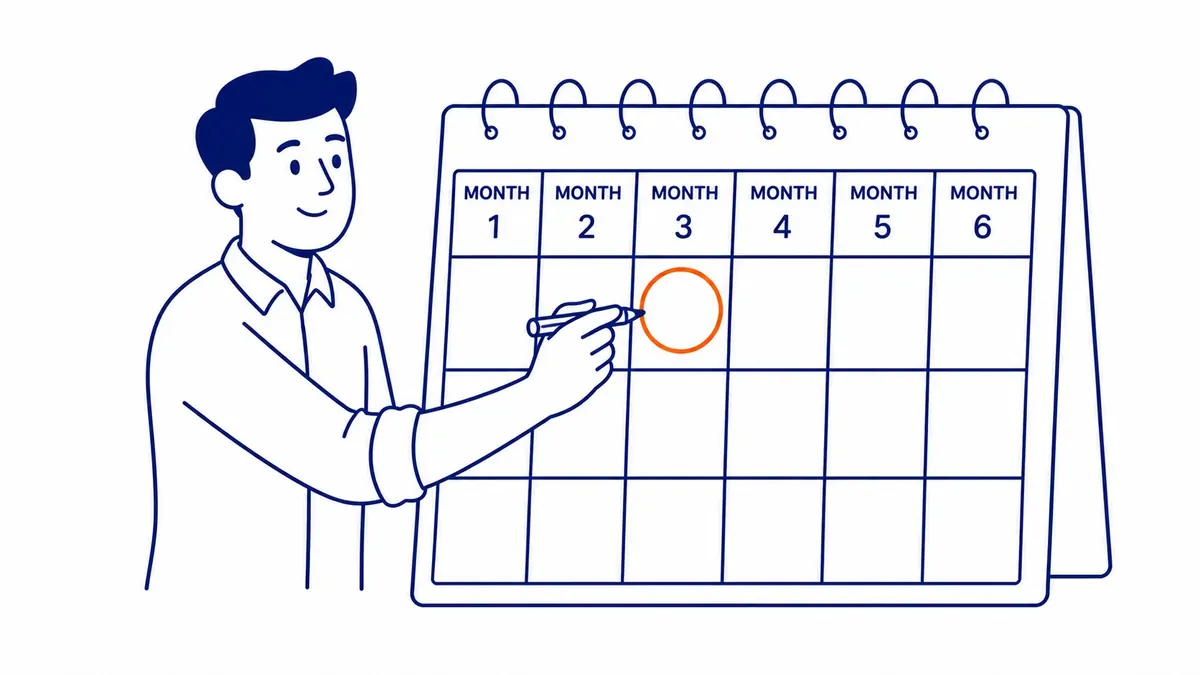
How long does it take for SEO to take effect? It happens in three stages, and each one runs on its own clock. Google says some changes take effect in a few hours while others take several months, and it suggests waiting a few weeks before you judge whether a change helped. Business results come later and are harder to pin down. Ahrefs and Shopify both put measurable SEO results at roughly three to six months, although neither treats that as a guarantee, and competitive searches, such as the main service terms in a large city like Calgary, can take longer than that. This guide explains each stage, what to check in Search Console along the way, and what slows the timeline down.
The three stages at a glance
The reason answers to “how long does SEO take” vary so much is that people are usually describing different things. A developer means the time until Google picks up a change, a marketer means the time until rankings move, and an owner means the time until the phone rings. The table separates them, and it shows where each timing comes from.
How to Use Screaming Frog to Improve On-Page SEO
To use Screaming Frog to improve on-page SEO, crawl your site with the SEO Spider, then work through the Page Titles, Meta Description, H1, Content, Images, Canonicals and Response Codes tabs, and fix what affects your most important pages first. The free version crawls up to 500 URLs, which is often enough for a small site, although images, scripts and other files count toward that limit, and a licence costs US$279 (or £199) a year per user, about C$390 (prices as of 6 November 2026). The tool finds patterns quickly, but it cannot tell you which ones matter for your business, and several of its filters flag things Google’s own documentation says are not problems. This guide goes through each tab in the order worth working it.