
How to Learn Google Ads
The first Google Ads account I managed for a client was 2009. A flooring contractor in Calgary. Three weeks in, we found the match types were pulling searches like “hardwood floors how to clean” and “can I install laminate myself.” The campaign was active, clicks were happening, and the phone was not ringing. That is the pattern for most people who learn on a live budget without a foundation first.
Most people searching how to learn Google Ads have already tried once. They ran a campaign themselves. Money went out. Results did not come in. Now they want to know what actually went wrong.
What Is On-Page SEO? Elements, Factors, and How to Apply Them
On-page SEO is the work you do on a page itself so that search engines understand it and people choose it: the title tag, the meta description, the headings, the written content, the links to and from other pages on your site, the images and how quickly the page loads and responds. These are the parts of search optimization you control directly, because they live on your own website, which is why they are usually the first thing to fix. Off-page SEO covers what other sites and people say about you, such as links and reviews, while technical SEO deals with whether Google can crawl and index the site as a whole.
This guide explains each on-page element in the terms Google itself uses, corrects a few beliefs that Google’s documentation contradicts, and sets out an order for applying the work to a single page.
How to Improve CTR for SEO and Get More Clicks From the Rankings You Have
To improve CTR for SEO, start in Google Search Console: find the pages and queries that earn plenty of impressions but few clicks compared with your other results at similar positions. Then rewrite the title and the opening of the page so they match what those searchers want, give Google a meta description worth using, and make sure the page delivers what the title promises. Change one thing at a time and compare equal periods afterwards, because a single week of data tells you very little. Search Console defines click-through rate (CTR) as clicks divided by impressions, so every step below works on one side of that fraction or the other.
If you want the definition and the arithmetic first, the guide to what click-through rate measures covers it. This page is about raising the number for pages that already rank. It will not lift a page from page five to page one, because a result nobody sees gets no clicks however well it is written, but for pages already in the top ten it is often the quickest traffic gain available.
What Are Rich Snippets in SEO?
Rich snippets in SEO are Google search results that show extra details, such as star ratings, a price, stock status, a cooking time or event dates, alongside the usual title, web address and short description. Google now calls them rich results, and they come from structured data, a small block of code on the page that labels those details so Google can read them. Adding that code makes a page eligible, but Google decides search by search whether to show the richer listing. Google does not document rich snippets as a ranking boost, although a fuller listing can earn more of the clicks at the position a page already holds. In 2026 the list of features Google still shows is shorter than many guides suggest, which is worth knowing before anyone adds markup.
How Are Google Ads Charged? Billing, Thresholds and Taxes Explained
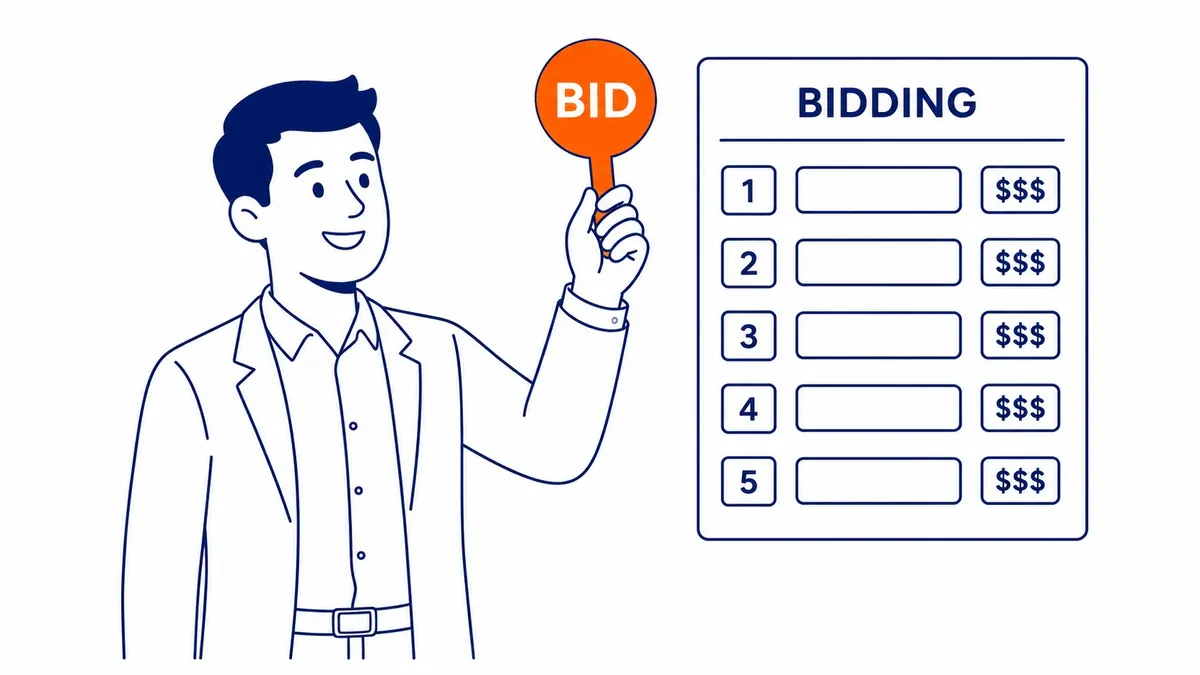
Google Ads charges you for interactions with your ads rather than for the ads themselves, which on a Search campaign means you pay when someone clicks, and an ad that is shown but not clicked costs nothing. Those costs build up in your account, and on the postpay setting (Canada has no prepay option), Google charges your payment method whenever the balance reaches your payment threshold or on the first day of the month, whichever comes first. With a Canadian billing address, Google also adds GST/HST unless a GST/HST registration number is on your payments profile, which for an Alberta business means the 5% GST. The rest of this guide explains each piece, how to read your charges and what to check when one looks wrong.
What Google Ads charges you for
What triggers a cost depends on how the campaign bids. Google’s “Understanding bidding basics” page describes cost-per-click bidding as paying “only when someone actually clicks on your ad”, and that is how most Search campaigns work. Display campaigns can instead use viewable CPM bidding, where you pay for every thousand times the ad is shown in a viewable spot, and video campaigns can use cost-per-view bidding, which charges for views and some video interactions. Some eligible campaigns can use Google’s separate pay-for-conversions option, where you are billed for conversions rather than clicks, although bidding toward a target cost per conversion on its own still bills per click. So the question “does Google Ads charge for impressions” has a two-part answer: not on a cost-per-click campaign, but yes on a campaign that bids for viewable impressions.
How to Use Moz Keyword Explorer
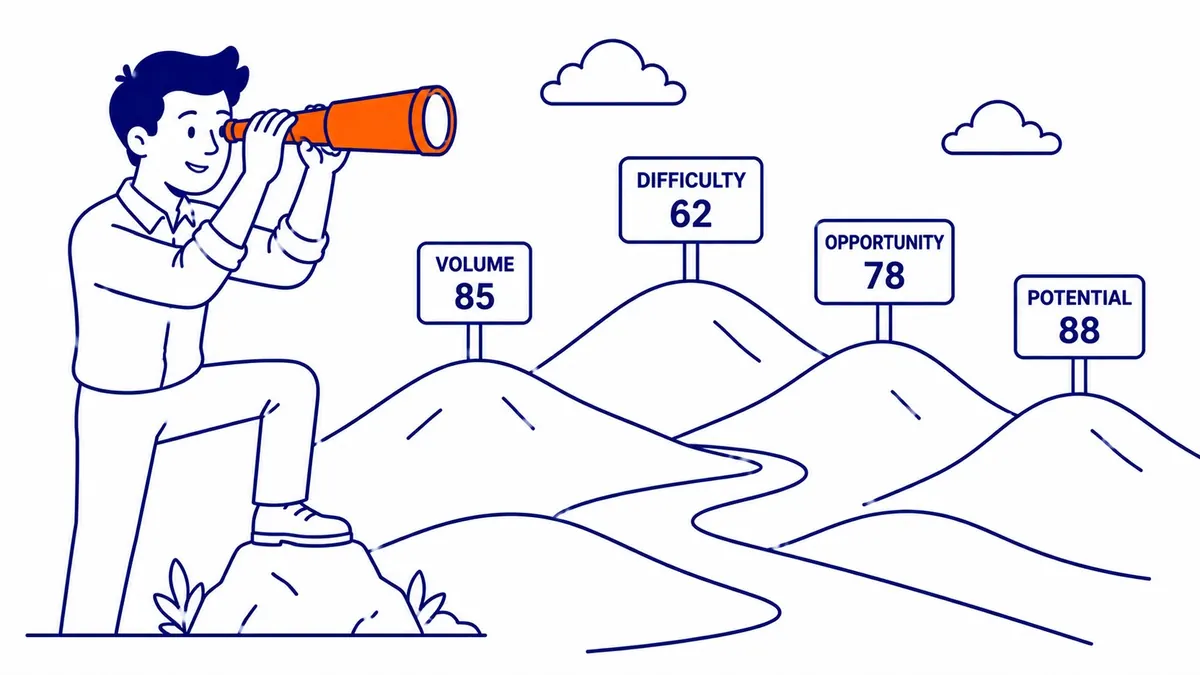
To use Moz Keyword Explorer, sign in to a Moz account, open Keyword Explorer, choose Explore by Keyword, type a seed keyword, pick the country’s Google engine (Google Canada for Canadian searches) and click Analyze. Read the four headline numbers first, which are Monthly Volume, Difficulty, Organic CTR and Minimum Domain Authority, then check the SERP Analysis to see who actually ranks. From there, filter Keyword Suggestions for related terms and save the good ones to a Keyword List, where Moz calculates its Priority score. The steps below follow the interface as Moz documents it in November 2026, which differs in a few places from older guides.
Step 1: Choose a seed keyword and the right country
Keyword Explorer has two ways in. Explore by Keyword researches a search term, and Explore by Site shows the keywords a domain already ranks for in Moz’s data. For a new topic, start with Explore by Keyword and a short, plain seed such as “furnace repair” rather than a long phrase, because the suggestions grow out of the seed. Moz lets you enter up to 100 keywords at once if you already have a list and want the metrics side by side.
Before you click Analyze, set the locale. The drop-down beside the search bar picks the search engine and language, and it changes the keyword metrics and SERP results on the next screen. A Calgary business that leaves it on the default United States engine is reading American demand, which can be far from what Canadians search.
Step 2: Read the four headline metrics
After a single-keyword search, Moz shows a short row of metrics above the results. Each one answers a different question, and none of them is meant to be read alone.
| Metric | What Moz says it measures | How to use it |
|---|---|---|
| Monthly Volume | Searches per month, averaged over the last 12 months to smooth out seasonality | A demand estimate, not a traffic forecast. Compare keywords with it rather than planning revenue on it. |
| Difficulty | How hard it would be to rank in the top 10, scored 1 to 100 from the Page Authority and Domain Authority of the ranking pages, weighted toward the higher positions | Compare it with your own benchmark (step 5), not with a fixed cut-off. |
| Organic CTR | An estimate of the share of clicks left for the ordinary organic links once ads, image packs and other SERP features take theirs | A low figure is a reason to look at the SERP features, not a reason to drop the keyword. |
| Minimum Domain Authority | The lowest Domain Authority among the pages ranking for the keyword | A quick sign of whether a smaller site already holds a spot on page 1. |
Moz’s own guidance on Difficulty is worth reading closely. It says keywords get noticeably tougher to rank for at around 40, and it describes scores of 20 to 35 as quite low, 36 to 50 as the middle, 51 to 65 as pretty tough and 66 to 80 as very difficult. It also says a brand-new site may struggle even in the 20s and 30s, while a strong site can win in the 60s and 70s. That is why a single cut-off, such as “only target keywords under 30”, is too blunt to be useful.
If the volume shows as “Data not available”, Moz has not collected data for that term yet. Its help page suggests checking whether Google’s autocomplete offers the phrase, since that usually means at least a few searches a month.
Step 3: Check who actually ranks in the SERP Analysis
Below the metrics, the SERP Analysis lists the current page 1 for the keyword, with link metrics and page scores for each result and the SERP features present, including whether an AI Overview appears. It is easy to skip, but it is the part that tells you the most. Moz’s Domain Authority and Page Authority figures show how strong the ranking sites are, but the titles and URLs show what kind of page wins.
When you scan the results, look first at the format: if page 1 is all product pages, a blog post will struggle no matter what the Difficulty says, and the reverse is also true. Next, check whether one or two weaker pages rank among strong ones, which is usually where a well-built page has room. Finally, check whether the results are local, such as directories and service pages from your city, because that changes what you need to build. A score summarises the competition, while reading the results page yourself tells you what to make.
Step 4: Filter Keyword Suggestions
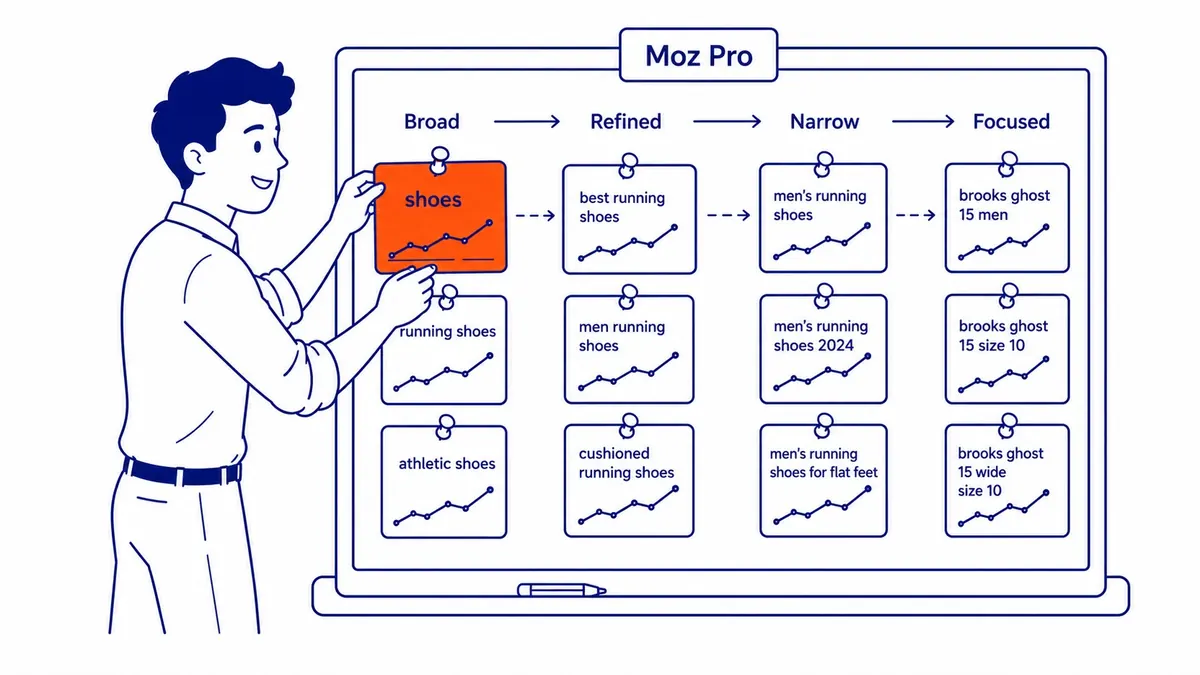
Open Keyword Suggestions for the full list of ideas around the seed. Moz groups them in a Topic Tree Map, sized by total monthly volume, and you can also view them as a list by topic or by keyword. Three filters narrow the results, starting with Top suggestions, which mixes every source and sorts by relevancy. Questions keeps only suggestions phrased as questions, which suit FAQ content and informational posts. Similar SERPs looks at the pages ranking for your seed and finds other searches those same pages rank for, which is a good way to spot terms that belong on one page rather than on several.
Each suggestion shows its volume, Difficulty and a Search Intent label (informational, navigational, commercial or transactional). The intent label is generated by Moz, so treat it as a first guess and confirm it against the SERP for any keyword you plan to build a page around. Tick the keywords that fit and add them to a Keyword List or a Moz Pro Campaign for rank tracking.
Step 5: Build a Keyword List and set your difficulty benchmark
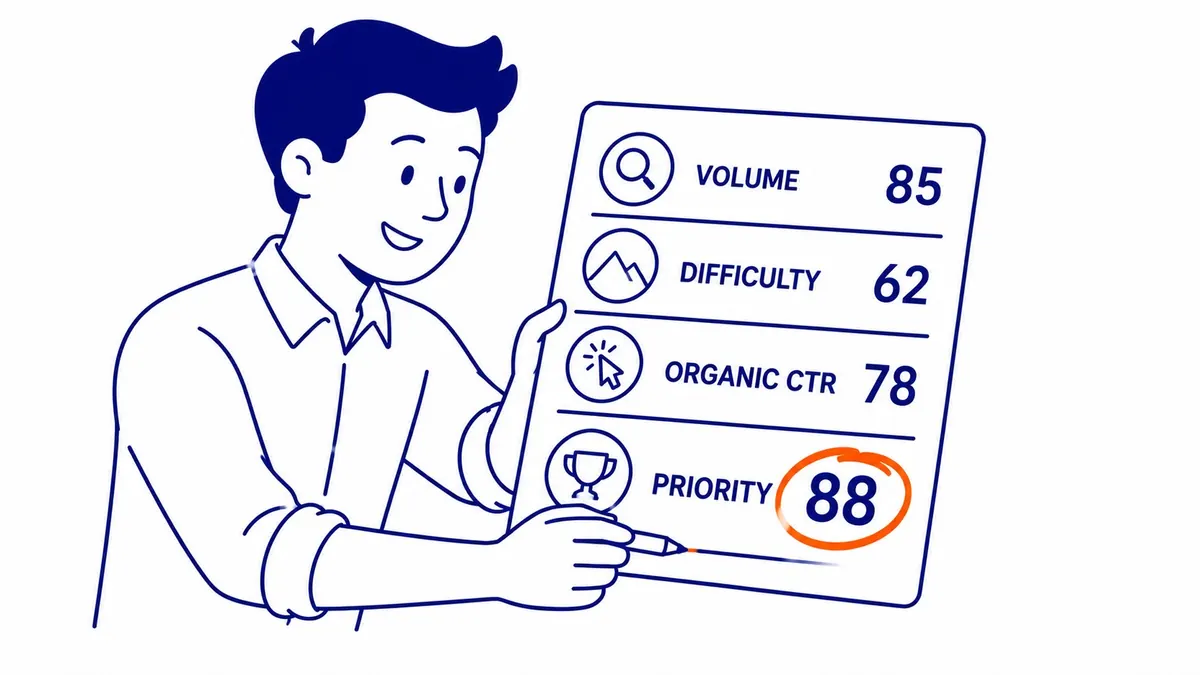
Keyword Lists are where the shortlist becomes a plan. A list shows the total keywords, total volume and average Difficulty, and it is now the place where Moz calculates Priority, a relative score from 1 to 100 that combines Volume, Difficulty, Organic CTR and your own My Score. Moz is clear that there is no good or bad Priority figure, only a ranking within the list, so sort by it to decide what to work on first. Adding a My Score for business value is the step that makes Priority useful, because volume alone cannot tell the tool that one service earns more than another.
The most useful habit is one Moz documents itself: find your site’s Difficulty benchmark. In Explore by Site, enter your root domain, open the ranking keywords, filter to positions 1 to 10 and save them to a new Keyword List. The Difficulty range that holds most of those keywords is the level your site can already compete at. Keywords inside that range are reasonable short-term targets, and keywords a band above it belong in a longer plan. Recheck the benchmark every few months, since it moves as the site earns links and publishes more.
Settings that matter for Canadian searches
Moz gives volume as a single number only for Google in the United States, Canada, Australia and the United Kingdom; elsewhere it shows ranges. For Canada that is good news, but two caveats remain. Moz says its CTR modelling is based on English-language clickstream data from the United States, so its Difficulty and Organic CTR figures lean toward American English search behaviour. Treat them as a rougher guide for Canadian searches, and rougher again for French-language ones. Moz’s volume is also national. It tells you how often a term is searched across Canada, not in Calgary or Edmonton.
For a business that serves one city, that gap matters. Google’s Keyword Planner, which sits inside a Google Ads account, bases its average monthly searches on the location and network settings you choose, so it can show demand for a Calgary target area. Google Ads Help notes that billing information has to be entered before even the basic keyword ideas feature works, and that its search volumes are rounded. Once a page is live, the Search Console Performance report shows the queries Google displayed it for, apart from some rare queries Google withholds for privacy. That first-party data is a better guide than any third-party estimate. If you have read forum threads comparing Moz volumes with other tools and finding large gaps, this is why: no outside tool sees Google’s own query data, and each one models it differently.
Free account or Moz Pro?
A free Moz account gives access to Keyword Explorer with a monthly query limit, and Moz shows when that limit resets just under the search bar. It is enough to check a handful of keywords before writing a page. Regular research in Moz needs Moz Pro, which publishes monthly keyword-query quotas by plan: 150 on Standard, 5,000 on Medium and 15,000 on Large, as listed on Moz’s pricing page in November 2026, with prices in US dollars. Moz’s free trial is on the Medium plan and requires a credit card.
Where Moz fits in keyword research
Moz Keyword Explorer is good at one stage of the job: sorting a long list of ideas into a short list worth building pages for, and doing it with metrics that make sense to someone who is not an SEO specialist. It does not replace the data Google itself provides, and it does not know which services make a business money. A sound workflow starts with Moz or a similar tool for ideas and competition, checks local demand in Keyword Planner, confirms intent by reading the SERP, and then tracks real results in Search Console.
The keyword list is also only half of the decision. Whether a site can rank for those terms depends on its content, its technical health and its links, which is what a site audit looks at. SEO Company To-The-TOP! is a Calgary practice founded in 2007, where one expert handles the keyword research, SEO and Google Ads work using White Hat methods only. If you would like a second opinion on a keyword list or want a site audit before choosing targets, call (403) 308-5949.
What Is Real Estate SEO and Why Agents Are Still Ignoring It
Most real estate agents we talk to have heard the term. Few understand what it actually changes for their business. Real estate SEO is search engine optimization applied to real estate websites, listings, and local markets. Done properly, it puts your pages in front of buyers and sellers before they ever call an agent.
That distinction matters. Referrals dry up. Markets shift. Agents who rank organically still get calls.
How Does Social Media Affect SEO?
Clients ask this at least a few times per year. Usually around month three, after posting consistently and noticing that search rankings have not moved at all. The question is logical. Both channels live online. The assumption is that activity on one feeds the other. We have had this conversation more times than we can count at SEO Company To-The-TOP!
The direct answer is no. Not in the way most people mean. Social media does not directly affect search rankings. The indirect effects, however, are real enough to understand and put to work properly.
How AI Can Help With Local SEO: 4 Ways That Actually Matter
Calgary businesses are asking about AI tools more than they were two years ago. The question is almost always the same one. Can this actually help, or is it noise?
Straight answer? Both. Four areas where AI genuinely improves local SEO work. A couple where it still does not. That is what this post covers.
What Are Negative Keywords? A Plain Guide for Google Ads
Negative keywords are words or phrases you add to Google Ads so that your ad does not show for searches that match them, with the match type deciding exactly which searches count. Google defines a negative keyword as “a type of keyword that prevents your ad from being triggered by a certain word or phrase”, and its own example is the word “free”: add it to a campaign and your ad stops showing for searches that contain “free”. Your regular keywords decide which searches your ad can enter, and negative keywords remove the ones you already know will not turn into customers, so you stop paying for clicks from people looking for something else.

How negative keywords work
Every keyword you bid on can match a range of searches, and the broader the match type, the wider that range gets. A Calgary furnace company bidding on “furnace repair” can find its ad showing for “furnace repair course”, “furnace repair jobs” and “how to repair a furnace yourself”, and those searches usually point to training, job hunting or do-it-yourself plans rather than someone ready to book a technician. Adding “course”, “jobs” and “yourself” as negatives takes the ad out of those searches, while every other “furnace repair” search can still trigger it.